
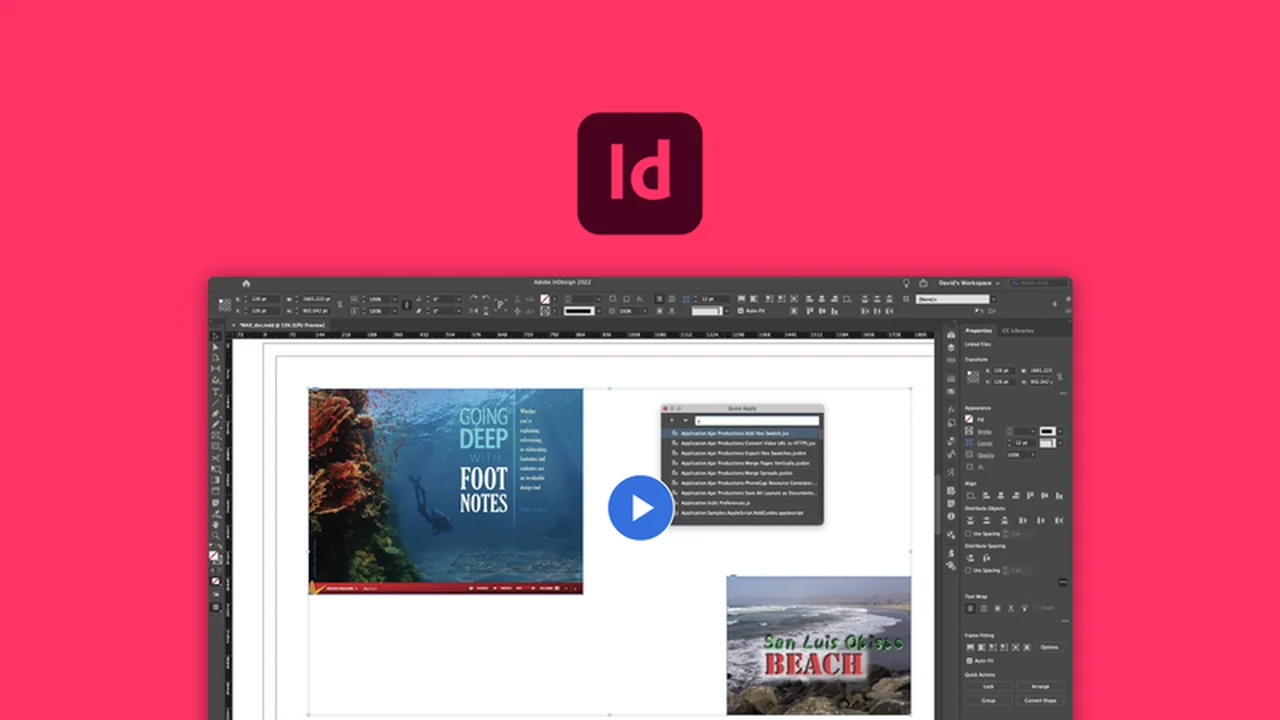
This comprehensive review dives deep into Adobe InDesign, focusing on its powerful capabilities for creating professional print and digital publications.
Readers will discover the core functionalities, practical applications, and the exceptional value this AppSumo deal offers for designers and content creators looking to elevate their work.
What is Adobe InDesign – Design professional publications | AppSumo
Adobe InDesign is a leading desktop publishing and page layout design software application. It is widely used by designers, publishers, and marketers to create a vast array of professional-quality publications. From intricate multi-page documents to eye-catching single-sheet designs, InDesign provides the tools necessary for seamless layout and typography management.
Key Features
Adobe InDesign is packed with features designed to streamline the publication design process and enhance the final output. These include:
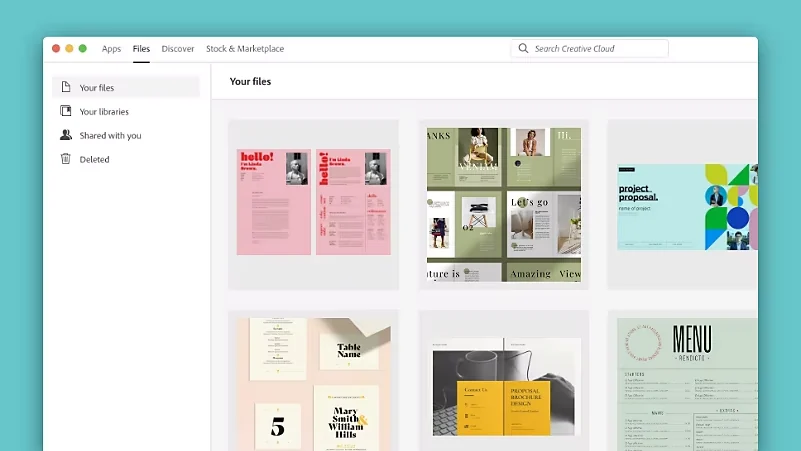
- Template Library: Access over 100 free templates to quickly start projects for books, magazines, brochures, and more.
- Object Manipulation: Easily organize, arrange, and manipulate text frames, images, and other design elements on the page using intuitive tools and alignment guides.
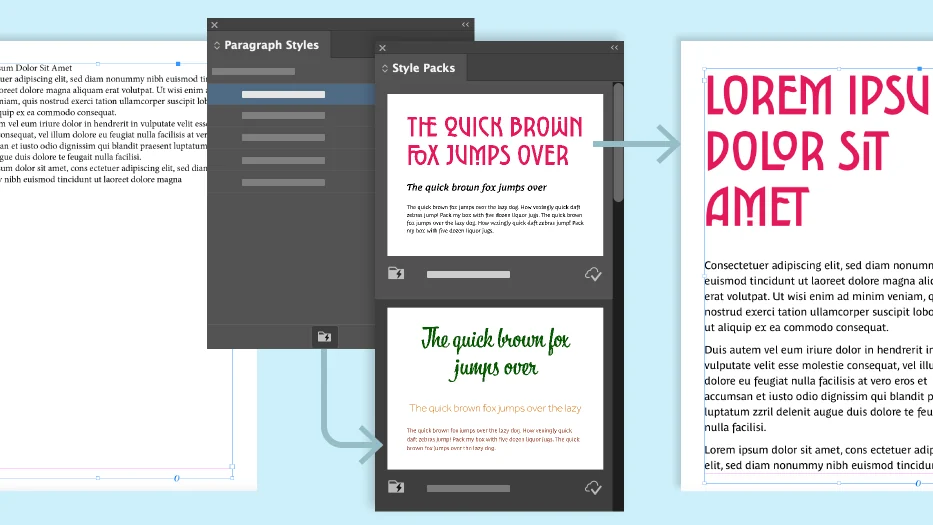
- Advanced Typography: Import and format text with precise control over character and paragraph styles, ensuring visual consistency across entire documents.
- Text Flow Control: Manage how text wraps around images and shapes, and fine-tune spacing for optimal readability and aesthetics.
- Layout Flexibility: Adjust text frames, columns, margins, and gutter space with precision to create balanced and visually appealing layouts.
- Liquid Layouts: Leverage machine learning to automatically adapt your layout for different page sizes, orientations, and devices, saving significant manual adjustment time.
- Linked Content: Create and manage content that can be duplicated across multiple pages, allowing for efficient updates by editing in one place.
- Interactive Elements: Incorporate hyperlinks, buttons, animations, videos, and sound clips to create engaging interactive PDFs and digital publications.
- Color Tools: Utilize a comprehensive suite of tools for applying color, including swatches, ink mixing, tints, and transparency effects.
- Export Options: Export your finished designs in various formats suitable for both print and digital distribution, such as EPUB, PDF, JPEG, and PNG.
How It Works
Getting started with Adobe InDesign involves understanding its core workflow. You begin by setting up your document, either by choosing a template or creating a new document with custom dimensions. The interface allows for the placement and arrangement of various content elements, primarily text and graphics. Non-printing grids and ruler guides assist in precise alignment. Text can be imported or typed directly into frames, with tools available to control text flow and formatting. Styles play a crucial role in maintaining design consistency. Interactive elements can be added to enhance user engagement, and Liquid Layouts assist in adapting the design for different output requirements.
Use Cases
Adobe InDesign is exceptionally versatile and suitable for a wide range of creative projects:
- Designing multi-page documents like e-books, novels, and reports.
- Creating layouts for magazines, newspapers, and newsletters.
- Developing marketing materials such as brochures, flyers, and posters.
- Producing interactive PDFs with forms, buttons, and multimedia.
- Crafting presentations and digital portfolios.
- Designing personal projects like photo books or custom invitations.
Integrations & Compatibility
- While specific integrations are not detailed in the provided notes beyond general Adobe Creative Cloud synergy, InDesign is designed to work within a broader ecosystem
- It seamlessly integrates with other Adobe Creative Cloud products, allowing for the easy import of assets like illustrations, photos, and videos created in applications like Photoshop and Illustrator.
Pricing & Value
This AppSumo deal presents a significant opportunity to acquire Adobe InDesign, a professional-grade software, at a value that stands out from standard subscription models. Typically, professional design software involves ongoing costs, making a lifetime access or a heavily discounted offer particularly attractive for individuals and small businesses looking to invest in high-quality tools without the recurring financial burden.
Deal Details
The AppSumo deal for Adobe InDesign offers a digital download of the software. It is important to note that purchased deals are time-sensitive, and to secure your license permanently, you must download and save the product within 60 days of purchase. This provides a perpetual license to the version acquired through the deal.
Quick Take
- Ideal for graphic designers, publishers, and content creators needing professional layout tools.
- Offers robust features for print and digital publication design.
- Exceptional value for acquiring industry-standard software through AppSumo.
FAQs
Can I create interactive documents with InDesign?
Yes, you can add hyperlinks, buttons, animations, and multimedia elements.
What is the benefit of Liquid Layouts?
Liquid Layouts automatically adjust designs for different page sizes and orientations.
How does InDesign handle text formatting?
It offers precise control over text through character and paragraph styles and import options.
Does Adobe InDesign come with templates?
Yes, over 100 free templates are available to help you get started quickly.
What kind of publications can I create with Adobe InDesign?
You can design books, magazines, e-books, posters, interactive PDFs, and more.
Final Thoughts
Adobe InDesign is an indispensable tool for anyone serious about professional publication design. The features offered, from advanced typography to liquid layouts and interactive capabilities, provide a comprehensive solution for creating polished and engaging print and digital content. This AppSumo deal represents a remarkable opportunity to access this powerful software, offering significant long-term value for a one-time investment, making it a compelling choice for designers, marketers, and content creators aiming to elevate their professional output.