
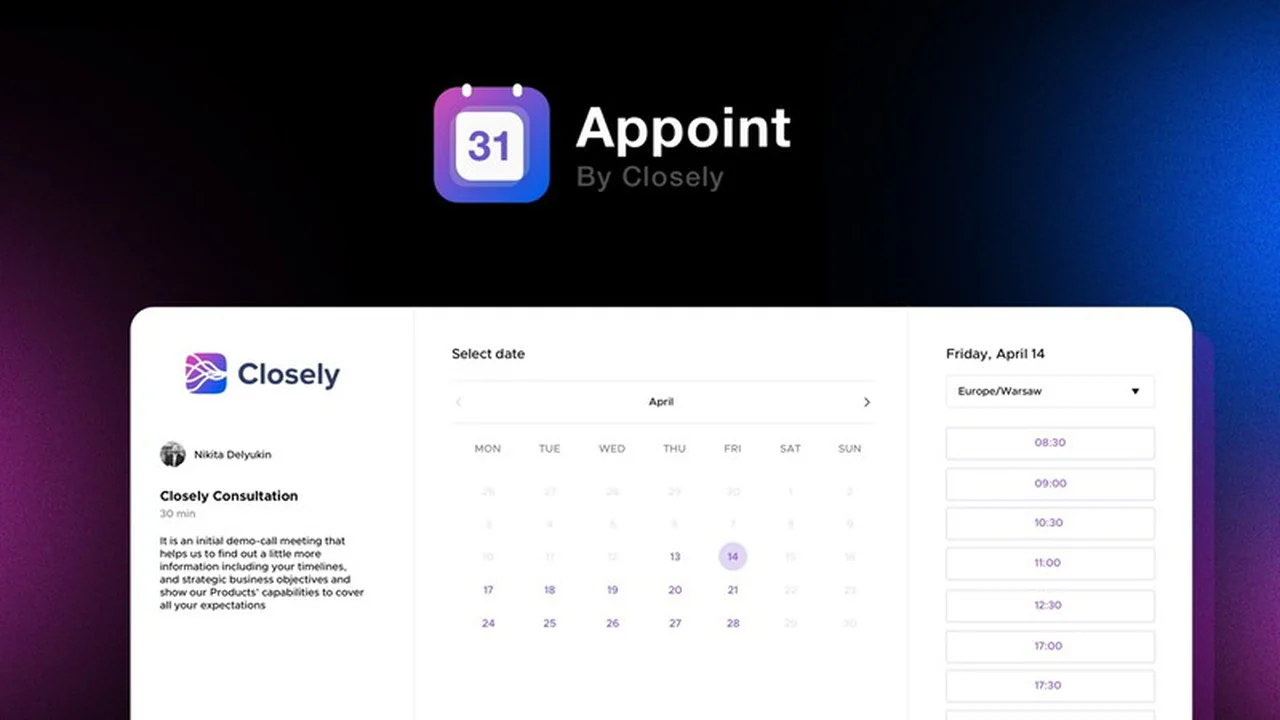
Tired of the endless email back-and-forth just to find a meeting time? This review dives deep into Appoint, a scheduling tool designed to simplify the process for individuals and teams.
We’ll explore its core functionalities, how it streamlines your workflow, and whether it’s the right fit for your business needs, especially considering its offering on AppSumo.
What is Appoint | AppSumo
Appoint is a comprehensive scheduling solution built to eliminate the friction of booking appointments. It allows users to create personalized booking pages that sync with their calendars, making it effortless for clients or colleagues to select available time slots. The platform supports various meeting types and offers customization options to match your brand.
Key Features
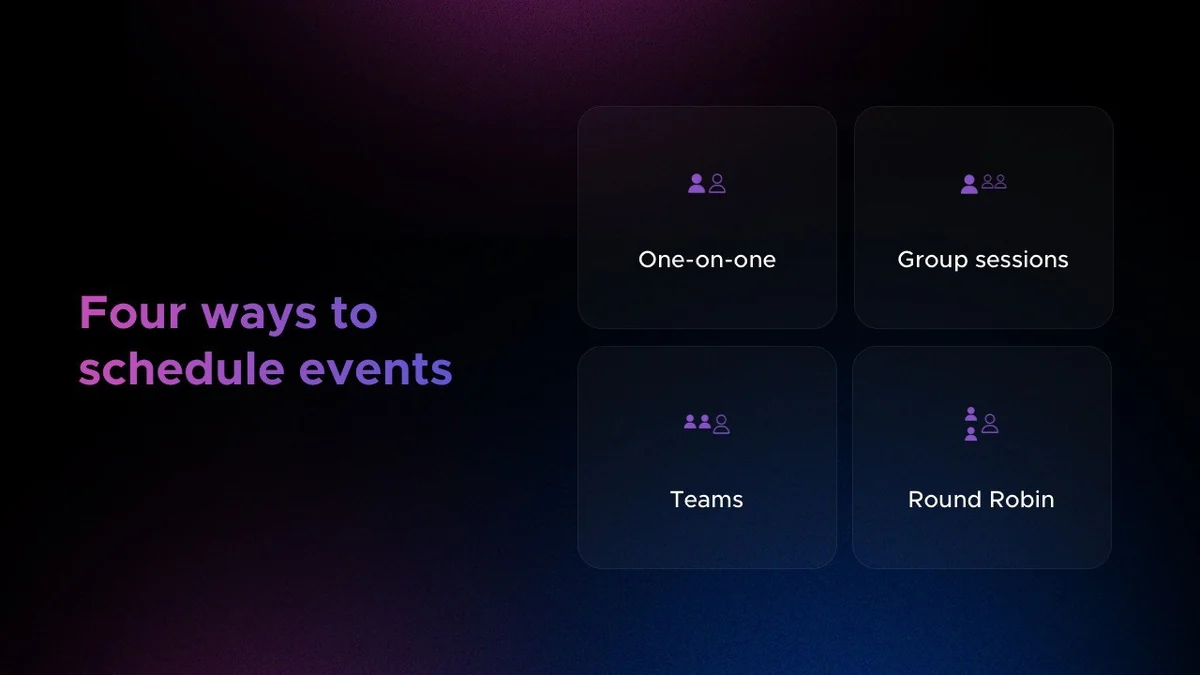
- One-on-One Meetings: Perfect for individual calls, prospects can easily book a time that works for both parties by selecting from available slots.
- Group Meetings: Ideal for webinars or group product demonstrations where multiple attendees can register for a specific event without seeing each other’s contact details.
- Collective Meetings: Facilitates scheduling with multiple hosts, ensuring all required team members are available at the selected time slot.
- Round-Robin Meetings: Distributes meetings evenly among multiple hosts, a great solution for “Book a Demo” calls on your website.
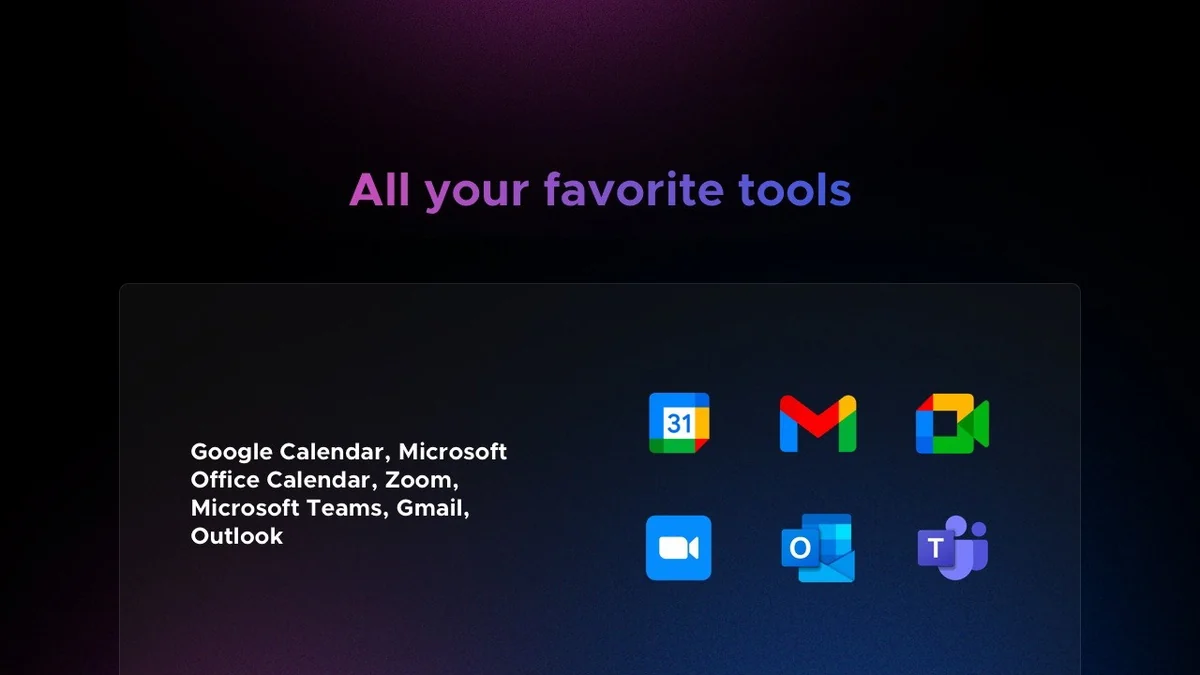
- Calendar Integration: Seamlessly connects with Google Calendar and Outlook Calendar.
- Video Conferencing Integration: Automatically generates unique meeting links for Google Meet, Microsoft Teams, and Zoom.
- Customizable Notifications: Set automated email reminders and follow-ups for invitees before and after their scheduled calls.
- Website Embedding: Easily embed booking pages onto your website using provided snippets, including a floating button option.
- Branding and Personalization: Adjust the look and feel of your booking pages to align with your brand identity.
How It Works
Getting started with Appoint is designed to be straightforward. First, you choose the type of event you want to schedule – whether it’s a one-on-one consultation, a group webinar, or a round-robin demo. Next, you connect your preferred calendar (Google Calendar or Outlook) to ensure accurate availability is displayed. Appoint then generates a unique booking page for that event. You can share this link directly, embed it on your website, or include it in your communications. When someone visits your booking page, they see your available times and can select a slot that suits them, automatically adding it to your connected calendar.
Use Cases
- Sales Teams: Streamline discovery calls and product demos, reducing no-shows by making booking simple.
- Customer Support: Allow clients to book support sessions without lengthy email exchanges.
- Consultants and Coaches: Offer easy appointment booking for one-on-one sessions.
- Event Organizers: Manage registrations for webinars, workshops, and group training sessions.
- HR Departments: Simplify interview scheduling and new employee onboarding appointments.
Integrations & Compatibility
- Appoint offers robust integration capabilities to enhance your scheduling workflow
- It is compatible with both Google Calendar and Outlook Calendar , ensuring that your availability is always up-to-date across your primary scheduling tools
- For virtual meetings, Appoint integrates with popular platforms such as Google Meet , Microsoft Teams , and Zoom , automatically generating unique meeting links for each booked appointment
- This comprehensive integration strategy aims to create a seamless experience by connecting with the tools you already use.
Pricing & Value
The value proposition of Appoint, especially through its AppSumo deal, lies in its ability to automate a time-consuming aspect of business operations. By reducing the manual effort required to schedule meetings, it frees up valuable time for users to focus on core business activities. The platform’s array of features, from different meeting types to branding options, provides a comprehensive solution for managing appointments effectively.
Deal Details
This review is focused on the Appoint offering available on AppSumo. These deals typically provide lifetime access to the software at a significant discount compared to traditional subscription models. The specific terms of the AppSumo deal for Appoint, including any feature limitations or usage tiers, should be carefully reviewed on the AppSumo product page to ensure it aligns with your long-term needs. AppSumo also offers a 60-day money-back guarantee, allowing ample time to test the product.
Quick Take
- Ideal for professionals and small teams looking to automate appointment booking.
- Offers versatile meeting types for various business needs.
- Simplifies scheduling with client-facing booking pages and calendar syncing.
FAQs
What kind of support is available for Appoint users?
Support channels and response times can vary, so it’s advisable to check the available support options.
How does Appoint handle time zone differences?
Appoint is designed to automatically adjust for time zone differences, displaying available slots in the user’s local time.
Is there an API or webhook for CRM integration?
Integration with CRMs via API or webhooks is a functionality that potential users often inquire about.
Does Appoint offer a buffer time option between appointments?
The inclusion of a buffer zone between appointments is a feature that may be under development or dependent on the specific plan.
Can I use a custom domain for my booking pages?
The ability to use a custom domain for booking pages is a feature that requires careful consideration of the specific deal terms.
Final Thoughts
Appoint presents a compelling solution for anyone struggling with manual appointment scheduling. Its diverse meeting formats and integration capabilities aim to cater to a broad range of professional needs. While the core functionality appears robust, potential buyers should be aware of specific user experiences shared regarding loading times and integration stability, and thoroughly assess the current feature set and ongoing development against their requirements before purchasing.