
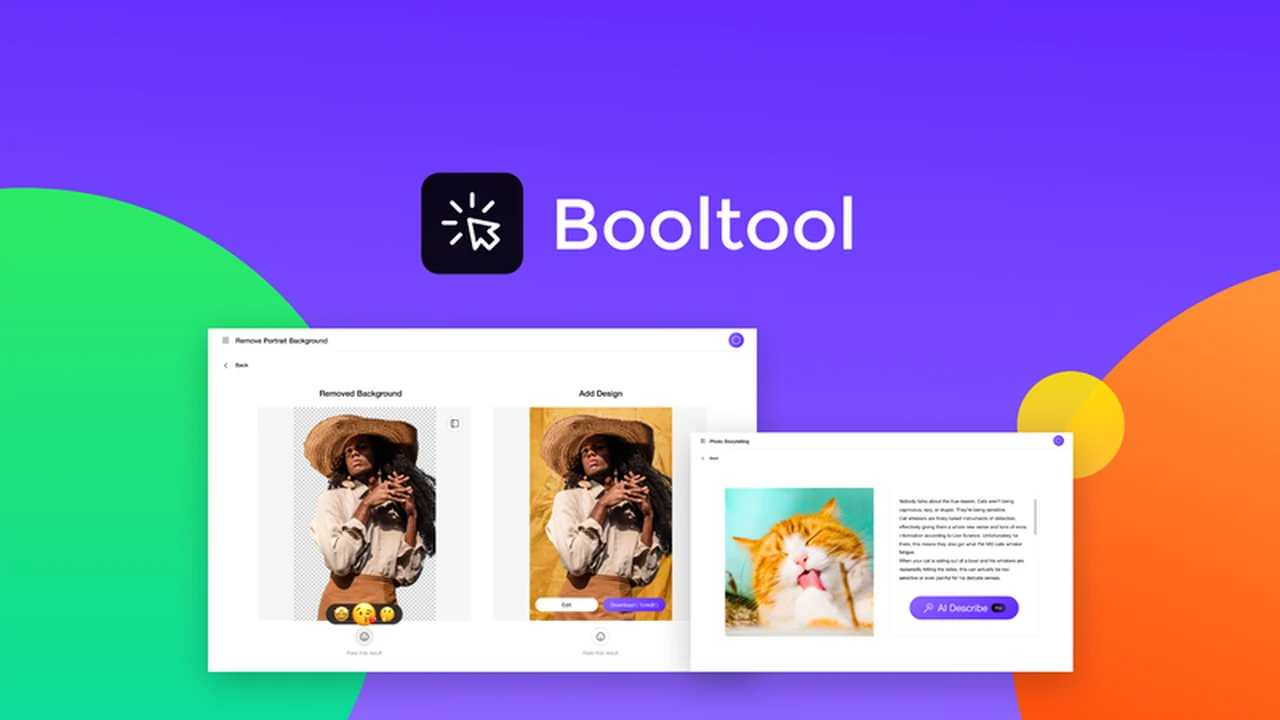
Editing images can feel like a time-consuming quest, often requiring multiple tools and a steep learning curve. The need for polished visuals for marketing, e-commerce, or personal projects is constant, making inefficient editing workflows a significant bottleneck.
This review explores the Booltool – Plus exclusive offer from AppSumo, a browser-based, AI-powered solution designed to simplify image and video enhancement. Discover how it can help you create professional-looking content with ease.
What is Booltool – Plus exclusive – Use AI to edit images from your browser | AppSumo
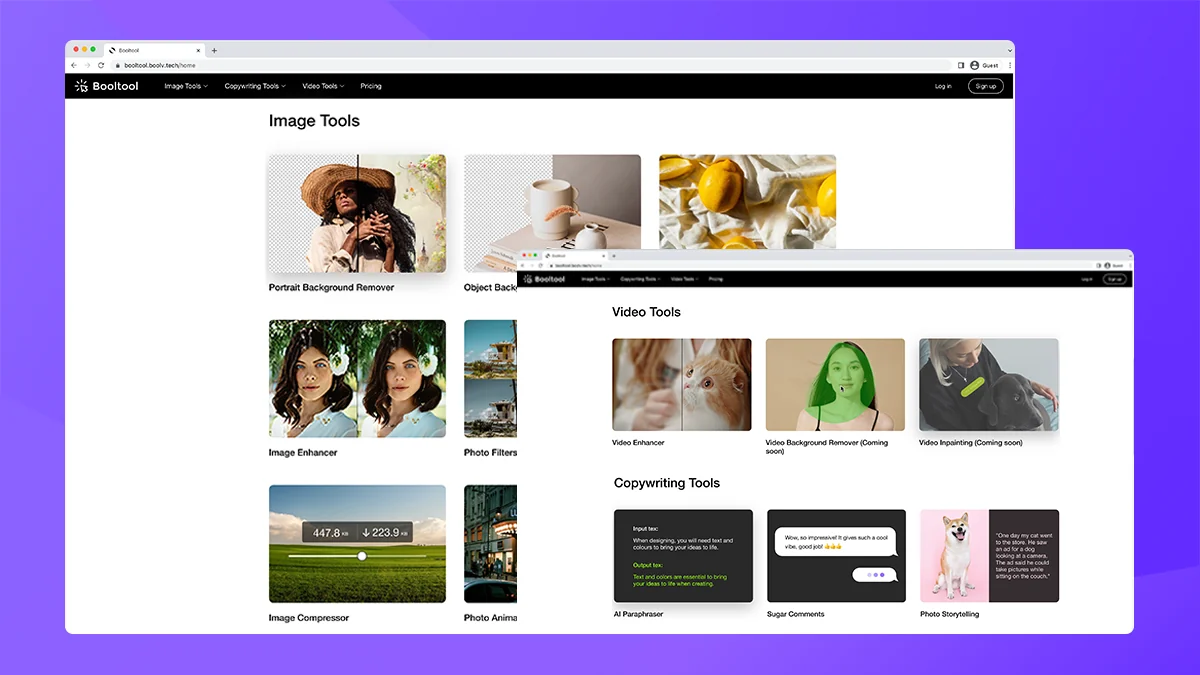
Booltool is an all-in-one, AI-powered toolkit accessible directly through your web browser. It aims to streamline content creation by offering a suite of editing and enhancement features for both images and videos. The platform is designed to be intuitive, allowing users without extensive design experience to produce high-quality visuals.
Key Features
- AI Background Remover: Effortlessly remove image backgrounds in seconds, with options for bulk processing and manual adjustments.
- Object Eraser: Eliminate unwanted elements, flaws, or watermarks from images, with the AI intelligently filling in the removed areas.
- Background Blur: Control the focus of your images by blurring distracting backgrounds, with adjustable strength for subtle or dramatic effects.
- AI-Powered Editing: Utilize AI features for various enhancements without needing complex software.
- Intuitive Interface: Designed for ease of use, allowing quick edits and content creation.
- Batch Processing: Handle multiple images simultaneously to save time and improve efficiency.
- Video Background Remover: Enhance video content by removing backgrounds.
How It Works
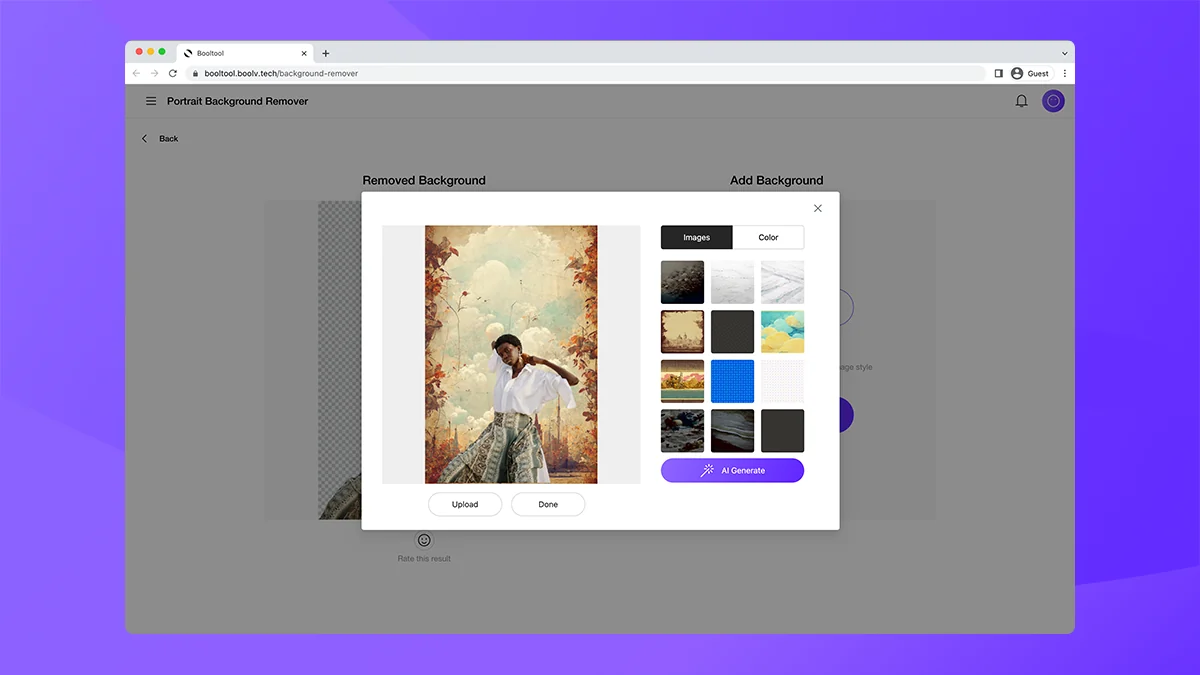
Booltool operates directly within your browser, eliminating the need for software downloads. Users upload their images or videos, select the desired AI-powered tool, and let the system perform the edits. For instance, to remove a background, you upload your image, and the AI automatically separates the subject. You can then choose to replace the background with another image or have the AI generate a new one. Manual adjustments are available for fine-tuning the results.
Use Cases
- E-commerce: Quickly create professional product photos by removing cluttered backgrounds and replacing them with clean, appealing ones.
- Social Media Marketing: Generate eye-catching visuals for campaigns by easily removing objects or blurring distractions.
- Content Creators: Enhance images and videos for blogs, vlogs, and other digital content without needing advanced editing skills.
- Small Businesses: Produce consistent branding materials and marketing assets efficiently.
- Personal Projects: Improve personal photos and videos with simple yet effective AI enhancements.
Integrations & Compatibility
- Booltool functions as a web-based application, meaning it is compatible with any device that has a modern web browser
- While specific third-party integrations are not detailed, its browser-native approach suggests compatibility with cloud storage services and operating systems that support web browsing.
Pricing & Value
The Booltool – Plus exclusive offer through AppSumo provides lifetime access to the platform. This model typically offers significant value compared to recurring subscription fees, allowing users to access a comprehensive suite of AI-powered editing tools indefinitely.
Deal Details
The AppSumo deal grants lifetime access to Booltool, including its AI image and video editing capabilities. A 60-day money-back guarantee is included, offering a risk-free period to evaluate the tool’s effectiveness for your needs.
Quick Take
- Ideal for marketers, e-commerce store owners, and content creators seeking a fast, user-friendly editing solution.
- Provides AI-powered tools to simplify complex editing tasks directly in your browser.
- A lifetime access deal offering significant long-term value.
FAQs
Can I use Booltool on my mobile device?
Booltool can be accessed through any device with a compatible web browser.
Hi, what is the ETA of the video background remover?
The video background remover is already included in the current AppSumo offer.
Hello, I would like to know if Video Background Remover will be included in the AppSumo offer?
Yes, video background removal is confirmed to be included in this AppSumo deal.
Hi Hanna, With regard to the Tier 2 issue, is the video background remover included in this offer? Also, do you have the capability (or plan to) to blur part of a video uploaded?
Yes, the video background remover is included in the Tier 2 offer, and future enhancements are considered.
I bought tire 1, and now when I login with my credential, it’s showing a free plan, sometimes giving the wrong credential. Can’t use AI paragraphs. What is it, actually?
Ensure you are using the correct login credentials associated with your purchased tier for full feature access.
Final Thoughts
Booltool – Plus exclusive presents a compelling solution for anyone looking to simplify their visual content creation process. By leveraging AI within a browser-based interface, it tackles common editing frustrations like complex software and time-consuming workflows. The inclusion of features like AI background removal, object erasure, and video background processing makes it a versatile tool for various professional and personal needs. The lifetime access offered through AppSumo enhances its value proposition, making it an attractive option for individuals and businesses aiming to enhance their visual output efficiently.
For those seeking to elevate their image and video editing without a steep learning curve or ongoing subscription costs, exploring the Booltool – Plus exclusive offer on AppSumo is highly recommended. It offers a practical, AI-driven approach to creating polished visuals.