
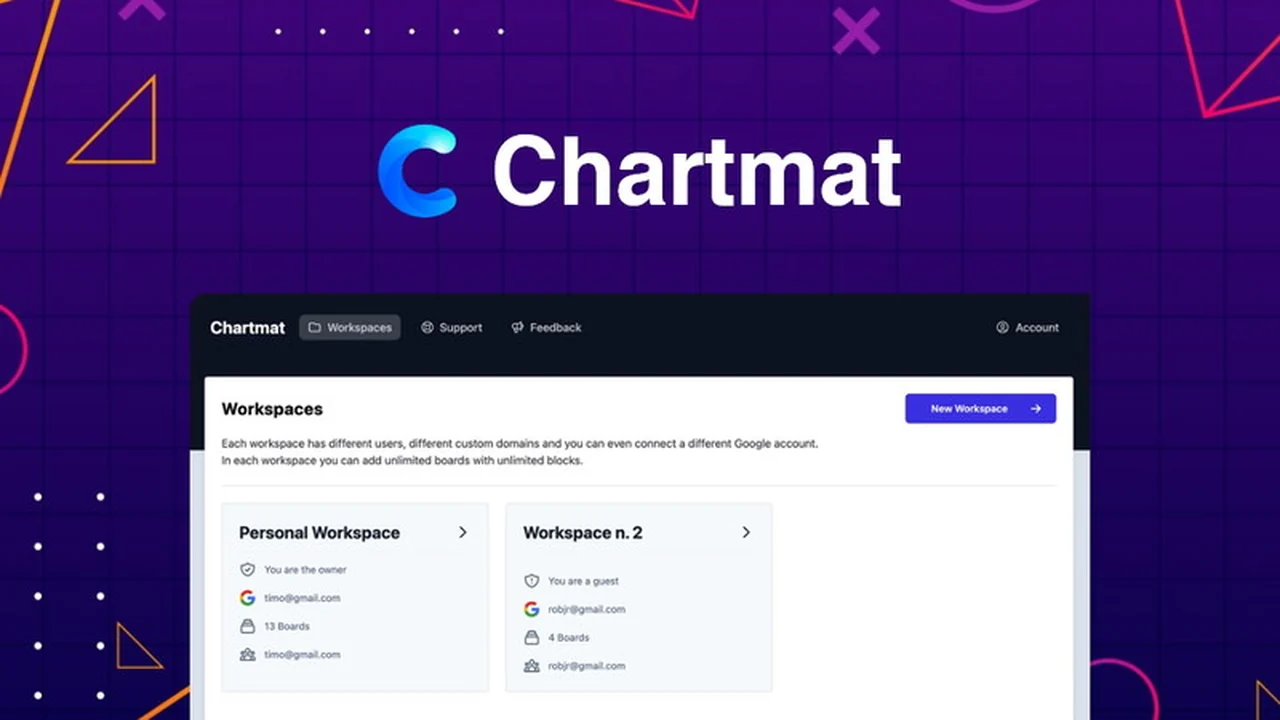
Tired of wrestling with complex tools just to get a clear view of your business data? This review explores how Chartmat can transform your Google Sheets into dynamic, accessible dashboards with surprising ease.
We’ll dive into its core functionalities, practical applications, and how it empowers users to make better, data-driven decisions without needing a single line of code.
What is Chartmat – Visualize your data from Google Sheets | AppSumo
Chartmat offers a no-code solution to build functional apps, browser dashboards, and internal tools directly on top of your existing Google Sheets data. It acts as a powerful, mobile-friendly frontend, allowing you to present and interact with your spreadsheets in visually appealing and actionable ways.
Key Features
Chartmat is packed with features designed to make data visualization and interaction straightforward:
- Real-time Synchronization: All blocks, including charts, tables, and forms, update instantly with changes made in your Google Sheet.
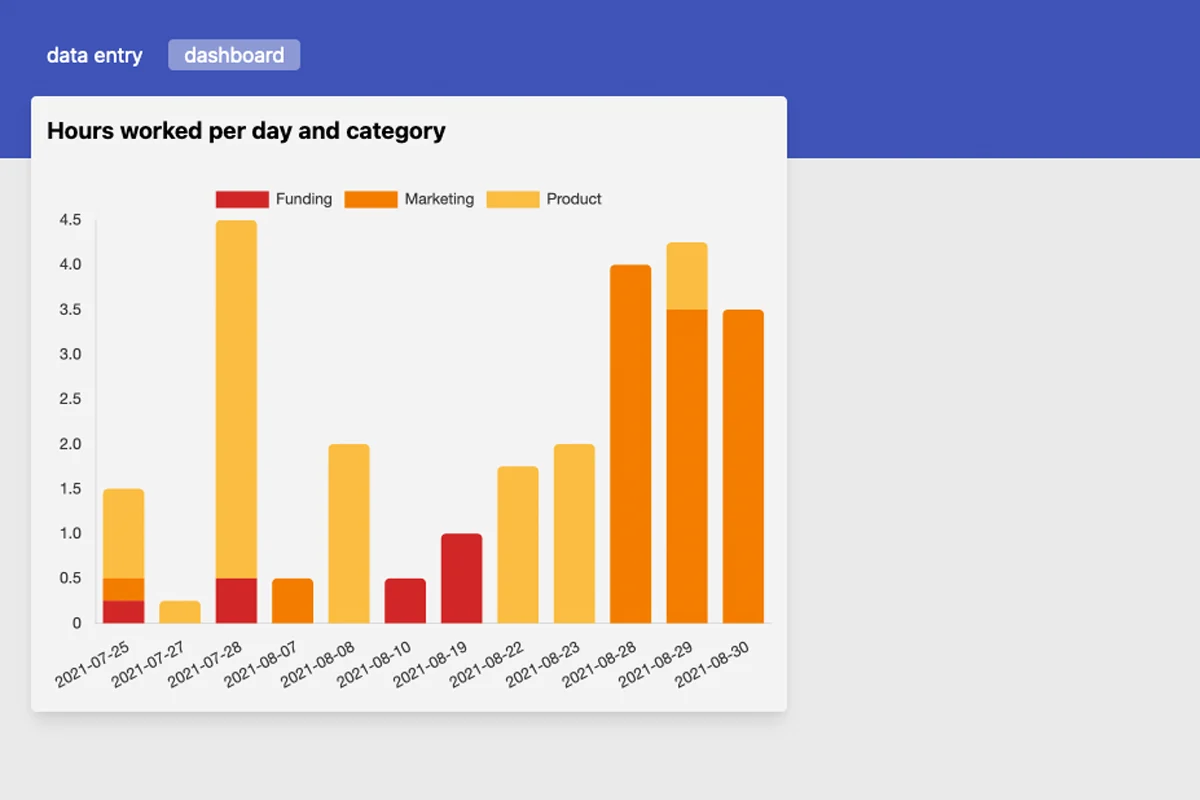
- Versatile Block Types: Build dashboards using customizable charts, interactive tables, data-collecting forms, and visually appealing grids.
- No-Code Interface: Create sophisticated boards and apps without any prior coding knowledge.
- Customizable Dashboards: Structure content with sections, customize board headers with HTML/CSS, add logos, and adjust background and element colors for branding.
- Data Input and Forms: Write data back into Google Sheets via forms, with options to customize input formats and even upload images directly.
- Workspace Organization: Manage and safely share boards with clients and teammates within organized workspaces.
- Mobile-First Design: Boards are responsive and designed to work seamlessly on any device, including smartphones.
How It Works
The process with Chartmat is designed for simplicity. You connect your Google Sheet, and then you begin building your dashboard or app using various block types. These blocks pull data directly from your sheet and display it in the format you choose, whether it’s a graph, a table, or a form. Changes made within the Chartmat interface can also be written back to your Google Sheet, effectively turning your spreadsheet into a dynamic database.
Use Cases
The versatility of Chartmat opens up numerous possibilities:
- Performance Dashboards: Monitor key business metrics and KPIs in real-time.
- Internal Tools: Create simple applications for team collaboration, project tracking, or inventory management.
- Client Reporting: Share interactive and updated reports with clients in a professional format.
- Data Collection: Build forms to gather information, customer feedback, or submissions directly into your spreadsheets.
- Simple E-commerce: Showcase products and manage orders directly from a Google Sheet.
- Content Previews: Tools like the SEO metadata previewer demonstrate practical, niche applications.
Integrations & Compatibility
- Chartmat’s primary integration is through Google Sheets itself, allowing direct access to your data
- For more advanced workflows, it supports integration with Zapier via Google Sheets, enabling connections to a vast ecosystem of other applications and services
- The platform is built to be web-based, ensuring compatibility across all modern browsers and devices.
Pricing & Value
Chartmat is available through a lifetime deal on AppSumo, offering significant value for ongoing access to its features and updates. The deal provides access to white-labeling, custom domains with SSL, and all features associated with the PRO plan, ensuring that even the entry-level access provides a comprehensive feature set.
Deal Details
The current AppSumo deal for Chartmat provides lifetime access. It includes all features and future updates for life. A 60-day money-back guarantee is also offered, allowing ample time to evaluate the platform’s suitability for your needs.
Quick Take
- Ideal for individuals and businesses seeking to visualize Google Sheets data without coding.
- Empowers the creation of custom dashboards, internal tools, and data collection forms quickly.
- Offers a cost-effective lifetime access solution through the current AppSumo deal.

FAQs
How often are new features added?
The lifetime deal includes all future updates and new features automatically.
Is Chartmat suitable for mobile devices?
Yes, Chartmat is a mobile-first platform that is fully responsive.
Can I edit my data directly from the dashboard?
Yes, you can write data back to your Google Sheet directly from the Chartmat interface.
Do I need to know how to code to use Chartmat?
No, Chartmat is a no-code platform designed for ease of use.
What kind of data can I visualize with Chartmat?
You can visualize any data that can be organized in a Google Sheet.
Final Thoughts
Chartmat presents a compelling no-code solution for anyone looking to leverage their Google Sheets data more effectively. Its intuitive interface, real-time synchronization, and diverse block types make it a powerful tool for creating dashboards, internal applications, and data collection systems. The lifetime deal on AppSumo further enhances its value proposition, offering a cost-effective way to gain ongoing access to a tool that can significantly streamline data management and visualization workflows.