
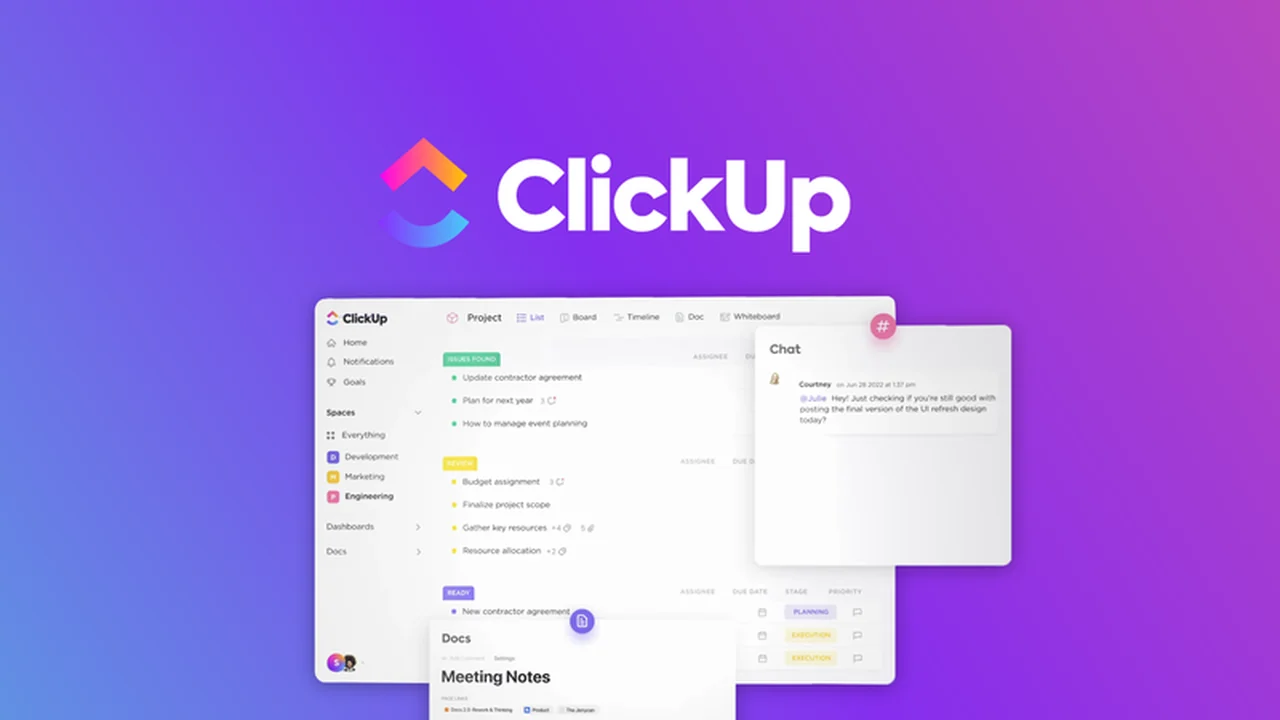
Discover how to streamline your workflow and enhance team collaboration with a comprehensive project management solution.
This review delves into the capabilities of ClickUp, focusing on its potential to consolidate your planning, tracking, and management needs into a single, efficient platform.
What is ClickUp – Plan, track, & manage projects with ease | AppSumo
ClickUp positions itself as an all-in-one productivity platform designed to simplify project management. It aims to centralize tasks, documents, communication, and goals, providing a unified workspace for teams.
Key Features
- Task Assignment & Management: Break down projects into manageable tasks and subtasks, assign them to team members, and set priorities and dependencies.
- Customization Options: Utilize custom statuses, tags, and fields to tailor task management to your specific workflows, with automation capabilities.
- Checklists: Create nested checklists within tasks to track granular steps and set recurring checklists for routine workflows.
- Documentation & Wikis: Build and organize project-related documents and wikis, with the ability to link them directly to tasks.
- Visual Collaboration: Employ whiteboards for real-time brainstorming and visual organization of ideas, supporting image and link embedding.
- Communication Tools: Engage in task-specific comments and real-time chat to facilitate seamless project discussions.
- Workload Management: Gain insights into team capacity with workload time estimates for more effective resource allocation.
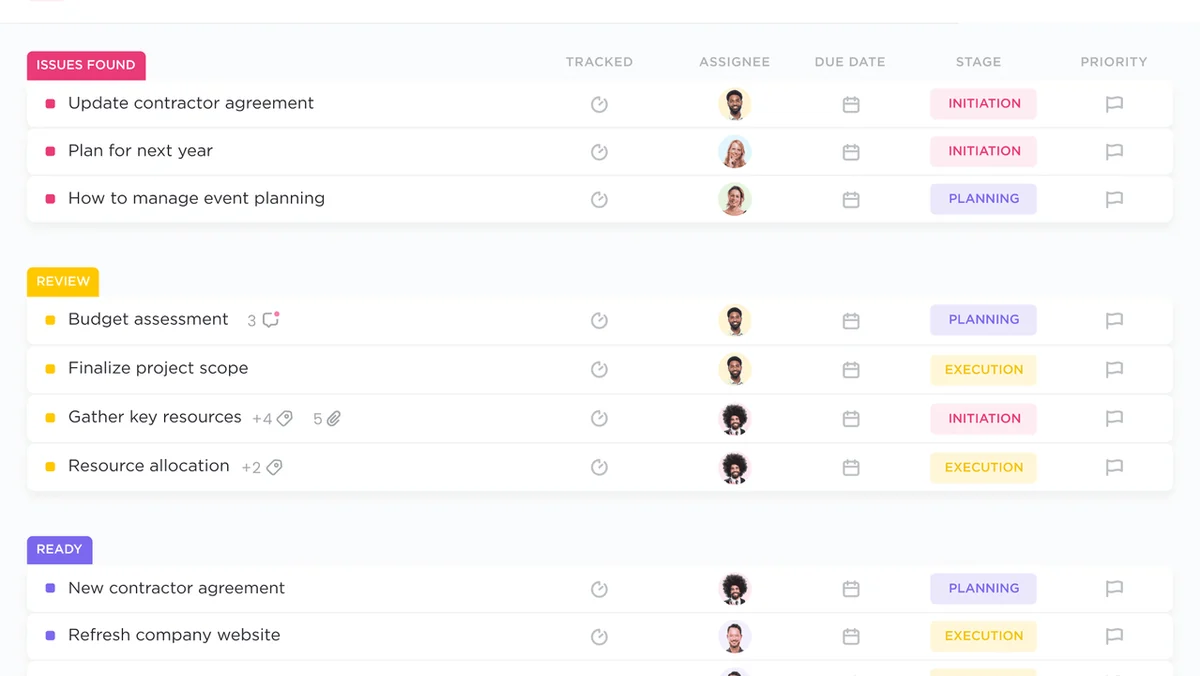
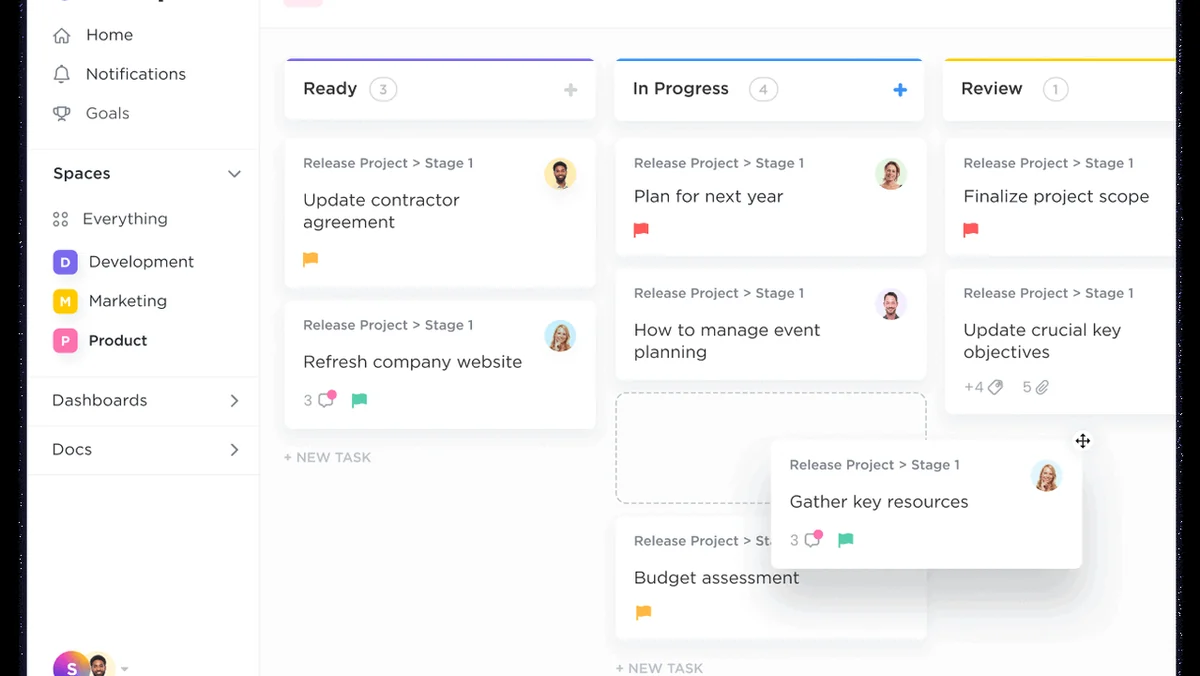
- Multiple Project Views: Access diverse ways to visualize your projects, including list, board, calendar, Gantt charts, mind maps, and timelines.
- Dashboards: Create customizable dashboards to monitor project progress, resource management, and key business metrics in real-time.
How It Works
ClickUp allows you to structure projects by breaking them into tasks and subtasks. You can assign these to individuals and define relationships and dependencies to reflect your project’s workflow. Nested checklists further enable detailed breakdown of each task’s components.
Task tracking is enhanced through custom statuses, tags, and fields, allowing for flexible organization. The platform supports assigning multiple users to a single task and offers bulk assignment options for efficiency. Recurring tasks and task templates can be created to automate repetitive work.
Collaboration is facilitated through commenting on tasks and using the real-time chat feature for immediate discussions. Screen recording can be shared directly to tasks, reducing the need for lengthy meetings. The collaborative whiteboard feature allows teams to brainstorm and organize thoughts visually, with options to incorporate images and links.
Documentation and knowledge management are integrated via Docs and Wikis, which can be linked to tasks. These documents support real-time co-editing, tagging, action item assignment, and conversion of text into new tasks. Dashboards provide a centralized view of project data, enabling real-time tracking of progress and resource allocation.
Use Cases
- Team Project Management: Oversee complex projects with clear task delegation, progress tracking, and team communication.
- Agile Development: Utilize board views and sprint planning features to manage software development cycles effectively.
- Content Creation Workflows: Organize editorial calendars, track content progress, and collaborate on documents.
- Client Management: Manage client projects, share progress updates, and maintain organized communication channels.
- Personal Task Organization: Individuals can leverage ClickUp for personal goal setting, task management, and habit tracking.
Integrations & Compatibility
- ClickUp offers a robust feature set directly within its platform, aiming to minimize the need for external tools for core project management functions.
Pricing & Value
The AppSumo deal for ClickUp provides access to its comprehensive suite of features, representing a significant value for individuals and teams looking to enhance their project management capabilities.
Deal Details
This offer is time-sensitive, encouraging prompt action to secure the benefits. As part of the Sumo family of products, it aligns with a suite of tools designed to boost productivity and efficiency.
Quick Take
- Ideal for teams seeking an all-in-one solution to manage projects, tasks, and communication.
- Offers extensive customization and multiple project views to suit diverse workflows.
- Provides a centralized hub for collaboration, documentation, and progress tracking.
FAQs
How does ClickUp help with organizing documents?
It allows you to create and link Docs and Wikis directly within the platform for easy access.
Are there different ways to view project tasks?
Absolutely, ClickUp provides numerous views like list, board, calendar, Gantt, and mind maps.
Does ClickUp support team collaboration?
Yes, it offers features like task comments, real-time chat, and collaborative whiteboards.
Can I break down large projects into smaller steps?
Yes, you can create tasks, subtasks, and nested checklists to break down projects extensively.
What is ClickUp primarily designed for?
ClickUp is designed to be a versatile project management and productivity tool for teams.
Final Thoughts
ClickUp presents a compelling option for anyone looking to consolidate their project management and team collaboration efforts into a single, powerful application. Its breadth of features, from detailed task management to integrated communication and documentation, addresses many common workplace needs. The flexibility and customization options make it adaptable to a wide array of project types and team structures.