
If you’re considering Formula Studio, this review breaks down what it does, how it works, and who it’s best for.
You’ll also get a clear feature rundown, practical use-cases, and a quick decision guide before you commit.
Formula Studio | AppSumo: A Deep Dive into Enhanced Spreadsheet Productivity
Discover how Formula Studio can transform the way you interact with Google Sheets. This review explores its features, usability, and overall value.
We’ll break down its core functionalities, practical applications, and why it stands out as a valuable tool for spreadsheet users of all levels. Get ready to simplify your workflow.
What is Formula Studio | AppSumo
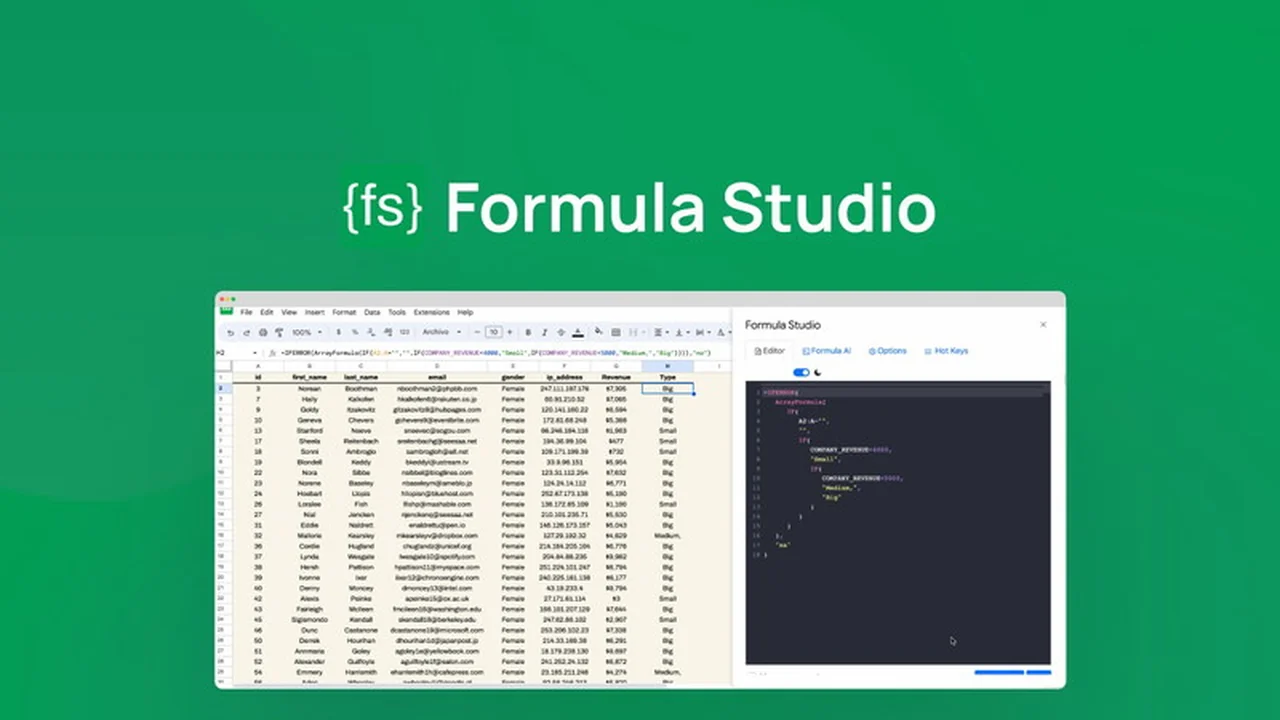
Formula Studio is a dedicated code editor designed to simplify, streamline, and declutter formulas within Google Sheets. It aims to move the formula creation and editing process away from standard text boxes and cells, offering a more professional and intuitive environment.
The tool enhances productivity and collaboration by providing features that make working with complex formulas more manageable and less prone to errors. It’s built to be your indispensable partner for organized and efficient spreadsheet management.
Key Features
Formula Studio offers a suite of powerful features aimed at improving formula creation, editing, and management:
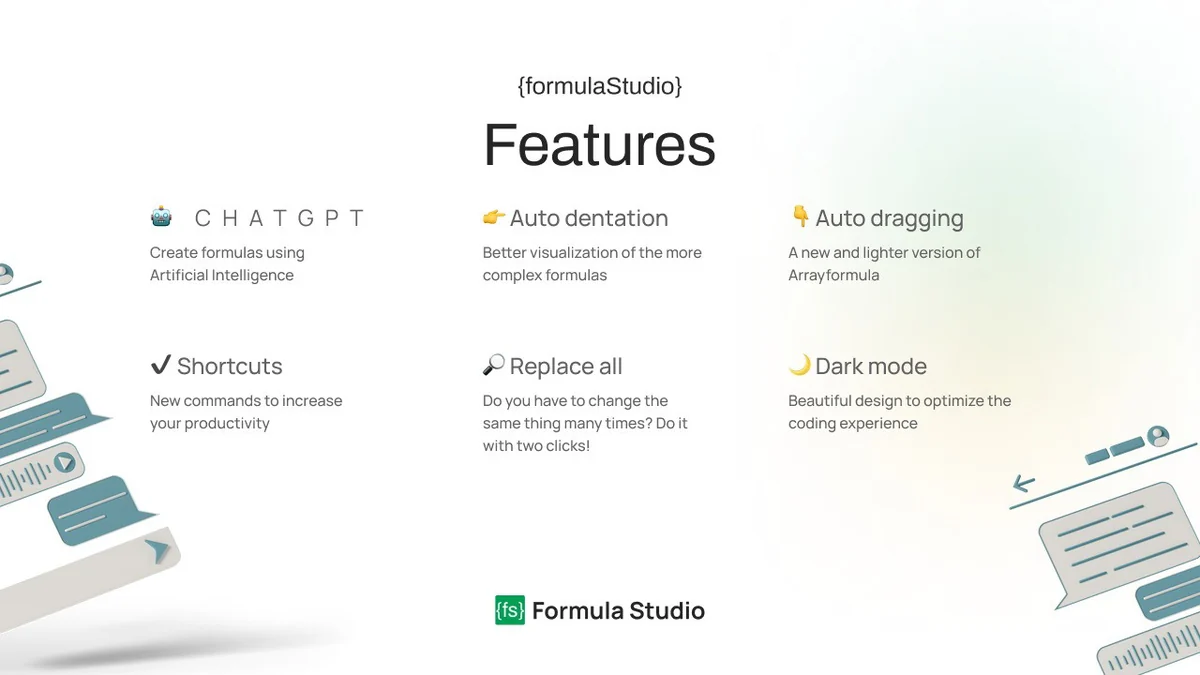
- Auto Indentation: This feature tidies up complex formulas, making them easier to read and understand through enhanced visualization.
- Auto Complete: Simplifies the process of building new formulas by offering intelligent suggestions.
- Dark Mode: Provides a comfortable and focused working environment, reducing eye strain during long editing sessions.
- Replace All: A crucial shortcut that allows for quick modification of repetitive elements within your formulas.
- Array Formulas Simplified: Offers efficient operations, including a lightweight version of Arrayformula.
- Named Ranges: Facilitates efficient data management by allowing you to create and manage named ranges directly from the editor, automatically updating them in your formulas.
- Formula Decoder (with ChatGPT): Paste a formula and receive an easy-to-understand explanation from AI, demystifying complex calculations.
- Formula Styler: Prettifies all your formulas at once, ensuring a clean and professional look for your spreadsheets.
- Resizable Tabs: Customize tab sizes for improved visibility and better organization within the editor.
- Flexible Rearrangement: Easily adjust the location of tabs for a personalized workspace setup.
How It Works
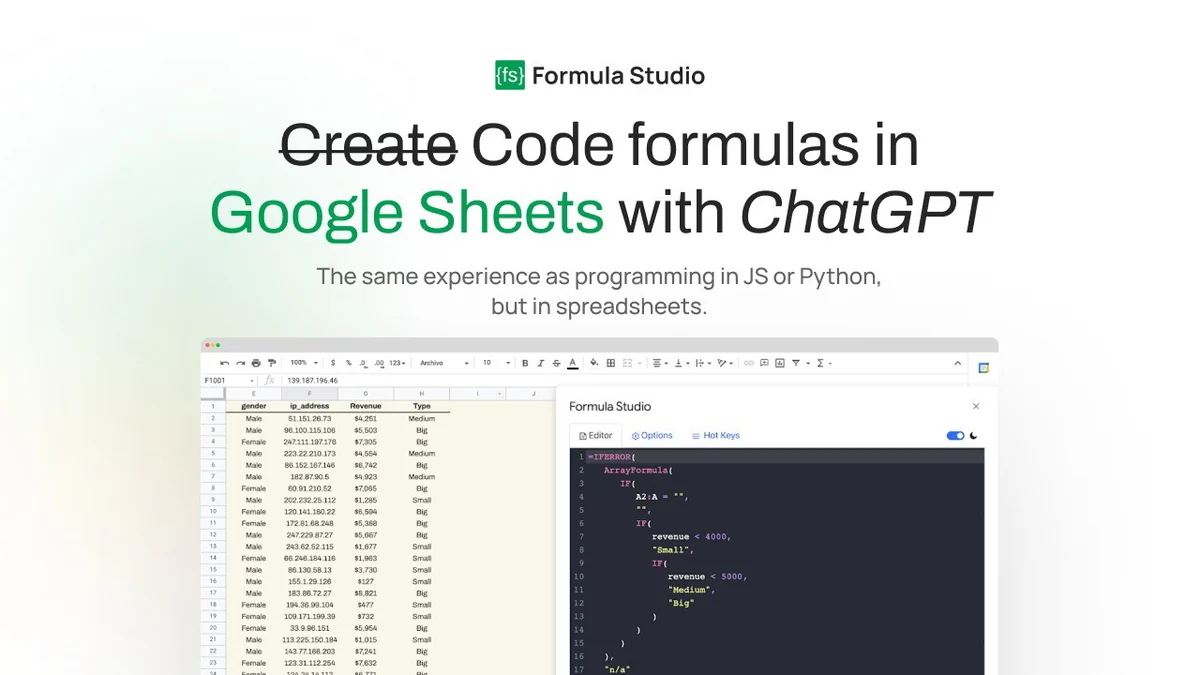
Formula Studio provides an intuitive interface for managing your spreadsheet formulas. You can easily paste formulas directly into the editor or retrieve them from selected cells using the ‘Get Formula’ button.
The ‘Use ; as indentator’ feature helps tidy up longer formulas, while the editor space allows for free editing and experimentation, similar to coding in other programming languages but within the spreadsheet context. The ‘Formula A.I.’ tab enables you to generate formulas by simply describing your desired action in natural language.
Use Cases
Formula Studio is beneficial for a wide range of spreadsheet tasks:
- Simplifying Complex Formulas: Easily break down and understand intricate formulas with auto indentation and AI assistance.
- Streamlining Data Analysis: Quickly create, edit, and deploy formulas for analysis, saving valuable time.
- Improving Collaboration: Ensure formula clarity and consistency across team projects, reducing confusion.
- Automating Formula Creation: Leverage AI to generate formulas based on descriptions, ideal for repetitive or complex calculations.
- Efficient Data Management: Utilize named ranges for better organization and easier formula referencing.
Integrations & Compatibility
- Formula Studio is designed to work seamlessly with Google Sheets, enhancing its native formula capabilities
- While direct third-party integrations are not the primary focus, its core functionality directly complements and elevates the Google Sheets environment
- The tool’s features, particularly the AI-powered formula generation and decoding, leverage advanced technologies to provide an enriched spreadsheet experience
- Compatibility is centered on providing the best possible interaction within the Google Sheets ecosystem.
Pricing & Value
Formula Studio offers significant value by providing a professional coding environment for spreadsheet formulas. The features such as AI formula generation, advanced editing tools, and formula styling contribute to substantial time savings and error reduction.
By simplifying complex tasks and enhancing formula readability, it elevates the overall efficiency of spreadsheet work, making it a worthwhile investment for individuals and teams relying heavily on Google Sheets.
Deal Details
This offer provides lifetime access to Formula Studio, allowing you to benefit from all current and future updates. Your code must be redeemed within 60 days of purchase.
Please note that this specific deal is not stackable. It comes with a 60-day money-back guarantee, giving you ample time to evaluate its utility.
Quick Take
- Ideal for anyone who frequently works with complex Google Sheets formulas.
- Offers a professional code editor experience for spreadsheets, boosting efficiency.
- AI features and advanced editing tools simplify and accelerate formula creation.
FAQs
Is there a trial period or guarantee for Formula Studio?
The AppSumo deal includes a 60-day money-back guarantee to ensure your satisfaction.
How does Formula Studio improve formula readability?
Features like Auto Indentation and Formula Styler significantly enhance the readability of complex formulas.
Does Formula Studio support AI for formula generation?
Yes, the ‘Formula A.I.’ tab allows you to generate formulas by describing your desired action.
Can Formula Studio help me understand complex formulas?
Yes, its Formula Decoder feature uses ChatGPT to provide easy-to-understand explanations of formulas.
What is the primary purpose of Formula Studio?
Formula Studio aims to revolutionize Google Sheets formula creation and editing with a professional code editor.
Final Thoughts
Formula Studio | AppSumo presents a compelling solution for anyone looking to enhance their productivity and organization within Google Sheets. The dedication to providing a code editor experience for formulas is a significant step forward.
Features like AI-powered formula generation, intelligent auto-completion, and robust editing tools make it an indispensable asset. If you find yourself wrestling with complex formulas or seeking to streamline your spreadsheet workflow, Formula Studio is certainly worth exploring.