
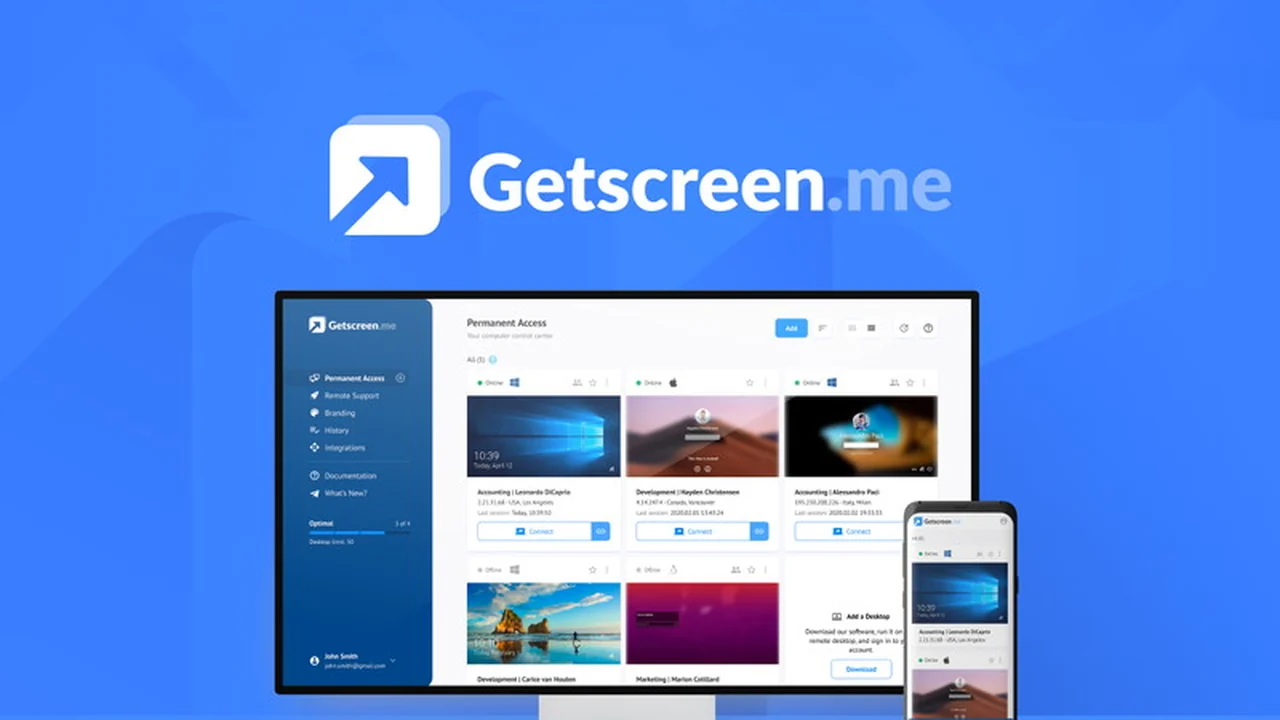
Discover how Getscreen.me offers an intuitive and efficient way to connect to remote desktops directly from your web browser. This review explores its features, functionality, and potential applications, especially for those seeking simplified remote access solutions.
We delve into what makes Getscreen.me stand out, providing practical insights for individuals and businesses looking to enhance their remote connectivity. Learn how this platform can streamline your workflow and support needs.
What is Getscreen.me – Connect with remote desktops | AppSumo
Getscreen.me is a remote desktop access solution designed for simplicity and speed, leveraging WebRTC technology for direct, peer-to-peer connections. It aims to eliminate the complexities often associated with remote access software, offering a straightforward way to connect from any web browser without requiring extensive downloads or installations on the client side.
Key Features
- Instant Access: Connect to remote desktops quickly and easily, directly from your web browser.
- WebRTC Technology: Utilizes peer-to-peer data transmission for minimal delay and efficient connections.
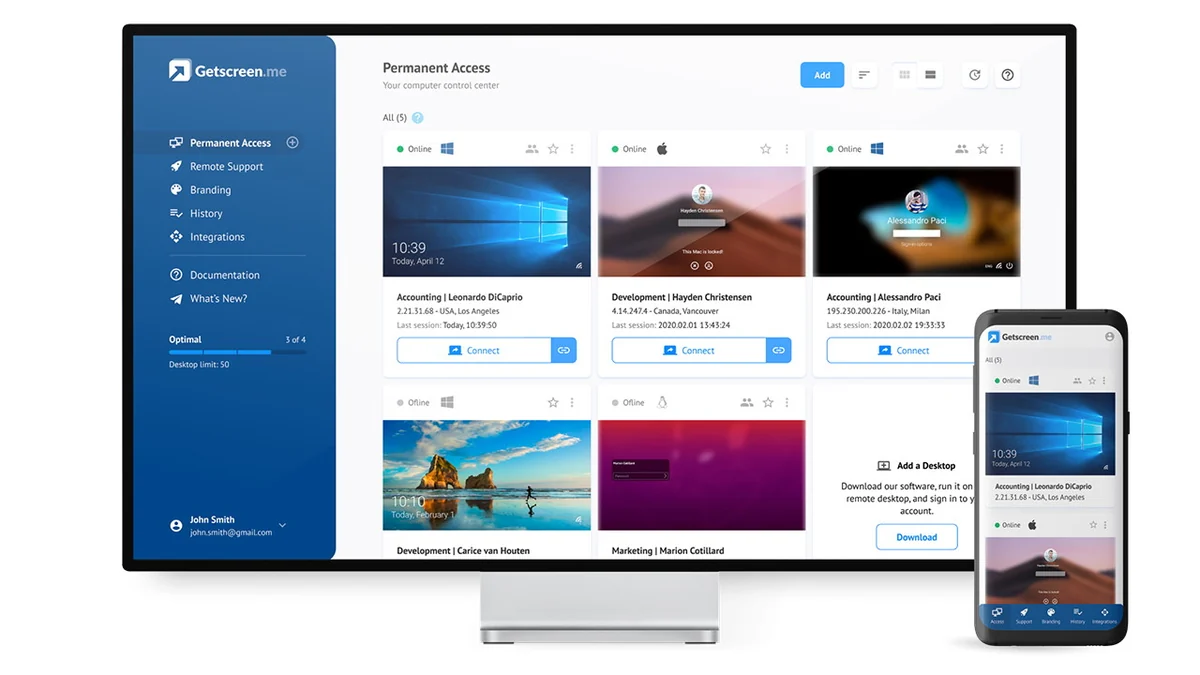
- Personal Account: Manage your connected desktops and servers conveniently from a centralized account.
- Corporate Network Support: A single paid account can cover a corporate network, simplifying management for administrators.
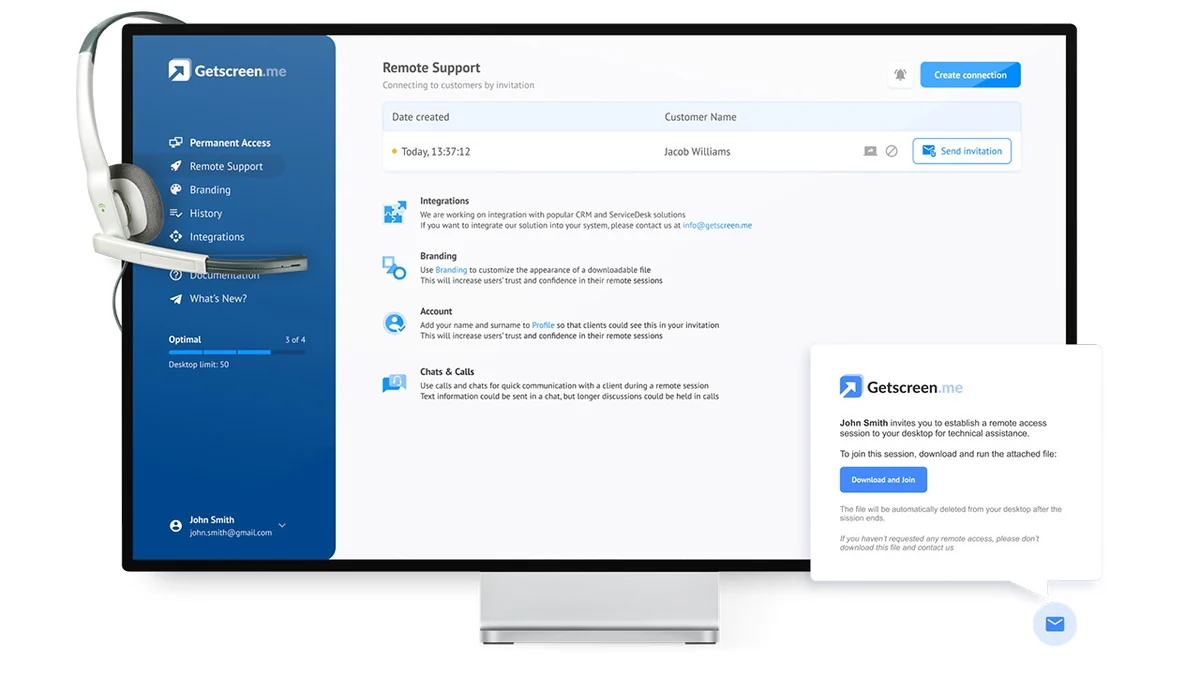
- Remote Support: Facilitates easier connections for technical support specialists, streamlining the assistance process.
- Android Device Control: The ability to control Android devices directly through a web browser.
- Customizable Connection Links: Option to change the domain of connection links using CNAME records for a branded experience.
- HTTP API and SDK: Provides tools for integrating Getscreen.me into your own systems and applications.
How It Works
Getscreen.me is built on the principle of ease of use. Typically, you install a small application (around 2MB) on the computer you want to access remotely. This application establishes a connection that can then be accessed through a unique URL generated by Getscreen.me. Users can then open this URL in their web browser on any device to establish a remote desktop session.
For remote support scenarios, an invitation can be sent to the user needing assistance, allowing them to grant access via a simple URL without complex setup.
Use Cases
- Quick Remote Access: Access your work computer from home or any other location with ease.
- Technical Support: Provide remote assistance to clients or colleagues by sending a simple invitation link.
- Server Management: Manage servers remotely through a web browser interface.
- Mobile Device Management: Control and access Android devices for testing or support purposes.
- Integration into Custom Platforms: Developers can use the API and SDK to embed remote access capabilities into their own software.
Integrations & Compatibility
- Getscreen.me is designed with integration in mind, aiming to fit into existing workflows and infrastructure
- The platform is compatible with Windows, macOS, and Linux operating systems
- Planned integrations include popular tools like Jira Service Desk, with ongoing development to expand its compatibility with other platforms
- Additionally, the availability of an HTTP API and an upcoming SDK allows for deeper integration into custom systems and applications, enabling developers to build remote access functionalities directly into their own products.
Pricing & Value
Getscreen.me offers various plans to suit different needs, from individual users to large corporate networks. The value proposition lies in its straightforward approach to remote access, potentially reducing the need for more complex and costly solutions. The focus on a single paid account for corporate use suggests a cost-effective model for businesses managing multiple remote desktops.
Deal Details
The AppSumo deal for Getscreen.me provides lifetime access to the platform. Key aspects of the deal include the necessity to redeem codes within 60 days of purchase, GDPR compliance, and it being exclusively for new Getscreen.me users without existing accounts. The offer includes varying tiers of features such as quick connection by invitation, integration capabilities, connection history and recordings, and different limits for quick support clients per day and file transfer size.
Quick Take
- Ideal for individuals and small to medium businesses needing simple, browser-based remote desktop access.
- A great option for IT support teams looking for an easy way to offer remote assistance.
- Offers a cost-effective solution for managing multiple remote devices with its flexible licensing.
FAQs
What is the file transfer limit?
File transfer limits vary depending on the plan, with options up to 40 GB.
Is Getscreen.me suitable for businesses?
Yes, it offers features like corporate network support and admin management for businesses.
Can I use Getscreen.me on my mobile phone?
Yes, you can control Android devices and connect to other desktops from your mobile browser.
Does Getscreen.me require software installation on the remote computer?
Yes, a small application needs to be installed on the computer you want to access.
What is the main benefit of Getscreen.me?
Its primary benefit is instant remote desktop access directly from a web browser.
Final Thoughts
Getscreen.me presents a compelling solution for anyone seeking a user-friendly and efficient remote desktop access tool. Its browser-based approach, coupled with features like quick support and integration capabilities, makes it a versatile option for a wide range of users. The ongoing development and responsiveness to user feedback suggest a platform committed to continuous improvement.
For those looking to simplify remote connections, whether for personal use, professional support, or business management, Getscreen.me is certainly worth considering, especially with the attractive lifetime deal available through AppSumo.