
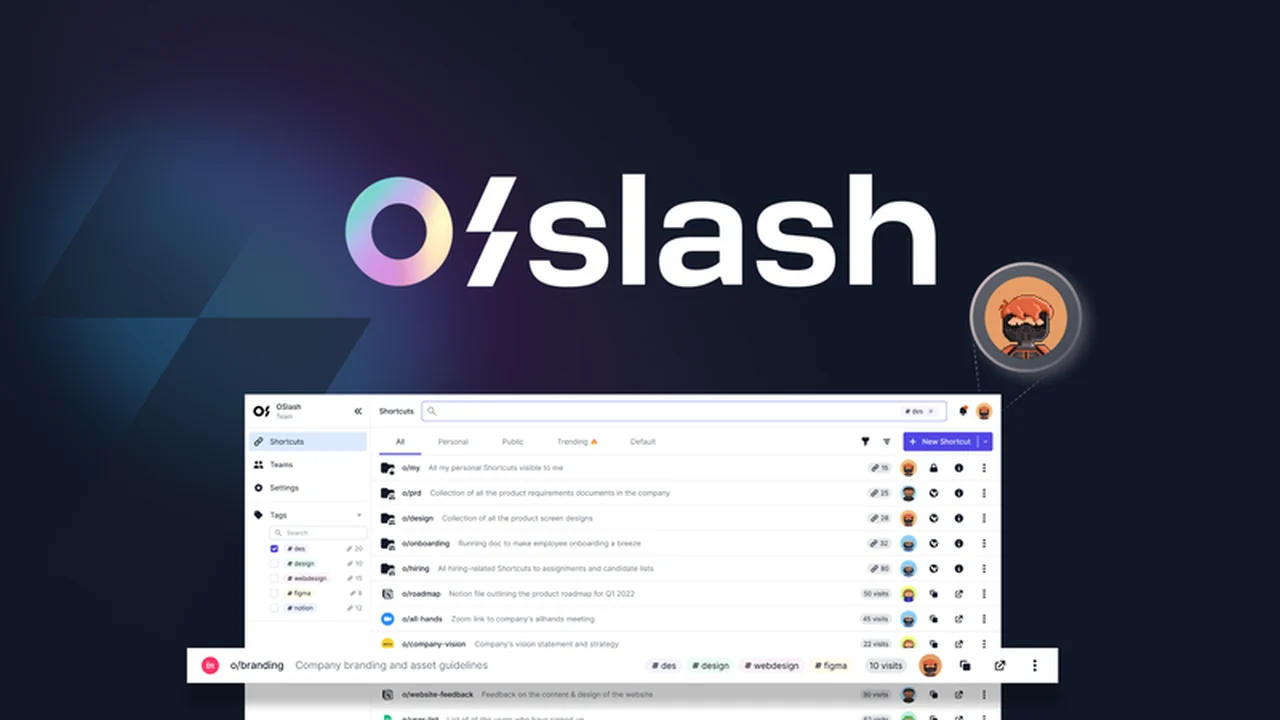
Tired of hunting for essential links scattered across your digital workspace? This review dives deep into OSlash, a powerful tool designed to transform how you manage and access URLs.
Discover how OSlash can eliminate the frustration of digging through countless messages and documents, allowing you to reclaim valuable time and boost team productivity.
What is OSlash – Create and manage URL shortcuts | AppSumo
OSlash is a productivity application that allows individuals and teams to create memorable, short URLs that redirect to any web page or document. Essentially, it turns cumbersome, long web addresses into simple, easy-to-remember shortcuts, often referred to as “go links.” This system aims to significantly reduce the time and effort spent searching for important links within a busy work environment.
Key Features
- Customizable Shortcuts: Create personalized, short URLs (e.g., “o/daily-standup”) for easy recall and sharing.
- Universal Search: Access a searchable directory of all your shortcuts via a simple hotkey, regardless of the application you’re using.
- Cross-Application Autocomplete: OSlash intelligently suggests and autocompletes shortcut links as you type in popular tools like Slack, Jira, email clients, and text editors.
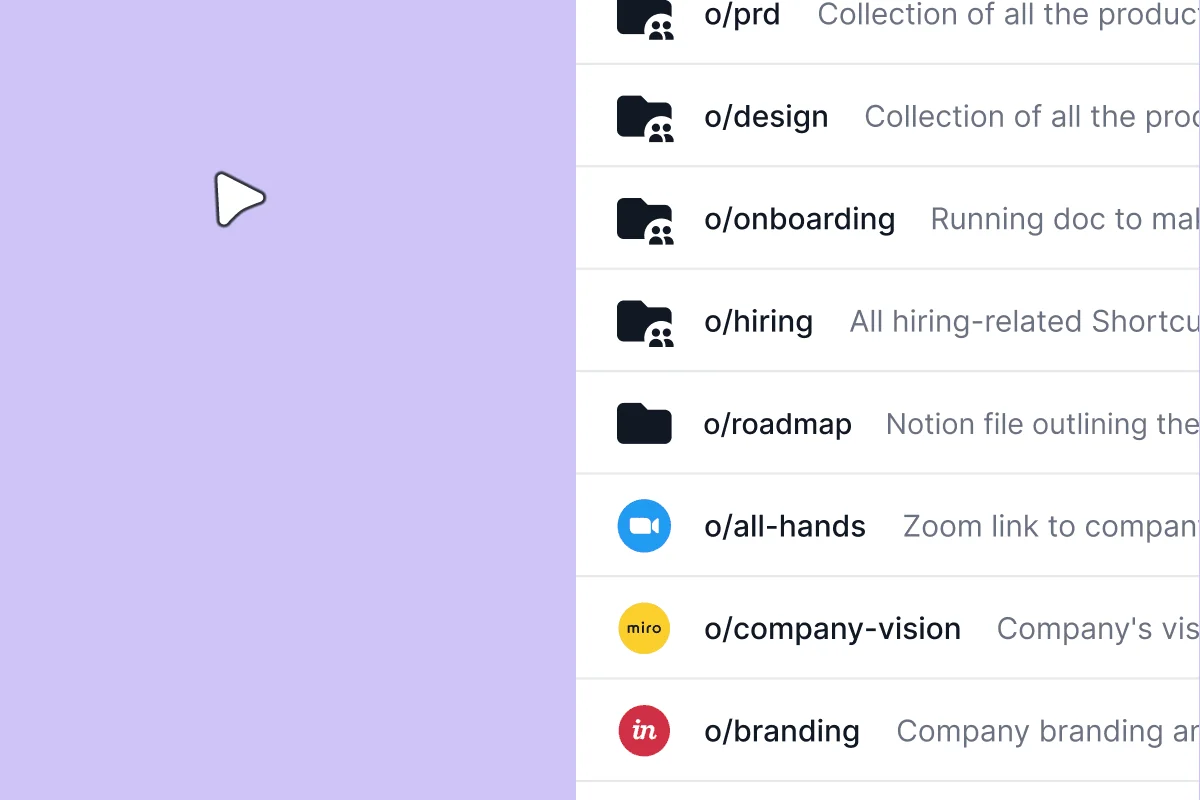
- Link Collections: Organize related shortcuts into thematic collections for easy discovery and management.
- Centralized Dashboard: View, edit, and manage all your created shortcuts, collections, and groups from a single, intuitive dashboard.
- Privacy Settings: Option to create private shortcuts accessible only to you.
- Link Analytics: Monitor activity and engagement for each shortcut to understand usage patterns.
How It Works
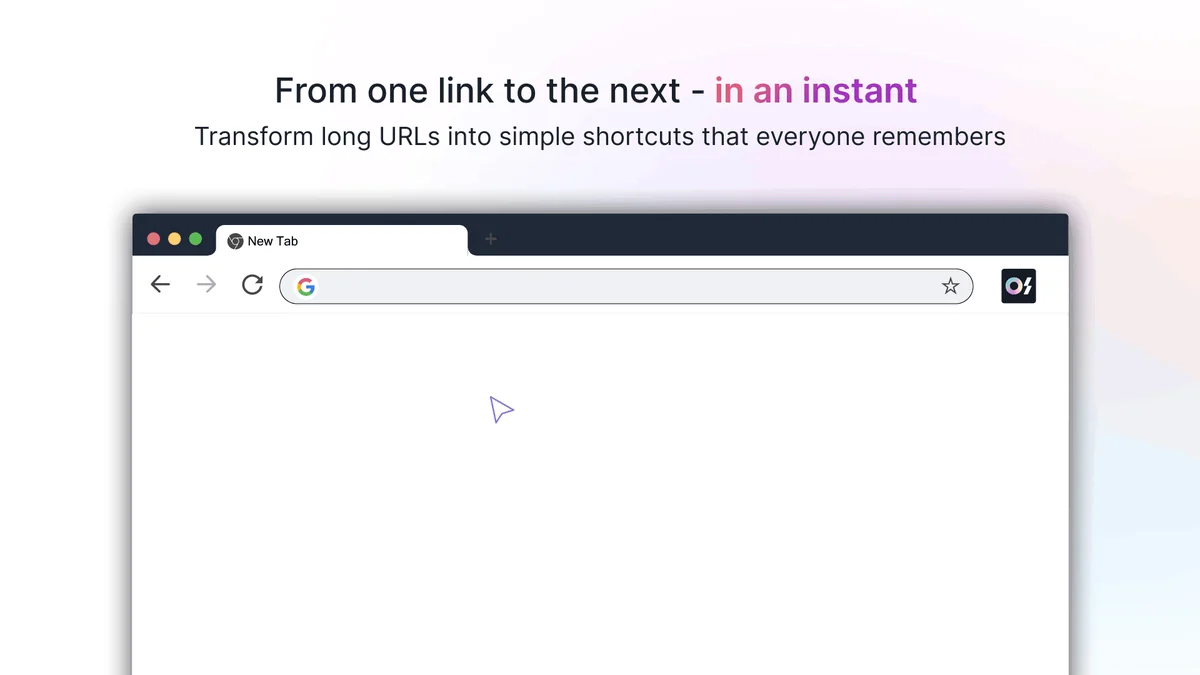
Getting started with OSlash is straightforward. First, install the OSlash browser extension, which is available for major browsers like Chrome, Safari, Firefox, Microsoft Edge, and Brave. Once installed, navigating to any webpage allows you to create a custom shortcut for that URL. You can then name these shortcuts descriptively, making them easy to remember and share with your team. The tool works seamlessly in the background, offering suggestions and autocompleting links as you work across different applications.
Use Cases
- Team Collaboration: Quickly share project documents, meeting notes, or important resources with teammates using simple shortcuts.
- Personal Productivity: Save frequently accessed links like your calendar, project boards, or favorite tools with memorable shortcuts.
- Onboarding New Team Members: Provide a curated list of essential links for new hires through organized collections.
- Reducing Information Silos: Ensure everyone on the team can easily find and access the information they need, regardless of where it’s stored.
- Streamlining Communication: Paste shortcuts in chat applications instead of long URLs, making conversations cleaner and more efficient.
Integrations & Compatibility
- OSlash is designed to integrate with a wide range of commonly used workplace tools
- It offers automatic shortcut launching and autocompletion within applications such as Slack, Jira, Gmail, and Notion
- This broad compatibility ensures that OSlash enhances your workflow across your existing digital ecosystem without requiring significant changes to your established processes.
Pricing & Value
OSlash presents a valuable proposition for individuals and teams looking to enhance productivity through better link management. The ability to create unlimited shortcuts and access advanced features like collections and analytics can lead to significant time savings over time, justifying the investment for a streamlined workflow.
Deal Details
This offering provides lifetime access to OSlash, ensuring you benefit from its features and updates long-term. It also includes a 60-day money-back guarantee, allowing ample time to evaluate its effectiveness within your daily tasks and workflows to ensure it meets your expectations.
Quick Take
- Ideal for teams and individuals drowning in links and constantly searching for information.
- Perfect for anyone looking to save time and reduce frustration in their daily digital tasks.
- A simple yet powerful solution to improve collaboration and information accessibility.
FAQs
What is the refund policy for OSlash?
There is a 60-day money-back guarantee to ensure customer satisfaction with the product.
Does OSlash integrate with other popular work tools?
Yes, OSlash integrates with tools like Slack, Jira, and Gmail for seamless workflow enhancement.
How do I create a shortcut in OSlash?
Install the browser extension and create a shortcut from any webpage you visit.
Can OSlash be used by a single person or only teams?
OSlash is beneficial for both individuals and teams seeking to organize their digital links.
What is the primary benefit of using OSlash?
OSlash helps you create memorable shortcuts for long URLs, saving time and improving access to information.
Final Thoughts
OSlash stands out as an effective solution for tackling the common challenge of managing scattered URLs. Its intuitive design, robust features, and broad compatibility make it a compelling tool for anyone aiming to boost their productivity and streamline their digital workspace. The ability to transform chaotic links into organized, easily accessible shortcuts offers tangible benefits for both individual efficiency and team collaboration.