
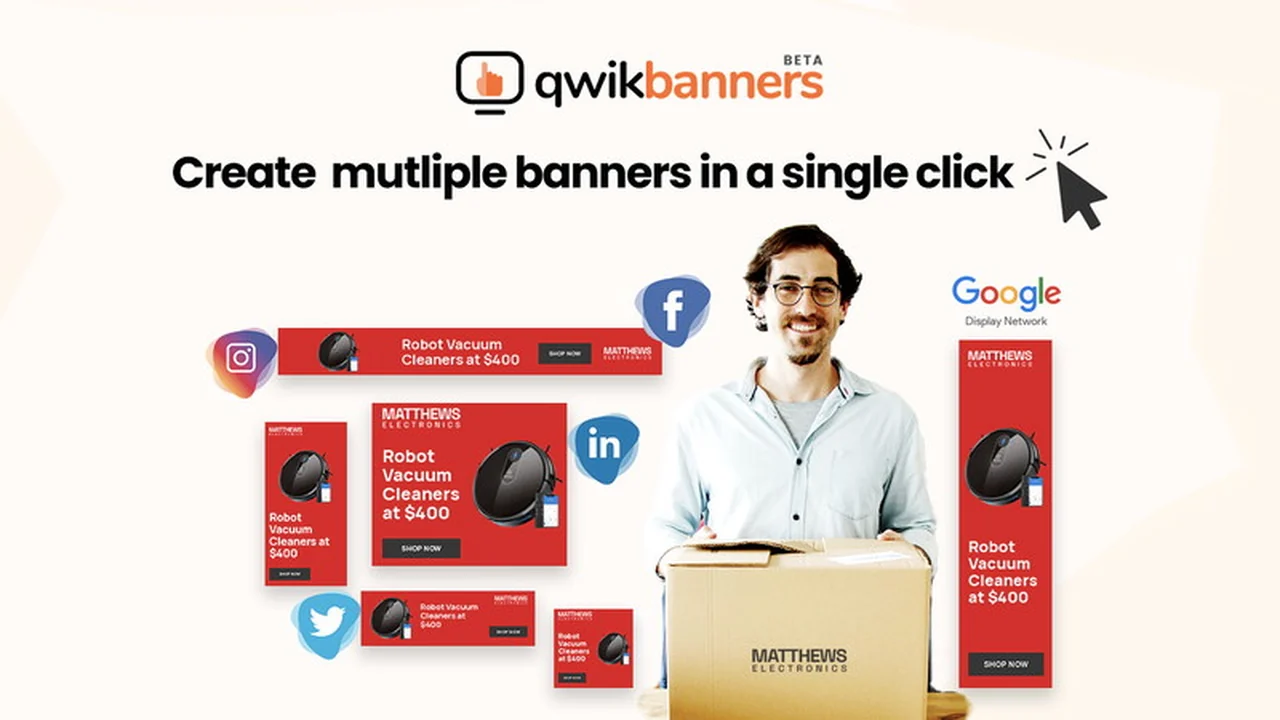
Creating effective display ad banners can be a time-consuming endeavor. The need for multiple sizes and consistent branding often leads to tedious manual work.
This review explores QwikBanners, a tool designed to streamline this process and provide a more efficient solution for generating banner ads.
What is QwikBanners – Automate banner creation | AppSumo
QwikBanners is a banner creation tool focused on rapid production and automation, particularly for display ad campaigns. It aims to solve the common challenge of generating numerous banner ad sizes from a single design effort.
Key Features
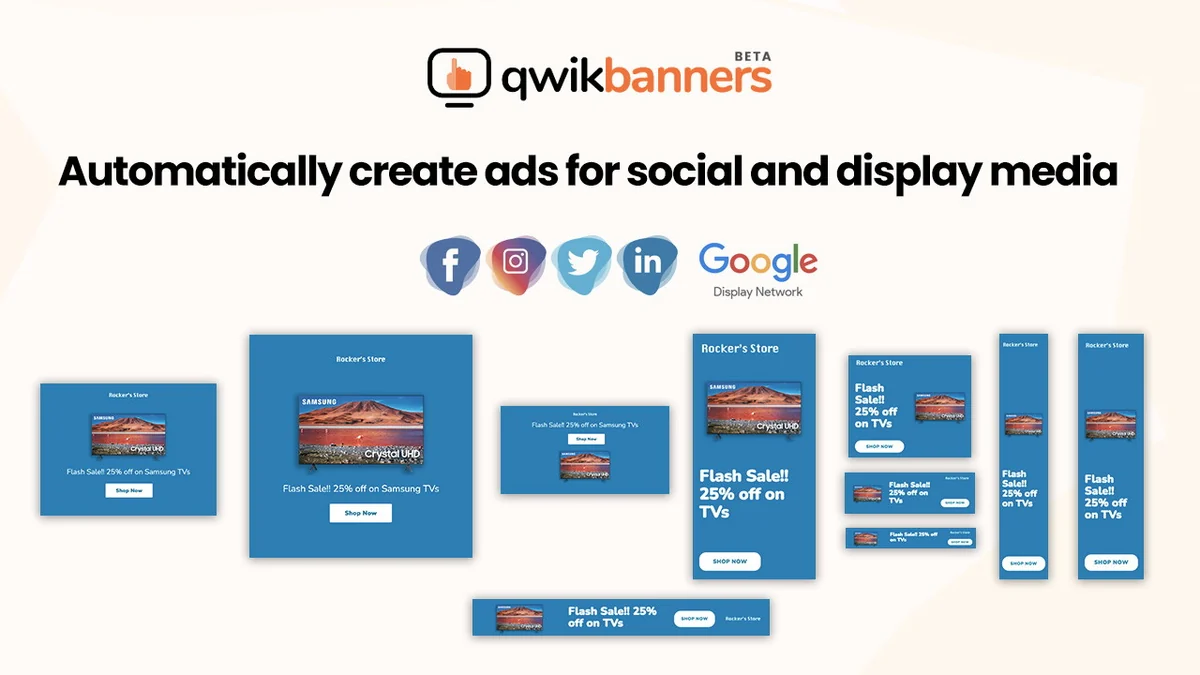
- Automated Multi-Size Generation: Create up to 10 different banner ad sizes simultaneously from one design.
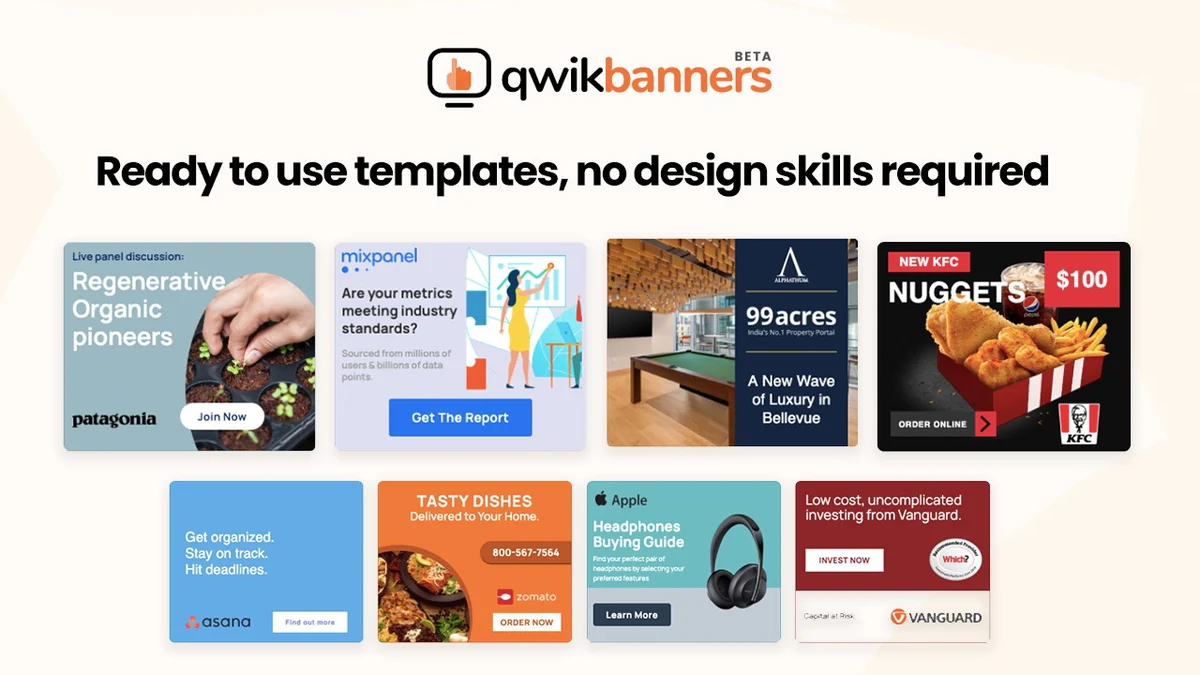
- Ready-Made Templates: Access customizable creative templates to kickstart your design process quickly.
- Integrated Stock Image Search: Easily search and incorporate free stock images directly within the platform.
- Instant Preview: See how your banner looks across all generated sizes in real-time.
- User-Friendly Interface: Designed for speed and ease of use, allowing for quick output.
How It Works
The process with QwikBanners is intended to be straightforward. Users can start with a pre-designed, customizable template or a blank canvas. Key elements like text and images are then added or modified. Once the core design is ready, the platform automatically generates multiple banner sizes, allowing for quick previews and adjustments before final output.
Use Cases
- Digital Marketing Campaigns: Quickly create a full suite of banner ads for various ad networks and platforms.
- Small Businesses: Efficiently produce marketing materials without a dedicated design team.
- Freelancers & Agencies: Speed up client work and deliver more creative options in less time.
- Content Creators: Generate visually appealing banners for blog posts, social media, and other online content.
Integrations & Compatibility
- QwikBanners focuses on the creation and output of banner ad files
- Compatibility is generally with standard web and display ad platforms that accept common image formats like JPG and PNG.
Pricing & Value
The value proposition of QwikBanners, especially through its AppSumo deal, centers on significant time and cost savings. By automating the generation of multiple banner sizes, it eliminates the need for manual resizing and repetitive design work, potentially saving users hundreds of dollars compared to traditional design services or software.
Deal Details
This offering provides lifetime access to QwikBanners. It’s important to note that this specific deal is intended for new QwikBanners users who do not currently have an account and is not stackable.
Quick Take
- Ideal for marketers and business owners needing to rapidly generate display ad banners.
- Offers a significant time-saving solution through automated multi-size banner creation.
- A practical tool for quick creative production without a steep learning curve.
FAQs
Is the AppSumo deal refundable?
As per standard AppSumo policy, this deal is typically non-refundable.
How many banner sizes can QwikBanners generate at once?
QwikBanners can generate up to 10 different banner sizes simultaneously.
Does QwikBanners offer free stock images?
The tool includes an integrated search for free stock images to use in your banners.
Can I create custom banner designs with QwikBanners?
Yes, you can customize existing templates or start from scratch with your own design elements.
What is the primary benefit of using QwikBanners?
QwikBanners’ main advantage is automating the creation of multiple banner sizes quickly.
Final Thoughts
QwikBanners presents itself as a potent solution for anyone facing the repetitive task of creating banner ads. Its emphasis on speed and automation, especially for display campaigns, can be a significant asset. The platform’s ease of use and integrated features like stock image search aim to reduce friction in the design workflow, making it a practical choice for efficient banner creation.