
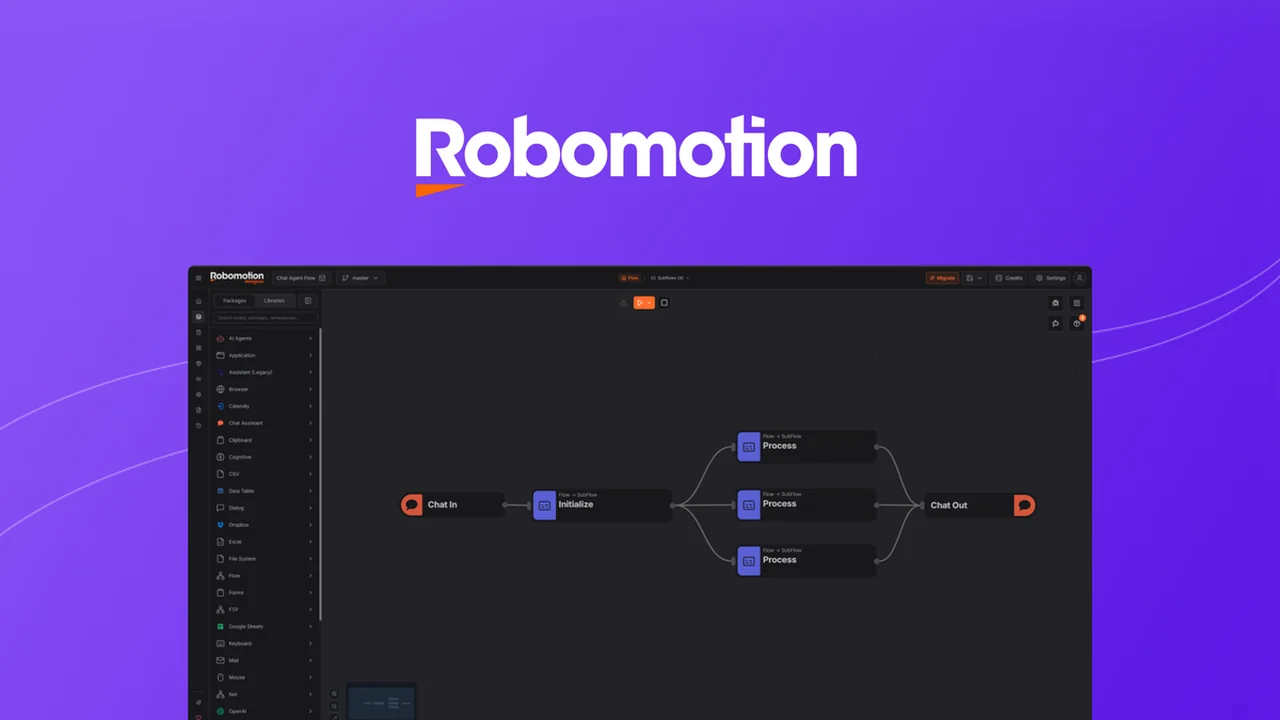
This review delves into Robomotion RPA, a powerful tool designed to automate repetitive tasks across desktop and web applications. We will explore its capabilities, how it functions, and its potential applications for various users.
You will gain a comprehensive understanding of what Robomotion RPA offers, its key features, and how it can streamline your workflow. The goal is to provide clear, actionable information to help you assess its suitability for your automation needs.
What is Robomotion RPA – Automate desktop applications | AppSumo
Robomotion RPA is a user-friendly Robotic Process Automation (RPA) solution built to automate repetitive and data-intensive manual tasks. It empowers individuals and businesses to offload mundane processes without requiring advanced coding expertise.
The platform’s strength lies in its ability to automate both web and desktop applications across multiple operating systems, bridging the gap left by API-dependent automation tools. It aims to make automation accessible to everyone.
Key Features
Robomotion RPA offers a suite of features designed for efficient automation:
- Automate Repetitive Tasks: Utilize RPA bots to handle recurring manual operations.
- Desktop & Web Application Automation: Streamline workflows by automating actions across both local and online applications.
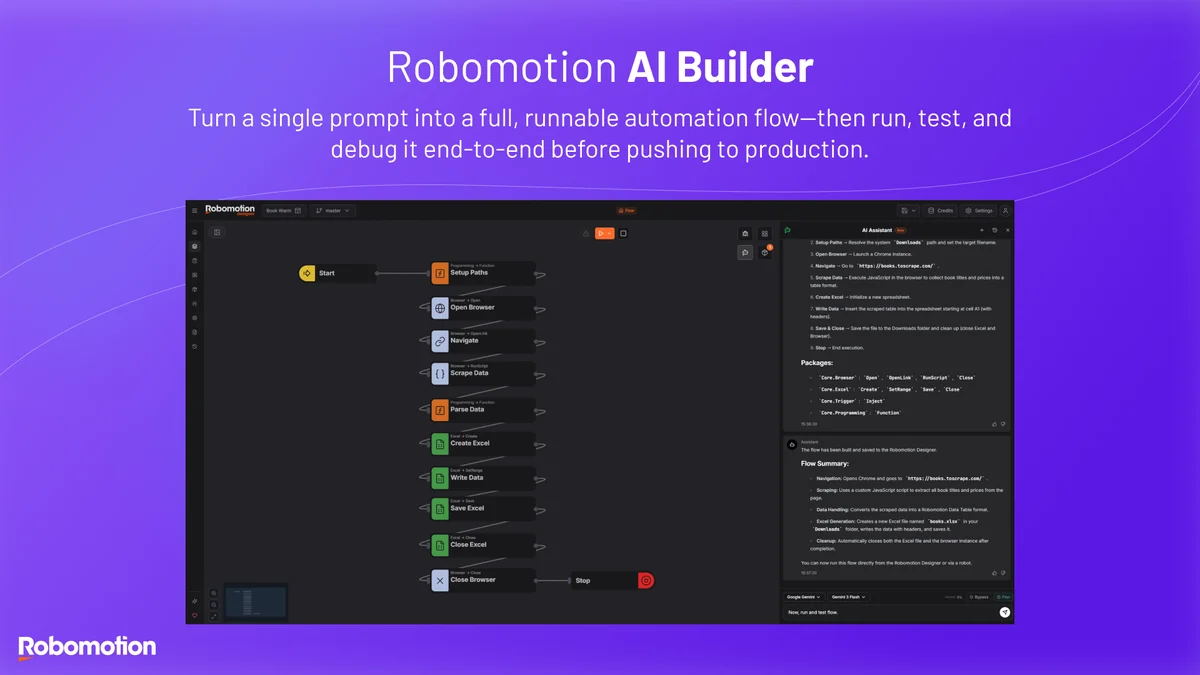
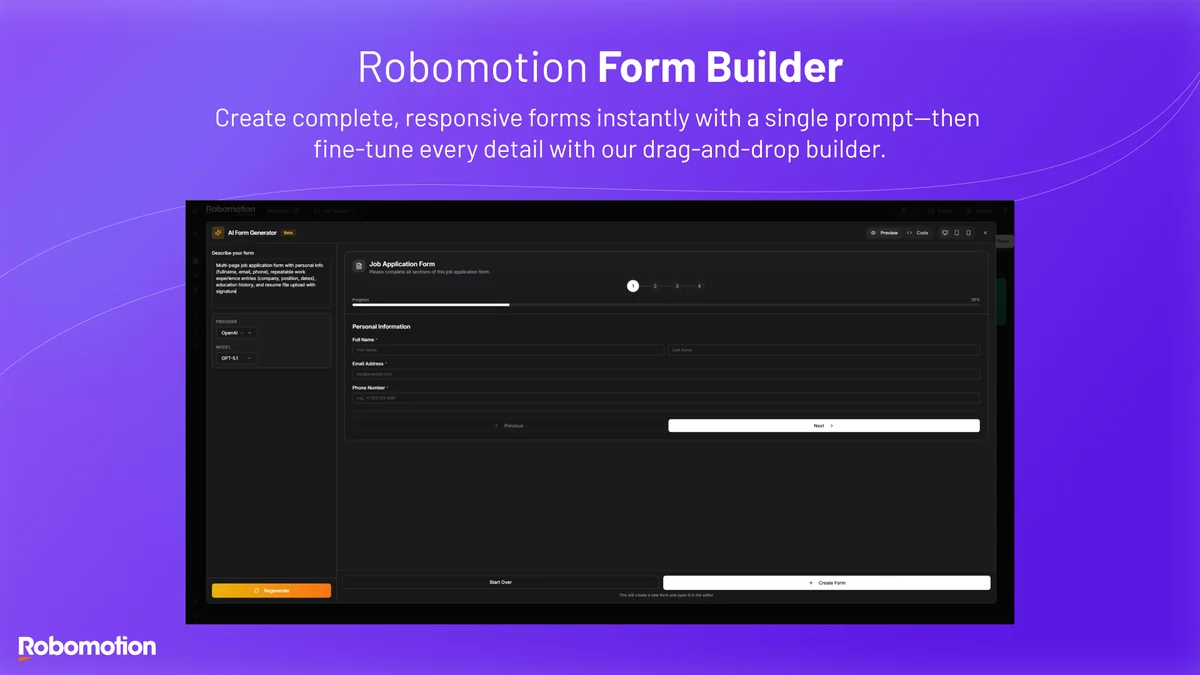
- Intuitive Interface: Build automation flows with plain English commands, making it accessible to non-coders.
- Visual Workflow Design: Create powerful automation sequences using a drag-and-drop visual builder.
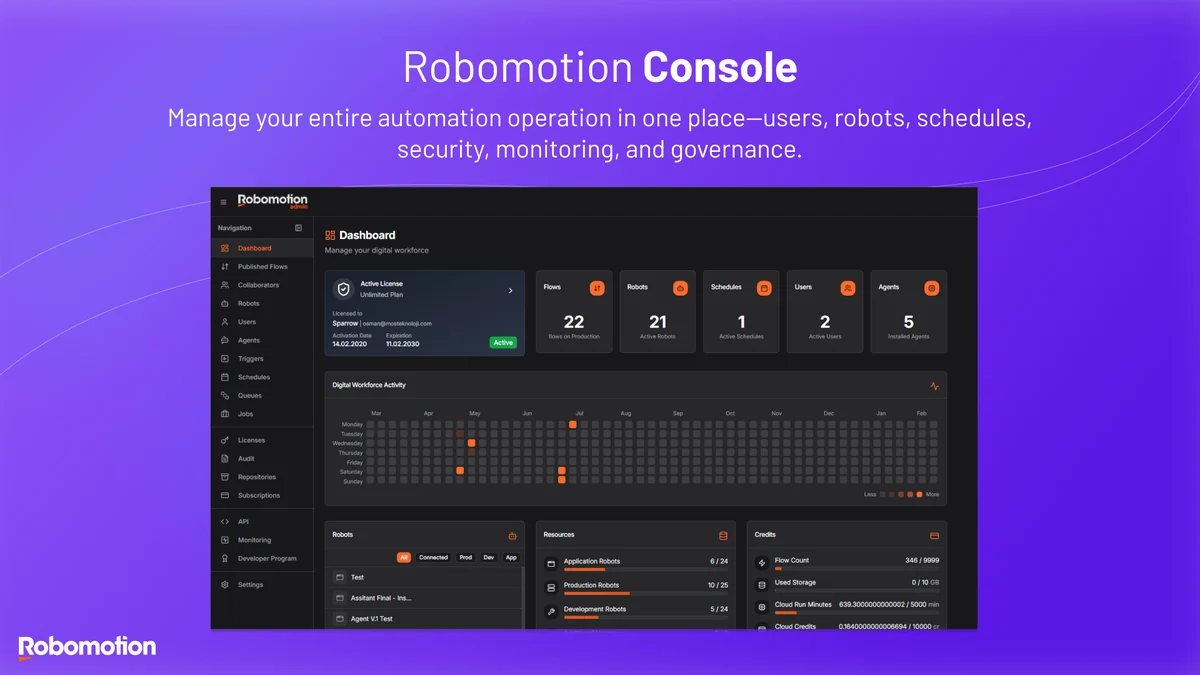
- Scheduled Task Execution: Run and schedule tasks automatically on autopilot.
- Cross-Platform Compatibility: Bots are designed to work on Windows, Mac, and Linux.
How It Works
Robomotion RPA operates by allowing users to design automation workflows visually. These workflows are essentially sequences of actions that a bot will perform.
Users can define steps, interact with applications (both web and desktop), and integrate various data sources. Once designed, these workflows can be executed manually, scheduled for specific times, or triggered by certain events, effectively running tasks on autopilot.
Use Cases
Robomotion RPA can be applied to a wide range of scenarios to improve efficiency:
- Data Entry Automation: Automate the input of data into spreadsheets or databases.
- Report Generation: Automatically compile and generate reports from various data sources.
- File Management: Streamline tasks like renaming, moving, or organizing files.
- Web Scraping: Extract data from websites for analysis.
- Application Interaction: Automate tasks that involve interacting with multiple desktop or web applications.
- Content Creation Support: Assist content creators with repetitive tasks in their workflow.
- Cryptocurrency & Development Tasks: Automate specific processes relevant to these fields.
Integrations & Compatibility
- Robomotion RPA supports automation for both web and desktop applications
- Its bots are designed to run on Windows, Mac, and Linux operating systems
- While the core strength is in broad application compatibility, specific integrations can be further enhanced
- Common integrations mentioned include Excel, Telegram, Webhooks, WhatsApp, and WordPress, with plans to add more based on user requests.
Pricing & Value
Robomotion RPA offers various pricing tiers to accommodate different user needs. The value proposition is particularly strong when considering the lifetime access provided through deals.
AppSumo deals often provide lifetime access starting from around $119, with options to upgrade to higher tiers for increased feature limits and capacity. This offers a significant cost saving compared to recurring subscription models.
Deal Details
The Robomotion RPA deal on AppSumo typically provides lifetime access to the software. This includes all future updates to the Starter Plan and any subsequent plan name changes.
Key terms of the deal usually involve activating licenses within 60 days of purchase and offer the flexibility to upgrade or downgrade between license tiers while the deal is active. Previous AppSumo customers may also have options to upgrade their existing licenses.
Quick Take
- Ideal for individuals and small to medium-sized businesses looking to automate repetitive desktop tasks.
- Offers a no-code approach to RPA, making automation accessible to a wider audience.
- Provides significant value through lifetime access deals, reducing long-term software costs.
FAQs
How are new integrations added?
New integrations are considered and added based on user requests and development timelines.
What operating systems does Robomotion RPA support?
Robomotion RPA supports Windows, Mac, and Linux operating systems.
Do I need to be a coding expert to use Robomotion RPA?
No, Robomotion RPA is designed to be accessible without extensive coding knowledge.
Can I automate desktop applications with Robomotion RPA?
Yes, Robomotion RPA is designed to automate both web and desktop applications.
What is RPA?
RPA uses software bots to mimic human actions when interacting with digital systems.
Final Thoughts
Robomotion RPA presents a compelling solution for anyone seeking to automate repetitive tasks across their desktop and web applications. Its accessible interface and cross-platform capabilities make it a versatile tool for individuals and businesses alike.
The lifetime access offered through platforms like AppSumo further enhances its value, providing a cost-effective way to implement powerful automation. For those looking to free up time from manual processes, Robomotion RPA is certainly worth considering.