
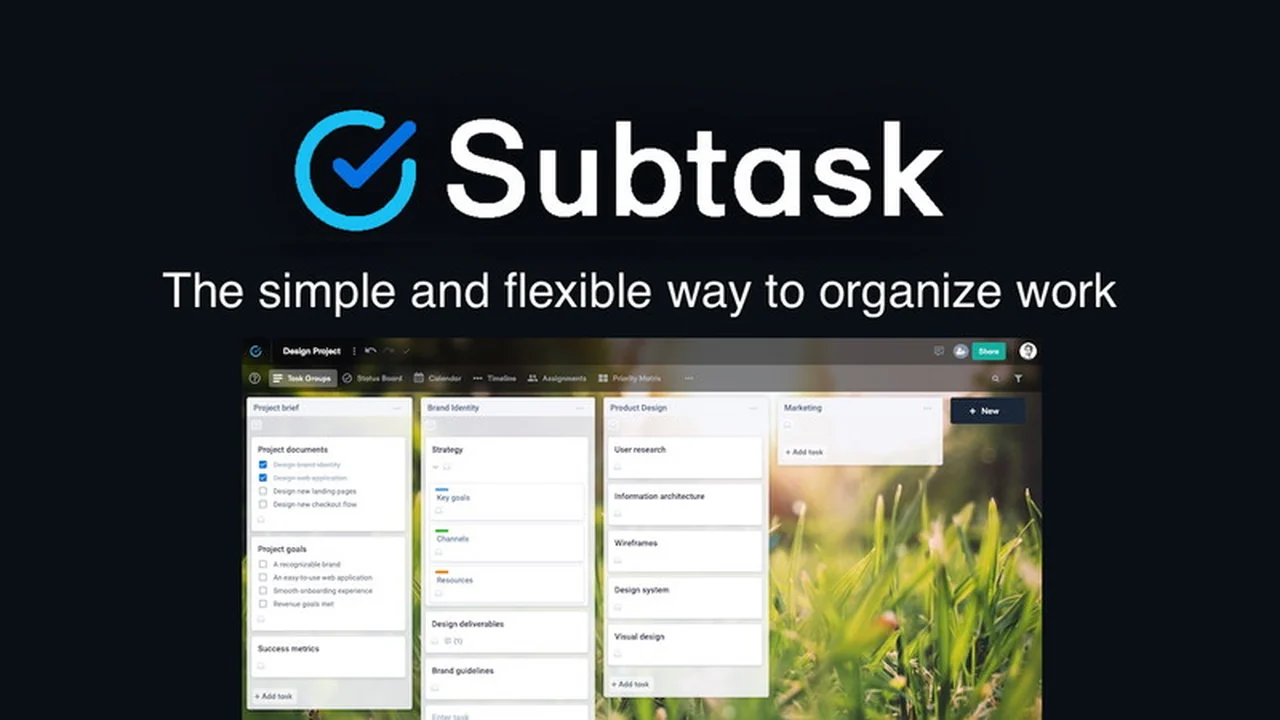
Navigating project management tools can often feel overwhelming, with complex interfaces and steep learning curves. This review explores Subtask, a solution designed to simplify workflow and boost productivity.
We’ll break down its core functionalities, practical applications, and overall value proposition, helping you understand if Subtask is the right fit for your needs.
What is Subtask | AppSumo
Subtask is presented as a streamlined project management application focused on clarity and ease of use. It aims to provide a robust platform for individuals and small teams to organize tasks, manage projects, and collaborate effectively without unnecessary complexity.
Key Features
Subtask offers a suite of features designed to facilitate efficient project handling:
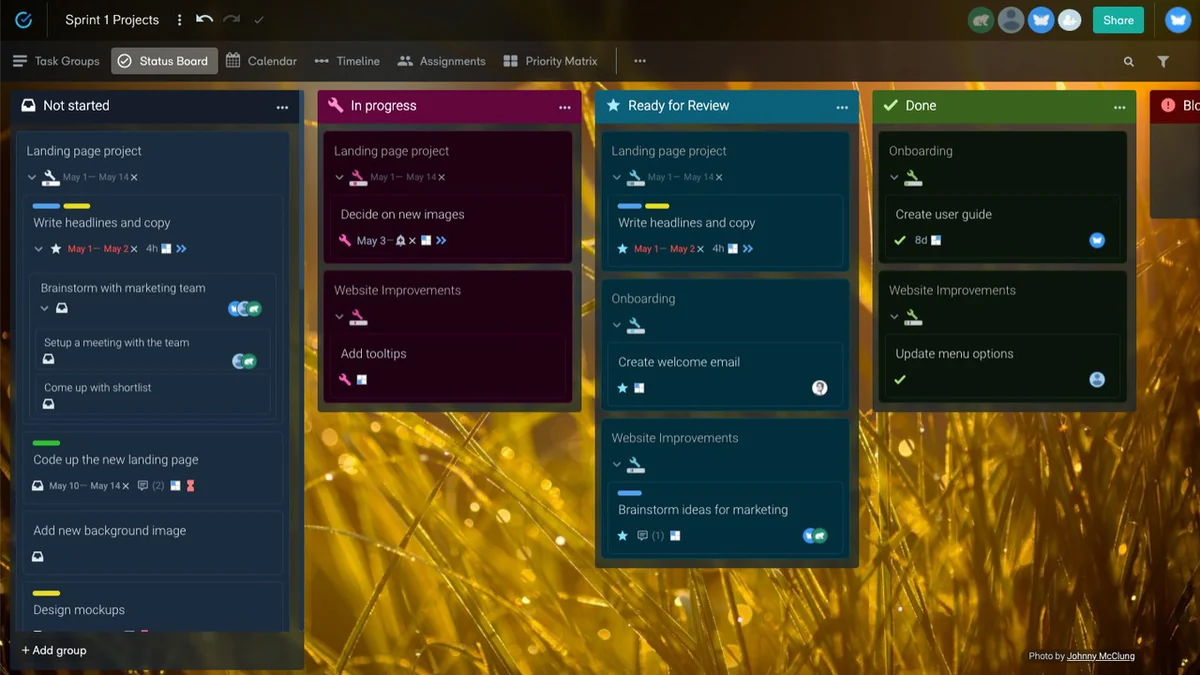
- Intuitive Board Interface: A visual board-style layout allows for easy task organization and progression tracking.
- Timeline View: Plan and visualize project schedules with drag-and-drop functionality for tasks on a timeline.
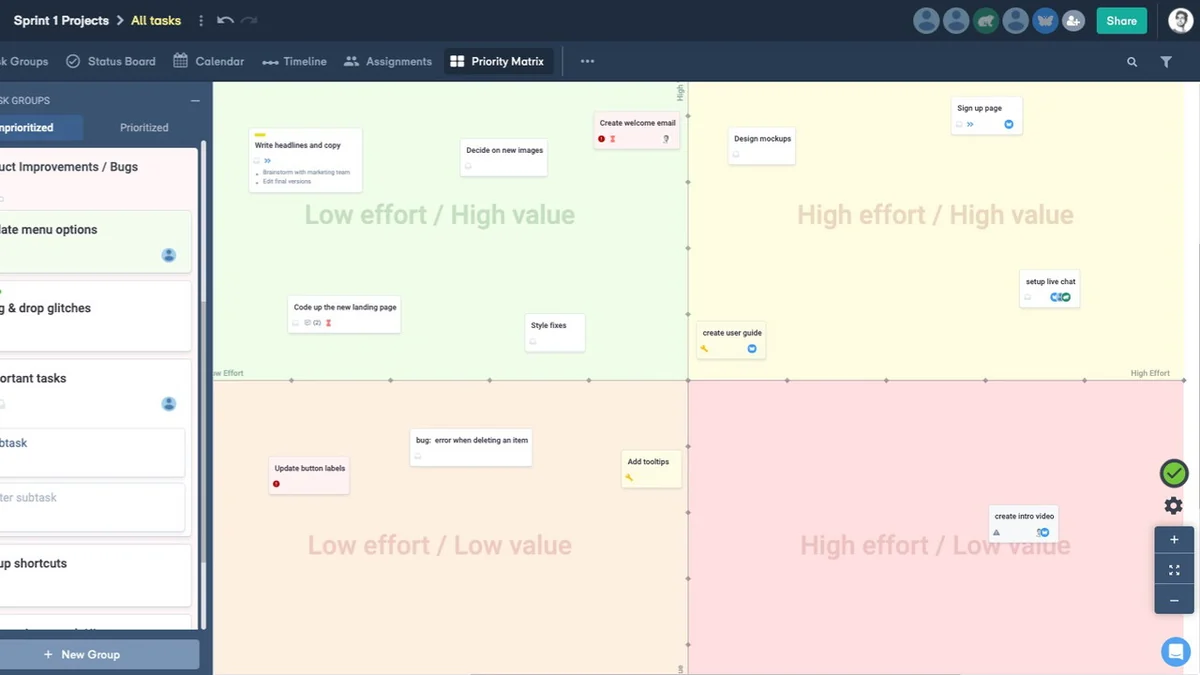
- Assignment Capabilities: Assign tasks to team members or roles to clarify responsibilities.
- Custom Fields: Enhance task management with customizable fields, including number and time formats, for tracking specific metrics.
- Attachment Support: Attach files and folders from cloud storage services like Google Drive and Dropbox, with no size limit for subscribed members.
- Guest Collaboration: The lifetime deal allows the subscription owner to invite up to 20 members to collaborate on boards in real-time.
How It Works
The core of Subtask revolves around its visual board system. Users create projects, and within each project, they can set up task lists. Tasks are represented as cards that can be easily moved through different stages of completion. The timeline view complements this by allowing users to drag and drop tasks onto a calendar or Gantt-like structure to visualize deadlines and project flow. Assignments can be made directly to tasks, ensuring everyone knows their role.
Use Cases
Subtask is well-suited for a variety of scenarios:
- Personal Task Management: Individuals can organize personal projects and to-do lists with clarity.
- Small Team Collaboration: Facilitate teamwork for projects requiring shared visibility and task delegation.
- Client Project Oversight: Manage client deliverables and timelines efficiently.
- Creative Project Planning: Visualize and organize brainstorming sessions and creative workflows.
- Agile Workflow Adaptation: Implement a simple Kanban-style approach for iterative project development.
Integrations & Compatibility
- Subtask supports integration with cloud storage solutions, enabling users to attach files and folders from Google Drive and Dropbox directly to their tasks
- The web application is accessible and fully functional via web browsers like Chrome and Safari on both desktop and mobile devices, including Android and iOS, offering a consistent experience across platforms.
Pricing & Value
The Subtask AppSumo deal provides a lifetime access subscription. This typically includes a set number of seats for collaboration, offering significant value compared to recurring subscription models from other project management tools. The ability to invite up to 20 members per board to collaborate in real-time makes it an attractive option for small to medium-sized teams looking for a cost-effective solution.
Deal Details
The AppSumo lifetime deal for Subtask usually offers substantial savings. It typically includes access to the core features for a single user (one seat), with the ability to invite a significant number of collaborators to their boards. This offer is often accompanied by a 60-day money-back guarantee, allowing users ample time to evaluate the software’s fit for their workflow.
Quick Take
- Ideal for individuals and small teams seeking a straightforward project management tool.
- Offers a visual and intuitive interface that minimizes the learning curve.
- Provides essential collaboration features at a highly accessible lifetime price point.
FAQs
Is it possible to create project templates?
Currently, Subtask does not support project template creation for recalculating dates.
Can I track actual time spent on tasks?
Subtask has custom fields for time, but no built-in time tracker; integrations are a possibility.
How many team members can I collaborate with on this deal?
The lifetime deal allows the owner to invite up to 20 members to collaborate on their boards.
Does Subtask offer an Android app?
Subtask does not have a dedicated Android app, but its web app works well in Chrome on Android devices.
Is there a limit on attachment file size?
There is no limit on attachment size for members on a subscription plan.
Final Thoughts
Subtask stands out for its simplicity and user-friendly design, making project management less of a chore and more of a fluid process. For those who find other project management solutions overly complex, Subtask offers a refreshing alternative. Its visual approach, combined with essential collaboration tools and a valuable lifetime deal structure, positions it as a compelling choice for individuals and small teams aiming to enhance their productivity and project execution.