
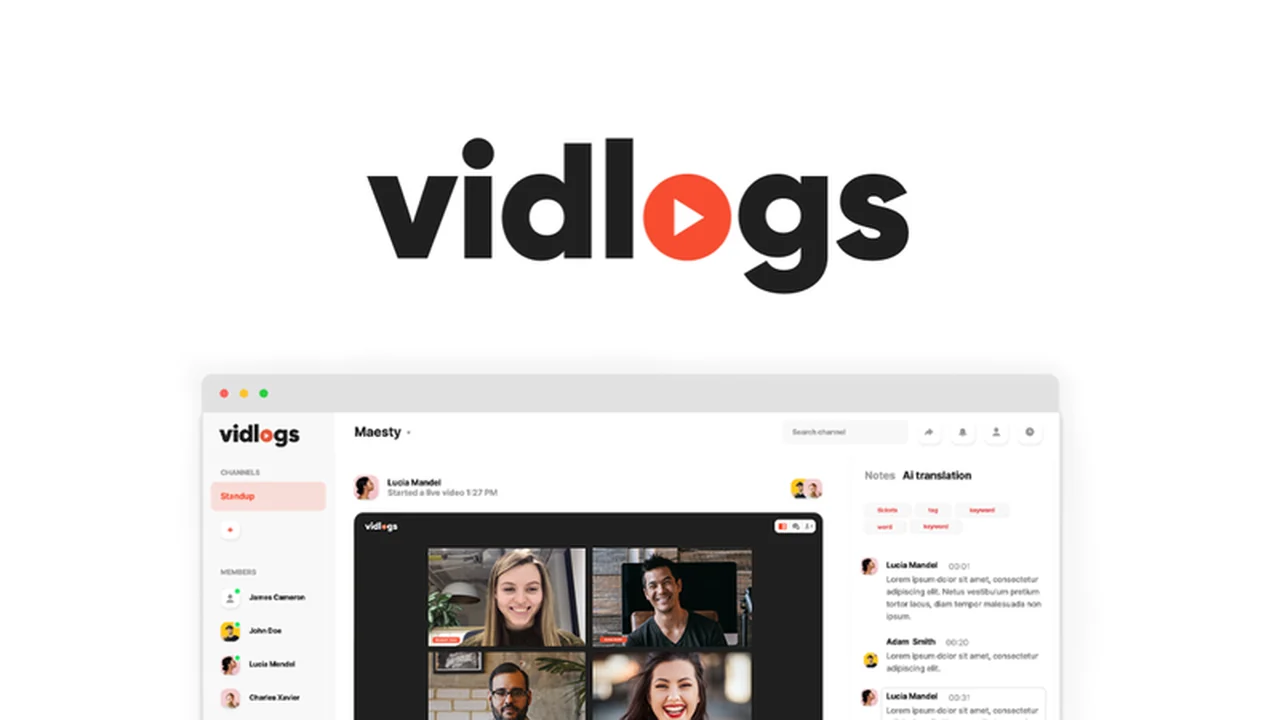
This review dives deep into Vidlogs, an AI-powered platform designed to enhance team collaboration through live and asynchronous video meetings. We’ll explore its core functionalities and how it addresses common challenges faced by remote and distributed teams.
Discover how Vidlogs can streamline your communication, from scheduling and recording to transcription and organization, ensuring no important detail gets lost. This guide will help you understand if it’s the right solution for your team’s workflow.
What is Vidlogs – Host live and asynchronous team meetings | AppSumo
Vidlogs is an innovative platform that centralizes your team’s video communication, offering robust features for both real-time and on-demand interactions. It aims to solve the persistent problem of managing, logging, and organizing meeting content, particularly for teams operating across different time zones.
At its heart, Vidlogs leverages AI to make meetings more productive and accessible. It’s built to be an all-in-one solution, allowing users to schedule, host, record, transcribe, and share meeting communications without needing additional software or plugins, simplifying the process for everyone involved.
Key Features
- AI-Powered Live Meetings: Host live video calls with built-in AI transcription that records and transcribes meetings in real-time.
- Asynchronous Video Updates: Record and share video messages or updates independently of live sessions, perfect for feedback and context.
- Integrated Transcription: Easily search meeting transcripts using keywords, highlights, and participant names.
- Customizable Workspaces: Create branded team spaces with custom colors and logos for a cohesive team experience.
- Branded Meeting Rooms: Host meetings in personalized rooms with custom URLs tailored to your business.
- Screen and Camera Recording: Record just your screen, just your camera, or both simultaneously for comprehensive meeting content.
How It Works
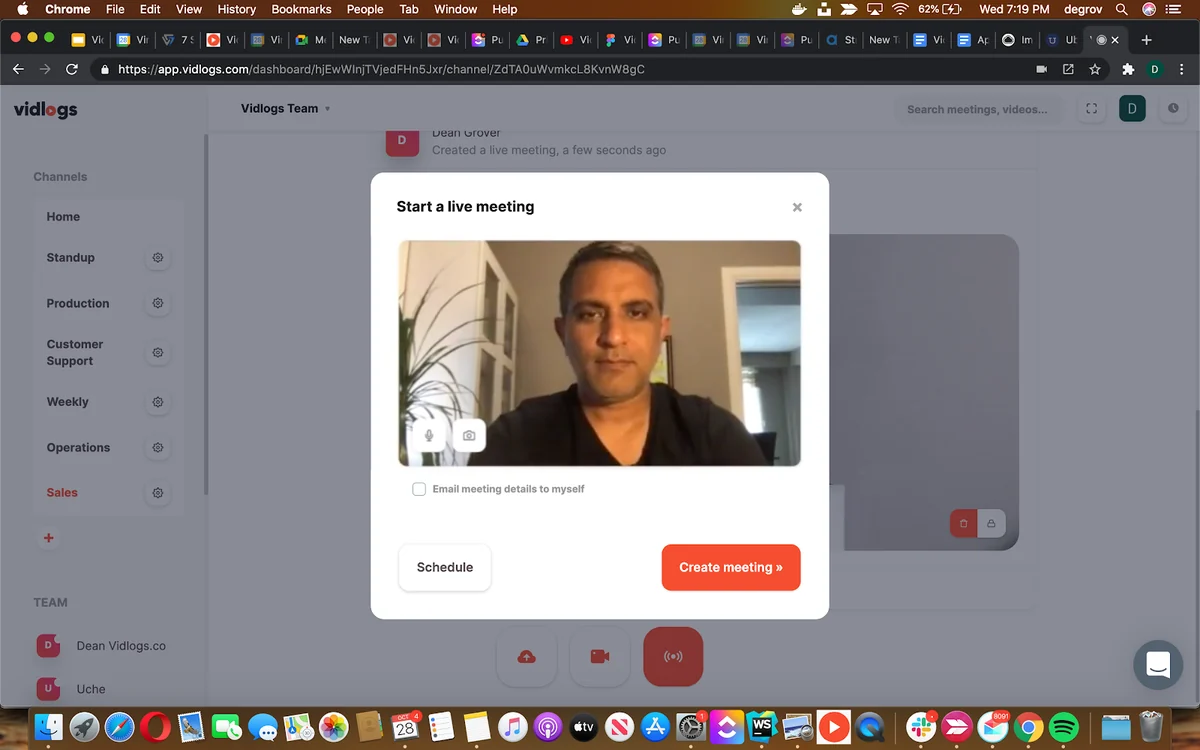
Getting started with Vidlogs is straightforward. You can schedule live meetings or opt for asynchronous video updates. For live sessions, simply send out invites via email or a shareable link that integrates with calendar applications.
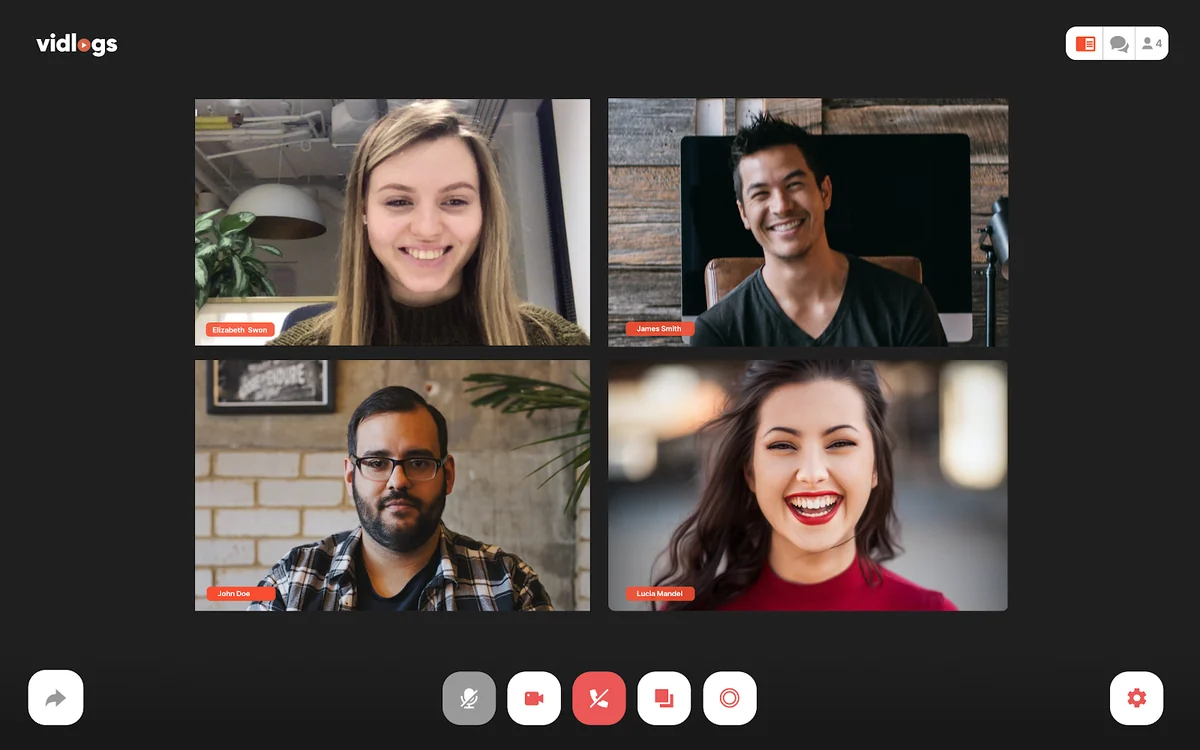
When you join a live meeting, you can choose to record your screen, camera, or both. The platform’s AI actively transcribes the conversation in real-time, making it searchable later. For those who cannot attend live, asynchronous video updates allow for flexible communication. Users can reply to these videos or provide additional context, creating a dynamic feedback loop.
Use Cases
- Remote Team Collaboration: Bridge time zone gaps and ensure everyone stays informed with consistent communication.
- Project Updates: Share progress reports and key decisions effectively through recorded video messages.
- Product/Project Feedback: Gather detailed feedback from team members or clients using asynchronous video responses.
- Onboarding New Team Members: Provide clear, recorded instructions and updates for new hires.
- Sales and Client Communication: Share product demos or updates with clients in a personalized video format.
Integrations & Compatibility
- Vidlogs is designed for broad accessibility, operating directly within your web browser without requiring any downloads or plugins
- This ensures seamless participation for all team members, regardless of their operating system or device
- The platform also has a public roadmap indicating future integrations and features, such as calendar integration and enhanced channel settings, suggesting a commitment to expanding its compatibility and utility within existing workflows.
Pricing & Value
Vidlogs is currently available through a lifetime deal, offering significant value by providing ongoing access to its features. The deal focuses on providing unlimited hosting capabilities, with monthly limits on recording and transcription, ensuring a balanced approach to resource usage.
This model offers a cost-effective solution for teams looking to invest in a unified video communication system without recurring monthly subscription fees for core functionalities.
Deal Details
The current lifetime deal for Vidlogs provides access to its complete suite of features for live and asynchronous meetings, including AI transcription and customizable workspaces. This offer is designed for long-term use and includes a 60-day money-back guarantee.
The deal structure emphasizes unlimited meeting hosting, with specific monthly allowances for recording and transcription, making it a practical choice for ongoing team collaboration.
Quick Take
- Ideal for remote or distributed teams struggling with time zone differences and scattered communication.
- Offers a comprehensive solution for both live and asynchronous video communication, enhanced by AI.
- Provides a centralized, organized platform for all meeting-related content with robust search capabilities.
FAQs
Is there a limit on the number of meetings I can host?
The lifetime deal offers unlimited meeting hosting capabilities.
What types of video can I record?
You can record your camera feed, your screen, or a combination of both.
Can I search my meeting recordings?
Yes, you can search AI-generated transcripts using keywords, highlights, and participant names.
Does Vidlogs require software installation?
No, Vidlogs is a browser-based platform and requires no software or plugin downloads.
What is the main benefit of Vidlogs for remote teams?
Vidlogs helps remote teams stay synchronized and organized by centralizing video communication across time zones.
Final Thoughts
Vidlogs presents a compelling solution for teams seeking to enhance their video communication strategies. Its AI-driven features, combined with the flexibility of live and asynchronous meetings, address many of the challenges inherent in modern collaboration.
The platform’s focus on organization, searchability, and ease of use makes it a valuable tool for improving team alignment and productivity. For teams looking to consolidate their meeting workflow into a single, powerful platform, Vidlogs is definitely worth considering.