
Creating attention-grabbing clips from lengthy videos for social media promotion can be a time-consuming process. Many content creators struggle to efficiently extract highlights without extensive manual editing.
This review explores chopcast, a tool designed to streamline this workflow, allowing you to quickly transform long-form content into shareable clips and boost your online presence. We will delve into its functionalities, how it operates, and its potential benefits.
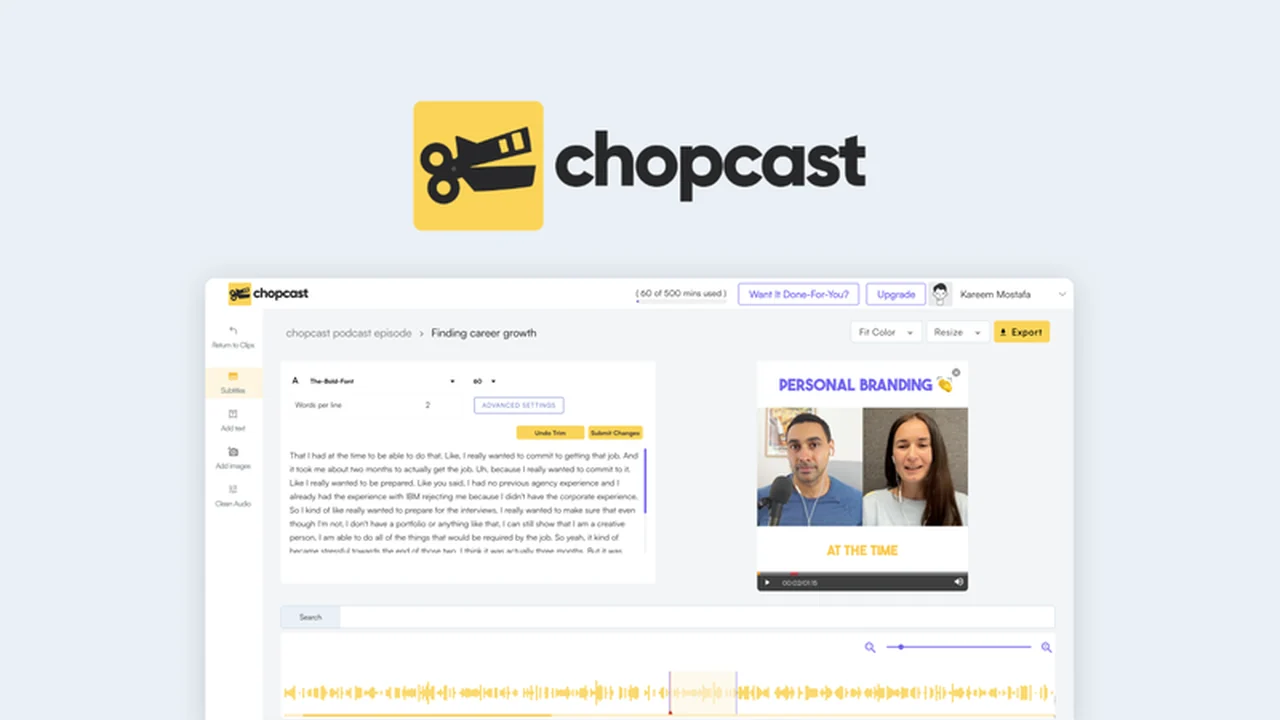
What is chopcast – Turn videos into clips in seconds | AppSumo
chopcast is a video editing platform that automates the process of converting long-form videos into short, engaging clips suitable for various social media channels. It leverages technology to identify key moments, speakers, and topics within your videos, making content repurposing significantly faster.
Key Features
chopcast offers a suite of features aimed at simplifying video clip creation and optimization:
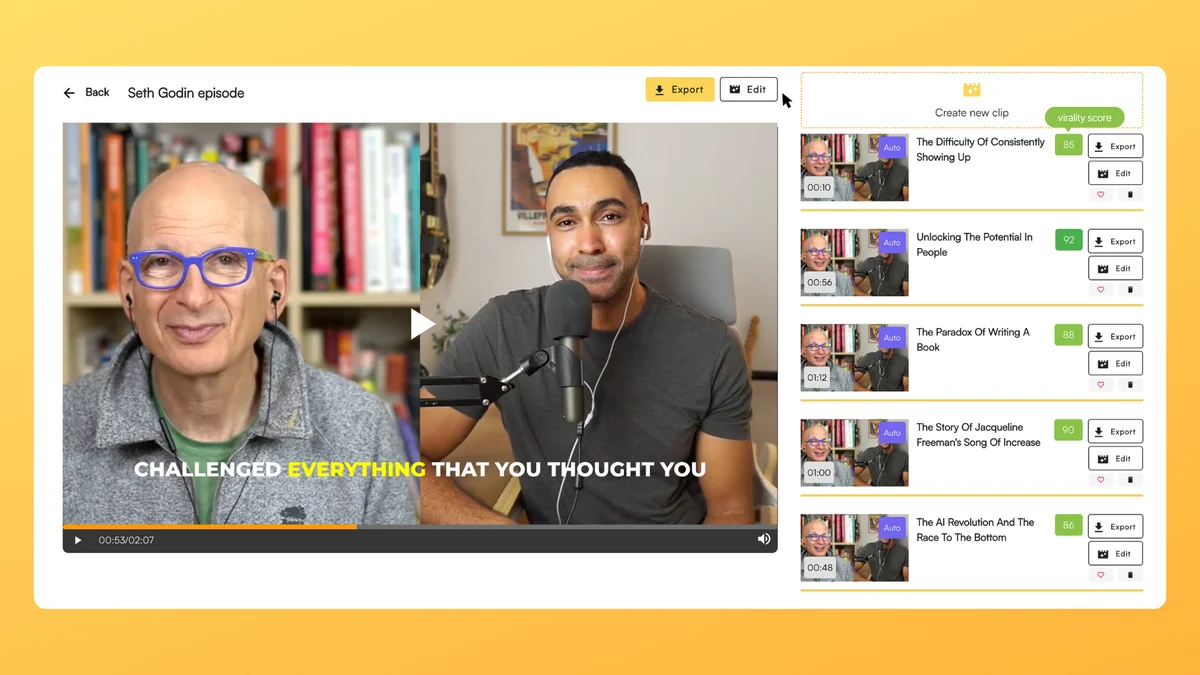
- Automatic Clip Generation: Instantly cuts long-form videos into shareable clips based on identified key moments.
- Speaker and Topic Tagging: Videos are tagged by speakers, topics, and keywords for easy identification of important segments.
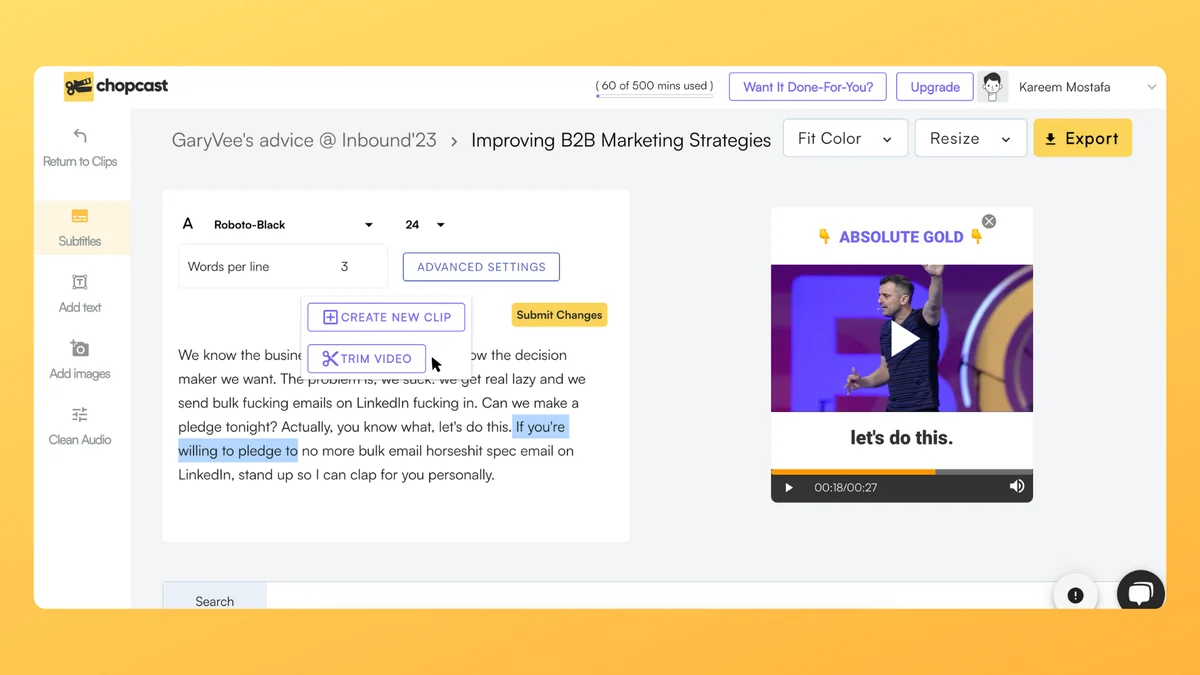
- Automatic Subtitle Generation: Creates editable subtitles with high accuracy, eliminating manual transcription.
- Subtitle Export Options: Subtitles can be burned directly onto the video or exported as SRT files for use in other editing software.
- Platform-Specific Resizing: Effortlessly resizes clips for different social media platforms like YouTube, TikTok, and LinkedIn, supporting various aspect ratios (1:1, 16:9, 9:16).
- Content Diversification: Beyond clips, it can convert videos into audio podcasts or generate articles from transcripts.
- Project Organization: Content is neatly organized into project folders for easy retrieval and repurposing.
How It Works
The process with chopcast is designed for speed and simplicity. You begin by dropping your video links into the platform. chopcast then analyzes your video, identifying significant moments and speakers. In a matter of minutes, it generates shareable social clips that you can further refine.
The intuitive editor allows for easy adjustments, and the automatic subtitle feature means you can quickly create content without the need for manual transcription. Any minor corrections to subtitles can be made on the fly.
Use Cases
chopcast is versatile and can be utilized by a wide range of content creators and businesses:
- Social Media Promotion: Quickly create highlight reels from webinars, podcasts, interviews, and product demos to share on platforms like TikTok, Instagram Reels, YouTube Shorts, and LinkedIn.
- Content Repurposing: Transform a single long-form video into multiple smaller pieces of content across different formats (video clips, audio podcasts, articles).
- Audience Engagement: Share concise, engaging content snippets that are more likely to capture attention in busy social feeds.
- Podcast Promotion: Extract compelling audio moments or video clips from podcast episodes to promote new releases.
- Online Course Creators: Generate short clips of key lessons or summaries from longer educational videos.
Integrations & Compatibility
- While the provided notes do not extensively detail specific software integrations, the platform’s ability to export subtitles as SRT files indicates compatibility with popular video editing software
- The focus on resizing for major social media platforms suggests broad compatibility with current content distribution channels.
Pricing & Value
chopcast is available through a lifetime deal on AppSumo, offering access to its features without recurring subscription fees. This model provides significant long-term value for individuals and businesses looking to consistently create social media content from their existing video assets.
Deal Details
The AppSumo deal typically provides lifetime access to chopcast, including all features across plans. This offers a cost-effective solution for continuous content creation. A 60-day money-back guarantee is also usually included, allowing users to try the product risk-free.
Quick Take
- Ideal for content creators, marketers, and businesses looking to maximize their video content’s reach on social media.
- Offers a significant time-saving solution for repurposing long-form videos into engaging short clips.
- Provides an automated way to generate captions and resize content for various platforms.
FAQs
Can chopcast create content other than video clips?
Yes, it can also convert videos into audio podcasts or generate articles from transcripts.
What is the benefit of automatic subtitle generation?
It saves time by eliminating manual transcription and ensures content is accessible and engaging.
Can I edit the generated clips?
Yes, you can edit clips, including resizing them for different social platforms and refining subtitles.
How does chopcast identify key moments in a video?
It uses NLP to tag videos by speakers, topics, and keywords, highlighting significant segments automatically.
What is the primary function of chopcast?
chopcast’s main goal is to quickly turn long videos into short, shareable clips for social media.
Final Thoughts
chopcast presents a compelling solution for anyone struggling with the time-intensive task of creating short-form video content from longer recordings. Its automated approach to identifying key moments, generating subtitles, and resizing for different platforms can significantly boost productivity and content output.
The lifetime deal available through AppSumo makes it a particularly attractive investment for individuals and businesses seeking a powerful, long-term tool for social media content repurposing. If maximizing your video content’s impact without the manual editing grind is a priority, chopcast is certainly worth considering.