
In today’s fast-paced digital world, managing multiple browser tabs can quickly become overwhelming. Important information can get lost, and revisiting key websites at the right moment is crucial for productivity.
This review explores Chrome Tab Reminder, a tool designed to bring order to your browsing habits. We’ll delve into its capabilities, how it functions, and whether it’s the right solution for your workflow.
What is Chrome Tab Reminder | AppSumo
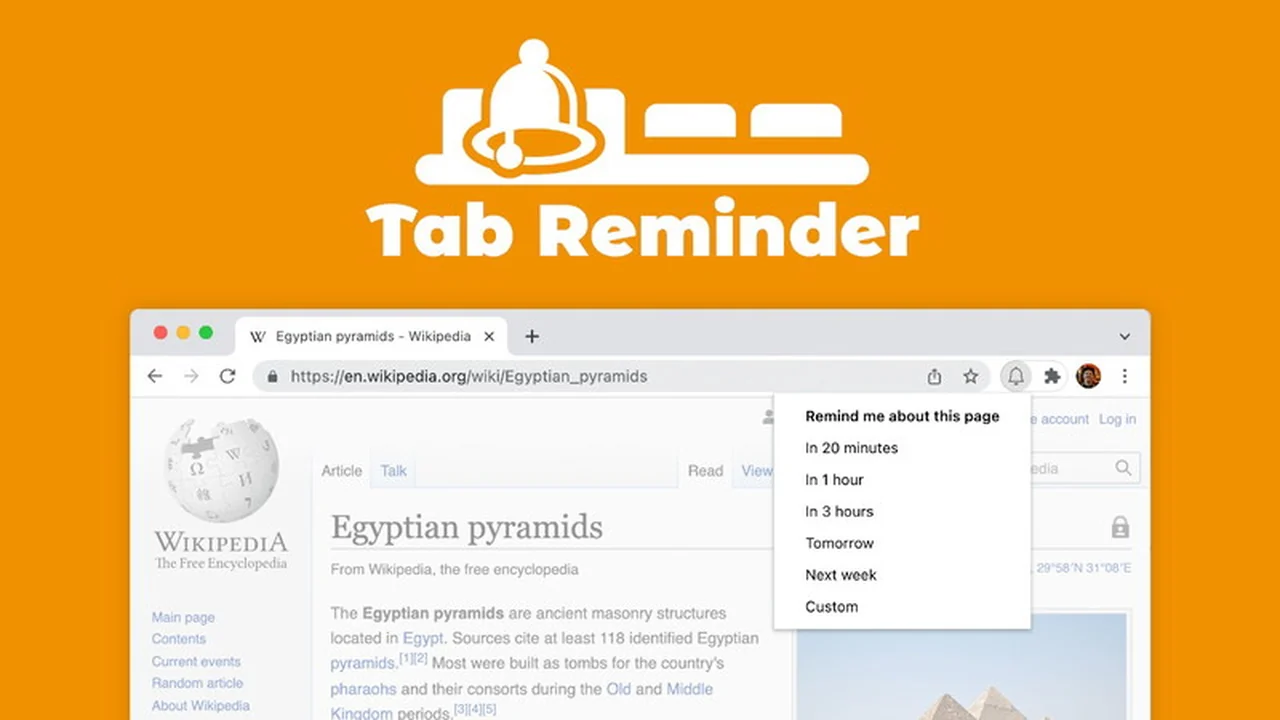
Chrome Tab Reminder is a browser extension built to help users set timely reminders for specific web pages they have open. It aims to prevent crucial tabs from being forgotten, ensuring that important tasks or information are revisited when needed.
Key Features
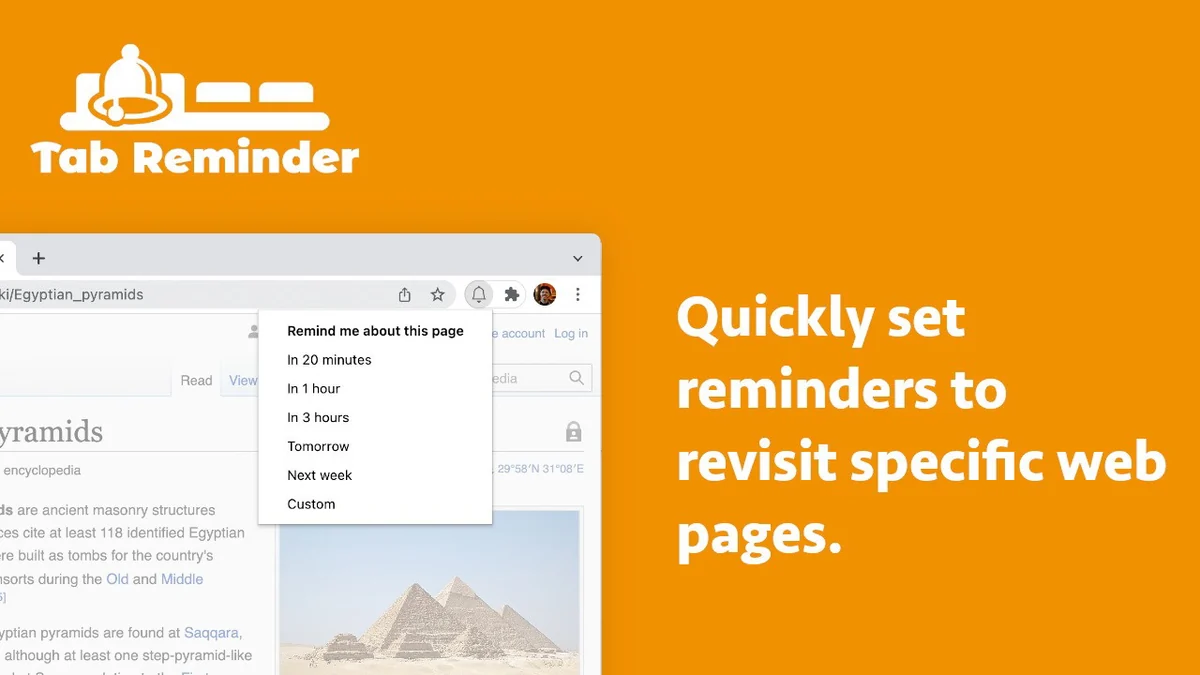
- Seamless Reminder Setting: Quickly set reminders for any open tab with ease.
- Clutter-Free Browsing: Helps organize your workflow by ensuring tabs don’t become a source of lost information.
- Cross-Browser Functionality: Appreciated for its ability to work across different browsing environments.
- Light & Dark Mode Support: Designed to look good and function well in both light and dark browser themes.
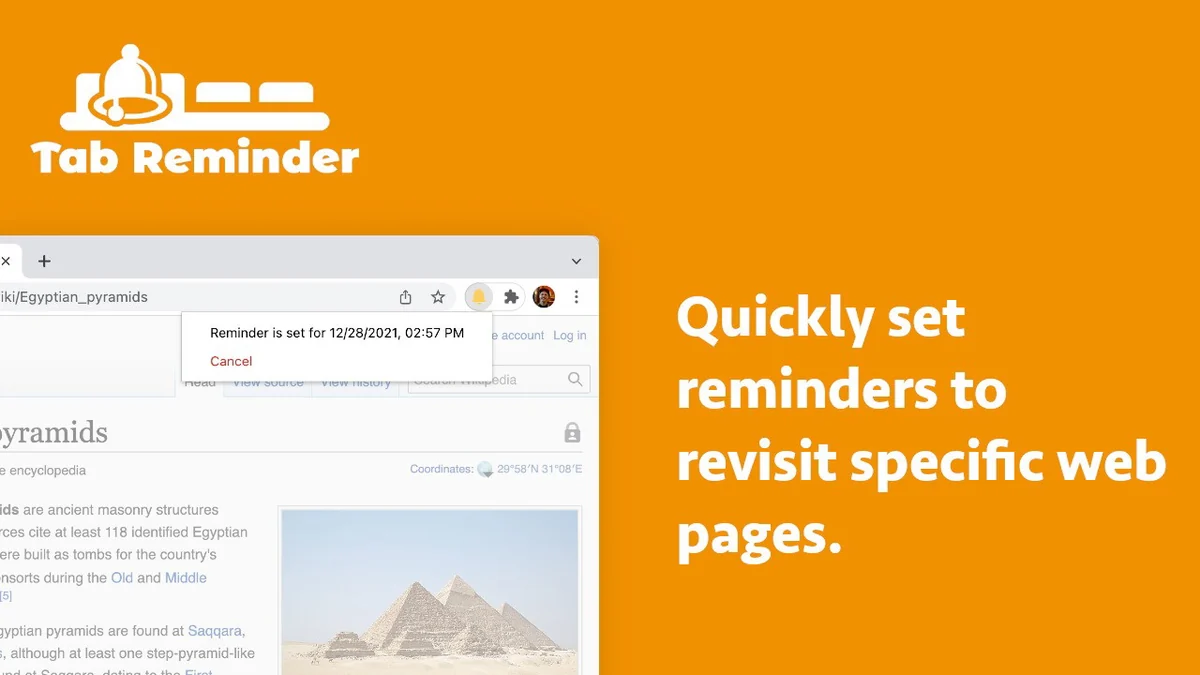
- Visual Indicator: The bell icon illuminates when an active tab has a reminder set, providing a clear visual cue.
- Multi-language Support: Currently supports 4 languages, catering to a wider user base.
How It Works
The extension allows users to select an active browser tab and then set a reminder for it. This reminder can be configured to trigger after a specified period. Once the reminder is set, the extension will notify the user when the time is up, bringing their attention back to that specific tab.
Simple Interface: The process is designed to be intuitive, requiring minimal effort to set up a reminder.
Notification System: When the reminder time elapses, the extension provides a notification to the user.
Use Cases
- Research and Planning: Set reminders to revisit research pages or project planning documents.
- Online Shopping: Remind yourself to check back on items you’re considering purchasing at a later time.
- Learning and Study: Schedule follow-ups on educational resources or articles you want to review.
- Task Management: Use it to mark tabs that require further action or information gathering.
- Collaboration: Tag tabs that need to be shared or discussed with colleagues later.
Integrations & Compatibility
- Chrome Tab Reminder functions as a browser extension, primarily designed for Chrome
- Its cross-browser compatibility means it can be a versatile tool for users who switch between different browsing environments, although the core functionality is built around the Chrome ecosystem
- The developers encourage feedback for future updates and potential integrations.
Pricing & Value
The extension is available through AppSumo, offering a lifetime access plan. This provides access to all future updates for the Chrome Tab Reminder Plan without ongoing subscription fees.
A free trial of a 20-minute reminder is available, allowing users to test the core functionality before committing to a purchase.
Deal Details
The current AppSumo deal provides lifetime access to the Chrome Tab Reminder Plan. Users are required to redeem their codes within 60 days of purchase.
Important Note: This deal is not stackable, meaning a single purchase is for one user’s lifetime access.
Money-Back Guarantee: A 60-day money-back guarantee is included, offering a risk-free period to evaluate the tool.
Quick Take
- Ideal for users who frequently have many browser tabs open and struggle to keep track of important ones.
- A practical solution for individuals needing to schedule follow-ups on specific web content without relying on complex task management systems.
- Offers a straightforward way to enhance browsing efficiency and ensure timely revisits to crucial web pages.
FAQs
What is the refund policy?
There is a 60-day money-back guarantee to ensure satisfaction.
Does the extension support different browser themes?
Yes, it looks great in both light & dark modes.
Can I test the reminder function before buying?
Yes, you can try a 20-minute reminder for free.
How long do I have to redeem the deal?
You must redeem your code(s) within 60 days of purchase.
What is the primary benefit of using Chrome Tab Reminder?
It helps you revisit important websites at the perfect time.
Final Thoughts
Chrome Tab Reminder | AppSumo presents a focused solution to a common browsing challenge. Its simplicity in setting reminders, coupled with a clean interface and useful visual cues, makes it a practical addition to any browser.
For individuals looking to improve their tab management and ensure they don’t miss important web-based information, this extension offers a streamlined approach. The lifetime deal further enhances its value proposition for consistent users.