
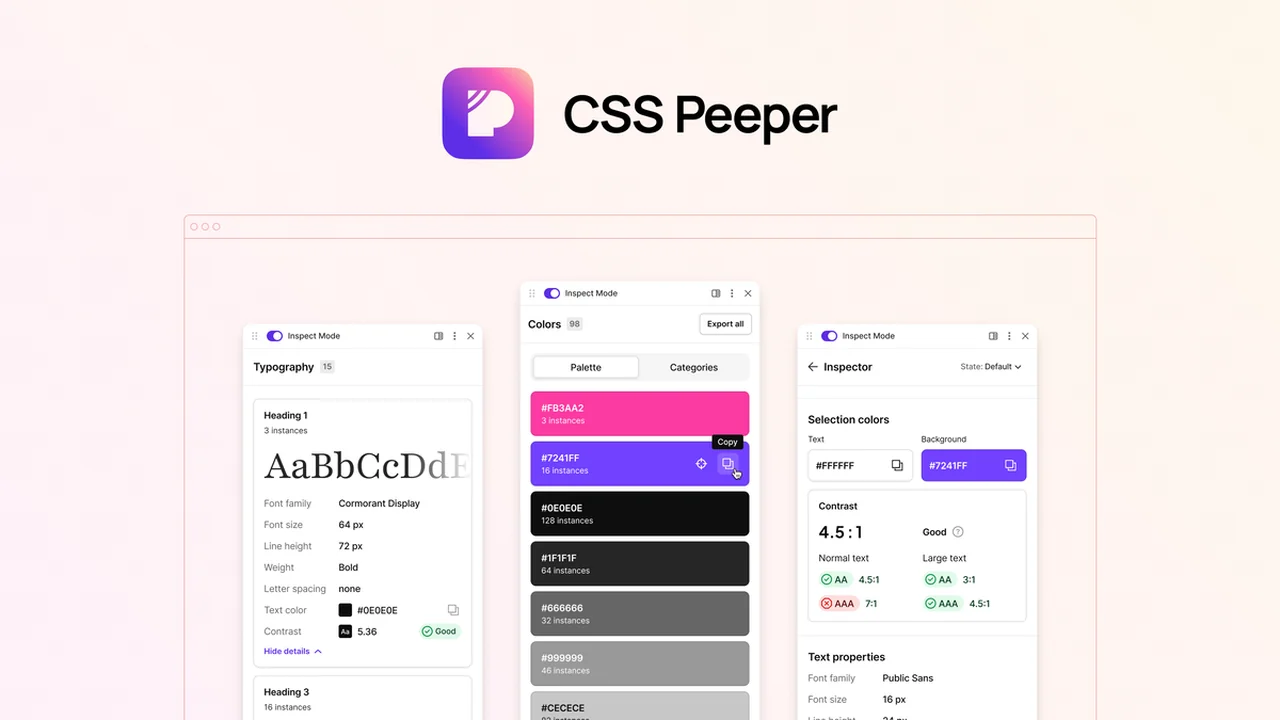
This review dives deep into CSS Peeper, a powerful Chrome extension designed to simplify the process of inspecting and analyzing website design elements. We’ll explore its core functionalities and how it can benefit various users in the web design and development space.
You’ll discover what makes CSS Peeper a valuable tool for quickly extracting style information, understanding color palettes, and examining typography without needing to write a single line of code.
What is CSS Peeper – Analyze website styles without code | AppSumo
CSS Peeper is a Chrome extension built to revolutionize how designers and developers interact with web page styles. It offers an intuitive interface that allows users to inspect, explore, and analyze design properties directly from any website. The primary goal is to eliminate the need to sift through complex source code, making the design analysis process faster and more efficient.
Key Features
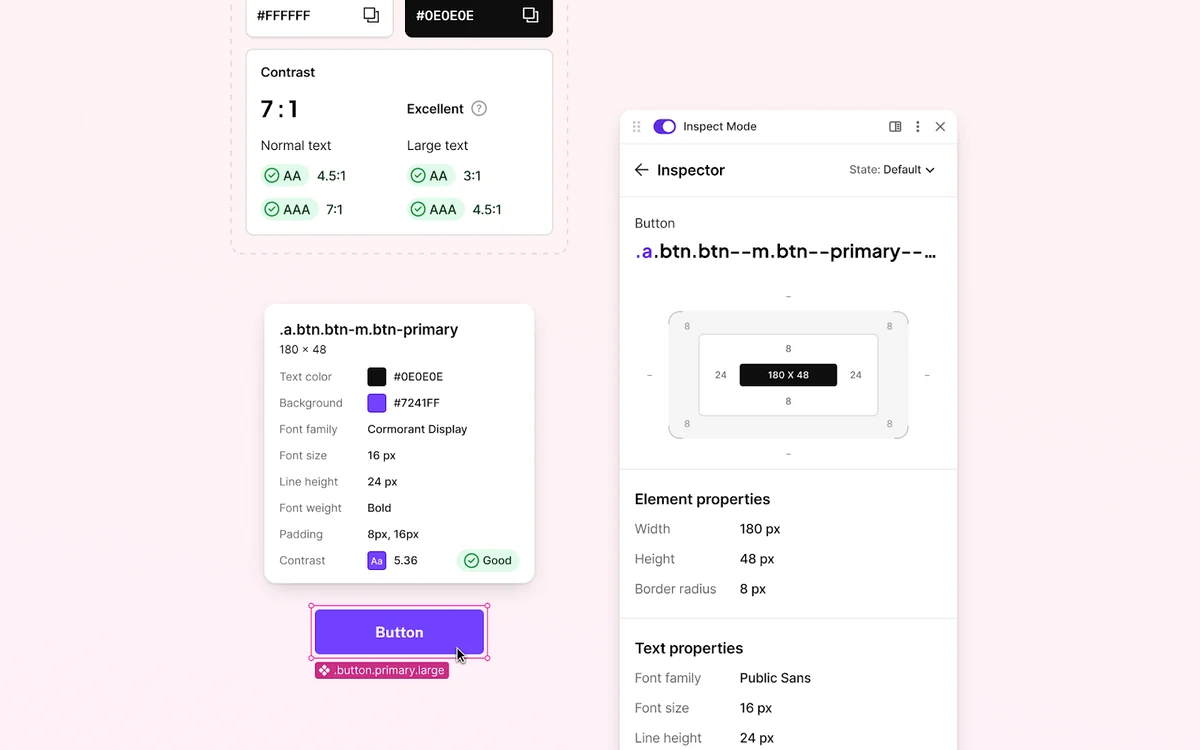
- Instant Style Inspection: Quickly identify and extract CSS properties, colors, fonts, and other design elements from any webpage with a simple click.
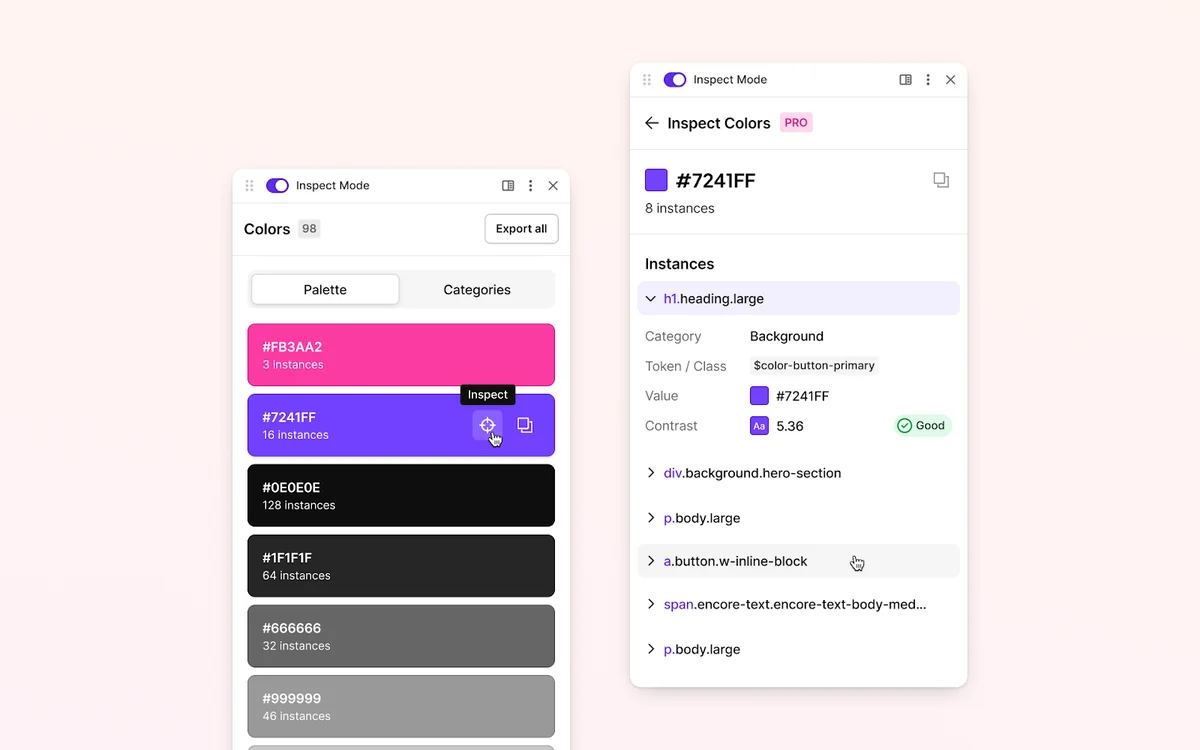
- Color Palette Analysis: Analyze and extract the complete color palette used on a website, making it easy to understand brand colors or create complementary schemes.
- Asset Extraction: Efficiently extract images and other design assets directly from the inspected webpage.
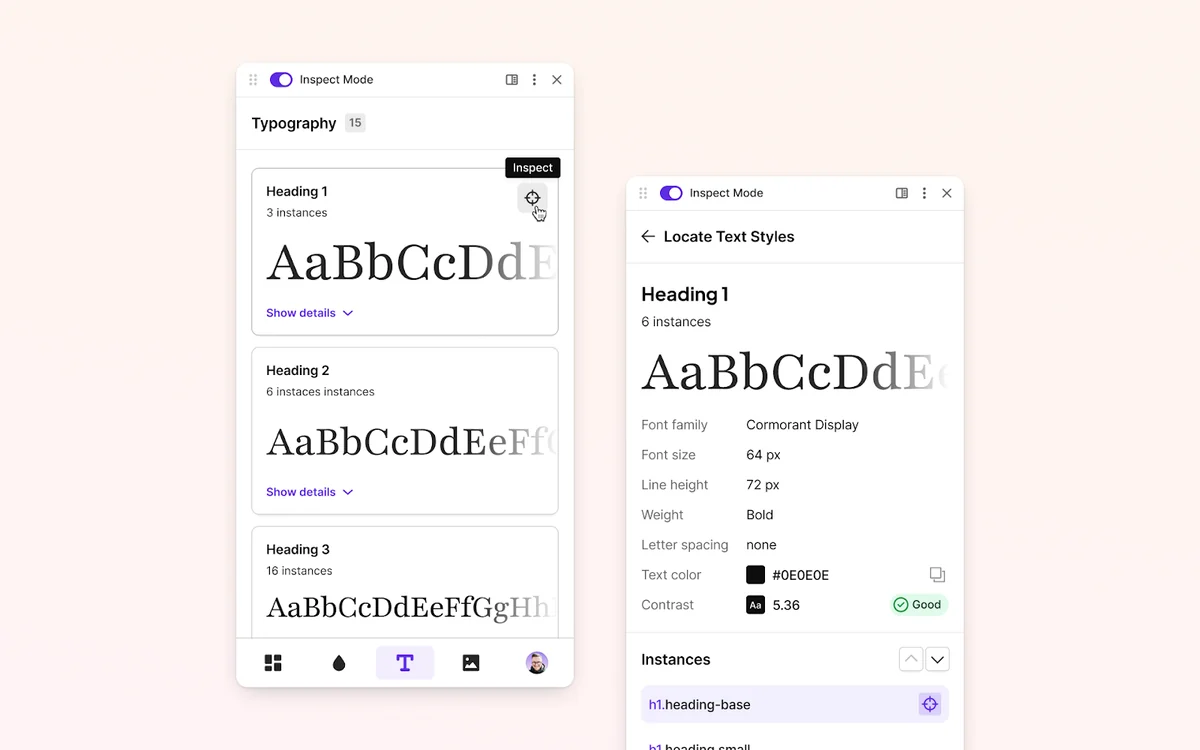
- Typography Details: Gain clear insights into the fonts being used, including font families, sizes, weights, and line heights.
- User-Friendly Interface: Designed with designers in mind, it provides a clean and straightforward way to access design data without developer tools.
How It Works
Using CSS Peeper is straightforward. Once installed as a Chrome extension, simply navigate to any website you wish to analyze. Activating the extension will overlay the site with an interactive panel that displays all the relevant design information. You can then click on specific elements to get detailed style breakdowns, or view aggregated information like color palettes and font styles for the entire page.
Use Cases
- Web Designers: Quickly replicate or draw inspiration from the styling of existing websites.
- Product Designers: Analyze the visual design language of competitor products or reference sites.
- Web Development Agencies: Streamline the process of understanding client websites or auditing design consistency.
- Content Creators: Easily identify brand colors and fonts for content creation purposes.
- Students and Learners: A practical tool for learning about CSS and web design principles by observing real-world examples.
Integrations & Compatibility
- CSS Peeper is primarily a Chrome extension, meaning it requires the Google Chrome browser or any Chromium-based browser such as Brave or Edge to function
- While its core functionality is browser-based, its output can be easily copied and used in various design and development workflows.
Pricing & Value
The value proposition of CSS Peeper lies in its ability to save significant time and effort. By providing instant access to design details, it reduces the hours typically spent digging through code. This efficiency boost can translate into cost savings for individuals and agencies alike.
Deal Details
This offer provides lifetime access to CSS Peeper, including all future updates to the Ultra Plan. It’s a one-time purchase with no codes or stacking required. Users need to activate their license within 60 days of purchase. This deal is exclusively for new CSS Peeper users.
Quick Take
- Essential for designers and developers seeking to quickly analyze website styles.
- Saves considerable time by bypassing the need for manual code inspection.
- Offers a straightforward way to extract colors, fonts, and assets.
FAQs
Is this a one-time purchase?
Yes, this deal offers lifetime access to CSS Peeper and future Ultra Plan updates.
What kind of design elements can I inspect with CSS Peeper?
You can inspect colors, fonts, spacing, assets, and other CSS properties.
How is CSS Peeper different from browser developer tools?
CSS Peeper offers a more simplified and designer-focused interface for style inspection.
Can I use CSS Peeper to edit website styles?
CSS Peeper is for analysis and inspection, not for directly editing website styles.
Does CSS Peeper work on all browsers?
CSS Peeper is designed to work with Google Chrome and other Chromium-based browsers like Brave and Edge.
Final Thoughts
CSS Peeper offers a compelling solution for anyone involved in web design or development who needs to quickly understand the styling of a website. Its ease of use and focused feature set make it a valuable addition to a designer’s toolkit. The time saved by not having to manually inspect code is a significant advantage, making it a practical and efficient tool for everyday use.