
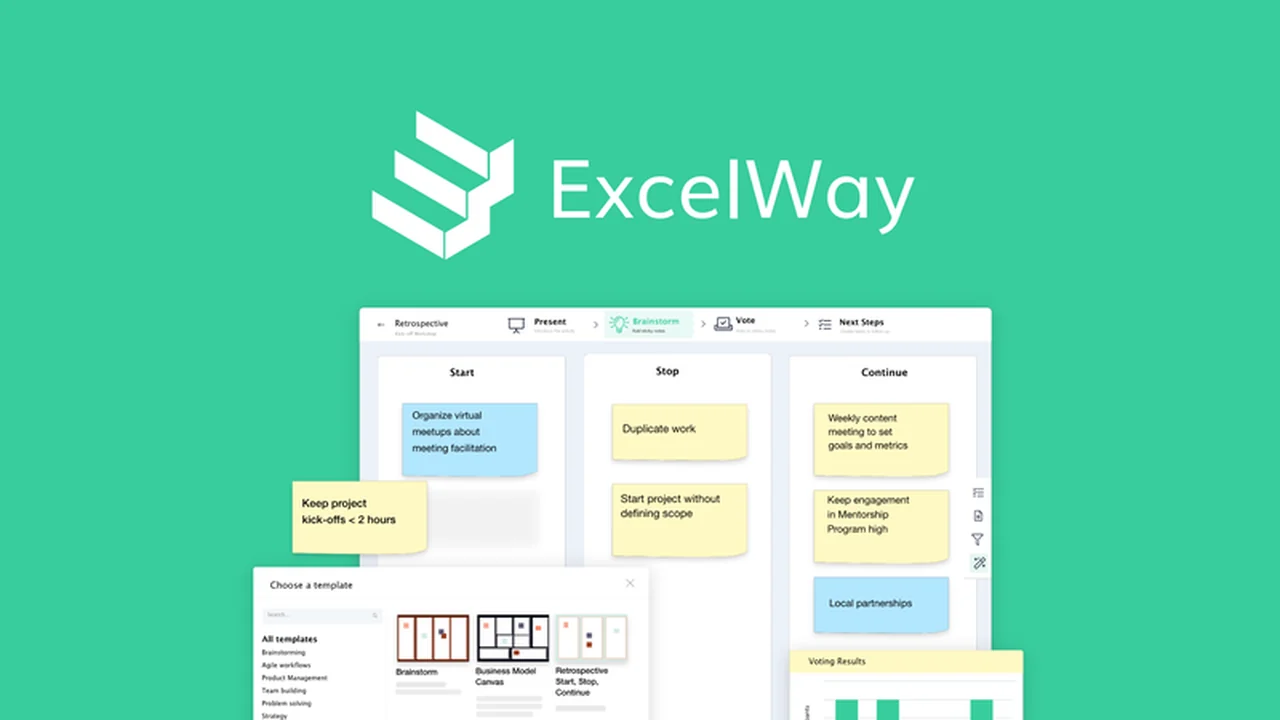
Are you tired of juggling multiple tools for team brainstorming and project tracking? This review explores how ExcelWay aims to unify these critical functions.
Discover if this platform can effectively transform your team’s ideas into actionable project steps, all within a single, cohesive environment.
What is ExcelWay – Host brainstorms and track projects | AppSumo
ExcelWay is designed as an all-in-one collaboration platform that bridges the gap between ideation and execution. It aims to help teams conduct productive brainstorming sessions and then seamlessly transfer those ideas into a functional project management system.
The platform is built to centralize team communication, meeting facilitation, and project oversight, reducing the need to switch between disparate software solutions. This integrated approach is intended to boost productivity and ensure that meeting outcomes translate directly into tangible project progress.
Key Features
ExcelWay offers a suite of features focused on enhancing collaborative work and project organization.
- Virtual Whiteboard & Sticky Notes: Facilitate interactive brainstorming sessions with a digital whiteboard where participants can share ideas using color-coded virtual sticky notes.
- Meeting Templates: Access a variety of flexible meeting templates to structure different types of sessions, from team check-ins to larger seminars.
- Task Conversion: Easily convert ideas captured on sticky notes directly into actionable project tasks within the platform.
- Project Management Dashboard: Organize and track project progress with a customizable dashboard featuring List and Kanban views.
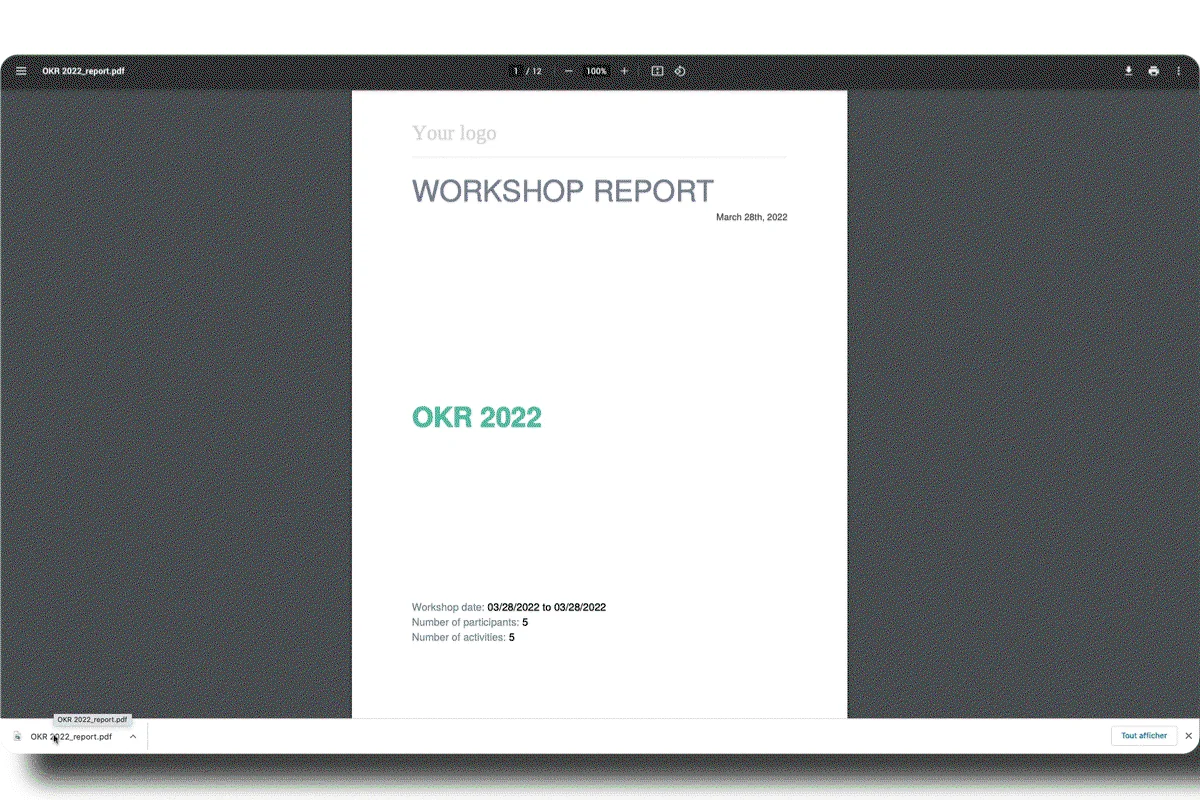
- Automated Reports: Generate comprehensive meeting reports including participation stats, notes, ideas, and next steps, which can be downloaded in Microsoft Word format.
- Personalized Status Reports: Receive automated daily and weekly email summaries of task progress and overall project status.
How It Works
Getting started with ExcelWay involves setting up and conducting meetings, capturing ideas, and then organizing those ideas into manageabale projects.
You can schedule various types of meetings using provided templates, invite attendees via a link or email, and utilize the virtual whiteboard for collaborative ideation. Once brainstorming is complete, individual sticky notes can be transformed into project tasks. These tasks then populate a project management dashboard where progress can be monitored through visual cues like color-coded charts and status reports.

Use Cases
ExcelWay is suitable for a range of scenarios where collaborative ideation and structured project management are essential.
- Team Brainstorming: Conduct sessions to generate new product ideas, marketing strategies, or problem-solving approaches.
- Project Kick-offs: Use templates to define project scope, gather initial requirements, and set clear objectives with stakeholders.
- Client Consultations: Facilitate meetings with clients to gather feedback, outline deliverables, and ensure alignment on project goals.
- Retrospective Meetings: Analyze past project performance, identify areas for improvement, and capture lessons learned.
- Daily Stand-ups: Organize brief team meetings to discuss progress, identify blockers, and plan daily tasks.
Integrations & Compatibility
- ExcelWay is designed to function as a standalone platform, centralizing your collaboration and project management needs
- The platform focuses on providing a self-contained environment for ideation and execution
- Meeting reports can be downloaded in a common format like Microsoft Word for easy integration into existing documentation workflows.
Pricing & Value
ExcelWay is available through a one-time purchase offer, providing lifetime access to its features.
This model allows users to avoid recurring subscription fees, offering significant value over time. The initial investment grants ongoing access to the platform and its updates, making it a cost-effective solution for teams seeking a unified workflow.
Deal Details
The current offer for ExcelWay provides lifetime access to the platform. This includes all features necessary for hosting brainstorms and managing projects.
Additionally, the deal comes with a 60-day money-back guarantee, allowing users to test the platform thoroughly and ensure it meets their expectations without financial risk.
Quick Take
- Ideal for teams needing to connect meeting ideas with concrete project tasks.
- Valuable for organizations looking to reduce tool-switching and centralize workflow.
- Offers a straightforward path from brainstorming to actionable project management.
FAQs
Is there a trial period available?
Yes, the offer includes a 60-day money-back guarantee for testing the platform.
What format are the meeting reports in?
Meeting reports can be downloaded as Microsoft Word files.
Can I see my project progress easily?
Yes, progress is monitored with color-coded charts and status reports on the dashboard.
How are ideas captured during brainstorms?
Ideas are captured using color-coded sticky notes on a virtual whiteboard.
Can I host large meetings with ExcelWay?
Yes, ExcelWay can accommodate brainstorm calls for up to 500 members.
Final Thoughts
ExcelWay presents a compelling solution for teams looking to streamline their workflow from initial idea generation to project completion. By integrating virtual brainstorming capabilities with a robust project management system, it addresses a common challenge of fragmented digital tools.
The platform’s emphasis on converting meeting outcomes directly into actionable tasks, coupled with automated reporting and a user-friendly interface, makes it a practical choice for enhancing team productivity and project clarity.