
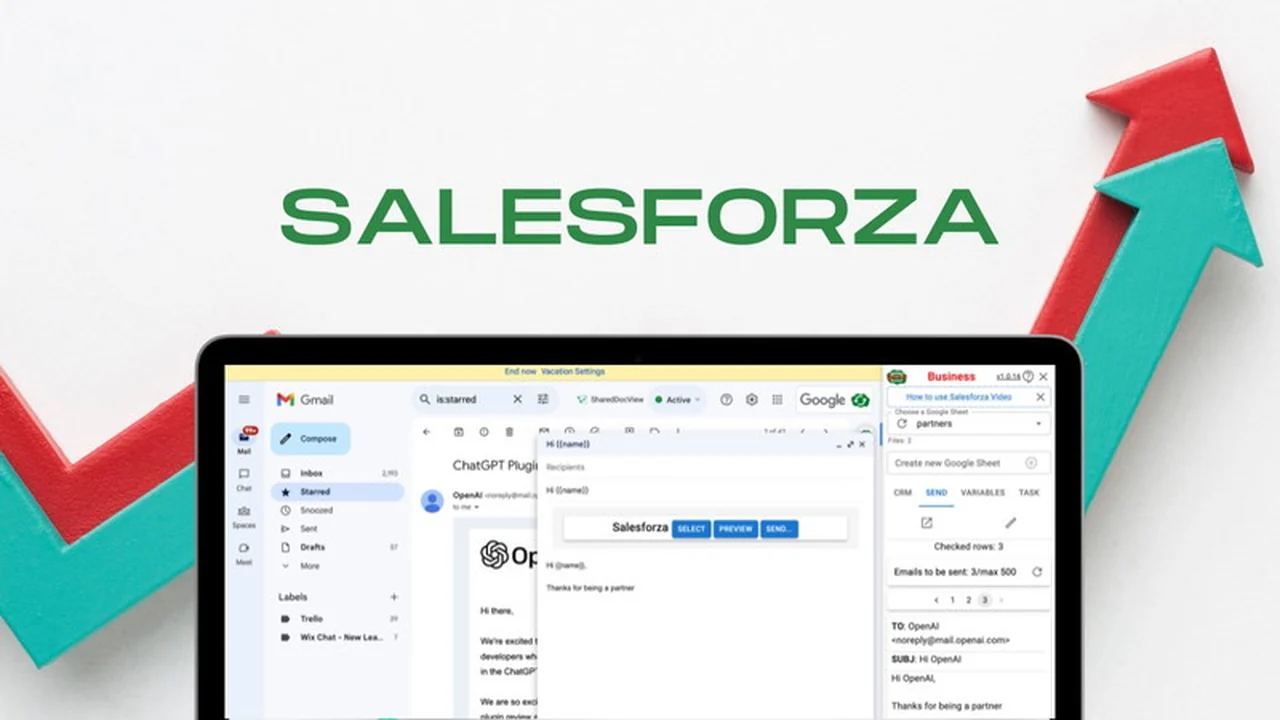
Discover a powerful tool designed to streamline your email outreach and contact management directly within your familiar Google ecosystem.
This review explores the capabilities of the Gmail Mail Merge & CRM on Google Sheets Chrome Extension, highlighting its features, how it operates, and its potential benefits for users.
What is Gmail Mail Merge & CRM on Google Sheets Chrome Extension | AppSumo
The Gmail Mail Merge & CRM on Google Sheets Chrome Extension is a browser-based solution that integrates directly with Gmail and Google Sheets. It aims to simplify sending personalized bulk emails and managing customer relationships by leveraging the familiar interface of Google’s suite.
Key Features
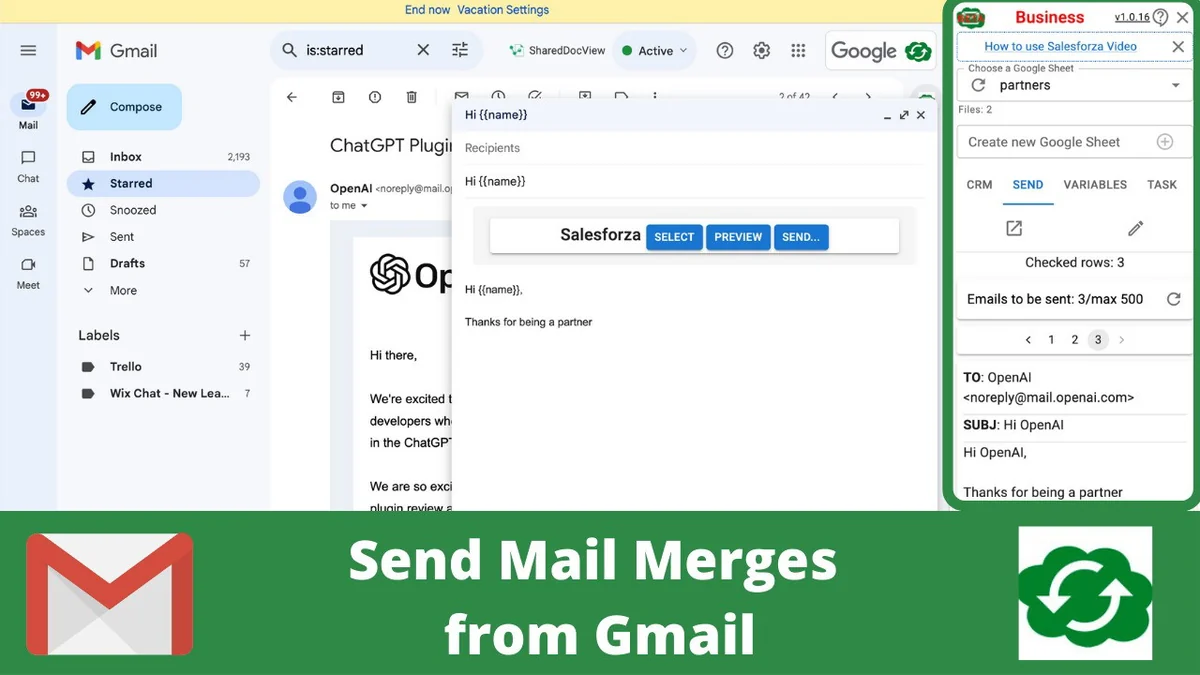
- Gmail Mail Merges: Send personalized bulk emails from your Gmail account without needing to open other applications.
- Inbox Placement: Designed to help your mail merge campaigns land in recipients’ inboxes, reducing the likelihood of them being marked as spam.
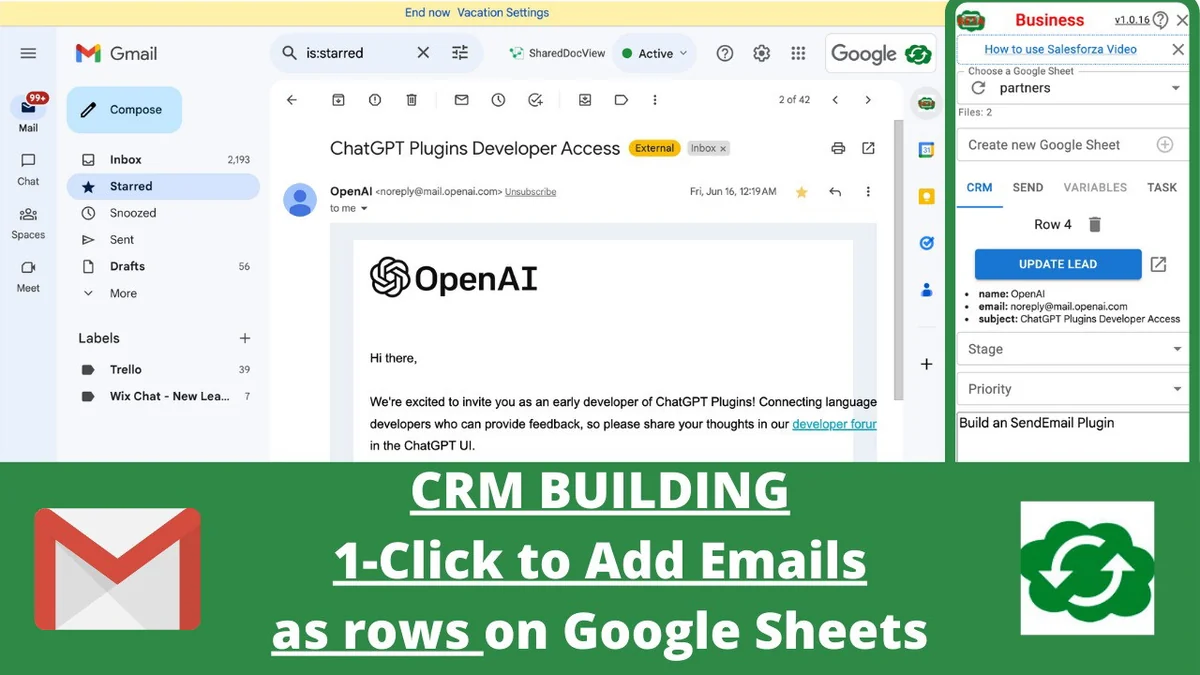
- CRM on Google Sheets: Build and manage your customer relationship management data directly within Google Sheets, adding contacts as new rows.
- Custom Fields: Add custom fields in the extension that automatically appear as new columns in your Google Sheets CRM.
- Data Synchronization: Ensures that data remains consistently synced between your Google Sheets and the extension.
- Email Batching: Send large volumes of emails in batches with automated scheduling options, such as sending a specific number of emails every few hours on certain days.
- Chrome Tab Syncing: Includes an extension to sync your Chrome tabs directly to Google Sheets, aiding in data collection from web browsing.
How It Works
This extension operates as a Chrome browser add-on, enhancing your Gmail and Google Sheets experience. When composing an email in Gmail, you can utilize the extension to import contact lists, personalize messages with recipient-specific data, and send them in bulk. Simultaneously, new contacts or updated information can be added to a designated Google Sheet, effectively building your CRM. The extension pulls data from your Google Sheet to populate merge fields in your emails and pushes new contact information back into the sheet.
Use Cases
- Sales Outreach: Send personalized follow-ups and promotional emails to leads and customers.
- Marketing Campaigns: Execute targeted email marketing strategies to a segmented audience.
- Event Invitations: Distribute invitations and reminders for webinars, conferences, or meetings.
- Customer Onboarding: Send automated welcome emails and initial guidance to new users.
- Data Management: Consolidate contact information from various sources into a single, organized Google Sheet.
Integrations & Compatibility
- The primary integration is with Gmail and Google Sheets, forming the core functionality of the tool
- It is designed to work with both personal Gmail accounts and Google Workspace accounts
- While the product focuses on these core Google services, it also offers a Chrome extension for syncing browser tabs to Google Sheets, which can indirectly support data aggregation from other web-based platforms.
Pricing & Value
The value proposition centers on offering an affordable and straightforward solution for mail merges and CRM management, addressing the frustration of high costs and manual data handling associated with other tools. It provides a way to avoid complex CSV imports and exports by keeping data directly within the Google ecosystem.
Deal Details
This product is available through a special deal, indicating a potentially limited-time offer. The details of the deal typically involve a one-time payment for lifetime access or a specific term, providing significant cost savings compared to recurring subscription models for similar functionalities. This deal is a key reason for exploring the tool’s capabilities.
Quick Take
- Ideal for individuals and small businesses looking for an integrated Gmail and Google Sheets solution.
- Offers a cost-effective way to send personalized emails and manage contact data.
- A practical choice for those who prefer managing their CRM within a spreadsheet environment.
FAQs
If someone signs up for my list, can I automatically send them a series of five emails?
Automated email sequences are planned for future roadmap inclusion.
Hi–is the GPT option included in this offer?
The GPT option is not included due to its significant recurring operational costs.
How many can I send every day? Will my domain be blacklisted?
Sending limits are dependent on your Gmail or Google Workspace account policies.
I’m trying to see how I can benefit from this.
Its batching feature can assist with emailing a large number of contacts efficiently.
Any chance you’ll return to AppSumo?
The team is open to considering a return to AppSumo based on user interest.
Final Thoughts
The Gmail Mail Merge & CRM on Google Sheets Chrome Extension | AppSumo deal presents a compelling opportunity for users seeking an efficient and integrated solution for email outreach and contact management. By leveraging the power of Gmail and Google Sheets, it simplifies complex tasks into manageable actions. The focus on inbox placement and the direct CRM functionality within a familiar spreadsheet environment makes it a practical choice for enhancing productivity and building customer relationships without leaving the Google ecosystem.