
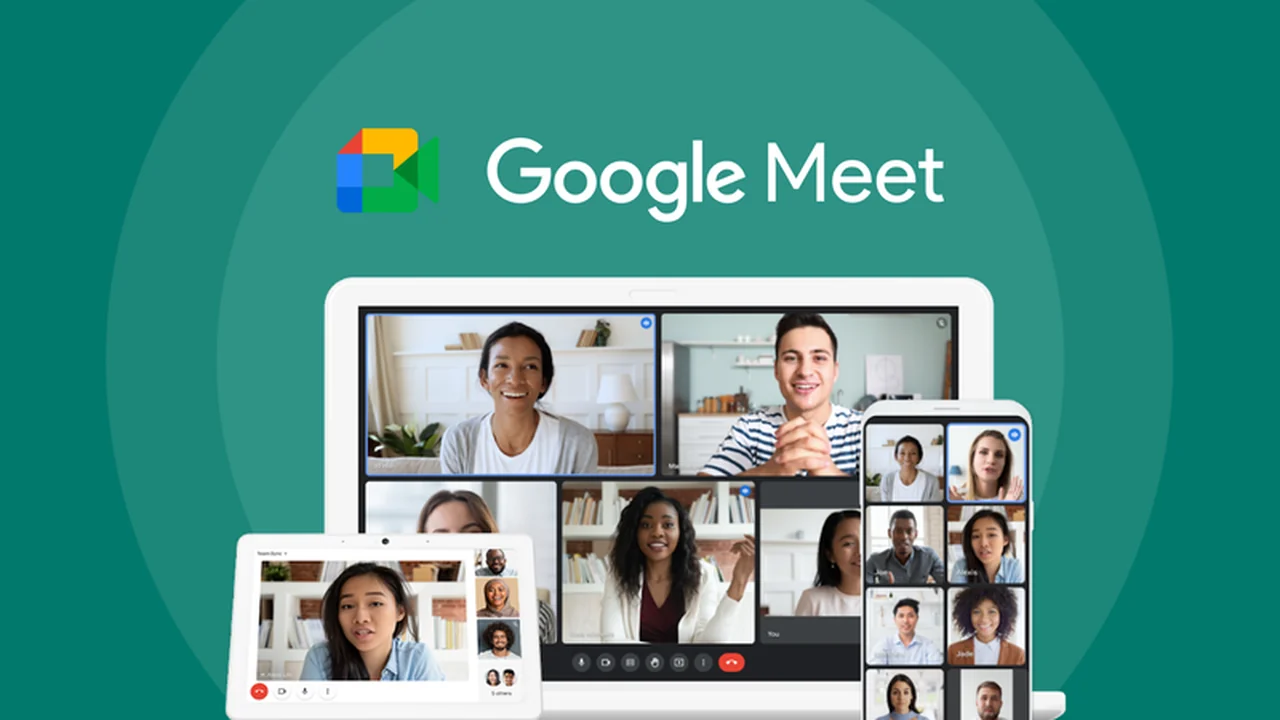
This review explores the capabilities of Google Meet as offered through an AppSumo deal, focusing on its ability to facilitate seamless video communication.
We will delve into its core functionalities, practical applications, and the overall value proposition for individuals and businesses looking to enhance their online interactions.
What is Google Meet – Connect from anywhere | AppSumo
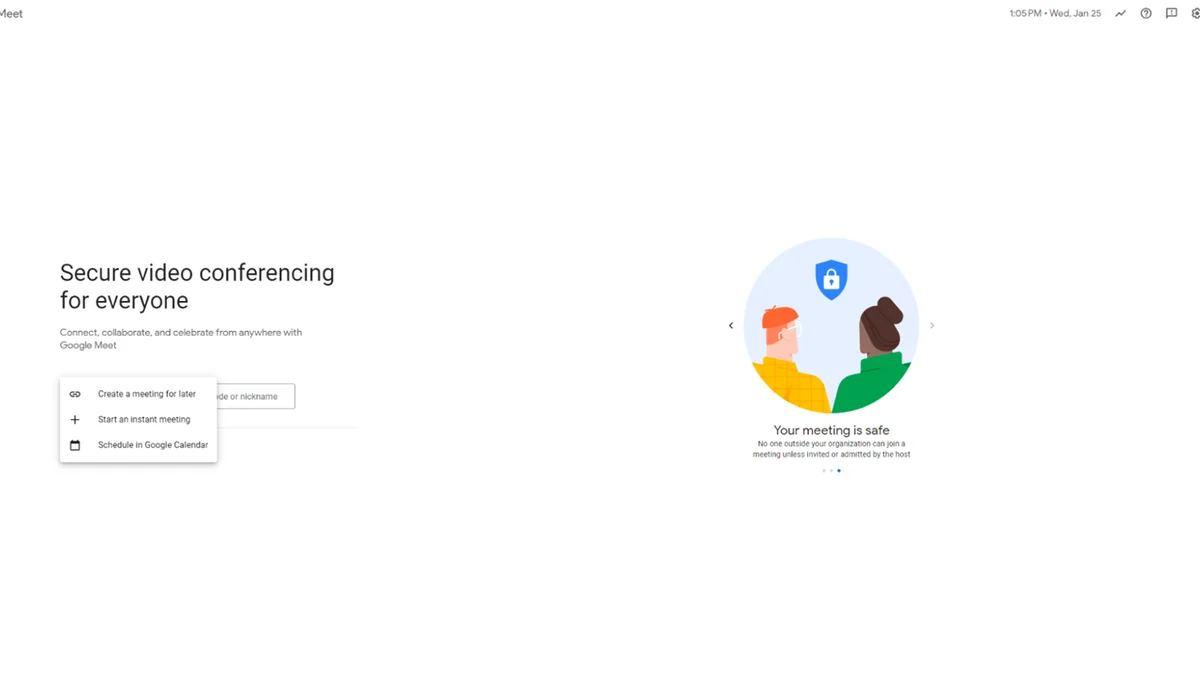
Google Meet is a video conferencing platform designed for user-friendly connection, allowing users to engage with others globally. It offers a straightforward approach to initiating or scheduling meetings, aiming to minimize complexity and maximize accessibility for all participants.
Key Features
- Instant or Scheduled Meetings: Start a video call immediately or plan it for a future time with ease.
- Noise Cancellation: Enhance audio clarity by filtering out distracting background sounds during calls.
- Live Captions: Improve comprehension and inclusivity with real-time transcription of conversations.
- Breakout Rooms: Divide attendees into smaller groups for focused discussions or parallel activities.
- Polls and Reactions: Facilitate quicker decision-making and gather instant feedback from participants.
- Customizable Backgrounds: Personalize your meeting environment by replacing your video background with custom images or videos.
- Cloud Processing for Visuals: Advanced visual effects are processed in the cloud to conserve device battery and optimize performance.
- Video Recording: Capture meetings to review content later or share with absent attendees.
- Phone Dial-in: Join meetings via a phone call if internet connectivity is unreliable.
- Chat Functionality: Communicate with all participants through a built-in text chat.
- Hand Raising Feature: Allow participants to signal their desire to speak without interrupting the flow.
- AI-Powered Tools: Benefit from features like auto-zooming to keep participants framed and automatic video brightening in low-light conditions.
How It Works
Getting started with Google Meet is designed to be intuitive. Users can create a meeting link instantly or schedule one for later through a simple interface. Once a meeting is created, participants can join via a shared link or by dialing in. The platform integrates AI-driven features to enhance the meeting experience, such as automatically adjusting video quality and framing participants. Recordings are automatically saved to the organizer’s Google Drive and linked to the Calendar event for easy access.
Use Cases
- Team Collaboration: Conduct daily stand-ups, project reviews, and brainstorming sessions.
- Remote Work: Facilitate seamless communication for distributed teams.
- Client Meetings: Hold professional discussions and presentations with clients.
- Educational Purposes: Deliver lectures, host Q&A sessions, or conduct virtual classes.
- Virtual Events: Organize webinars or online workshops.
- Personal Connections: Stay in touch with friends and family across distances.
Integrations & Compatibility
- Google Meet works particularly well with other tools within the Google ecosystem
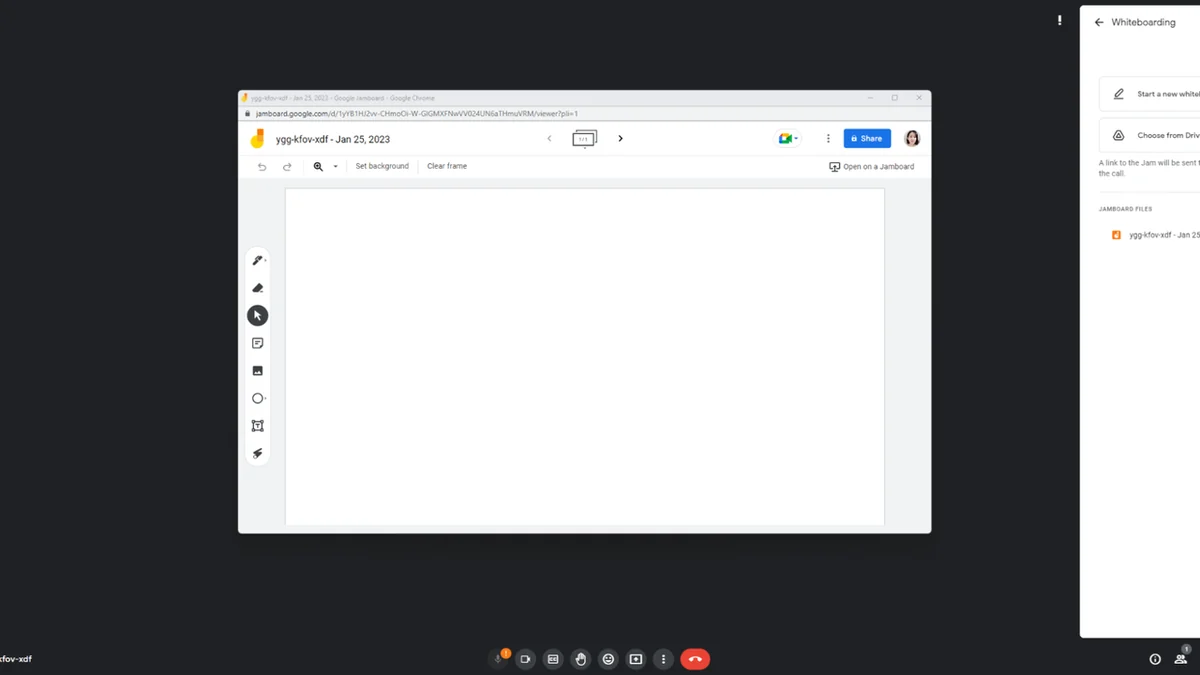
- For example, it offers enhanced collaboration with Miro, allowing participants to interact with whiteboards directly within the meeting interface without needing separate logins
- Recordings are automatically managed within Google Drive and Calendar events, streamlining workflow and reducing reliance on third-party storage solutions.
Pricing & Value
The value proposition of Google Meet through an AppSumo deal typically involves access to premium features and extended usage terms at a significantly reduced one-time cost. This provides a cost-effective solution for ongoing video conferencing needs compared to recurring subscription models.
Deal Details
This particular deal provides a digital download of Google Meet, granting lifetime access to its features if downloaded and saved within 60 days of purchase. This offers enduring value for users who wish to utilize the platform long-term without future subscription fees.
Quick Take
- Ideal for individuals and businesses seeking an accessible, feature-rich video conferencing solution.
- Offers significant cost savings through a lifetime access model on AppSumo.
- Streamlines communication with integrated AI features and seamless Google ecosystem compatibility.
FAQs
Can I use breakout rooms in Google Meet?
Yes, you can divide participants into smaller breakout rooms for focused discussions.
Does Google Meet offer noise cancellation?
Yes, it features a noise cancellation function to improve call clarity.
What happens to recorded meetings?
Recordings are automatically saved to the organizer’s My Drive and linked to the Calendar event.
Can I record my Google Meet sessions?
Yes, Google Meet includes a video recorder to capture your calls for later review.
How do I start a meeting in Google Meet?
You can start an instant meeting or schedule one for later via a simple interface.
Final Thoughts
Google Meet, particularly when accessed via an AppSumo deal, presents a compelling package for anyone needing reliable and feature-rich video conferencing. Its user-friendly design, combined with advanced functionalities like AI enhancements, breakout rooms, and straightforward recording, makes it a versatile tool for a wide range of communication needs. The lifetime access offered by the deal further solidifies its position as a high-value investment for ongoing virtual collaboration.