
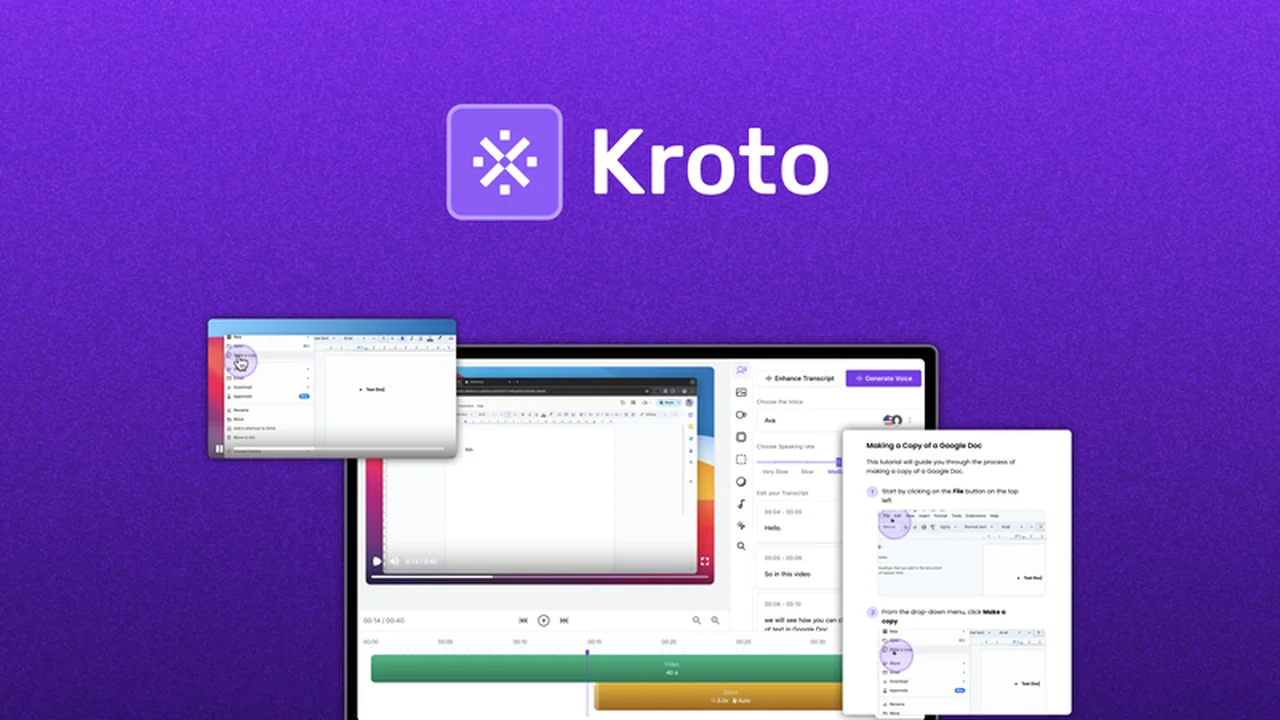
Creating clear and engaging guides or how-to videos can be a significant undertaking, often requiring specialized skills and considerable time investment. This process is crucial for user adoption, customer satisfaction, and reducing support overhead.
This review explores Kroto, an AI-powered application designed to streamline the creation of these essential learning resources.
What is Kroto – Create guides and how-to video with AI | AppSumo
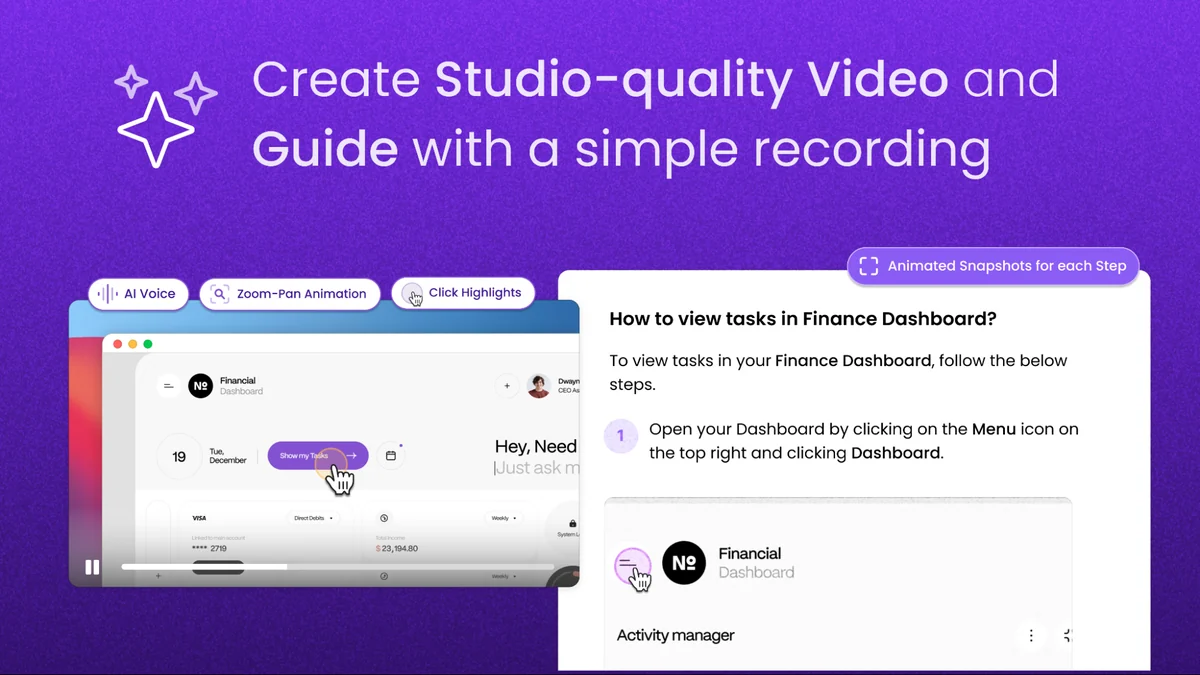
Kroto is an innovative AI-driven platform that simplifies the process of generating how-to videos and step-by-step guides. It aims to empower users, especially product teams and customer success professionals, to create professional-quality support content efficiently. The tool allows for the conversion of raw footage into polished, easy-to-follow videos, and also offers a Notion-like editor for crafting detailed guides.
Key Features
- AI-Powered Video Generation: Transforms raw screen recordings or footage into expertly edited how-to videos quickly, minimizing the need for manual editing.
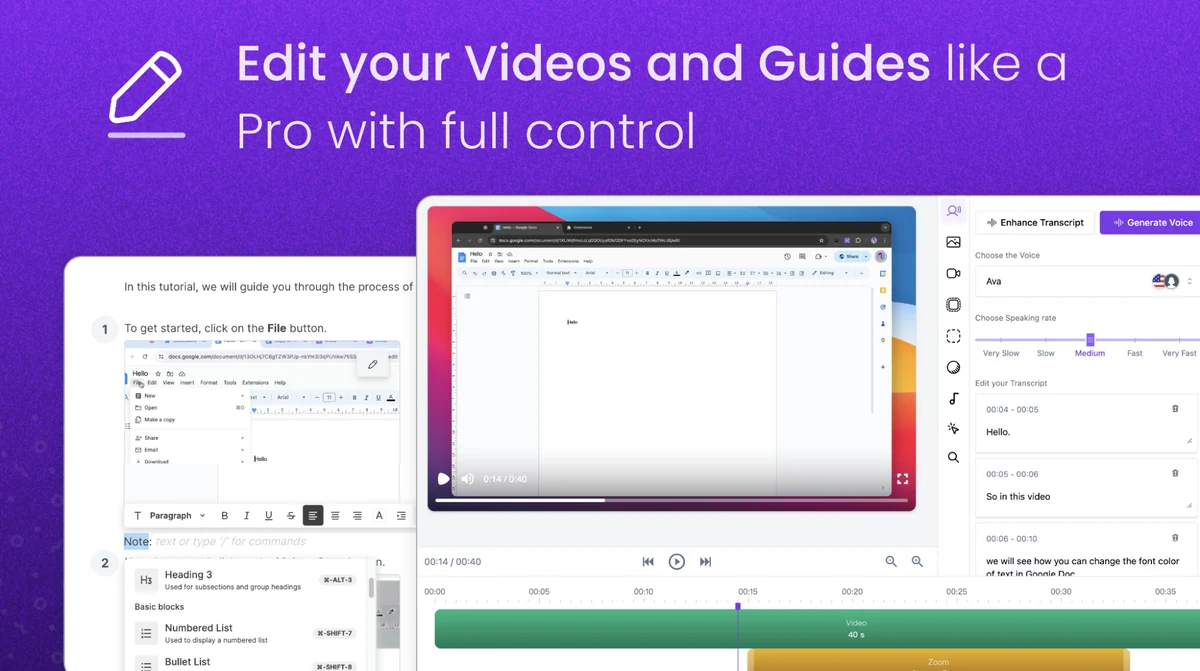
- Step-by-Step Guide Creation: Features an intuitive editor, similar to Notion, for building comprehensive, easy-to-follow written guides.
- Customizable Knowledge Base Hosting: Enables users to host their created videos and guides within a custom-built knowledge base that is SEO-optimized from the outset.
- Multi-Lingual Support (Beta): Offers beta support for multiple languages, expanding the accessibility of created content.
- Ongoing Development: The team is actively working on new features such as simple slicing and editing, adding/removing clicks from recordings, and uploading existing videos for workflow streamlining. A native Mac app is also in development.
How It Works
Kroto leverages AI to automate much of the content creation process. Users can typically start by recording their screen or uploading existing video content. The AI then assists in editing and structuring this raw material into a coherent video tutorial. For written guides, a user-friendly editor allows for the creation of detailed, step-by-step instructions. Once created, these assets can be hosted on a dedicated, SEO-friendly knowledge base provided by the platform.
Use Cases
- Onboarding New Users: Quickly create video tutorials and guides to help new customers understand and adopt a product.
- Customer Support: Develop comprehensive how-to guides that answer common questions, thereby reducing the volume of support tickets.
- Internal Training: Produce training materials for new employees or for upskilling existing staff.
- Product Documentation: Enhance product documentation with interactive video content and clear, step-by-step instructions.
- Feature Announcements: Showcase new features with concise and informative video demonstrations.
Integrations & Compatibility
- Kroto aims to integrate with popular tools, although specific details on integrations are continuously being developed and updated by the product team
- Compatibility often extends to standard web browsers through its Chrome extension and is moving towards native desktop applications for broader accessibility.
Pricing & Value
Kroto is presented as a lifetime deal on AppSumo, offering significant value compared to traditional subscription models. Original pricing for full access was around $160, with a current promotional offer at $40, providing perpetual access to the platform’s features and future updates.
Deal Details
The AppSumo deal for Kroto typically includes lifetime access to the platform, allowing users to create an unlimited number of how-to videos and step-by-step guides. It also often comes with a 60-day money-back guarantee, enabling users to try the service risk-free.
Quick Take
- Ideal for product managers and customer success teams needing to create support content rapidly.
- Offers an AI-driven approach to video and guide creation, reducing manual effort.
- Provides a cost-effective lifetime access solution for essential documentation tools.
FAQs
What is the current development focus for Kroto?
Development includes multi-lingual support, a Mac app, and enhanced video editing features.
Is Kroto suitable for non-technical users?
Yes, it’s designed for ease of use without complex video editing skills.
Does Kroto offer a knowledge base?
Yes, Kroto allows hosting content in a custom, SEO-optimized knowledge base.
Can Kroto help with video editing?
Yes, Kroto transforms raw footage into polished videos with AI-driven editing.
What is the primary function of Kroto?
Kroto helps users create how-to videos and step-by-step guides with AI assistance.
Final Thoughts
Kroto presents a compelling solution for individuals and teams looking to enhance their user support and product documentation. By leveraging AI, it significantly reduces the time and technical expertise typically required for creating high-quality video tutorials and guides. The ability to host this content on an SEO-optimized knowledge base further adds to its utility. For those seeking to improve user experience and streamline support operations, the lifetime deal for Kroto on AppSumo offers substantial value and a practical approach to content creation.