
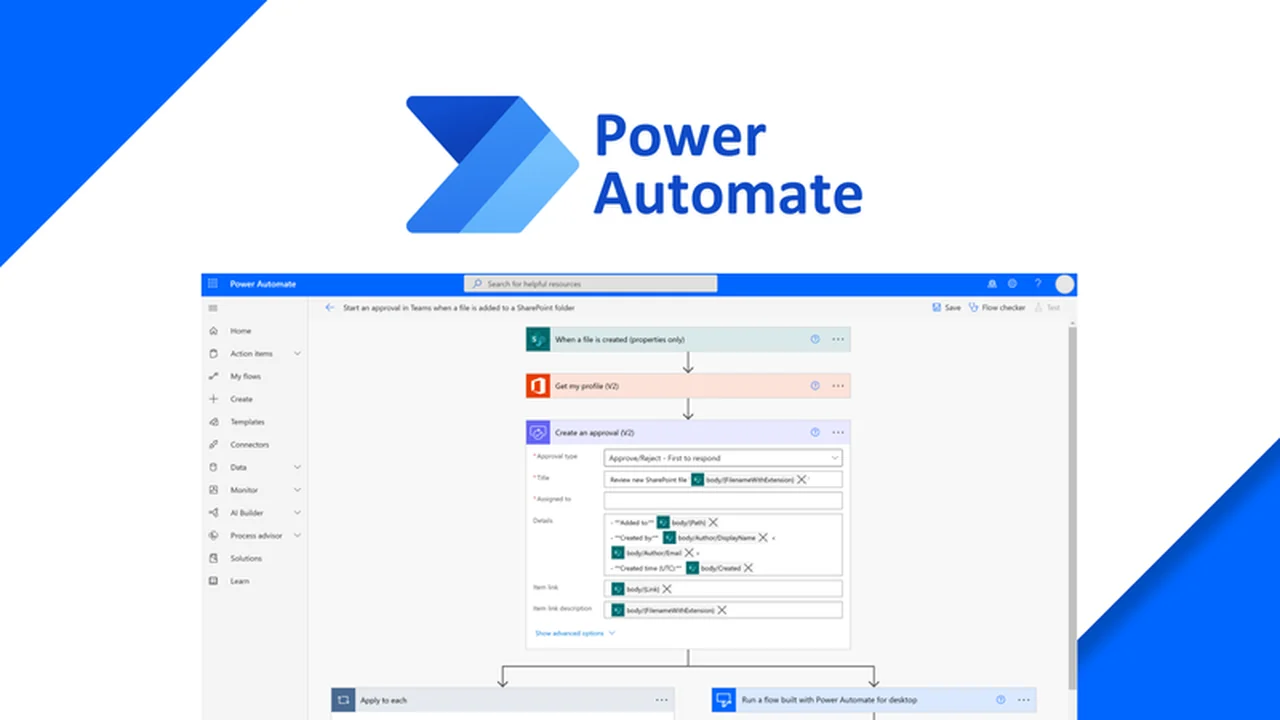
This review explores Microsoft Power Automate, a powerful tool designed to automate repetitive tasks and build intelligent workflows. We will dive into its core functionalities and how it can benefit your business operations.
Discover how to leverage low-code solutions and AI-driven features to enhance productivity and efficiency across your organization. This guide will provide a comprehensive overview of its capabilities and practical applications.
What is Microsoft Power Automate – Automate workflows | AppSumo
Microsoft Power Automate is a digital solution that enables the creation of automated workflows between various applications and services. Its primary purpose is to streamline repetitive tasks, collect data, send notifications, and manage processes with minimal coding required. The platform aims to empower users of all technical skill levels to automate their daily operations.
Key Features
- Low-Code Platform: Features a drag-and-drop interface for intuitive workflow creation.
- Automation Templates: Offers thousands of pre-built templates for rapid deployment.
- Extensive Connectors: Provides hundreds of pre-built connectors to popular apps and services.
- Custom Connectors: Allows users to create and submit their own connectors for unique integrations.
- AI Builder: Utilizes artificial intelligence to assist in building automations based on natural language prompts.
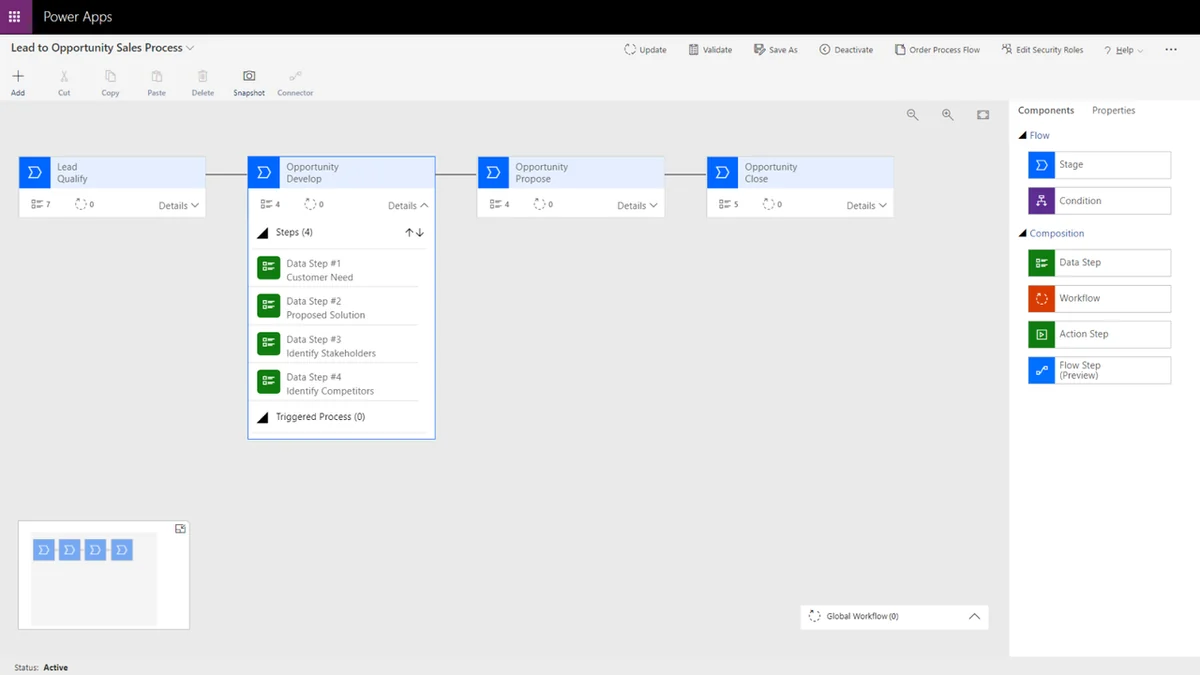
- Process Advisor: Helps record business processes, identify bottlenecks, and suggest automations for optimization.
- Mobile Access: Includes Android and iOS mobile apps for workflow management on the go.
How It Works
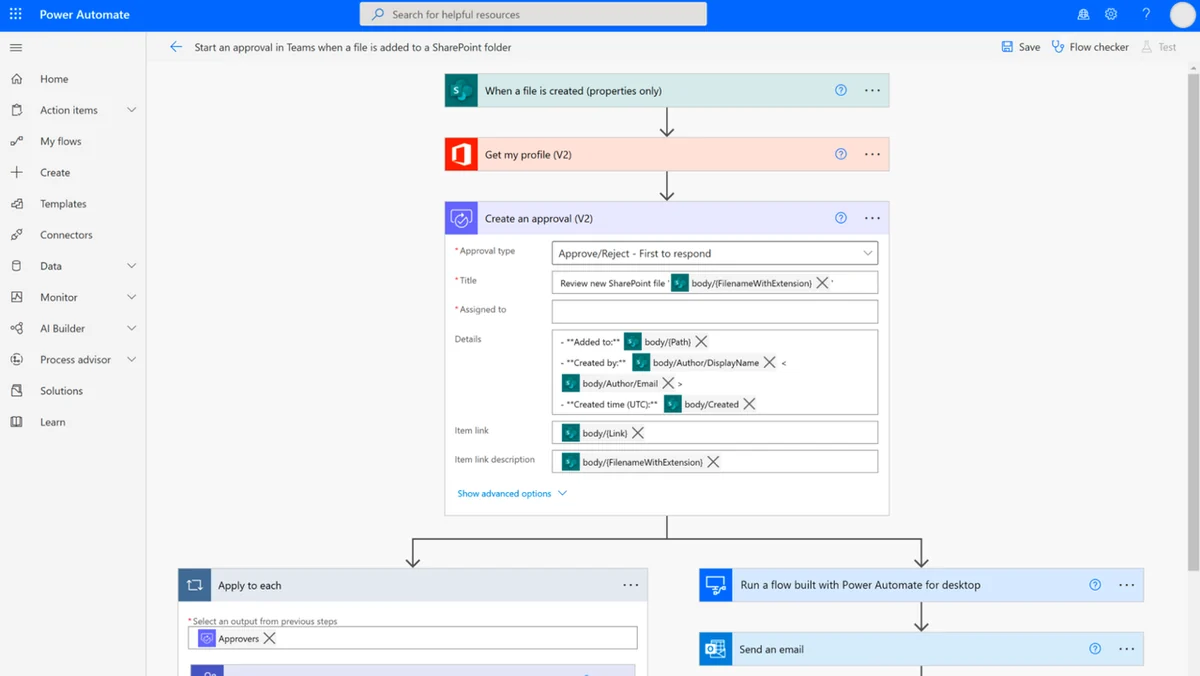
Microsoft Power Automate simplifies automation through a user-friendly, low-code approach. Users can start by selecting from a vast library of automation templates or build custom flows from scratch. The platform connects to a wide array of applications and services using pre-built connectors.
For more advanced automation, the AI Builder can interpret natural language descriptions to construct workflows. The Process Advisor feature allows for the visual mapping and recording of existing business processes, enabling the identification of inefficiencies and the recommendation of AI-driven optimizations.
Use Cases
- Automate data collection and synchronization between different applications.
- Set up custom notifications for important events or changes.
- Streamline approval processes for documents and requests.
- Automate social media posting and engagement.
- Enhance customer service by automating ticket routing and responses.
- Simplify data entry and form submissions.
Pricing & Value
Microsoft Power Automate offers a tiered pricing structure designed to meet various user needs. The value proposition lies in its ability to significantly reduce the time spent on manual, repetitive tasks, freeing up resources for more strategic work. Its low-code interface democratizes automation, making it accessible to a broader range of users.
Deal Details
The current offer through AppSumo provides a valuable opportunity to acquire Microsoft Power Automate. Typically, digital downloads are secured and available for use indefinitely after purchase, provided they are downloaded and saved within a specified period following the acquisition.
Quick Take
- Ideal for individuals and businesses looking to automate repetitive tasks without extensive coding knowledge.
- Empowers teams to build custom workflows that connect disparate applications and services efficiently.
- Leverages AI to streamline processes and identify opportunities for workflow improvement.
FAQs
What is the Process Advisor feature?
It helps record, visualize, and optimize business processes with AI-driven recommendations.
Does Power Automate offer mobile access?
Yes, it provides mobile apps for both iOS and Android devices.
How many applications can Power Automate connect to?
It connects to over 750 apps, data, and services with pre-built connectors.
Can I build automations without coding experience?
Yes, it features a low-code, drag-and-drop interface and AI assistance.
What is the core function of Microsoft Power Automate?
It allows you to create automated workflows between apps and services to streamline tasks.
Final Thoughts
Microsoft Power Automate presents a compelling solution for organizations seeking to enhance efficiency through intelligent automation. Its user-friendly interface, extensive features, and AI capabilities make it a versatile tool for streamlining a wide range of business processes. The availability through AppSumo offers an accessible entry point for users to explore its benefits and drive productivity gains.