
If you’re considering OneStream Live, this review breaks down what it does, how it works, and who it’s best for.
You’ll also get a clear feature rundown, practical use-cases, and a quick decision guide before you commit.
What is OneStream Live – Livestream prerecorded videos | AppSumo
Are you looking to expand your reach across multiple social media platforms without the technical headaches of traditional live streaming? OneStream Live offers a cloud-based solution designed to simplify this process.
This review will guide you through its capabilities, how it functions, and the value it brings for content creators and businesses aiming for consistent online presence.
Key Features
OneStream Live is equipped with a range of features to streamline your streaming workflow:
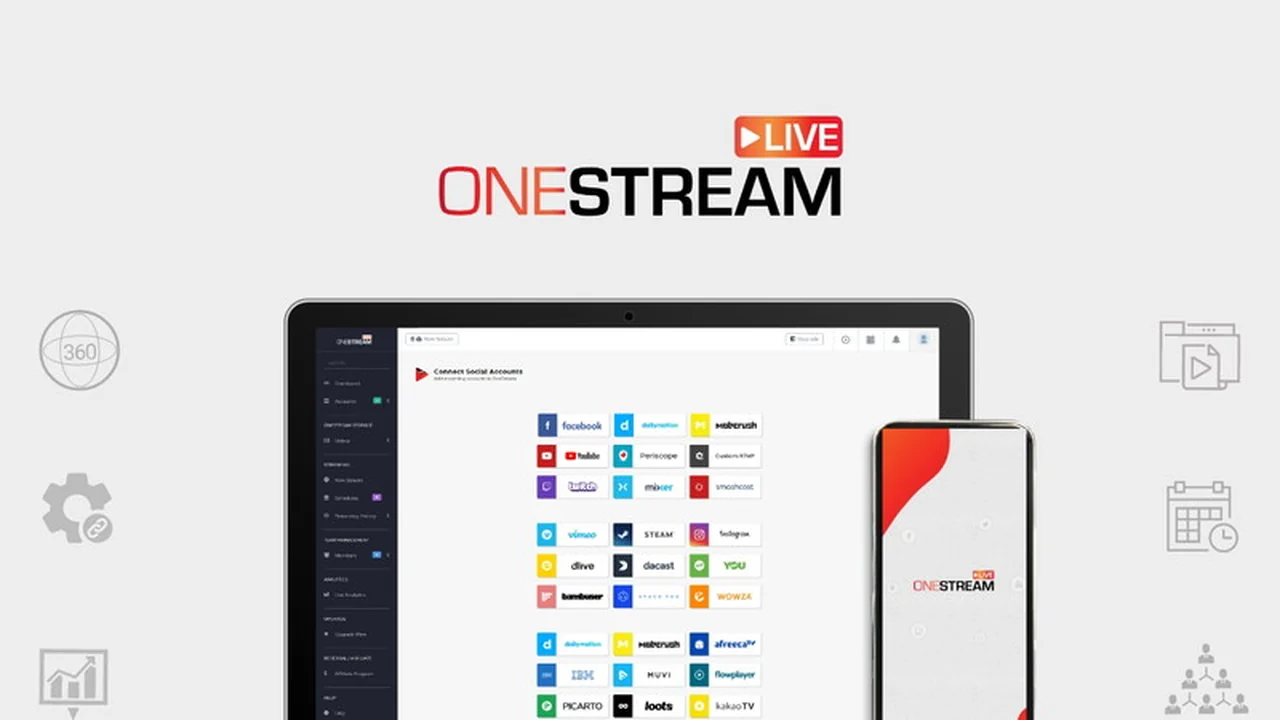
- Simultaneous Streaming: Broadcast your prerecorded videos to over 40 social media platforms at once.
- Cloud-Based Operation: Forget about bandwidth concerns and software installations; streaming is handled from OneStream’s servers.
- Scheduling Capabilities: Plan your streams from less than a minute to 59 days in advance, with options for repeating schedules.
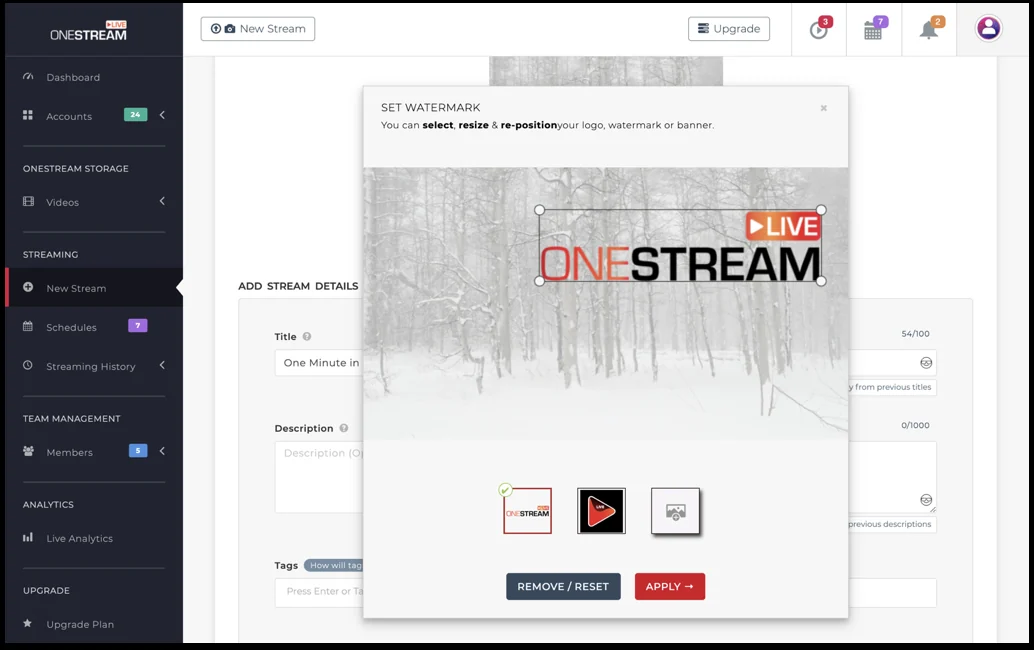
- Customization Options: Add your own watermark or logo, and include custom thumbnails and descriptions for your streams.
- Platform Compatibility: Supports various streaming requirements for major platforms like Facebook, YouTube, Twitch, and more.
- Video Input Flexibility: Stream any video, from standard webcam footage to 360-degree camera recordings.
- Privacy Controls: Set privacy settings for exclusive streams for specific audiences.
- Team Collaboration: Invite team members to manage schedules and content creation without requiring admin rights to social media accounts.
- Calendar View: Easily visualize and reschedule your upcoming streams with a drag-and-drop calendar interface.
- Built-in Player: Embed your live streams directly onto your website using a provided embed code.
How It Works
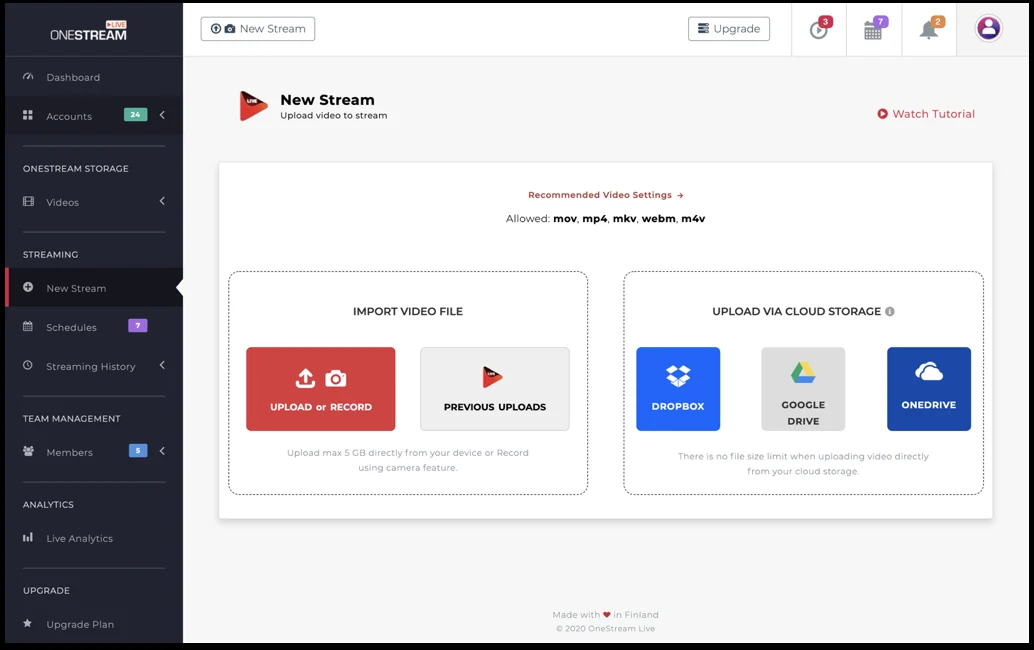
Getting started with OneStream Live is a straightforward process. First, you upload your prerecorded video content to the platform. Next, you select the social media platforms where you want your video to go live. Finally, you choose the desired date and time for the broadcast, and OneStream Live handles the rest.
The service manages all the technical aspects, including transcoding and adapting streams for different platform requirements, allowing you to focus on content creation rather than live technical execution.
Use Cases
OneStream Live is suitable for a variety of scenarios:
- Content Creators: Schedule regular broadcasts to maintain audience engagement across multiple channels.
- Businesses: Promote products, announce updates, or share company news simultaneously on all relevant social networks.
- Educators: Deliver prerecorded lectures or workshops to a wider audience on different learning platforms.
- Event Organizers: Stream replays or highlights of past events to extend their reach.
- Influencers: Maintain a consistent presence and interact with followers without the pressure of real-time performance.
Integrations & Compatibility
- OneStream Live supports streaming to a wide array of social media platforms, including but not limited to Facebook, YouTube, Twitch, Vimeo, and Mixer
- The platform is designed to adapt to the specific technical requirements of each supported destination, ensuring smooth delivery.
Pricing & Value
The value proposition of OneStream Live lies in its ability to automate and scale your live streaming efforts. By eliminating the need for manual broadcasting to each platform and managing technical complexities, it offers significant time savings and expanded reach. This makes it a cost-effective solution for those looking to maximize their online visibility.
Deal Details
The AppSumo deal for OneStream Live offers access to its robust features, allowing users to leverage the platform for streamlined, multi-platform live streaming. This package provides an opportunity to enhance your content distribution strategy at a potentially advantageous price point.
Quick Take
- Ideal for creators and businesses needing to broadcast to multiple social platforms simultaneously.
- Simplifies live streaming by allowing prerecorded video playback on a schedule.
- Saves time and resources by automating technical streaming processes.
FAQs
Is there a way to collaborate with my team?
Yes, you can invite team members to help manage schedules.
How far in advance can I schedule a stream?
You can schedule live streams up to 59 days in advance.
Can I add my branding to the stream?
Yes, you can add your logo or watermark to the live stream.
Do I need to be online when the stream goes live?
No, streaming is handled by OneStream’s servers, so you can close your laptop.
What kind of videos can I stream?
You can stream any video, including 360-degree camera recordings.
Final Thoughts
OneStream Live presents a compelling solution for anyone seeking to amplify their presence across numerous social media platforms without the usual complexities. Its automated scheduling, multi-platform broadcasting, and user-friendly interface make it an accessible tool for both beginners and experienced content creators. By taking the technical burden off your shoulders, OneStream Live allows you to focus on what matters most: creating engaging content and connecting with your audience.