
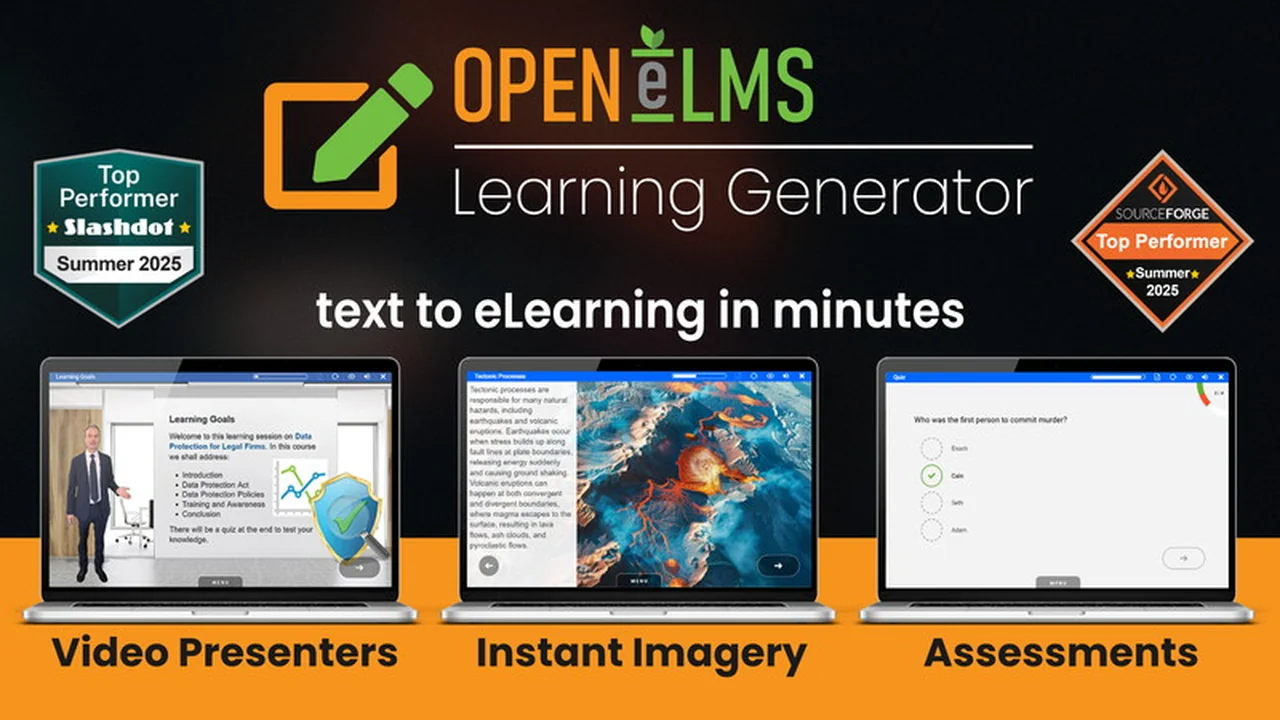
Discover a powerful AI solution designed to streamline the creation of engaging eLearning content. This review delves into how Open eLMS Learning Generator can transform your existing text or documents into comprehensive, multimodal learning experiences.
We’ll explore its core functionalities, practical applications, and the overall value it offers, especially for those looking to produce professional training materials with remarkable speed and efficiency.
What is Open eLMS Learning Generator | AppSumo
Open eLMS Learning Generator is an AI-powered platform that generates complete eLearning courses from simple text inputs or existing documents. Leveraging advanced AI technology, it transforms your content into rich, multimodal learning materials, significantly reducing the time and effort required for course development. With over two decades of experience in learning management solutions, Open eLMS focuses on accessibility, efficiency, and personalization.
Key Features
Open eLMS Learning Generator is packed with features to facilitate quick and professional course creation:
- AI-Powered Content Generation: Transforms text or documents into multimodal eLearning in minutes.
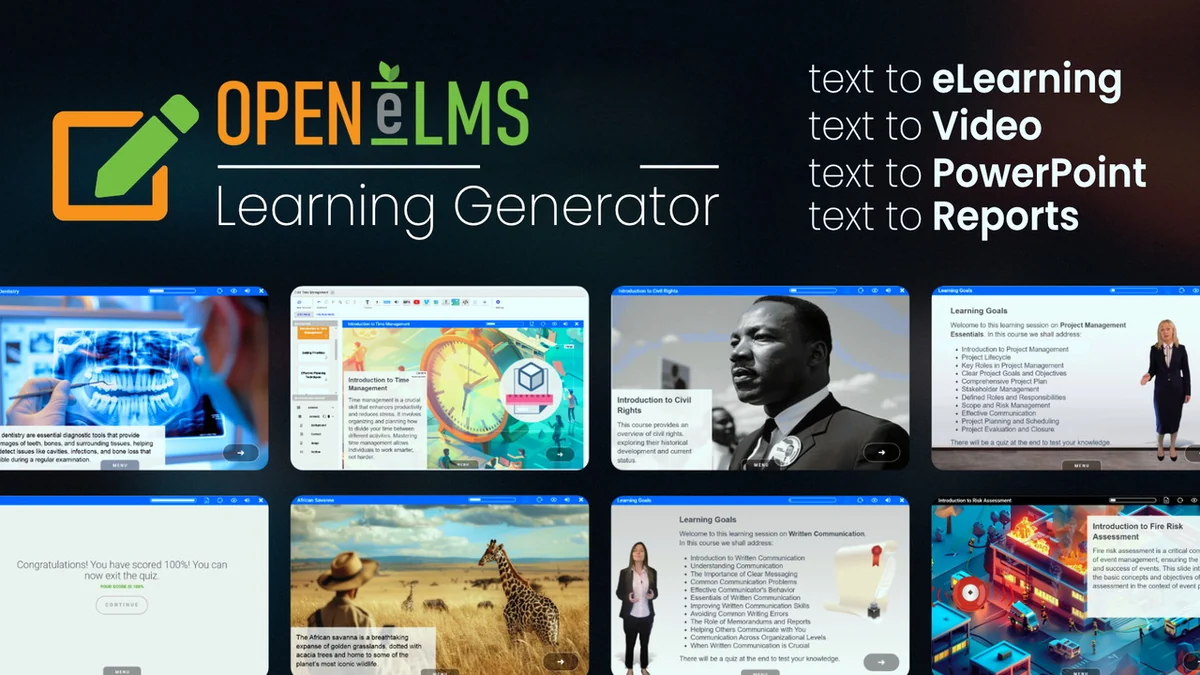
- Stunning Imagery: Includes AI image generation to enhance visual appeal and engagement.
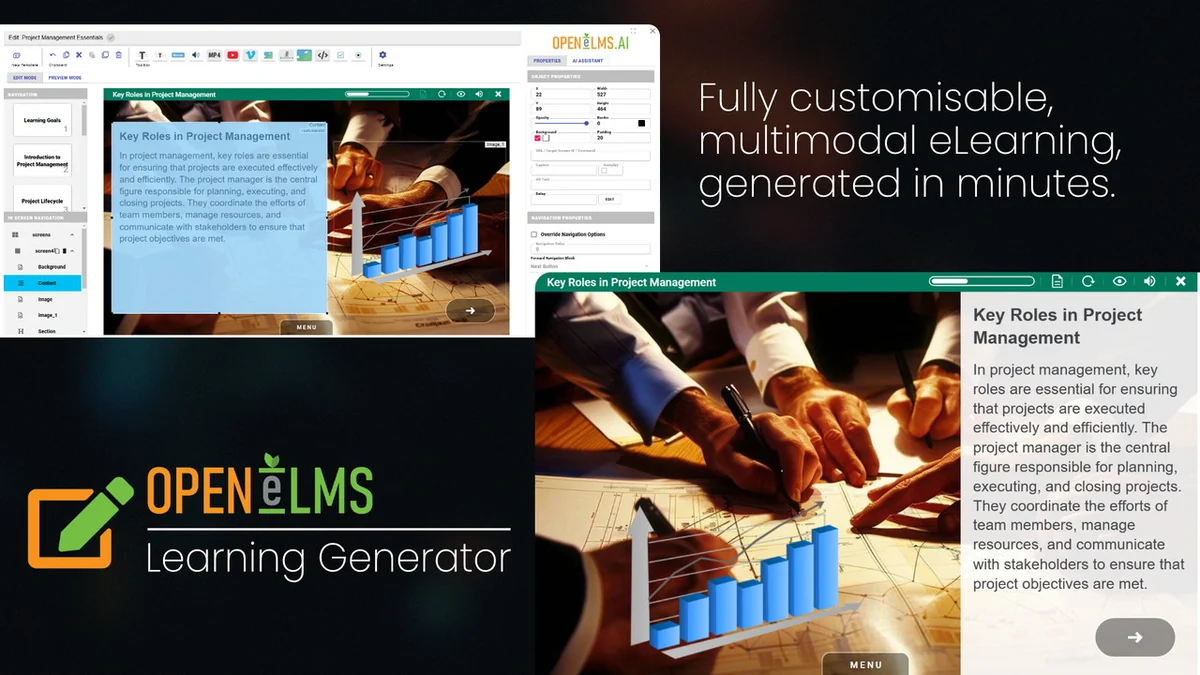
- Full Editing Suite: Offers tools to customize and personalize every aspect of the generated courses.
- Multimodal Learning Experience: Creates courses with a variety of elements beyond just text.
- Coming Soon – Training Analysis: Future functionality to provide deeper insights into training effectiveness.
How It Works
The process of creating a course with Open eLMS Learning Generator is designed for simplicity and speed. You begin by providing a single line of text or uploading a document containing your course material. The AI then processes this input and generates a complete eLearning course. This includes not only the text and structure but also relevant imagery, some of which is AI-generated. A comprehensive editing suite is available, allowing users to refine and personalize the generated content to meet specific instructional goals.
Use Cases
Open eLMS Learning Generator is ideal for a variety of educational and professional training scenarios:
- Corporate Training: Quickly develop onboarding materials, compliance courses, or product training for employees.
- Educational Institutions: Create engaging learning modules for students, supplementary course materials, or online lesson plans.
- Subject Matter Experts: Transform knowledge and expertise into accessible eLearning content without extensive technical skills.
- Freelancers and Agencies: Deliver professional eLearning solutions to clients efficiently and cost-effectively.
Pricing & Value
The value proposition of Open eLMS Learning Generator lies in its ability to drastically cut down development time and resources. Traditional course creation can be time-consuming and expensive, often requiring specialized software and design expertise. This AI generator offers a more accessible and faster alternative, making professional eLearning creation achievable for a wider range of users. The platform aims to provide a cost-effective solution for generating high-quality educational content.
Deal Details
The Open eLMS Learning Generator is available through a special offer on AppSumo, providing an excellent opportunity to acquire this powerful tool at a significant discount. Details of the deal, including different tiers and associated features, can be found on the AppSumo product page. This type of deal often includes a generous money-back guarantee, allowing users to evaluate the product’s suitability for their needs risk-free.
Quick Take
- Ideal for individuals and businesses needing to create training content rapidly.
- Simplifies the complex process of eLearning development through AI.
- Offers a cost-effective solution for professional course creation.
FAQs
Is it possible to stack codes later?
Information regarding stacking codes typically depends on the specific deal terms offered by AppSumo.
Can I import custom foreign voices?
You can upload any MP3 file, including custom voice recordings, into the editor.
Can I remove the product branding?
Newer versions are planned to offer branding removal options for users.
Is editing functionality restricted by tier?
Some advanced editing functions, like adding new slides, might be limited to higher tiers or enterprise versions.
How can I add a new slide?
Open the course editor and look for the ‘New Slide’ button in the toolbar.
Final Thoughts
Open eLMS Learning Generator presents a compelling solution for anyone looking to produce eLearning content with unprecedented speed and ease. By harnessing the power of AI, it demystifies course creation, making it accessible even to those without extensive technical backgrounds. The ability to transform simple text into rich, engaging learning experiences, complete with visuals, positions it as a valuable tool for educators, corporate trainers, and content creators alike.