
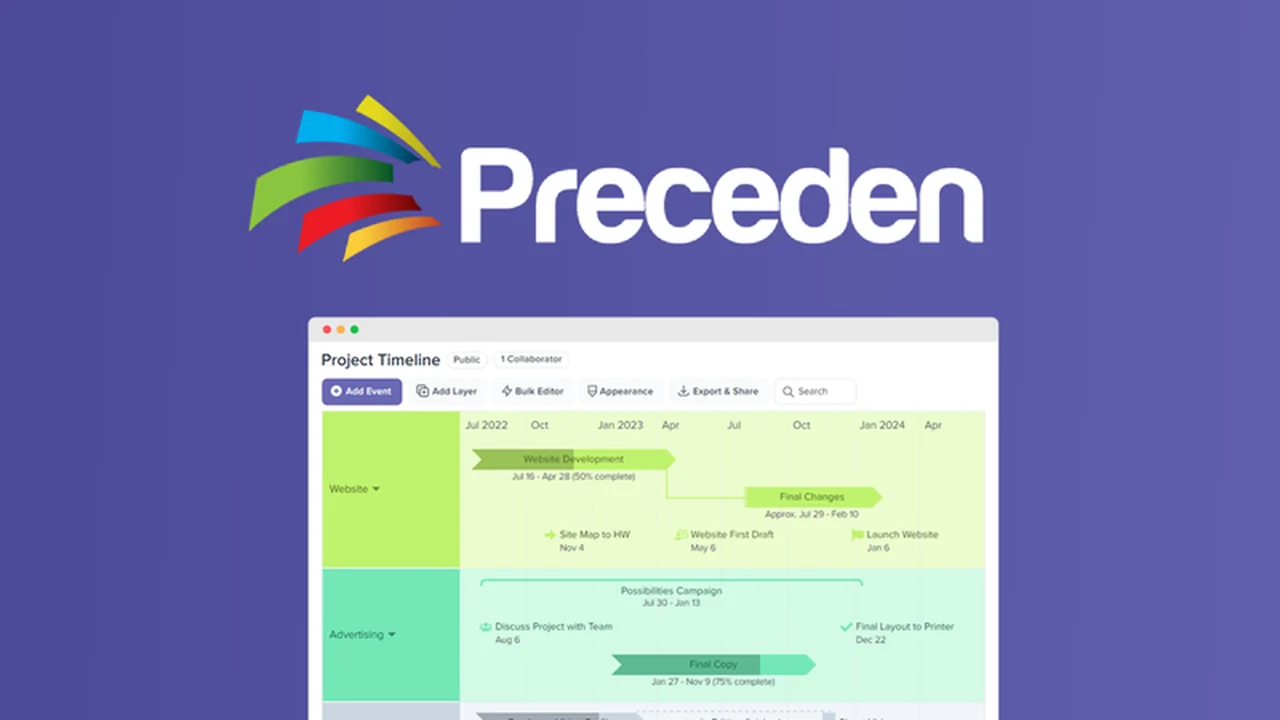
Creating clear and professional project timelines can be a significant challenge, often involving cumbersome software or time-consuming manual efforts.
This review explores Preceden, an intuitive tool designed to simplify the creation of visual timelines and roadmaps, helping you keep projects on track and stakeholders informed.
What is Preceden – Create timelines or roadmaps in minutes | AppSumo
Preceden is a user-friendly application built to help individuals and teams generate professional-looking timelines and roadmaps quickly. It addresses the common frustration of overly complex project management tools by offering a streamlined approach focused solely on visual timeline creation. The platform aims to make the process of planning and presenting project schedules accessible, allowing users to focus on their project goals rather than wrestling with software intricacies.
Key Features
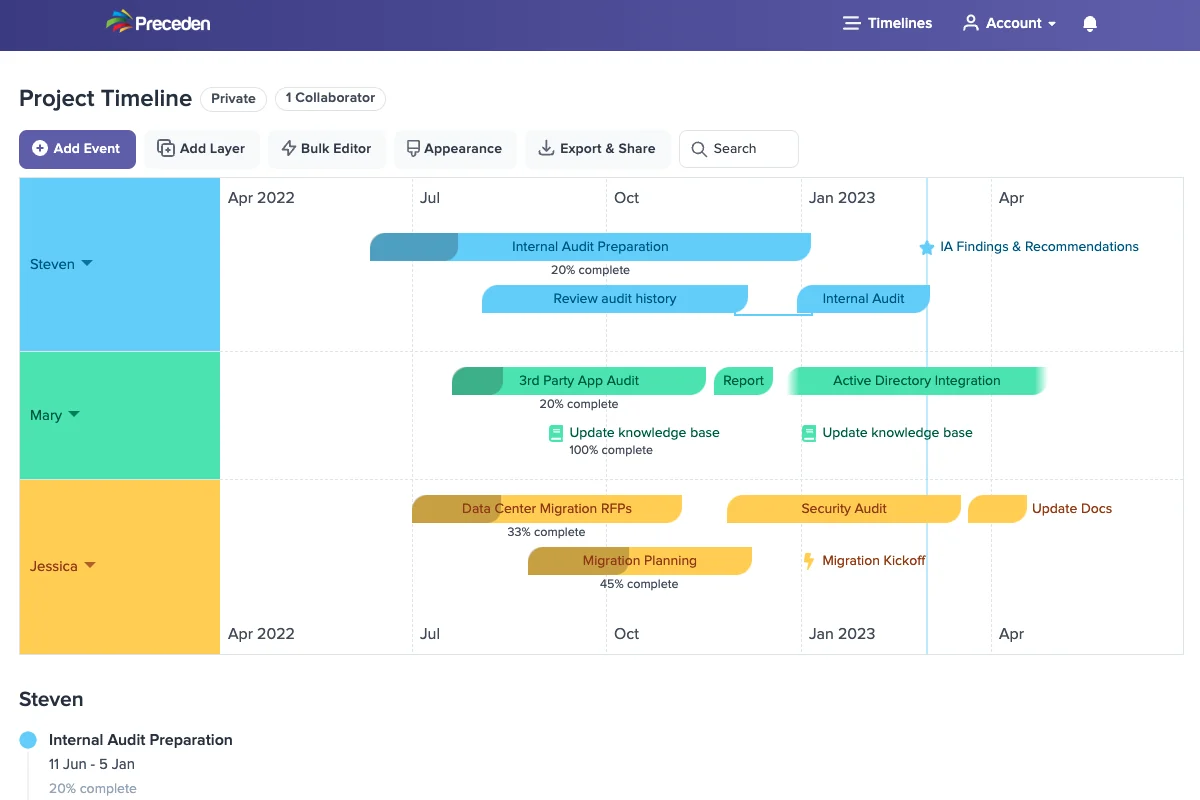
- Intuitive Timeline Generation: Add key events, and Preceden automatically generates a clear visualization.
- Layered Organization: Group events into layers for better organization by team member, department, or phase.
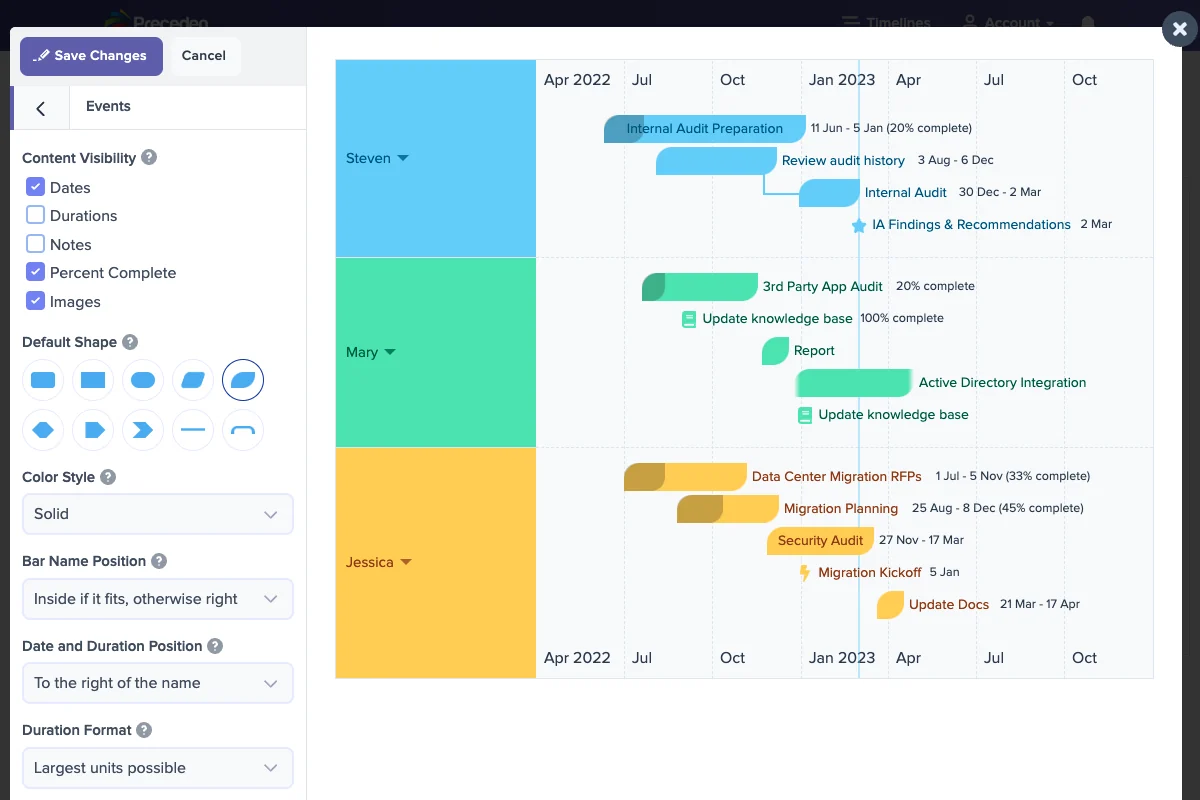
- Customization Options: Easily adjust colors, fonts, date formats, and add company logos to match branding.
- Dynamic Dependencies: Set up dependencies between tasks that update automatically as progress is made.
- Flexible Project Durations: Define start times, milestones, and durations to suit any project scope.
- Visual Progress Indicators: Utilize completion bars and percentages to keep teams informed of progress.
- Sharing and Embedding: Share timelines via links with adjustable permissions or embed them directly onto websites.
- Presentation Mode: Display timelines in a clean, distraction-free mode ideal for online meetings.
- Multiple Export Formats: Export timelines as PDF, PNG, Excel, or PowerPoint slides for easy offline sharing.
How It Works
The core functionality of Preceden revolves around simplicity. Users begin by inputting key dates and events for their project. Preceden then takes this information and constructs a visual timeline, automatically handling the layout and formatting. The software allows for further organization through layers, making it easy to segment different aspects of a project or assign responsibilities. Customization is straightforward, enabling users to refine the aesthetic to align with their specific needs or brand identity. The ability to set up dependencies and visualize progress adds a dynamic element to the planning process.
Use Cases
- Project Managers: Visualize key project phases, identify potential bottlenecks, and ensure timely completion.
- Founders & Entrepreneurs: Map out product launches, marketing campaigns, and business development milestones.
- Agencies & Consultants: Present detailed scopes of work to clients, setting clear expectations and aiding in deal closure.
- Account Executives: Track client renewal dates and key account milestones to minimize churn.
- Marketers: Visualize the timing and overlap of various marketing campaigns.
- Content Creators & Social Media Managers: Develop engaging timeline infographics for audience consumption.
- Authors: Organize character arcs and plot points within complex narratives.
- Educators & Students: Illustrate historical events, scientific processes, or literary timelines for deeper comprehension.
Integrations & Compatibility
- Preceden focuses on providing robust export options, allowing users to seamlessly integrate their timelines into existing workflows
- Timelines can be exported in common formats like PDF, PNG, Excel, and PowerPoint, making them compatible with a wide range of presentation and document software
- Additionally, the ability to embed timelines directly onto websites offers a dynamic way to share information publicly.
Pricing & Value
Preceden offers a tiered approach to its features, primarily differentiating by the number of timelines a user can create, the number of collaborators allowed on individual timelines, and the total number of users who can create timelines within an account. This flexible structure allows individuals, small teams, and larger organizations to select a plan that best suits their specific project management and collaboration needs, providing good value for its specialized functionality.
Deal Details
The current deal on AppSumo provides lifetime access to Preceden, enabling users to create professional timelines and roadmaps in minutes. This offer includes all features available in all plans, such as the intuitive timeline generation, customization options, and various sharing and export functionalities. With a 60-day money-back guarantee, there’s ample opportunity to evaluate the tool’s effectiveness for your projects.
Quick Take
- Ideal for individuals and teams who need to create clear, visual project timelines without a steep learning curve.
- Excellent for presentations, stakeholder updates, and internal team alignment on project progress.
- Offers a straightforward and efficient alternative to overly complex project management software.
FAQs
Is Preceden suitable for team collaboration?
Yes, the platform supports collaborators, allowing multiple users to contribute to specific timelines.
What file formats can I export my timeline to?
You can export timelines in PDF, PNG, Excel, and PowerPoint formats.
How can I share my timeline?
You can share timelines as a link with flexible permissions or embed them on your website.
Can I customize the look of my timelines?
Yes, you can easily change colors, fonts, and date formats to match your branding.
What is Preceden?
Preceden is an intuitive tool for creating professional timelines and roadmaps quickly and easily.
Final Thoughts
For anyone who has struggled to create clear, impactful project timelines or roadmaps, Preceden presents a compelling solution. Its emphasis on ease of use, combined with robust features for organization and customization, makes it an effective tool for a wide range of applications. The ability to quickly generate professional visuals, share them effectively, and keep teams aligned offers significant value for project planning and communication.