
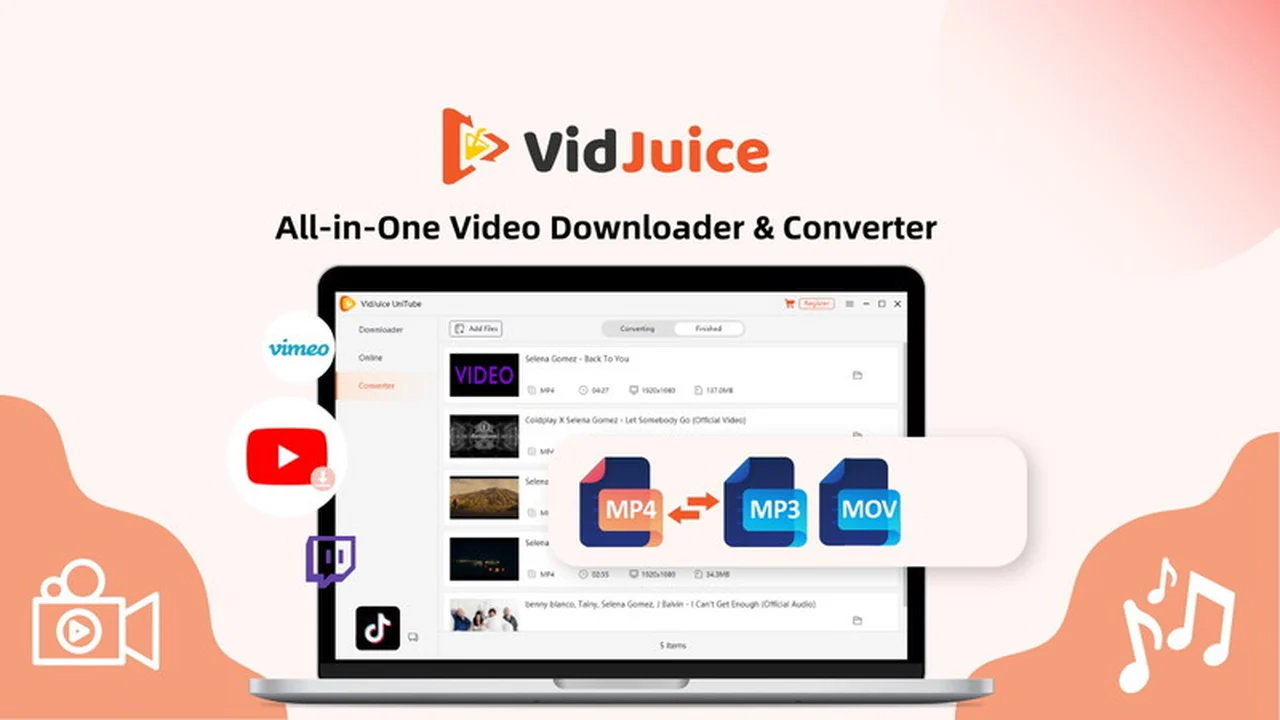
Navigating the world of online video can be a joy, but sometimes you need offline access. VidJuice UniTube offers a robust solution for capturing and converting content from a vast array of websites.
This comprehensive review dives into how VidJuice UniTube can streamline your video download and conversion workflow, highlighting its features, ease of use, and overall value.
What is VidJuice UniTube | AppSumo
VidJuice UniTube is a powerful software application designed to download and convert videos and audio from over 10,000 different websites. It aims to provide users with an uncomplicated tool for offline video access and device compatibility.
Key Features
UniTube is packed with features to enhance the video downloading experience:
- Extensive Website Support: Access and download content from over 10,000 websites, including popular platforms like YouTube, Facebook, and Vimeo, as well as niche streaming sites.
- High-Resolution Downloads: Capture videos in resolutions up to 8K, 4K, 2K, and 1080p, ensuring high-quality playback.
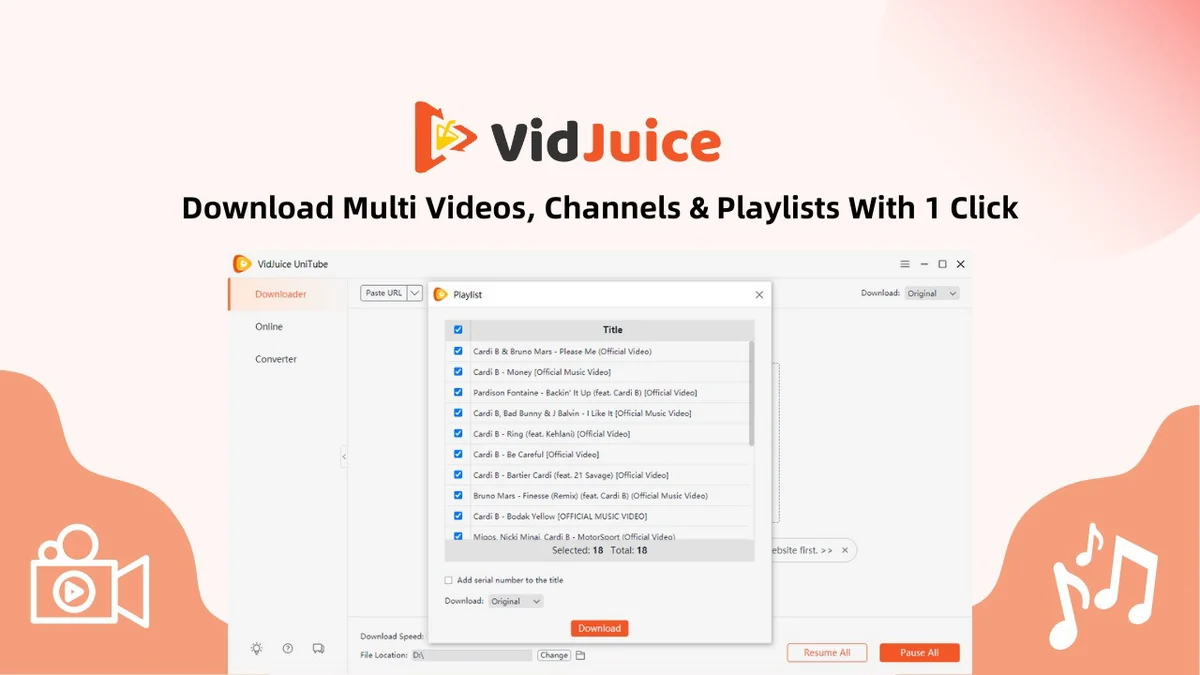
- Batch Downloading: Save time by downloading multiple videos, entire channels, or playlists simultaneously with a single click.
- 10X Faster Download Speed: Experience significantly quicker downloads, minimizing waiting times.
- Subtitle Downloads: Option to download subtitles as separate SRT files or embedded within the video output, supporting over 40 languages.
- MP3 Conversion with ID3 Tags: Download audio files as MP3s, complete with essential ID3 tags for artist, song, and album information.
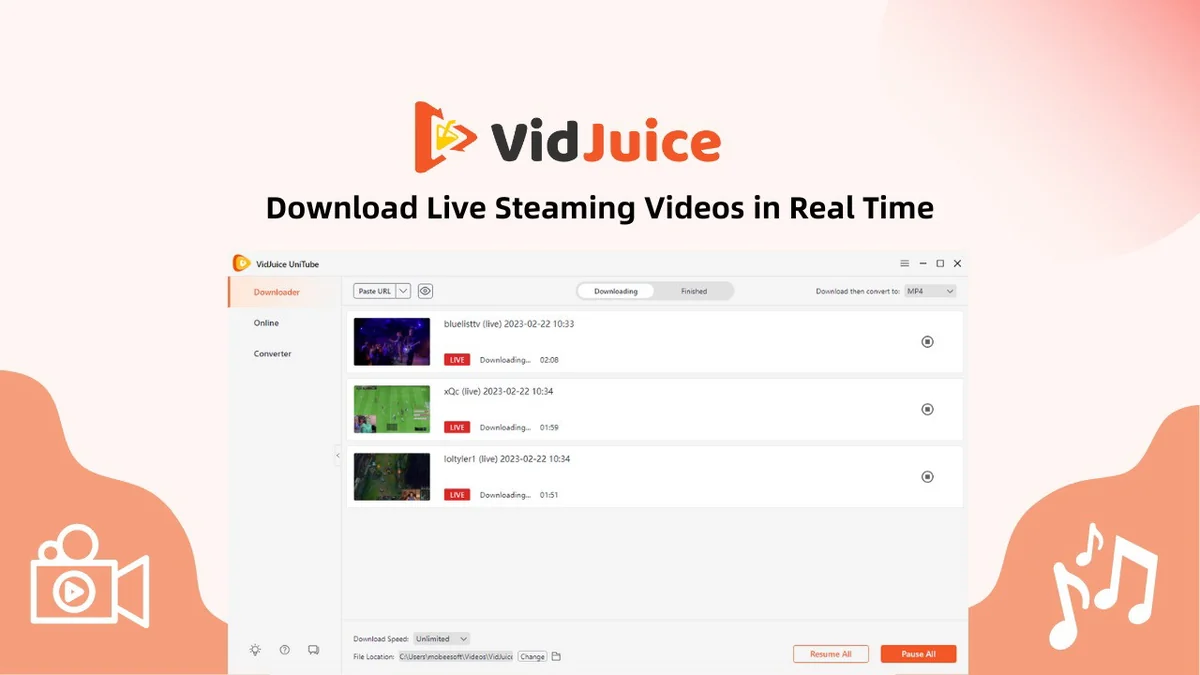
- Live Stream Downloading: Capture live streaming videos in real-time from platforms like Twitch, Vimeo, and YouTube.
- Intuitive Interface: Enjoy a user-friendly design that makes the downloading process straightforward and efficient.
How It Works
Using VidJuice UniTube is designed to be a simple, multi-step process:
- Copy Video Link: Find the video you want to download and copy its URL from the web browser.
- Paste and Analyze: Paste the link into UniTube. The software will then analyze the video to identify available download options.
- Select Format and Quality: Choose your desired output format (e.g., MP4, MP3) and video quality.
- Download: Initiate the download. UniTube will then process and save the video or audio file to your chosen location.
Use Cases
VidJuice UniTube is versatile and can be used for a variety of purposes:
- Offline Viewing: Download lectures, tutorials, or entertainment for access without an internet connection.
- Content Archiving: Save important or favorite videos for long-term storage.
- Cross-Device Compatibility: Convert videos to formats suitable for playback on different devices, such as smartphones, tablets, or older media players.
- Educational Purposes: Download educational content for repeated study or sharing with students.
- Content Creation Backup: Securely back up personal video content before it might be removed from original platforms.
Integrations & Compatibility
- VidJuice UniTube is a cross-platform application
- The current offering includes versions for both Windows and Mac operating systems.
Pricing & Value
The value proposition of VidJuice UniTube is significantly enhanced through its availability as a lifetime deal. This means a single purchase grants perpetual access to the software and future updates.
Deal Details
The AppSumo deal for VidJuice UniTube is a lifetime license valid for one PC or Mac. Users can transfer their license to a new computer if needed by contacting support. The deal also includes a 60-day money-back guarantee, allowing ample time to evaluate the software.
Quick Take
- Ideal for individuals and professionals needing to download and convert videos from a vast number of websites.
- Offers a lifetime license, providing exceptional long-term value.
- Supports high-quality downloads and batch processing for efficiency.
FAQs
Is there a free trial available?
Yes, a free trial version is available on the official VidJuice website for testing.
Where can I find a list of supported websites?
A comprehensive list of supported sites is available on the VidJuice website.
Does VidJuice UniTube support Linux?
An Ubuntu version for Linux is planned for release soon.
Can I transfer my license to a new computer?
Yes, you can transfer your license to another PC or Mac by contacting customer support.
What does ‘Lifetime deal’ mean for VidJuice UniTube?
It means a one-time purchase for the software with free future updates for life.
Final Thoughts
VidJuice UniTube presents a compelling solution for anyone looking to easily download and convert videos from the web. Its extensive website support, high-quality download options, and batch processing capabilities make it a powerful tool. The lifetime deal structure, especially through AppSumo, offers significant value for users seeking a long-term, reliable video downloading application. With a user-friendly interface and a commitment to updates, UniTube is a practical choice for managing your video content.