
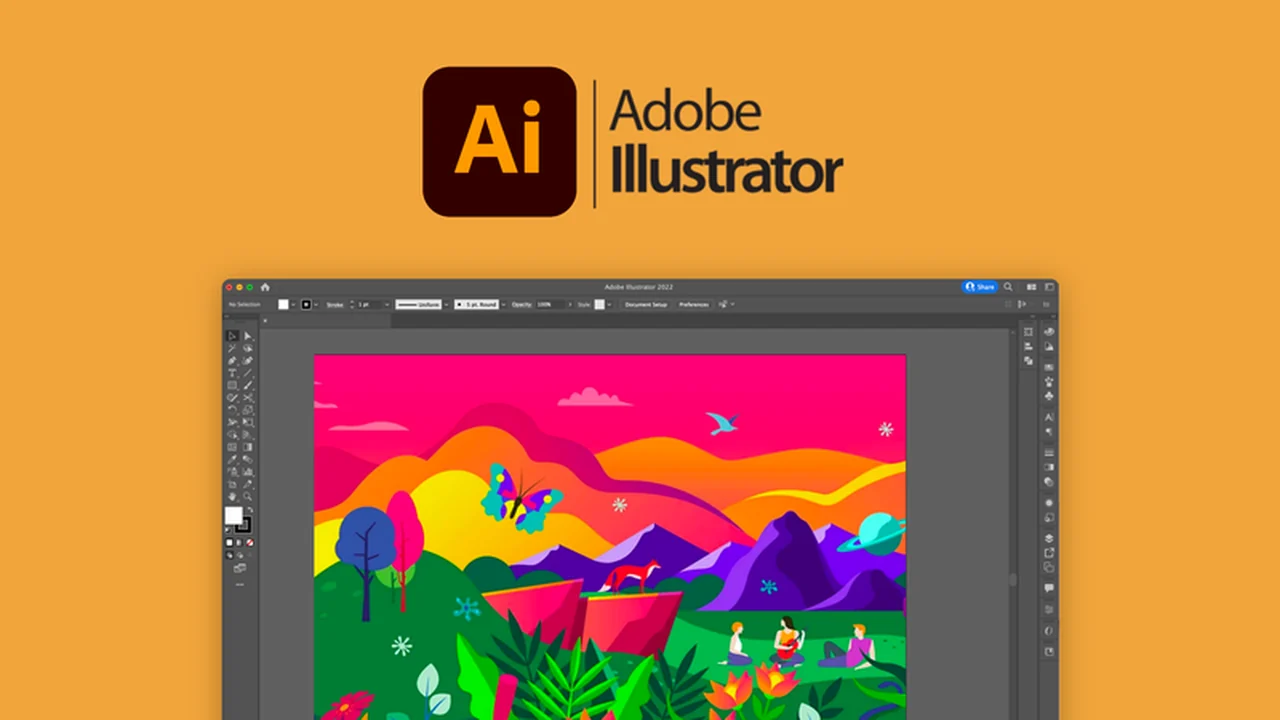
Adobe Illustrator empowers creators to conceptualize and design high-resolution graphics for a multitude of purposes. It’s a powerful tool for anyone looking to elevate their visual content.
This review dives deep into what makes Illustrator a standout choice, exploring its core functionalities, practical applications, and the exceptional value offered through its AppSumo deal.
What is Adobe Illustrator – Make things visual | AppSumo
Adobe Illustrator is a professional vector graphics application. It enables users to draw, conceptualize, and design scalable graphics that maintain quality regardless of size. Unlike raster-based software, Illustrator’s vector foundation means your designs remain crisp and clear whether used for a small icon or a large billboard.
Key Features
- Vector Graphics: Create infinitely scalable artwork without pixelation or quality loss.
- Pen Tool: Draw freehand with precision, mimicking traditional drawing tools for organic designs.
- Layers: Organize complex designs by separating elements onto different layers for easier editing and management.
- Grid Tool & Snapping: Achieve perfect alignment and precision with guides and snapping functionalities.
- Advanced Color Options: Develop sophisticated color palettes, utilize gradient schemes, and blend colors seamlessly.
- Cloud Libraries: Store and access all your design assets, including colors, brushes, and fonts, across projects and devices.
- Shape Tools: Easily create and manipulate geometric shapes, lines, and curves for structured designs.
- Free Transform Tool: Flexibly resize, rotate, mirror, shear, or distort objects using a bounding box.
- Mobile and Web Templates: Overcome creative blocks with pre-designed templates for various digital platforms.
- In-App Troubleshooting: Access immediate support and guidance directly within the application.
How It Works
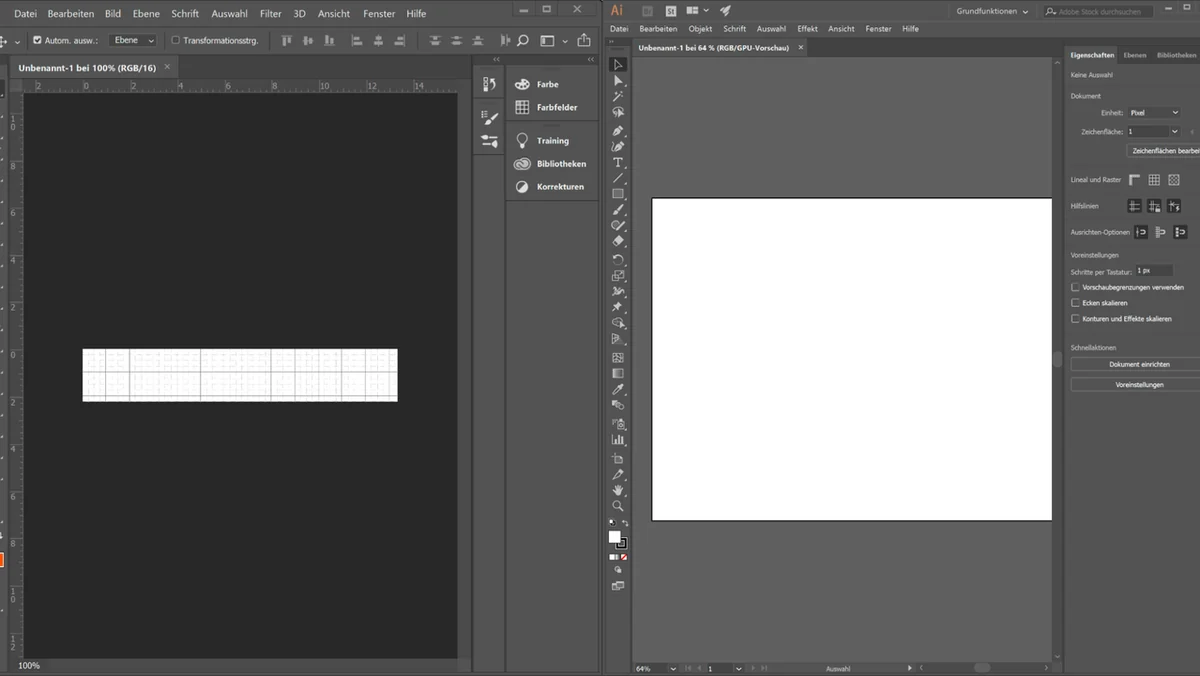
Illustrator operates on a vector-based system where designs are composed of mathematical paths. This allows for infinite scaling without losing detail. Users can create shapes, draw lines with tools like the Pen tool, apply colors and gradients, and arrange elements using layers and the precise alignment tools available. Cloud libraries ensure assets are readily accessible, streamlining the workflow. The interface is designed for both intuitive navigation and deep control over every design aspect.
Use Cases
- Logo Design and Branding
- Illustrations for Print and Web
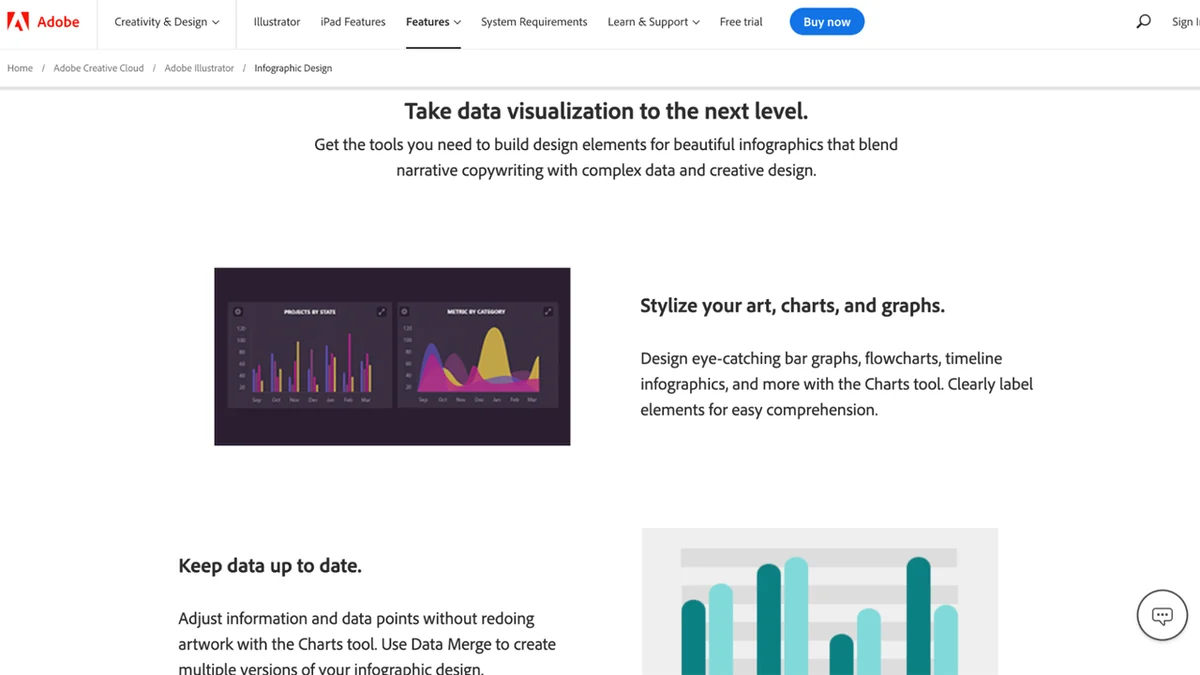
- Infographics and Data Visualization
- Icons and User Interface Elements
- T-shirt Graphics and Merchandise
- Marketing Materials and Advertisements
- Complex Layouts and Technical Drawings
Integrations & Compatibility
- Adobe Illustrator integrates seamlessly with other Adobe Creative Cloud applications such as Photoshop, InDesign, and After Effects, allowing for a unified creative workflow
- It’s compatible with various file formats, ensuring broad usability and exchange of design assets.
Pricing & Value
The AppSumo deal for Adobe Illustrator provides exceptional value by offering lifetime access to this industry-standard software. This is a significant opportunity to acquire a powerful creative tool at a one-time cost, eliminating recurring subscription fees and making professional design accessible long-term.
Deal Details
This exclusive AppSumo offer includes a digital download of Adobe Illustrator and access to enhanced Creative Cloud libraries. To secure your license permanently, ensure you download and save the software within 60 days of purchase. This is a time-sensitive opportunity.
Quick Take
- Ideal for graphic designers, illustrators, and marketers seeking professional vector design capabilities.
- Offers lifetime access to industry-standard software, representing significant long-term savings.
- Streamlines design processes with robust features and cloud integration.
FAQs
Is this a subscription or a one-time purchase?
This is a one-time purchase providing lifetime access to the software.
What happens if I don’t download within 60 days?
You must download and save the software within 60 days to ensure permanent access.
Can I use my designs across different devices with this deal?
Yes, enhanced cloud libraries facilitate asset access across multiple platforms.
Is Adobe Illustrator suitable for beginners?
While powerful, it offers tools and templates that can assist new users in learning.
What is Adobe Illustrator primarily used for?
It is used for creating vector graphics, logos, illustrations, and complex designs.
Final Thoughts
The Adobe Illustrator deal on AppSumo presents a remarkable opportunity for creatives to invest in a foundational design tool. The combination of industry-leading features, the inherent benefits of vector graphics, and the exceptional value of lifetime ownership makes this an offer worth serious consideration for anyone looking to enhance their visual creation capabilities.