
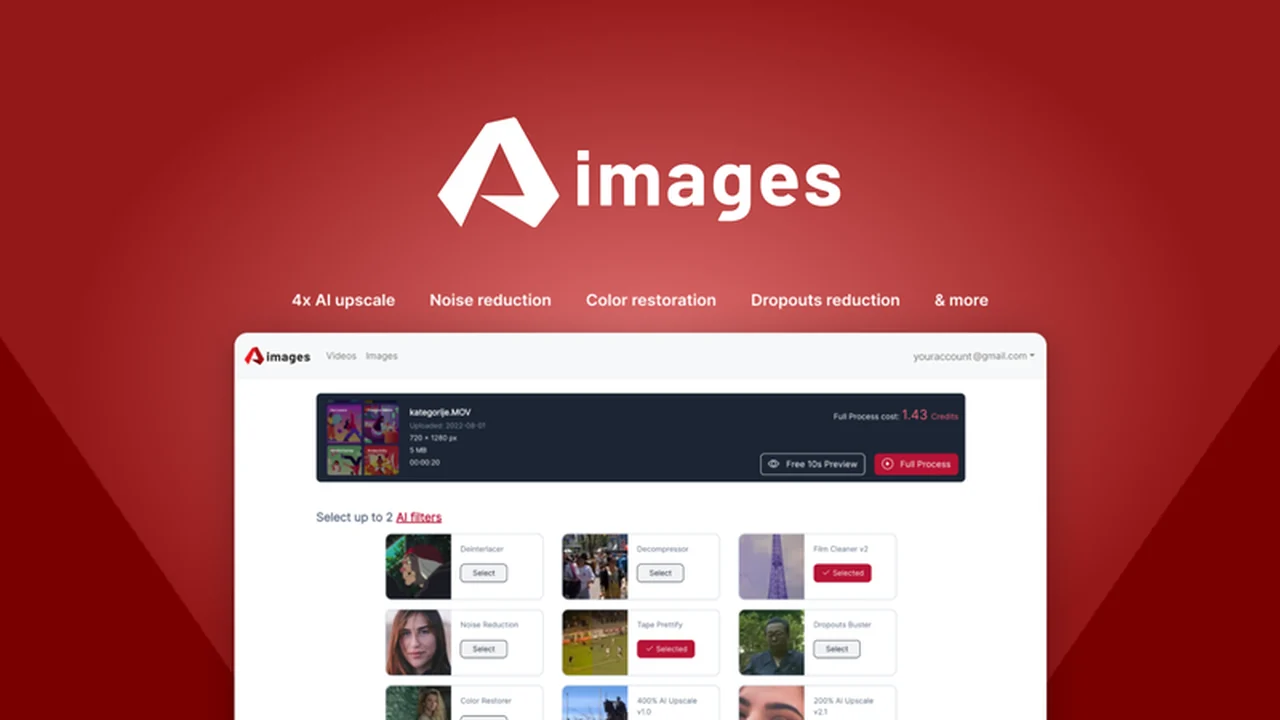
Ever stumbled upon a slightly blurry photo or a video with less-than-ideal resolution and wished for a quick, effective fix? Dealing with dated media or imperfect captures can be a time-consuming endeavor with traditional editing software.
This review dives deep into Aimages, an AI-powered solution designed to elevate your video and image quality directly from your web browser.
What is Aimages – Enhance videos and images using AI | AppSumo
Aimages is a cloud-based, AI-driven platform accessible through your web browser, dedicated to enhancing the quality of both videos and images. It leverages artificial intelligence to deblur, sharpen, upscale, and apply various filters to your media, making them appear high-quality, even if the original source was created with older technology.
Key Features
- AI Enhancement: Utilizes AI algorithms to improve image and video clarity, reduce noise, and sharpen details.
- Resolution Upscaling: Capable of converting Standard Definition (SD) media to HD, 2K, and even 4K resolutions.
- Web-Based Access: Operates entirely within a web browser, eliminating the need for software installation on any device.
- Metadata Viewing: Allows users to view file metadata for their uploaded media.
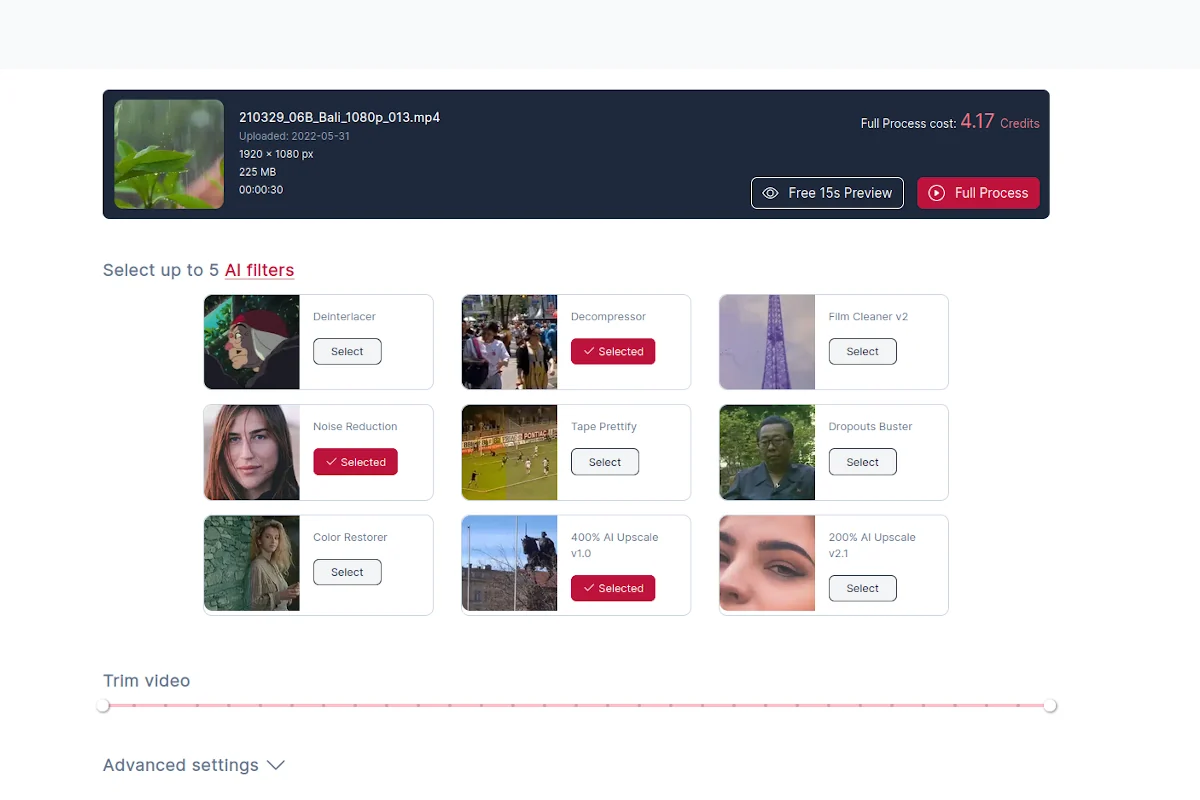
- Video Trimming: Offers basic video editing capabilities, including trimming unwanted segments.
- Advanced Settings Tweak: Provides options to adjust and fine-tune enhancement parameters.
- Project Monitoring: A dashboard to track the progress of ongoing enhancement projects.
- Secure Data Transfer: Utilizes encrypted hard disks for secure data processing and return.
- Custom AI Filter Requests: Option to request custom AI filters for specific needs.
- Copyright-Free Media: Aimages does not claim copyright on enhanced media, and users can delete files anytime.
How It Works
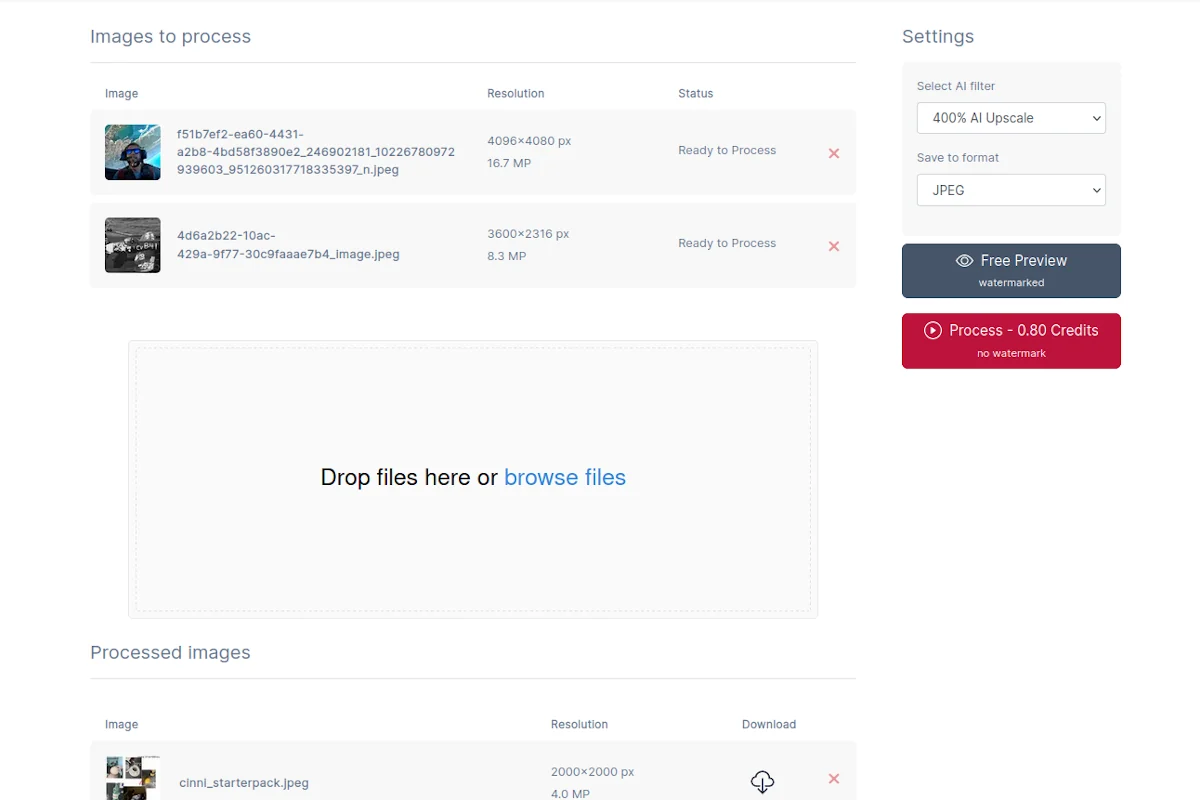
Using Aimages is a straightforward process. Simply open the web application in your browser, upload the video or image you wish to enhance, and select the desired AI filters or enhancement options. The platform processes your media using GPU-accelerated cloud servers, which is significantly faster than desktop-based processing for many users. Once the enhancement is complete, you can monitor its progress and download the improved file directly from the Aimages dashboard.
Use Cases
- Print Preparation: Enhance images for high-quality printing.
- Underwater Photography: Improve clarity and color in underwater shots.
- Noise Reduction: Reduce ISO noise in photos taken in low-light conditions.
- E-commerce Product Images: Create professional, crisp product images for online stores.
- Archival Media Enhancement: Revitalize old videos and photos.
- Social Media Content: Improve the visual appeal of content for platforms like Instagram, Facebook, and more.
Integrations & Compatibility
- Aimages operates as a standalone web application, meaning it does not require direct integration with other software
- Its browser-based nature ensures compatibility with most modern operating systems and devices, including computers, smartphones, and tablets, as long as they have a stable internet connection and a compatible web browser.
Pricing & Value
Aimages operates on a credit-based system. Enhancing videos or photos consumes credits, with the number of credits required depending on factors such as source resolution, frame rate, and duration for videos. The platform provides a calculator within the tool to estimate credit usage before commencing an enhancement. A free preview option is available to get a watermarked sample of the enhanced output before committing credits.
Deal Details
The AppSumo deal for Aimages typically offers lifetime access to the platform. This includes access to all features across all plans, allowing users to enhance an extensive amount of video and image content. A 60-day money-back guarantee is also usually provided, offering a risk-free trial period to assess the tool’s suitability.
Quick Take
- Ideal for individuals and businesses looking to quickly improve the quality of existing video and image assets.
- Offers a user-friendly, browser-based alternative to complex, installable editing software.
- A cost-effective solution for enhancing media without requiring high-end hardware.
FAQs
How are credits calculated for enhancement?
Credit usage depends on factors like source resolution, frame rate, and duration for videos.
Is the enhanced media copyrighted by Aimages?
No, Aimages does not claim copyright on your enhanced media, and you can delete your files at any time.
How does Aimages compare to competitor software like Topaz Labs?
Aimages is web-based, unlike Topaz Labs which requires installation, offering accessibility without hardware dependency.
What happens if I use all my monthly credits?
You can purchase additional credits directly from your profile and billing page on the Aimages platform.
Can Aimages create ultra-detail-rich 4K videos/photos from 360p originals?
AI enhances results significantly, but starting with better quality source material yields superior output.
Final Thoughts
Aimages presents a compelling solution for anyone looking to enhance their video and image quality with the power of AI. Its accessibility through a web browser, coupled with robust features like resolution upscaling and deblurring, makes it a versatile tool for a wide range of users, from casual photographers to professional content creators. The credit system, while requiring management, is balanced by the platform’s efficiency and the significant improvement it can bring to visual assets. If you’re seeking an easy-to-use, cloud-based platform to elevate your media, Aimages is certainly worth considering.