
In today’s digital world, sharing your screen for tutorials, presentations, or live streams is common. However, accidentally revealing sensitive data like email addresses, passwords, or personal information can be a significant concern.
This review explores the Blurweb App – Plus Exclusive offer from AppSumo, a tool designed to help you quickly and effectively hide sensitive information on your screen without the hassle of post-production editing.
What is Blurweb App – Plus Exclusive – Hide sensitive info | AppSumo
Blurweb App – Plus Exclusive is a browser extension and add-on developed to provide instant privacy solutions when you’re recording your screen or participating in live video calls. It allows users to selectively blur or hide sensitive data points with a single click, ensuring that personal or confidential information remains private from viewers.
Key Features
The Blurweb App – Plus Exclusive offers a range of functionalities to enhance your screen-sharing privacy:
- Instant Blurring: Apply a blur effect to specific areas of your screen with a simple click, making sensitive data disappear from view.
- Tab Title & Icon Hiding: Conceal the title and favicon of your browser tab to further protect the context of the page you are on.
- Text Blurring: Specifically target and blur selected text elements, such as email addresses or code snippets.
- Keep Blur Functionality: Once an area is blurred, it remains hidden even if you reload the page or open it again, ensuring persistent privacy.
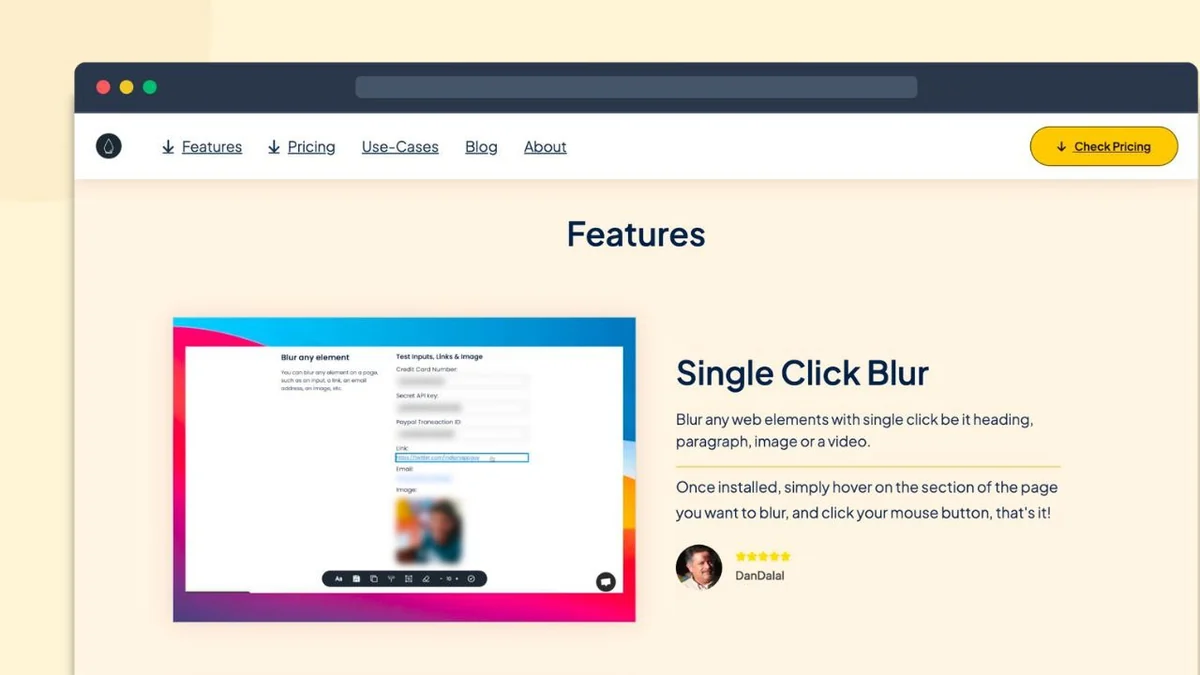
- Single Click Actions: Quickly blur images, paragraphs, or input fields with just one click.
- Control Blur Amount: Adjust the intensity of the blur effect to suit your needs.
- Click to Unblur: Easily reveal previously blurred content when needed.
How It Works
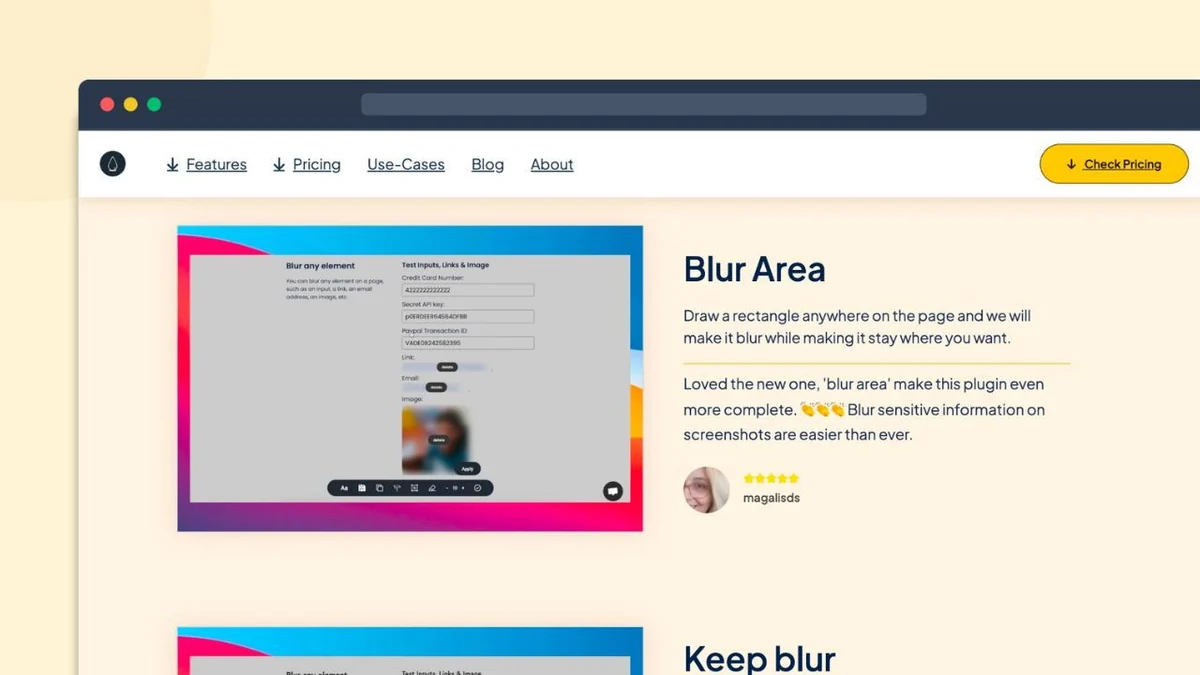
Using Blurweb App is designed to be straightforward. After installing the browser extension or add-on, sensitive information can be hidden in real-time. Users can draw a rectangle over an area they wish to blur, click on specific elements like text or images, or hide entire tab details. The blur effect is applied instantly, meaning that any subsequent recording or screen share will automatically exclude this hidden information, eliminating the need for tedious video editing later.
Use Cases
Blurweb App – Plus Exclusive is beneficial for various scenarios:
- Content Creators: When recording tutorials or demonstrations that involve sensitive data like API keys, account numbers, or personal emails.
- Educators & Presenters: During live online classes or webinars where displaying personal student information or internal system details needs to be avoided.
- Remote Workers: For secure video conferencing and screen sharing with colleagues or clients, ensuring no confidential company data is inadvertently exposed.
- Anyone Sharing Their Screen: Provides peace of mind for any user who needs to share their screen without risking the exposure of private or confidential details.
Integrations & Compatibility
- The Blurweb App extension is compatible with popular browsers, including Chrome and Firefox
- It works seamlessly with various video recording and conferencing platforms such as Zoom, Loom, Google Meet, and Berrycast, ensuring broad applicability for your screen-sharing needs.
Pricing & Value
The value proposition of Blurweb App – Plus Exclusive, particularly through an AppSumo deal, centers on offering lifetime access to its premium features. This eliminates recurring subscription fees, providing a cost-effective solution for ongoing privacy protection during screen sharing activities.
Deal Details
The AppSumo deal typically grants lifetime access to the Blurweb App – Plus exclusive plan. This includes all future updates to the Plus exclusive features and allows for usage across multiple devices or browsers, often up to 10. It’s important to redeem codes within 60 days of purchase to ensure activation.
Quick Take
- Ideal for content creators and presenters who frequently share their screens.
- Saves significant time by eliminating the need for post-production video editing to mask sensitive data.
- Offers a simple, one-click solution for real-time privacy during live sessions and recordings.
FAQs
Is there a guarantee for the Blurweb App deal?
Yes, AppSumo deals usually come with a 60-day money-back guarantee for you to test it.
What browsers are supported by Blurweb App?
It is available as an extension for popular browsers like Chrome and Firefox.
Does Blurweb App require video editing after recording?
No, it’s designed to hide information in real-time, eliminating post-production editing needs.
Can I permanently hide information with Blurweb App?
Yes, the ‘Keep Blur’ feature ensures that blurred areas remain hidden even after reloading the page.
What is the primary purpose of Blurweb App?
Its main goal is to instantly blur sensitive data on your screen during recordings or live sharing.
Final Thoughts
Blurweb App – Plus Exclusive presents a practical and efficient solution for anyone who regularly shares their screen. The ability to instantly conceal sensitive information in real-time significantly streamlines the content creation process and enhances privacy during live presentations. The lifetime access offered through the AppSumo deal makes it a compelling value proposition for users seeking a reliable, long-term tool for screen-sharing security.