
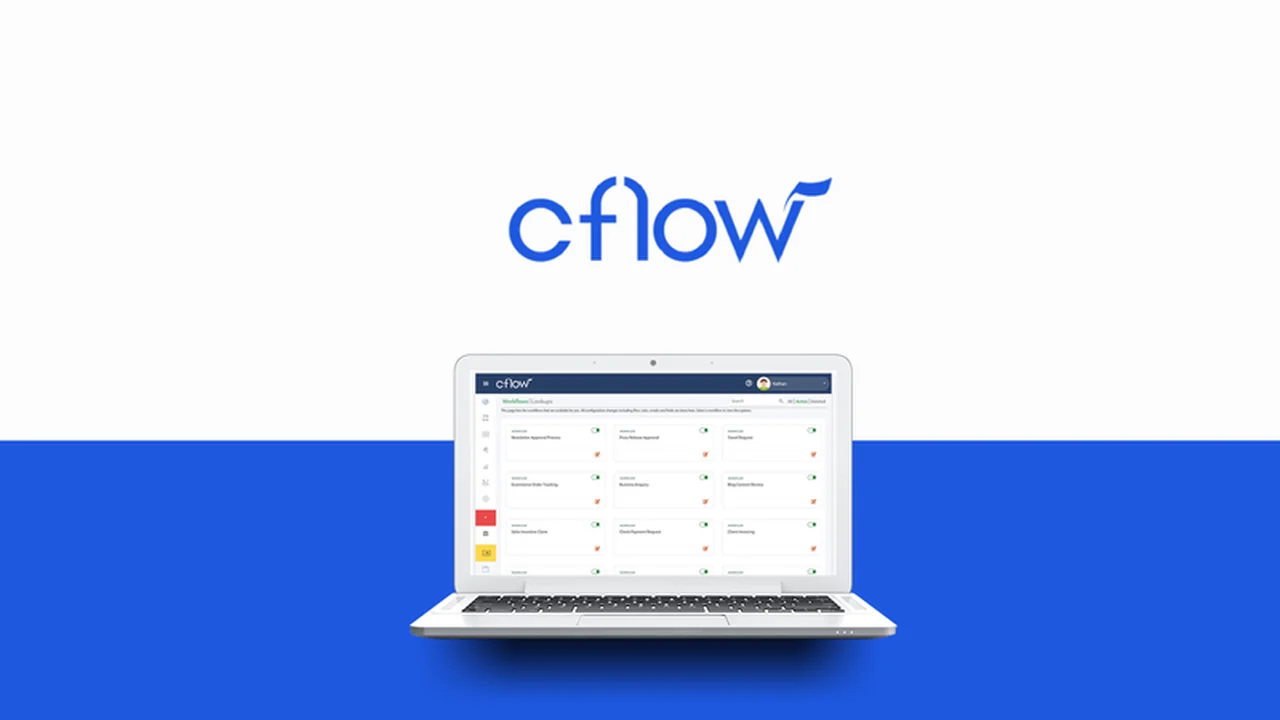
Tired of manual processes bogging down your business? Imagine a world where approvals are swift, data flows seamlessly, and your team can focus on what truly matters.
This review dives deep into Cflow, a powerful no-code platform designed to transform how you manage workflows. We’ll explore its capabilities, how to leverage its visual builder, and the real-world benefits it brings to small and medium-sized businesses.
What is Cflow – Drag & drop workflows on visual builder | AppSumo
Cflow is a cloud-based workflow automation software that empowers organizations to digitize and automate their business processes. It offers an intuitive, no-code, drag-and-drop visual builder, allowing users to design and implement complex workflows without needing to write a single line of code. This platform is particularly beneficial for small and mid-sized businesses aiming to enhance efficiency, reduce manual errors, and streamline operations.
Key Features
Cflow is packed with features designed to simplify and accelerate workflow automation:
- Visual Workflow Builder: Design and customize workflows on an easy-to-use drag-and-drop canvas.
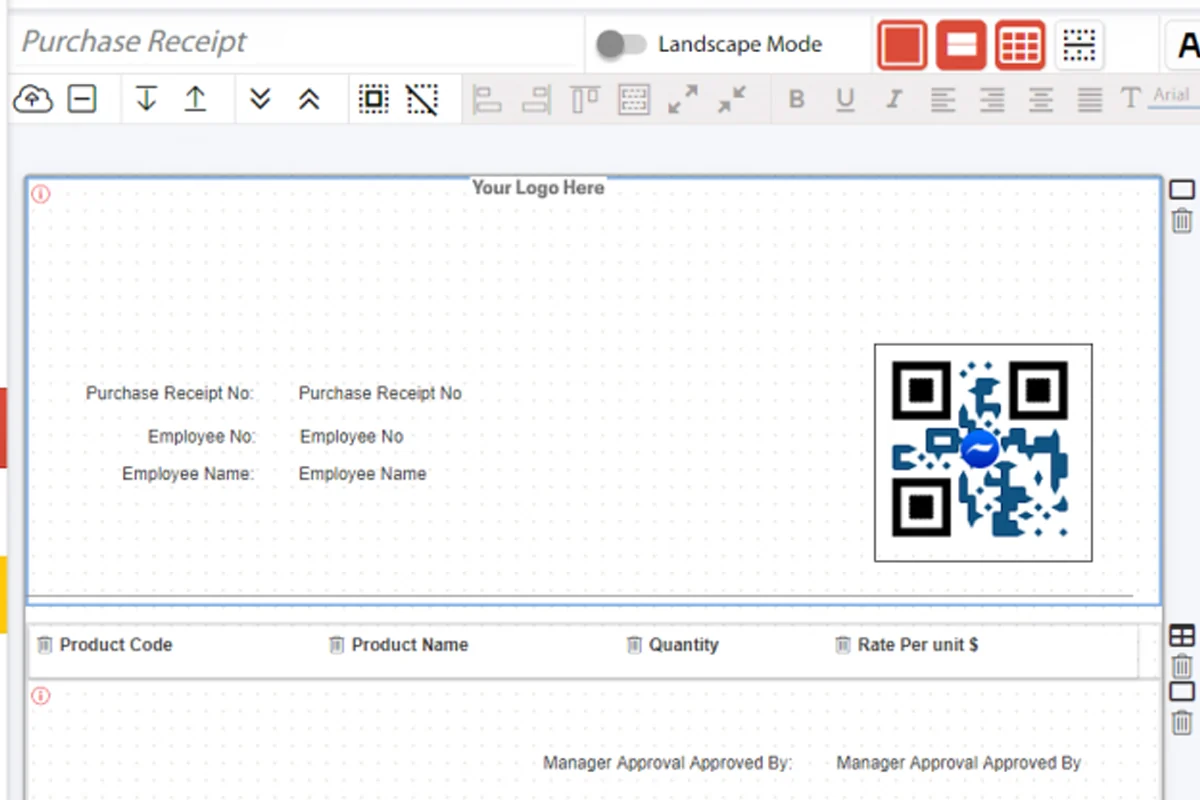
- Form Optimization: Utilize a variety of field types, including multiple select dropdowns, file uploads, and e-signature fields. Configure data validation and organize forms with sections and conditional formatting.
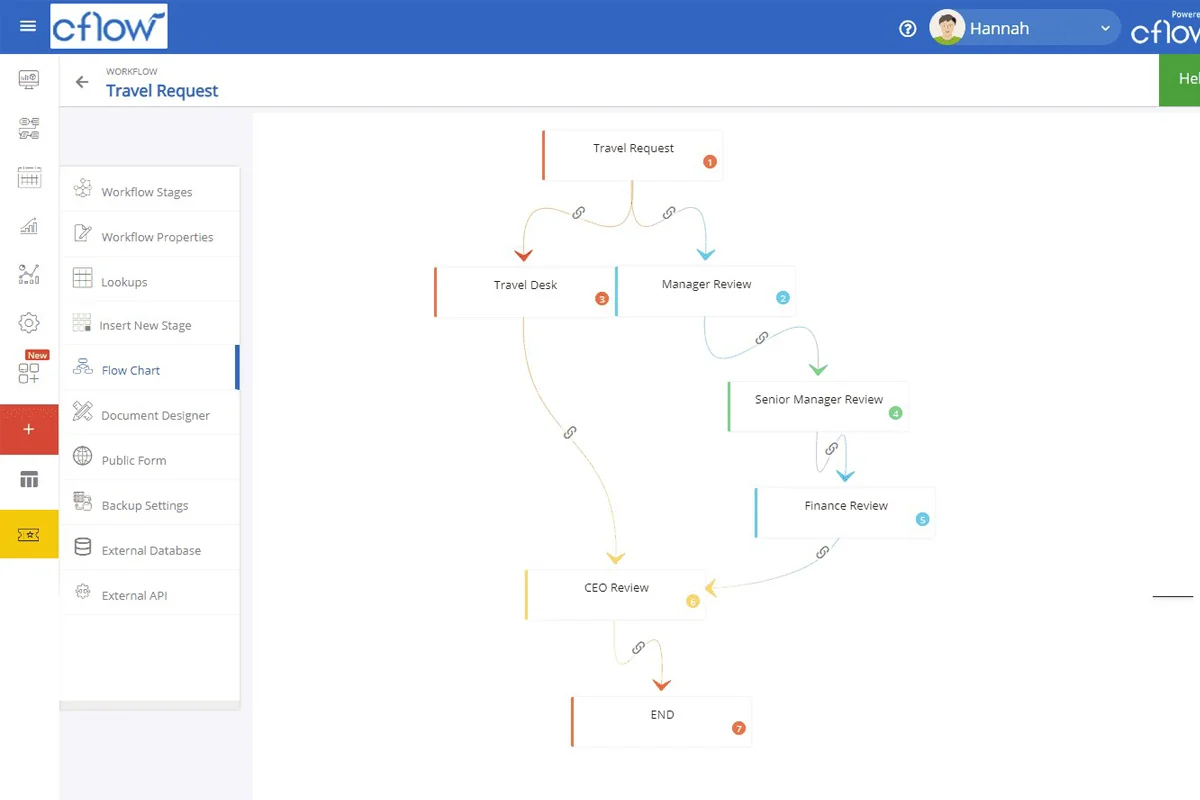
- Flexible Flow Logic: Implement workflows that operate sequentially, in parallel, or a combination of both to match your business’s unique needs.
- Mobile Accessibility: Approve pending requests directly from your mobile device, with native iOS and Android apps available for iPhones, iPads, Android phones, and tablets. Initiate requests, attach documents, and receive push notifications on the go.
- Compliance and Accuracy: Digitize manual processes to ensure all business procedures are compliant, saving time and minimizing errors.
- External API Access: Connect Cflow with other third-party applications to push or pull data, managing forms and approvals from external systems.
How It Works
Getting started with Cflow is straightforward. The platform’s core functionality revolves around its visual builder. Users can drag and drop elements onto a canvas to map out their desired workflow. This includes defining form fields, setting approval stages, and specifying the logic for how tasks progress. Data can be collected through customizable forms, and automated notifications ensure that the right people are informed at each step.
Feature: Form Design Flexibility. Cflow allows for the creation of detailed forms with various field types and conditional logic, ensuring data is captured accurately and efficiently.
Feature: Workflow Sequencing. The ability to design sequential, parallel, or sequence-in-parallel flows means you can adapt the automation to precisely match your operational requirements.
Use Cases
Cflow can be applied to a wide range of business processes. Here are a few common examples:
- Accounts Receivable Automation: Streamline invoice processing and payment approvals.
- Marketing Collateral Review: Expedite the approval process for marketing materials.
- Sales Process Management: Automate lead qualification, proposal generation, and sales approvals.
- Employee Onboarding: Digitize the new hire paperwork and orientation process.
- Leave and Expense Approvals: Simplify and speed up requests for time off or expense reimbursements.
Integrations & Compatibility
- Cflow offers robust integration capabilities
- It supports seamless connections with other third-party applications that have a REST API
- This allows for data to be pushed or pulled during specific form loading points, such as when a form is being filled or after submission
- Furthermore, Cflow’s external REST API enables other applications to interact with the platform, allowing for the management of workflows, initiation of requests, approval processes, and user management.
Pricing & Value
The value proposition of Cflow is centered on its ability to significantly reduce operational costs and boost efficiency. By automating repetitive manual tasks, businesses can reallocate resources to more strategic initiatives. The platform’s no-code approach democratizes workflow automation, making advanced capabilities accessible to a broader range of users within an organization, not just IT specialists.
Deal Details
This particular offering provides lifetime access to Cflow. It comes with a 60-day money-back guarantee, allowing ample time to evaluate its suitability for your business needs. All features are included across all available plans, ensuring you have access to the full suite of automation tools.
Quick Take
- Ideal for small to medium-sized businesses looking to automate repetitive tasks.
- Perfect for entrepreneurs and consultants seeking to streamline client processes.
- Offers a powerful no-code solution for easy workflow design and implementation.
FAQs
Is there a limit on the number of users that can be added to Cflow?
You can purchase additional user licenses if your business requires more than what is included in the current plan.
Does Cflow have an API for external system connections?
Yes, Cflow has a REST API for external systems to connect and interact with the platform.
Can I allow external users to submit forms without an account?
Yes, Cflow offers public forms that can be enabled for any process without submission limits.
How can I choose the right plan for my business?
You can select from the AppSumo plans listed, and contact sales for inquiries about additional users.
Where can I find help with workflow setup and configuration?
Cflow provides a comprehensive knowledge base with videos and help articles, along with direct support ticket submission.
Final Thoughts
Cflow presents a compelling solution for any business struggling with inefficient manual processes. Its drag-and-drop visual builder makes it accessible for users of all technical skill levels, while its robust feature set ensures that complex automation needs can be met. The ability to integrate with existing tools and access workflows on mobile devices further enhances its utility. For organizations aiming to boost productivity and reduce operational overhead, Cflow offers a practical and powerful path forward.