
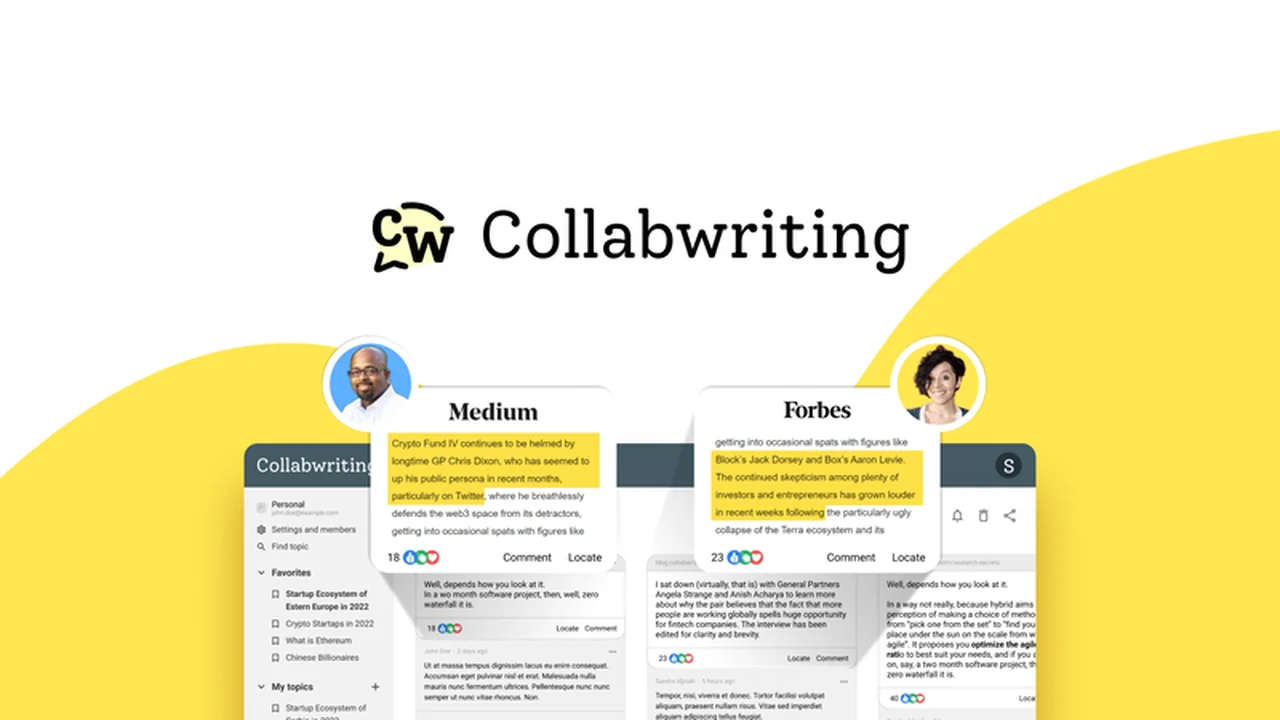
In today’s fast-paced digital world, keeping research organized across numerous tabs and documents can be a significant challenge. The constant switching between sources and the struggle to consolidate notes often leads to lost productivity.
This review dives into Collabwriting, a browser extension designed to unify your research process. Discover how it helps individuals and teams save, annotate, and collaborate on web pages and PDFs directly within your browser.
What is Collabwriting – Organize notes on webpages & PDFs | AppSumo
Collabwriting is a browser extension and accompanying dashboard that simplifies the way you collect, organize, and share information from online sources. It allows users to highlight content on webpages and PDFs, add notes, and collaborate with team members in a centralized virtual workspace.
Key Features
Collabwriting offers a suite of features designed to streamline research and collaboration:
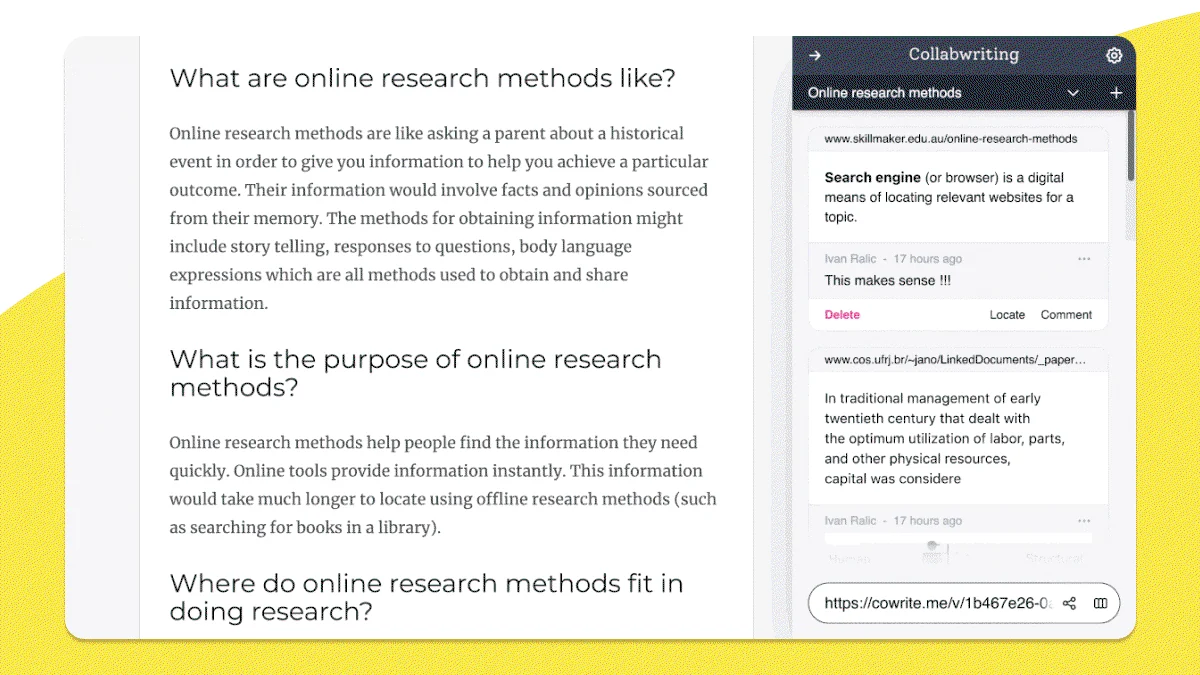
- Save and Annotate Content: Easily highlight text, add comments, links, and screenshots directly on web pages and PDFs.
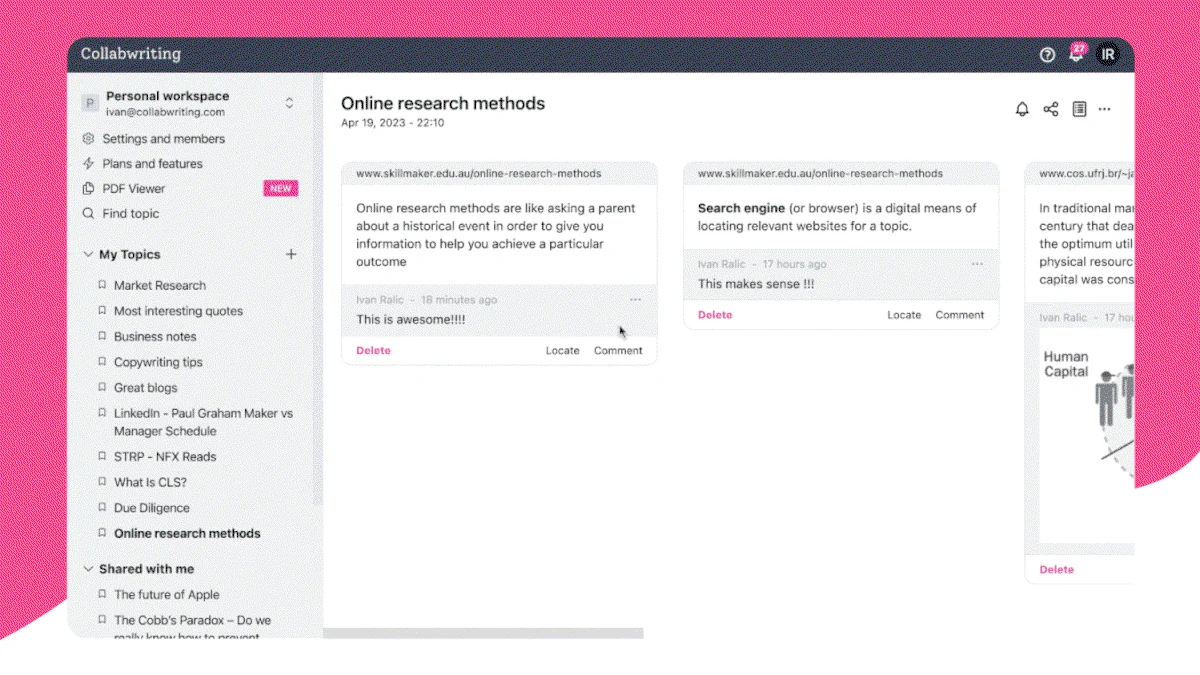
- Virtual Workspace: Store all your highlighted excerpts and notes in an organized virtual space, categorizable by topics.
- Real-time Collaboration: Share research with your team, allowing them to view, comment, or edit based on set permissions.
- Export Options: Export your research highlights and notes as PDFs or editable text files for platforms like Google Docs, Notion, Craft, and Word.
- Preserves Source Links: Highlights and comments are saved with intact links to the original sources, ensuring traceability.
- Activity Tracking: Monitor changes made by collaborators within the app’s activity tab, even if the original source content is updated.
- Topic Clustering and Search: Organize information effectively through topic clustering and robust search functionality.
How It Works
Using Collabwriting involves a straightforward process. The browser extension lets you select content on any webpage or PDF, add your annotations, and assign it to specific topics. These highlights and comments are then automatically synced to your Collabwriting dashboard. From the dashboard, you can manage your research, invite collaborators with defined roles (viewer, commenter, editor), and export your findings in various formats. The platform ensures that even if the original source material changes, your saved highlights remain intact, with a clear record of any updates in the activity log.
Use Cases
Collabwriting is beneficial for a wide range of professional and academic needs:
- Content Creation: Researchers and writers can gather inspiration, key data points, and customer feedback from various sources to inform new content.
- Academic Research: Students and academics can compile notes and sources from online journals, articles, and digital libraries for essays and papers.
- Project Management: Teams can collect project-related information, competitor analysis, and client feedback from the web and external documents.
- Marketing and Strategy: Marketers can save competitor websites, industry reports, and customer reviews for strategic planning and campaign development.
- Product Development: Teams can gather user feedback, market trends, and technical specifications to inform product roadmaps.
Integrations & Compatibility
- Collabwriting is compatible with major web browsers through its extension
- Export functionality allows for seamless integration with popular productivity tools such as Google Docs, Notion, Craft, and Microsoft Word, facilitating further workflow customization.
Pricing & Value
Collabwriting is available through a lifetime deal on AppSumo, offering significant value for ongoing access to its features. This approach bypasses recurring subscription fees, making it a cost-effective solution for individuals and teams looking to invest in long-term research organization and collaboration tools.
Deal Details
The AppSumo deal for Collabwriting typically provides lifetime access to the platform’s core functionalities. This includes the browser extension and the dashboard, enabling unlimited saving, annotating, and collaboration on web pages and PDFs. The deal often includes access to all future updates, ensuring the tool continues to evolve. Additionally, a 60-day money-back guarantee is usually offered, allowing ample time to evaluate the product’s suitability.
Quick Take
- Ideal for researchers, content creators, and teams who frequently work with online information.
- Offers a unified solution for saving, annotating, and collaborating on web pages and PDFs.
- Provides a cost-effective lifetime access option for long-term productivity gains.
FAQs
Does Collabwriting work on mobile devices?
Collabwriting is primarily a browser extension for desktop use, not a standalone mobile app.
What happens if the original web page changes?
Collabwriting saves your original highlights while tracking changes made by collaborators in the activity tab.
Can I export my notes and highlights?
Yes, you can export your research as a PDF or editable text to various platforms.
How do I share my research with my team?
You can share your research via a link or by adding specific users to your projects.
What kind of content can I annotate?
You can annotate both web pages and PDF documents directly within your browser.
Final Thoughts
Collabwriting presents a compelling solution for anyone struggling with scattered research and inefficient collaboration. Its intuitive browser extension and robust dashboard simplify the process of gathering, organizing, and sharing information from the web and PDFs. The ability to annotate directly on content, collaborate in real-time, and export findings in multiple formats makes it a versatile tool for various professional and academic pursuits. The lifetime deal on AppSumo offers excellent value, providing a sustainable way to enhance productivity and streamline workflows without ongoing costs.