
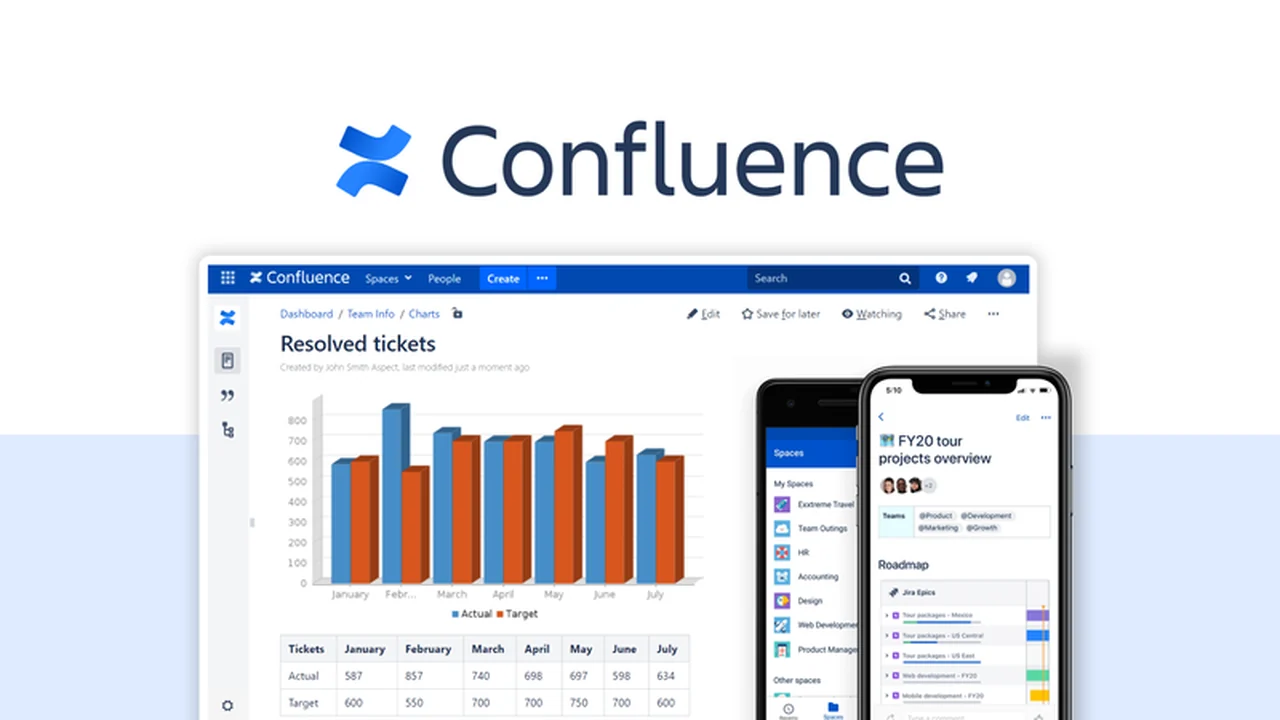
Are you struggling with scattered information and inefficient collaboration among your remote teams? This review dives deep into a powerful solution designed to centralize your knowledge and streamline team communication.
Discover how this platform can transform your organization’s workflow, making information accessible and actionable for everyone, no matter where they are located.
What is Confluence – Collaborate across teams remotely | AppSumo
Confluence is a comprehensive knowledge-sharing platform built to help organizations, especially remote ones, exchange information and collaborate efficiently across different departments. It acts as a central wiki-based hub, designed to combat information bottlenecks and departmental silos that can hinder growth.
Key Features
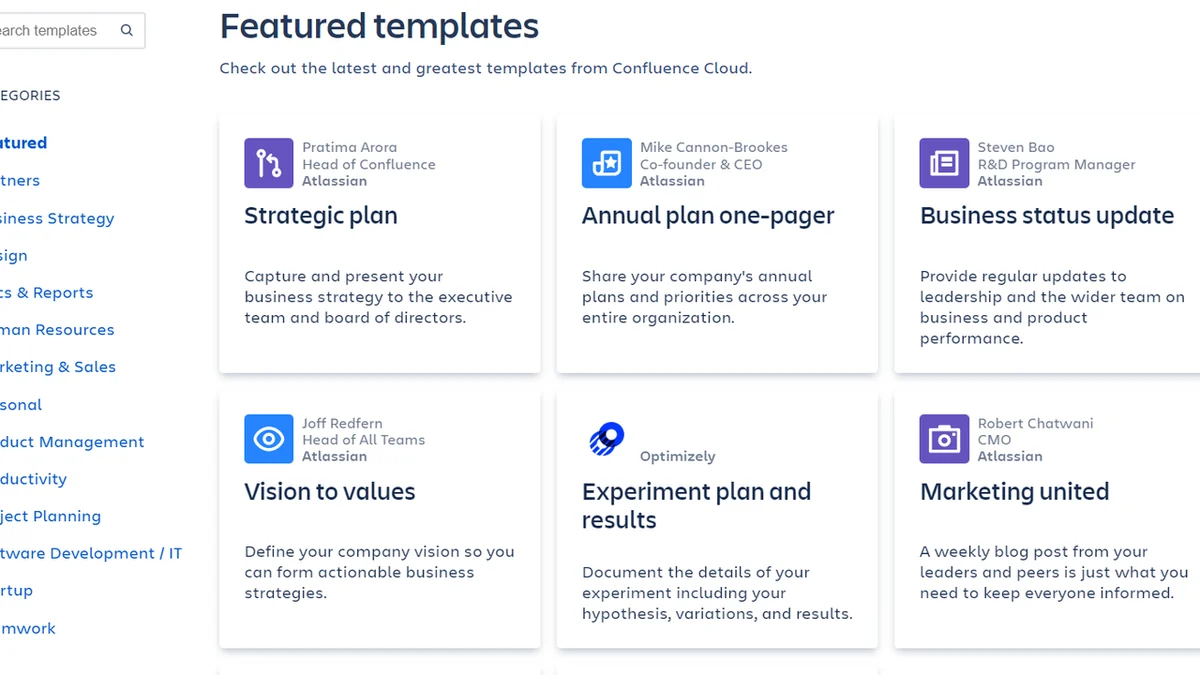
- Template Library: Access over 70 pre-made templates for various needs, including design, HR, marketing, and sales, to jumpstart your documentation.
- Version History: Effortlessly track and revert to previous versions of documents, ensuring you always have access to past states of your content.
- Advanced Search and Labels: Quickly locate any file or information with powerful search capabilities and intuitive labeling systems.
- Real-time Co-editing: Collaborate with team members simultaneously on the same page, enhancing productivity and reducing delays.
- Commenting and Tagging: Facilitate discussions and direct notifications to specific team members directly within documents.
- Page Permissions: Secure sensitive content with granular control over who can view or edit specific pages.
- Archiving: Keep your knowledge base clean by archiving outdated content while retaining the option to unarchive for historical context.
- Team Calendars: Manage team availability and track important dates and events within a shared calendar view.
- Page Analytics: Gain insights into content performance with detailed reports on page views, user interactions, and comments.
How It Works
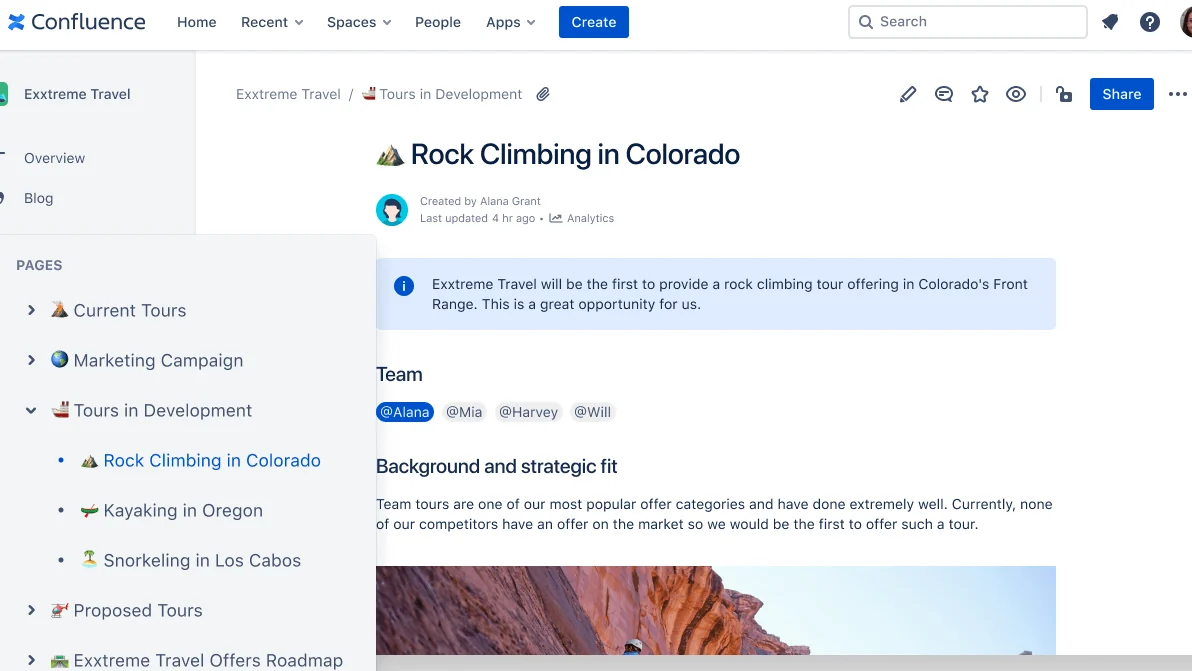
Confluence functions as a central repository for all your team’s documentation and knowledge. Users can create, organize, and share pages containing various types of information. The platform’s intuitive interface allows for easy navigation through a hierarchical page tree. Real-time collaboration tools enable multiple users to work on documents simultaneously, while commenting and tagging features ensure clear communication. Advanced search and labeling make finding information straightforward, and version history provides a safety net for edits.
Use Cases
- Developing incident communication procedures.
- Creating single-page annual reports for stakeholders.
- Formulating strategic plans for board members.
- Onboarding new employees with comprehensive guides.
- Managing project documentation and meeting notes.
- Building a company-wide knowledge base for best practices.
- Sharing marketing campaign details and performance metrics.
Integrations & Compatibility
- This platform integrates seamlessly with hundreds of other applications, allowing you to connect your existing tech stack and streamline workflows
- This broad compatibility ensures you can maintain your preferred working methods while centralizing knowledge and collaboration.
Pricing & Value
The value proposition lies in its ability to significantly improve team efficiency and knowledge retention. By centralizing information, reducing search times, and enabling seamless collaboration, it offers a substantial return on investment for any team struggling with dispersed information or communication gaps.
Deal Details
This is a time-sensitive offer, providing an opportunity to acquire the platform at a favorable rate. It’s important to note that deals are limited, and acting quickly is recommended to secure access.
Quick Take
- Ideal for remote teams needing a central knowledge hub.
- Enhances collaboration and information accessibility.
- Reduces information silos and improves organizational efficiency.
FAQs
Does it integrate with other tools?
Yes, it integrates with hundreds of apps to streamline your existing workflows.
Is real-time collaboration supported?
Yes, you can co-edit pages with your team in real time and leave comments.
How does Confluence help organize content?
It uses advanced search, labels, and an intuitive hierarchical page tree for easy content organization.
Can I track changes made to documents?
Yes, Confluence keeps a complete history of changes for each page, allowing you to revert if needed.
What is Confluence primarily used for?
It’s a knowledge-sharing platform for remote teams to collaborate and exchange information efficiently.
Final Thoughts
For organizations grappling with the challenges of remote work and information management, Confluence presents a compelling solution. Its robust feature set, from comprehensive documentation tools to real-time collaboration, addresses common pain points. The ability to create a single source of truth not only boosts productivity but also fosters a more connected and informed team environment. The value offered, especially through limited-time deals, makes it a strategic investment for improved operational efficiency.