
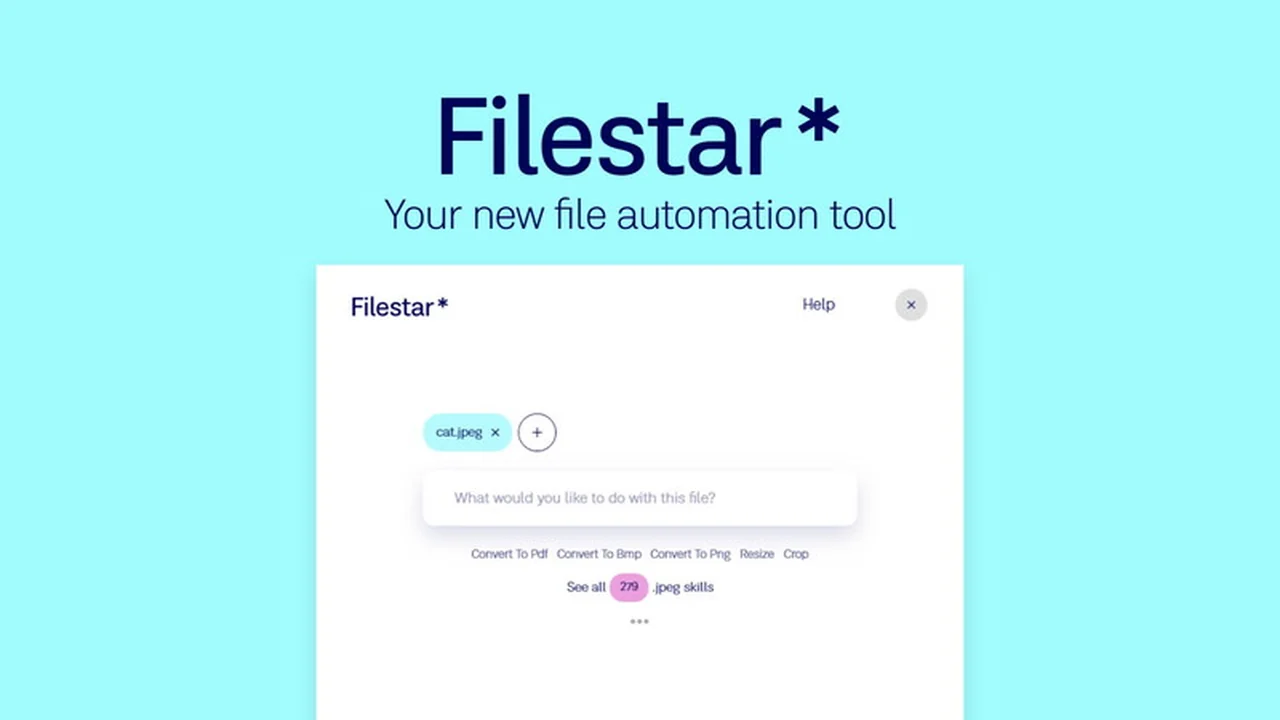
Are you tired of juggling multiple applications to perform basic operations on your files? This review dives deep into Filestar for Windows, a tool designed to streamline your workflow by enabling you to act on any file with simple search queries.
We will explore its core functionalities, how it simplifies complex file management tasks, and why it’s a valuable addition to your productivity arsenal, especially with its current AppSumo offering.
What is Filestar for Windows – Perform actions on any file | AppSumo
Filestar for Windows is a powerful application designed to consolidate file management tasks into a single, intuitive interface. It aims to eliminate the need for numerous specialized software by allowing users to perform a wide range of actions on any file type simply by typing what they want to do.
Key Features
- Convert Files: Easily change file formats for broader compatibility.
- Compress Files: Reduce file sizes for easier storage and sharing.
- Split Files: Break down large files into smaller, manageable parts.
- Merge Files: Combine multiple files into a single document.
- Extract Files: Quickly pull out specific content from archives or complex documents.
- Transform Files: Apply various modifications and changes to your documents.
- Tagging System: Organize and find files more efficiently through custom tags.
- Advanced Search: Locate files and perform actions based on descriptive text.
How It Works
Filestar operates on a principle of natural language commands applied to your files. Instead of opening different programs for different tasks, you can select your desired files and then type a command like “convert to PDF” or “merge into one document.” The software interprets your request and executes the action, bringing a new level of simplicity to file manipulation.
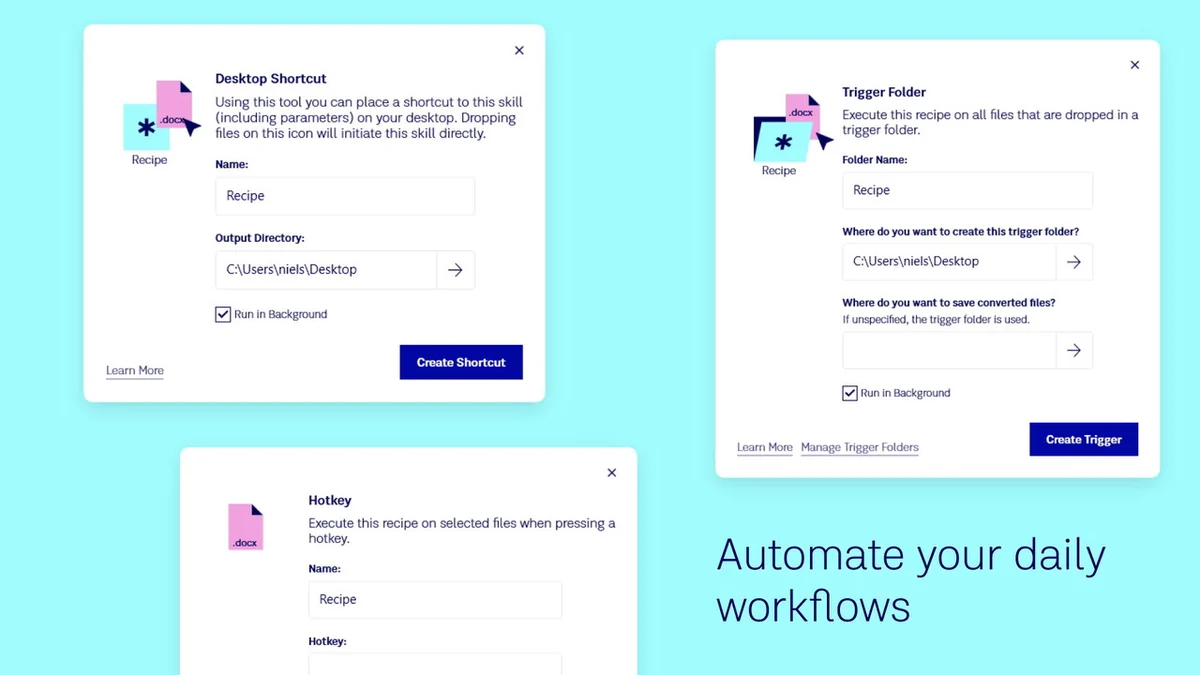
Use Cases
- Content Creators: Quickly convert image formats, compress video files, or merge multiple drafts into a final presentation.
- Students: Organize research papers, split large PDF textbooks, or extract specific chapters.
- Business Professionals: Merge reports, compress spreadsheets for email, or convert documents for wider sharing.
- Developers: Batch rename files, extract assets from archives, or transform data formats.
Integrations & Compatibility
- Filestar is designed to work directly with your files on Windows
- While it doesn’t require complex integrations for its core functionality, its ability to act on virtually any file type means it complements existing cloud storage and document management systems by handling the immediate actions you need to perform.
Pricing & Value
The value proposition of Filestar is its ability to replace multiple single-purpose applications. By consolidating these functions, it saves not only money on software subscriptions but also significant time and mental overhead in managing different tools.
Deal Details
The AppSumo deal provides lifetime access to Filestar for Windows. This includes future automation features and prioritized support. A 60-day money-back guarantee is offered, allowing ample time to test the software’s capabilities within your daily workflow.
Quick Take
- Ideal for users who frequently manage and modify files across various formats.
- Perfect for anyone seeking to reduce the number of software applications they use for file operations.
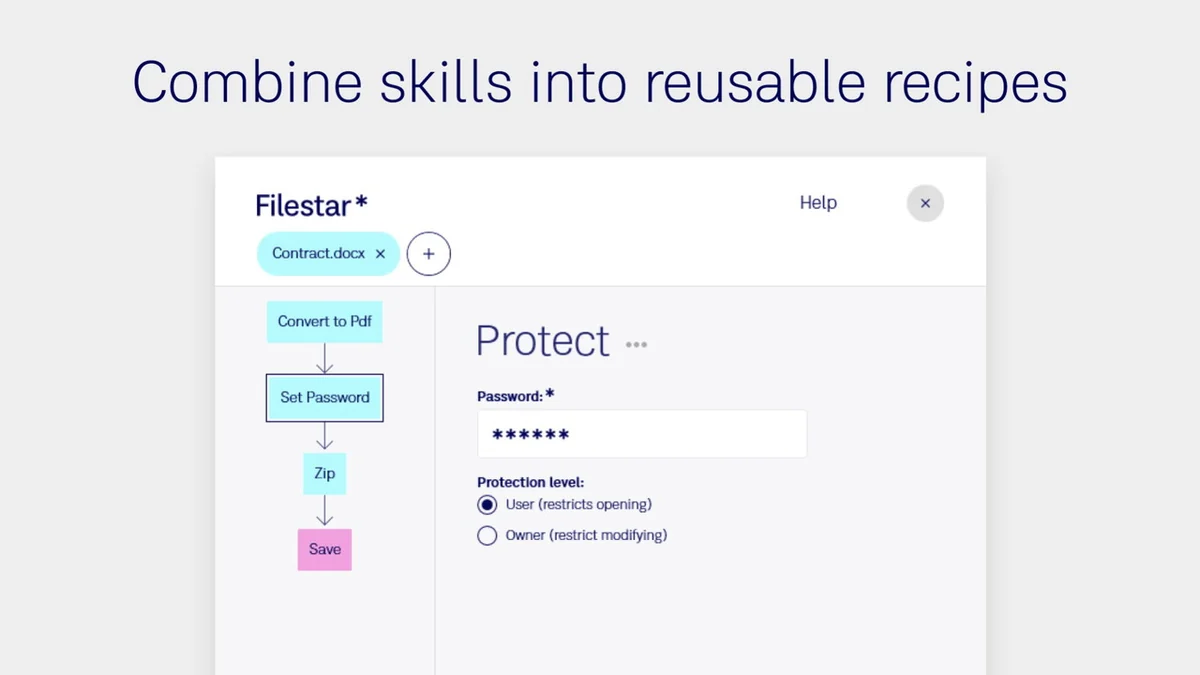
- A strong contender for streamlining batch processing and repetitive file tasks.
FAQs
Is there a refund policy?
Yes, the AppSumo deal includes a 60-day money-back guarantee for your peace of mind.
What if I’m missing a specific action or skill?
Users are encouraged to provide feedback for missing automation scenarios to the Filestar team.
Can I use Filestar for batch processing?
Absolutely, Filestar is designed to efficiently handle actions on multiple files simultaneously.
Is Filestar easy to learn?
Yes, its natural language command system makes it very intuitive and easy to learn.
What types of files can Filestar work with?
Filestar aims to perform actions on virtually any file type you have on your Windows system.
Final Thoughts
Filestar for Windows presents a compelling solution for anyone looking to simplify file management and boost productivity. Its innovative approach of using simple text commands to execute a wide array of file operations is a significant step forward in user-friendly software design. With the current AppSumo lifetime deal, it offers exceptional value for its robust feature set.