

Dealing with software bugs can be a time-consuming and frustrating process, especially when customer feedback is vague and difficult to interpret. Without a streamlined system, critical issues can easily be overlooked, impacting user experience and product development.
This comprehensive review explores Gleap, a solution designed to simplify bug reporting and enhance customer communication across web and mobile platforms, helping you build better products.
What is Gleap – Catch bugs with visual feedback | AppSumo
Gleap is a comprehensive visual feedback and bug reporting tool that integrates directly into your web and mobile applications. It empowers end-users and testers to provide detailed, visual feedback, making it easier for development teams to identify, understand, and resolve issues quickly.
Key Features
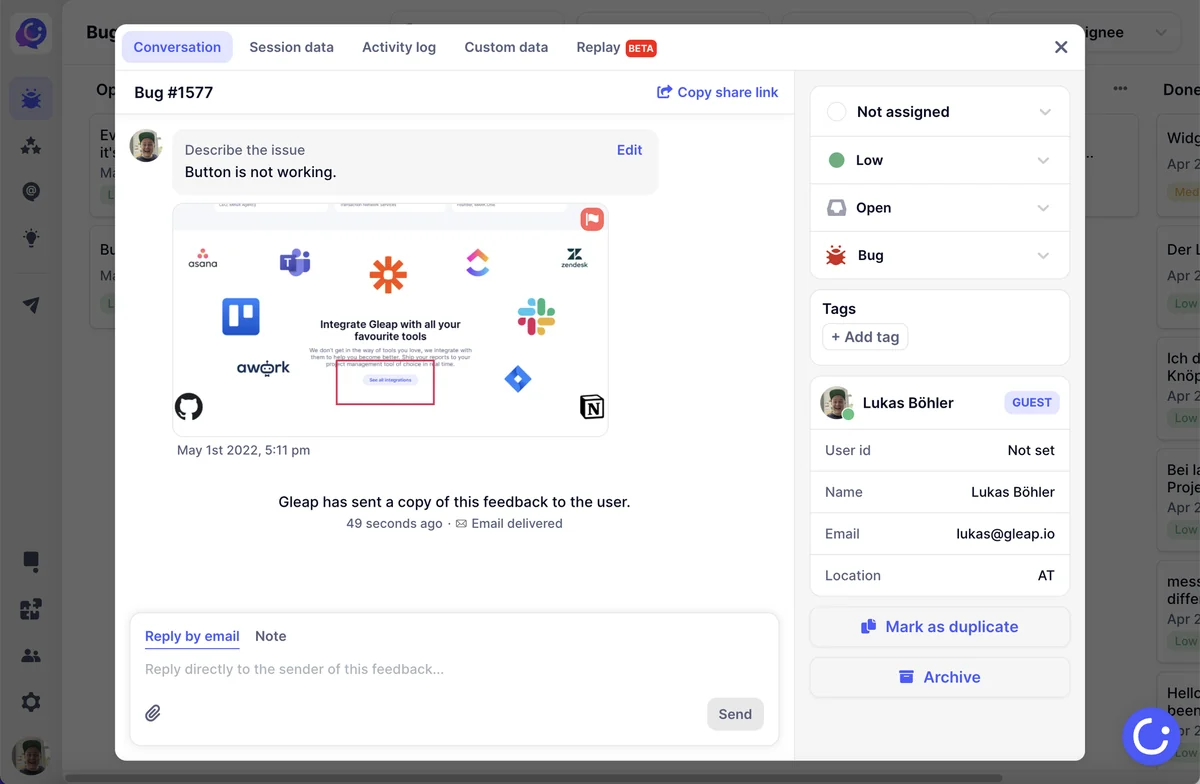
- Visual Bug Reporting: Users can record screen sessions and capture annotated screenshots to precisely demonstrate issues.
- Automatic Technical Data Capture: Gleap automatically collects essential technical information such as browser, device, operating system, and console/network logs for each bug report.
- User Feedback Widget: A customizable widget allows users to submit bugs, feature requests, and surveys directly from within the application.
- Feature Request Management: Collect, prioritize, and publicly display feature requests, allowing users to vote on desired updates.
- Surveys and Ratings: Launch targeted surveys with custom questions or templates to gather specific user insights and monitor user satisfaction.
- Direct User Communication: Respond privately to users about their feedback, ensuring they feel heard and valued.
- Customizable Workflow: Tailor feedback flows and widget design to match your brand and user needs.
- Mobile-Specific Triggers: Enable feedback submission through actions like shaking the phone or taking a screenshot.
- Proactive Issue Detection: Receive automatic bug reports for detected crashes or rage clicks.
How It Works
Integrating Gleap into your platform is designed to be straightforward, often requiring just a few lines of code. Once implemented, users encounter a feedback widget. From this widget, they can initiate a bug report, which can include screen recordings demonstrating the problem, or annotated screenshots for clarity. Gleap captures all relevant technical data in the background, creating a comprehensive visual report. This report, along with the technical logs, is then made available to your development team, often integrated directly into your existing project management tools.
Use Cases
- Mobile App Development: Quickly identify and fix bugs reported by users directly from iOS and Android applications.
- Web Application Testing: Streamline the bug reporting process for web-based platforms, collecting detailed feedback from testers and live users.
- Product Management: Gather user ideas for new features and prioritize development based on community input.
- Customer Support: Enhance customer satisfaction by providing a clear channel for feedback and quick resolution of reported issues.
- UX/UI Improvement: Understand user pain points through visual feedback and make data-driven design decisions.
Integrations & Compatibility
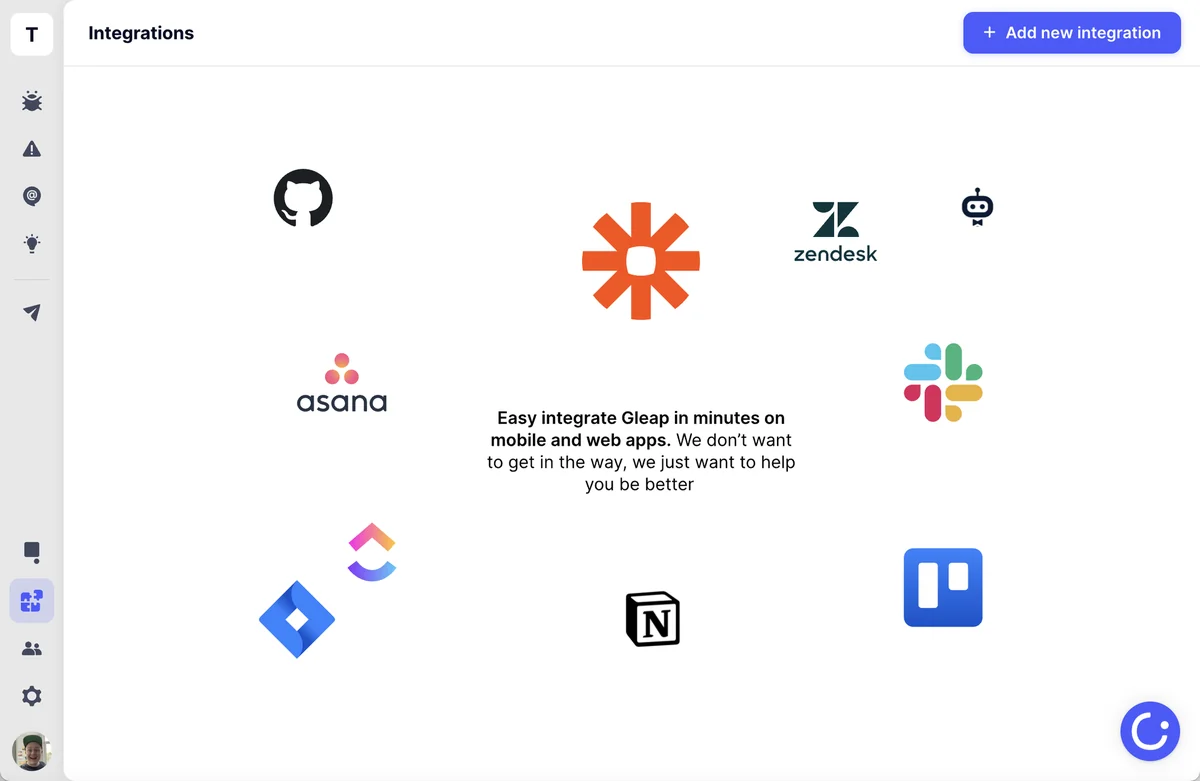
Gleap offers robust integrations with popular tools to streamline your workflow. These include:
- Slack
- Jira
- Zapier
- HubSpot
This allows for real-time shipping of bug reports to your project management software, saving valuable time on manual data entry and accelerating iteration cycles.
Pricing & Value
Gleap provides a tiered pricing structure designed to accommodate different user needs. The value proposition lies in its ability to significantly reduce the time spent on bug reproduction and resolution through visual feedback, thereby saving development resources and improving product quality.
Deal Details
This offer provides lifetime access to Gleap, enabling continuous use of its features. The deal typically includes access to current and future updates, making it a valuable long-term investment for software development teams. A 60-day money-back guarantee is also provided, allowing ample time to evaluate the tool’s effectiveness.
Quick Take
- Ideal for development teams seeking to expedite bug resolution with visual data.
- Suitable for businesses looking to enhance user feedback channels and build customer-driven products.
- A practical solution for consolidating bug reporting, feature requests, and user surveys into one platform.
FAQs
Does Gleap allow for direct communication with users?
Yes, Gleap enables private responses to user feedback and inquiries.
How easy is it to integrate Gleap into an existing application?
Integration is designed to be simple, often requiring minimal code changes.
Can Gleap be used on both web and mobile applications?
Yes, Gleap is designed to work seamlessly on both web and mobile platforms.
How is technical data captured with Gleap?
Gleap automatically captures browser, device, OS, and console/network logs.
What kind of feedback can users submit through Gleap?
Users can submit bug reports, feature requests, and participate in surveys.
Final Thoughts
Gleap presents a compelling solution for anyone involved in software development who struggles with traditional bug reporting methods. By centralizing visual feedback, automatic data collection, and user communication, it offers a powerful way to identify and fix issues more efficiently. The integration capabilities further enhance its value by fitting into existing workflows. For teams aiming to build higher-quality software and foster stronger relationships with their users, Gleap is a tool worth serious consideration.