
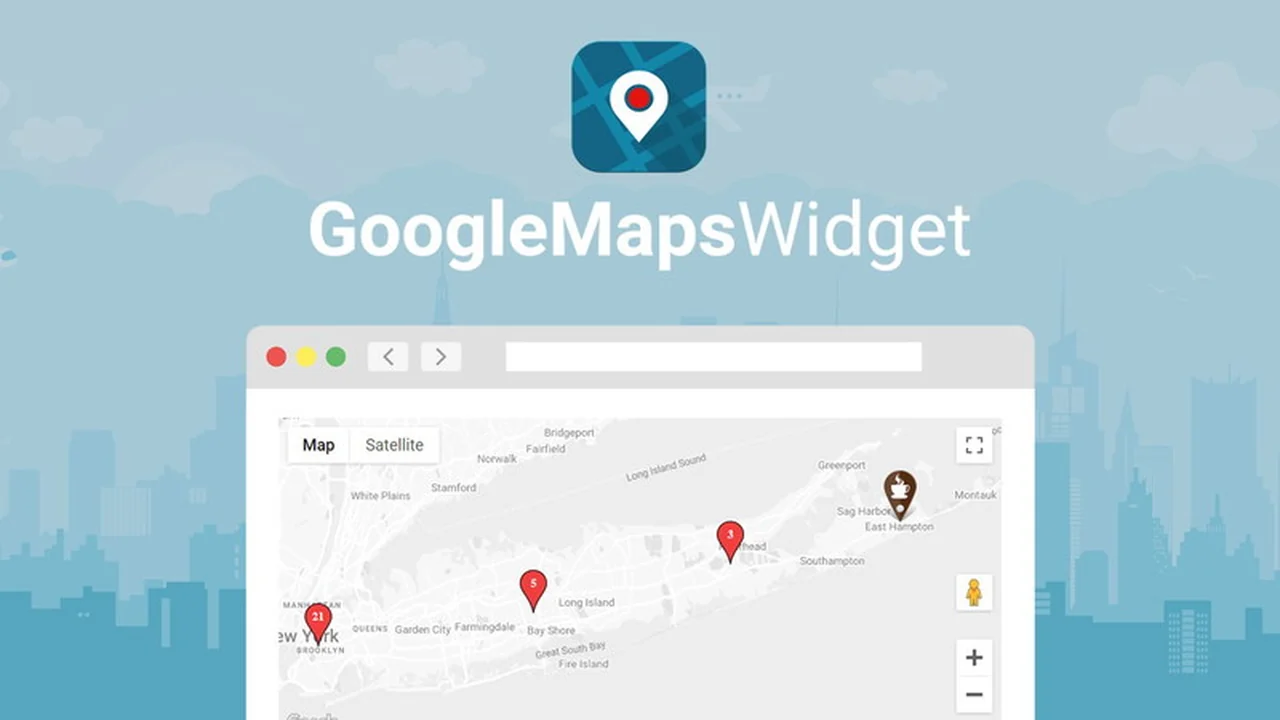
Adding an interactive map to your WordPress website doesn’t have to be a complex or time-consuming task. This product streamlines the process, allowing you to embed visually appealing and functional maps with ease.
Discover how this solution can enhance user experience on your site by providing clear location information, and learn about its features, implementation, and value proposition for WordPress users.
What is Google Maps Widget | AppSumo
Google Maps Widget is a WordPress plugin designed to help website owners easily integrate interactive maps into their sites. It aims to simplify the process of adding location data, ensuring that the maps are not only functional but also aesthetically pleasing and performant.
Key Features
-
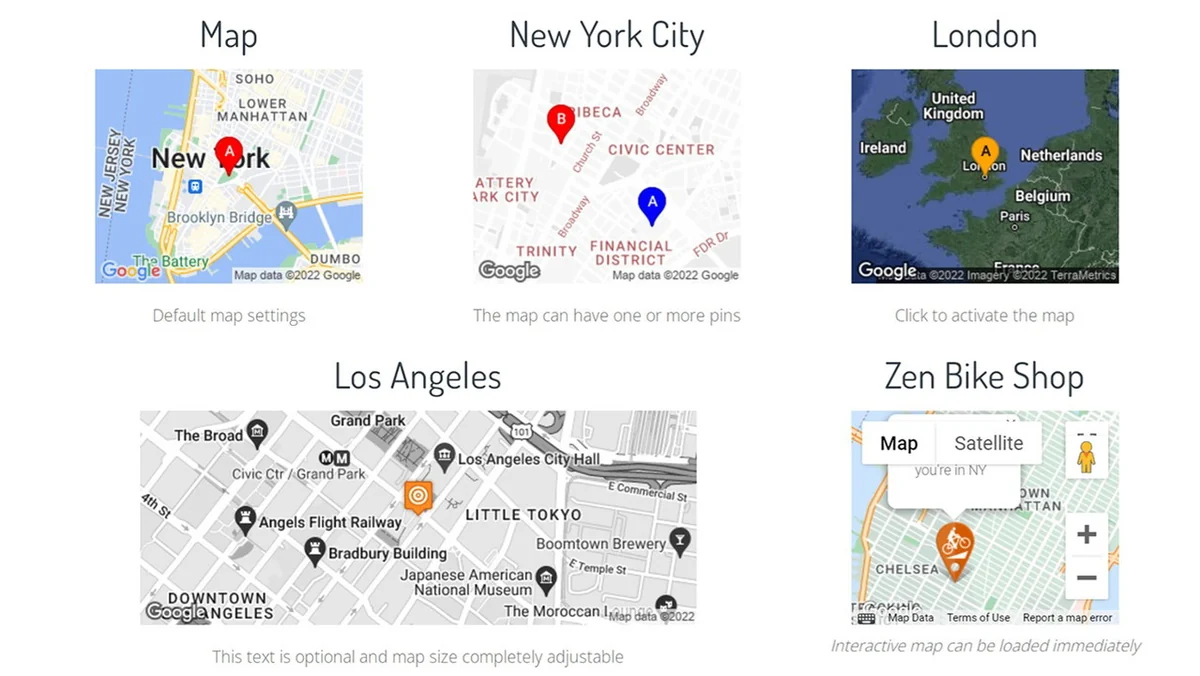
Fast-Loading Thumbnail Map: Displays a lightweight image of the map initially to ensure your site loads quickly. Upon user interaction, it reveals a fully interactive map.
-
Interactive Lightbox or Custom URL: When the thumbnail map is clicked, visitors can be shown a detailed interactive map within a lightbox, or directed to a custom URL, or have the thumbnail replaced with the interactive version.
-
Multiple Map Styles: Offers various map styles to ensure the embedded map seamlessly integrates with your website’s overall design and branding.
-
Flexible Placement: Allows for multiple maps on a single page or post, and an unlimited number of maps across your entire website. Shortcodes enable placement even without sidebar availability.
-
Configurable Pins: Supports one or more pins per map, with individual configuration options for each pin, making it easy to highlight specific locations.
-
Import Functionality: Can import location data from spreadsheets, allowing for the display of multiple addresses on a single map.
How It Works
The plugin operates by allowing you to configure map settings through a user-friendly interface within your WordPress dashboard. You can specify locations, add pins, choose map styles, and determine how the interactive map is displayed. The core functionality involves a fast-loading thumbnail that expands to a full interactive map on user action, optimizing site speed.

Use Cases
-
Contact Pages: Displaying your business location for easy navigation by clients.
-
Event Listings: Showing venues for upcoming events.
-
Real Estate Listings: Pinpointing properties for sale or rent.
-
Travel Blogs: Marking destinations and points of interest.
-
Directory Websites: Listing multiple businesses or services with their locations.
Integrations & Compatibility
- This plugin is specifically designed for WordPress
- It is important to note that Google Maps Widget is not compatible with the Gutenberg block editor
- It is built to function with the classic widgets editor
- For users who prefer or need to use the classic editor interface with newer WordPress versions, the official Classic Widgets plugin can be installed.
Pricing & Value
The value proposition of Google Maps Widget | AppSumo lies in its ability to provide a robust mapping solution at an accessible price point through the AppSumo platform. This often includes lifetime access, which offers significant cost savings compared to recurring subscription models for similar functionalities.
Deal Details
The AppSumo deal typically offers lifetime access to the Google Maps Widget plugin. Users are usually required to redeem their codes within a specified period after purchase, commonly 60 days. It’s important to note that this particular deal may not be stackable, meaning you generally purchase one license per website or user.
Quick Take
- Ideal for WordPress users needing to easily add interactive maps without compromising site speed.
- Suitable for businesses, bloggers, and organizations wanting to display locations clearly.
- A practical solution for enhancing user experience with location-based information.
FAQs
Can it work for geolocation from a Google Sheet with addresses?
Yes, you can import addresses from a sheet to show multiple locations on a map.
What is the compatibility with the Gutenberg editor?
Google Maps Widget is not compatible with the Gutenberg editor and requires the Classic Widgets plugin.
How do I find the API key?
Detailed setup instructions are available on the developer’s website or via their support team.
Is there a possibility to change the Google fonts used with local ones?
The developers are working on a solution to allow local font loading.
Can I use this with a hand-coded webpage or a landing page builder?
No, this is a WordPress plugin and only works on WordPress sites.
Final Thoughts
For WordPress users seeking an efficient and effective way to integrate interactive maps, the Google Maps Widget | AppSumo deal presents a compelling option. Its focus on performance with the thumbnail map feature, combined with customizable options and straightforward implementation for classic widget users, makes it a valuable addition to many websites. The potential for lifetime access through AppSumo further enhances its appeal as a cost-effective solution for displaying location data.