
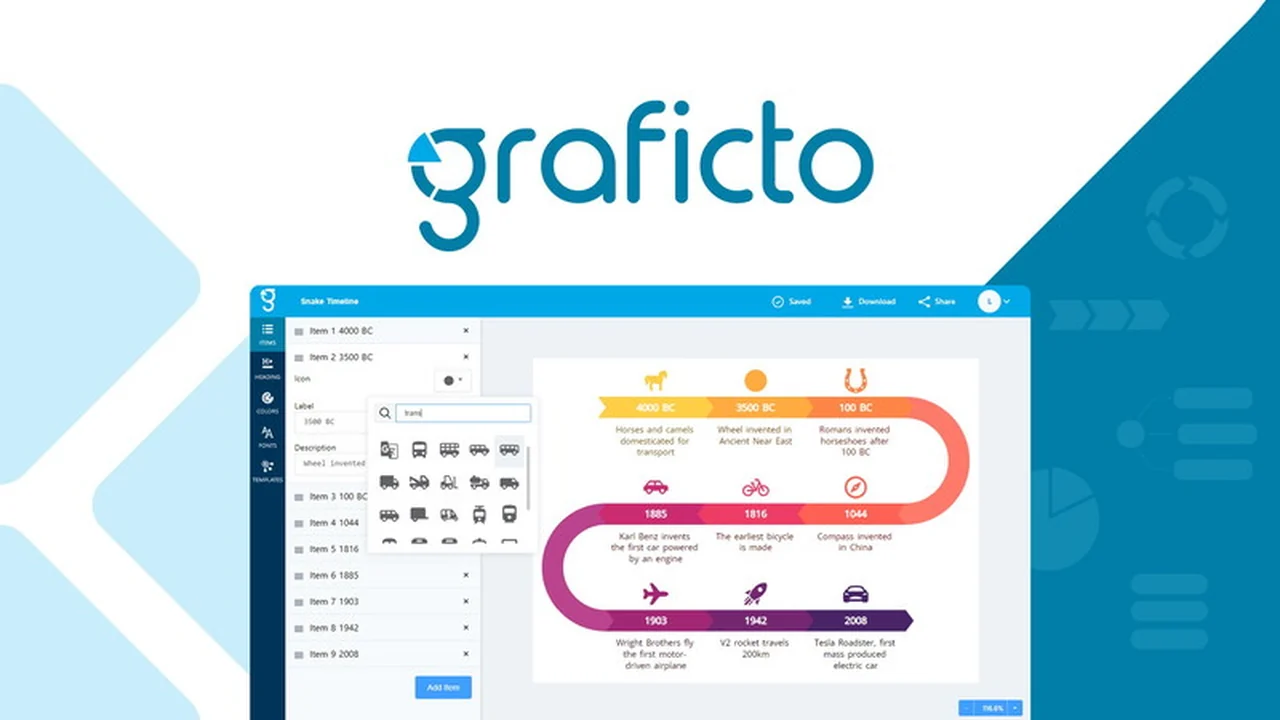
Creating visually appealing infographics and smart visuals can be a challenge, especially without dedicated design skills. Many professionals and students find themselves spending hours editing existing templates to fit their specific content.
This review explores Graficto, a tool designed to streamline this process, allowing users to generate professional-looking infographics quickly and efficiently, even with limited design experience. We’ll cover its core features, how it operates, and its overall value.
What is Graficto | AppSumo
Graficto is an intuitive infographic and smart visual maker that empowers users to produce designs rapidly. It offers a substantial library of professionally designed templates suitable for various purposes, including lists, processes, cycles, and charts.
The core principle behind Graficto is its ease of use; users select a template and input their content, with the design automatically adapting to accommodate the information. This approach aims to significantly reduce the time and effort traditionally required for infographic creation.
Key Features
- AI-Powered Infographic Generation: Users can now create infographics in seconds by providing a brief description of their needs.
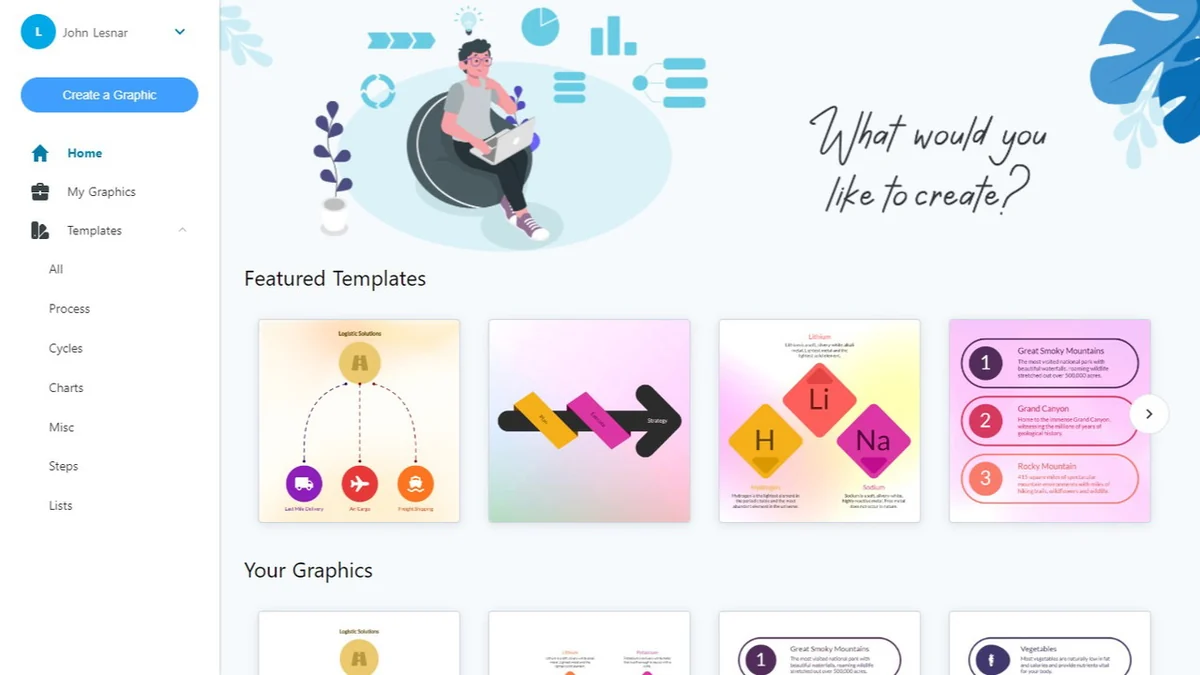
- Extensive Template Library: Access to hundreds of professionally designed infographic templates for diverse data types and visual storytelling.
- Automatic Design Adaptation: Templates dynamically adjust to the content users input, ensuring visual coherence.
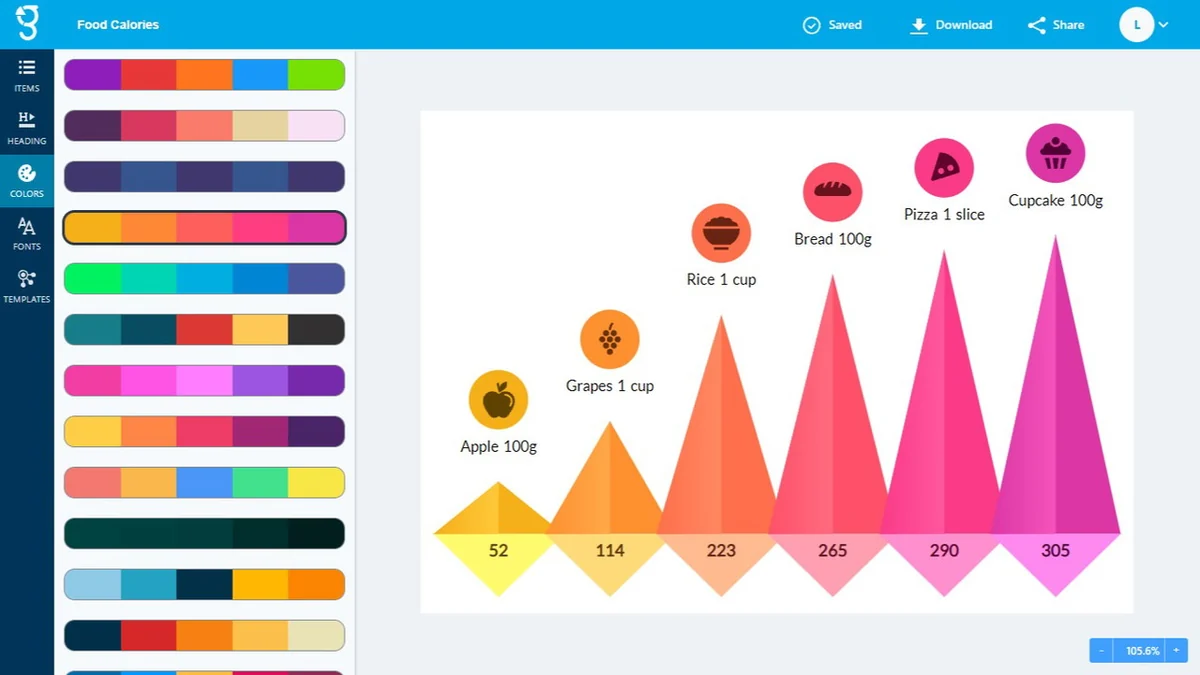
- Customizable Colors: The ability to personalize designs with custom color schemes.
- User-Friendly Interface: Designed for individuals without prior design experience to create visuals easily.
How It Works
Getting started with Graficto is straightforward. Users can begin by selecting an AI-generated prompt or choosing from the extensive library of pre-designed templates.
Once a template is selected, the user can easily add and edit their content directly within the editor. Graficto’s intelligent system then automatically adjusts the layout, typography, and graphic elements to fit the new information, ensuring a polished and professional final output.
Use Cases
- Presentations: Quickly create engaging visuals for business presentations, lectures, or workshops.
- Blog Posts & Articles: Enhance written content with informative and eye-catching infographics.
- Educational Materials: Develop clear and concise visual aids for coursework or study guides.
- Social Media Graphics: Design shareable infographics to increase engagement on social platforms.
- Reports & Proposals: Summarize complex data and key findings in an easily digestible format.
Integrations & Compatibility
- Graficto focuses on its core infographic creation capabilities and does not currently offer direct integrations with external data sources like Google Sheets for real-time plotting
- The tool is primarily designed for creative visualization of simpler data sets.
Pricing & Value
While Graficto is available with certain limitations for free users, the AppSumo deal offers lifetime access to its full suite of features. This provides significant value, especially for individuals or businesses that require regular infographic creation.
The one-time purchase on AppSumo offers a cost-effective alternative to ongoing subscription models, providing users with a powerful design tool for a single investment.
Deal Details
The Graficto | AppSumo deal typically provides lifetime access to the software. This includes all current and future updates, ensuring users benefit from ongoing development and new features. A 60-day money-back guarantee is also included, allowing users to test the product risk-free.
Quick Take
- Ideal for marketers, educators, and content creators who need to visualize data quickly.
- Perfect for users with minimal to no graphic design experience.
- A cost-effective solution for generating professional infographics without ongoing subscription fees.
FAQs
Can I embed Graficto creations on my website?
While not explicitly detailed, the tool is designed for creating shareable visuals that can typically be embedded.
Can Graficto automatically plot graphs from Google Sheets data in real-time?
No, Graficto is not a data visualization platform and cannot automatically pull or plot real-time data from sources like Google Sheets.
Will Graficto support improved Greek language AI performance?
Better multilingual support is on the roadmap, with quality expected to improve as underlying AI models evolve.
Can Graficto handle longer text inputs for AI generation?
The current text limit helps maintain visual balance, but updates may increase it or offer auto-adjusting font sizes.
Is AI functionality accessible within the editor?
Yes, the AI functionality is located within the editor after you select and create a graphic.
Final Thoughts
Graficto presents a compelling solution for anyone looking to simplify the process of creating infographics and smart visuals. Its AI-powered generation and user-friendly interface make it accessible to a wide range of users, regardless of their design expertise.
The extensive template library and the ability for designs to automatically adapt to content are significant time-savers. For individuals and businesses seeking to enhance their visual communication without the steep learning curve or recurring costs of traditional design software, Graficto | AppSumo offers substantial value.