
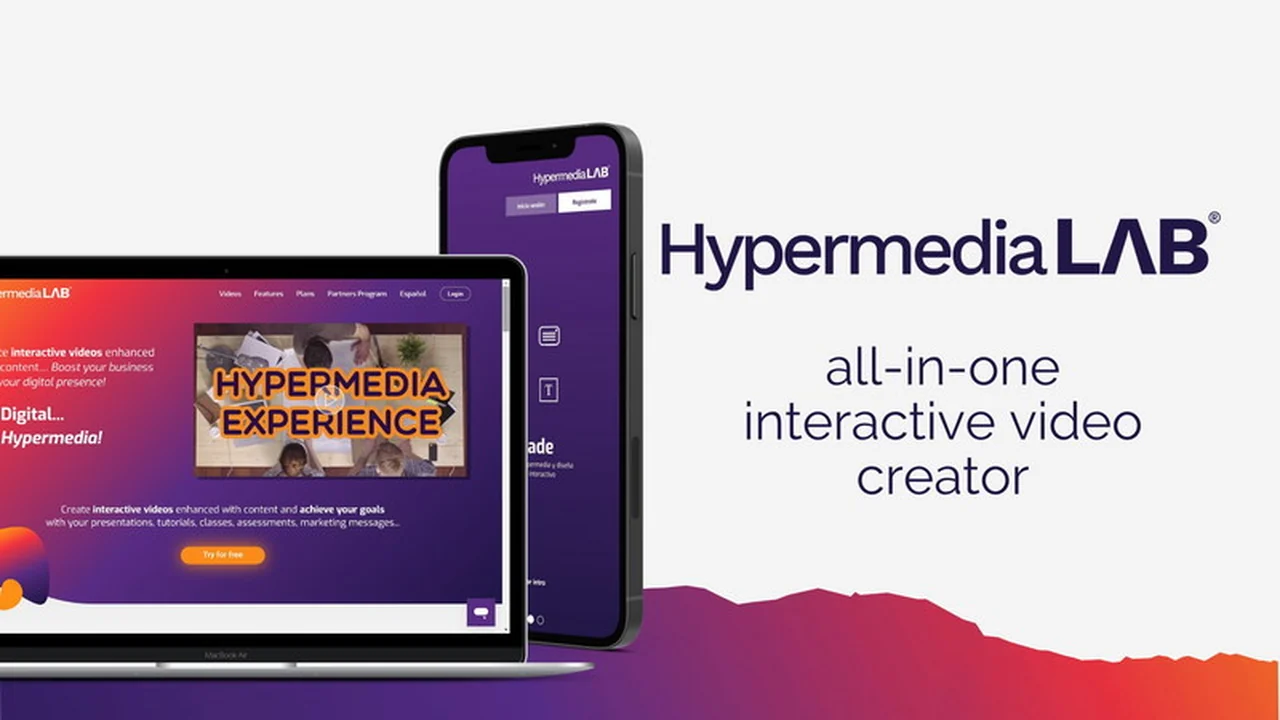
In today’s digital world, capturing and holding audience attention is paramount. Interactive videos offer a dynamic way to achieve this, moving beyond passive viewing to active participation.
This review explores HypermediaLAB, a comprehensive cloud-based platform designed to empower users in crafting powerful, engaging interactive video experiences. We’ll delve into its features, functionality, and overall value.
What is HypermediaLAB
HypermediaLAB is a cloud-based video platform focused on enabling users to create interactive videos. It provides tools for recording, editing, and enhancing videos with various interactive elements, making them mobile-ready and optimized for performance.
Key Features
- Video Recording & Uploading: Record your screen and webcam, or upload existing video files. You can also replace audio and trim your videos within the platform.
- Teleprompter: Utilize the built-in teleprompter to deliver your message smoothly and professionally.
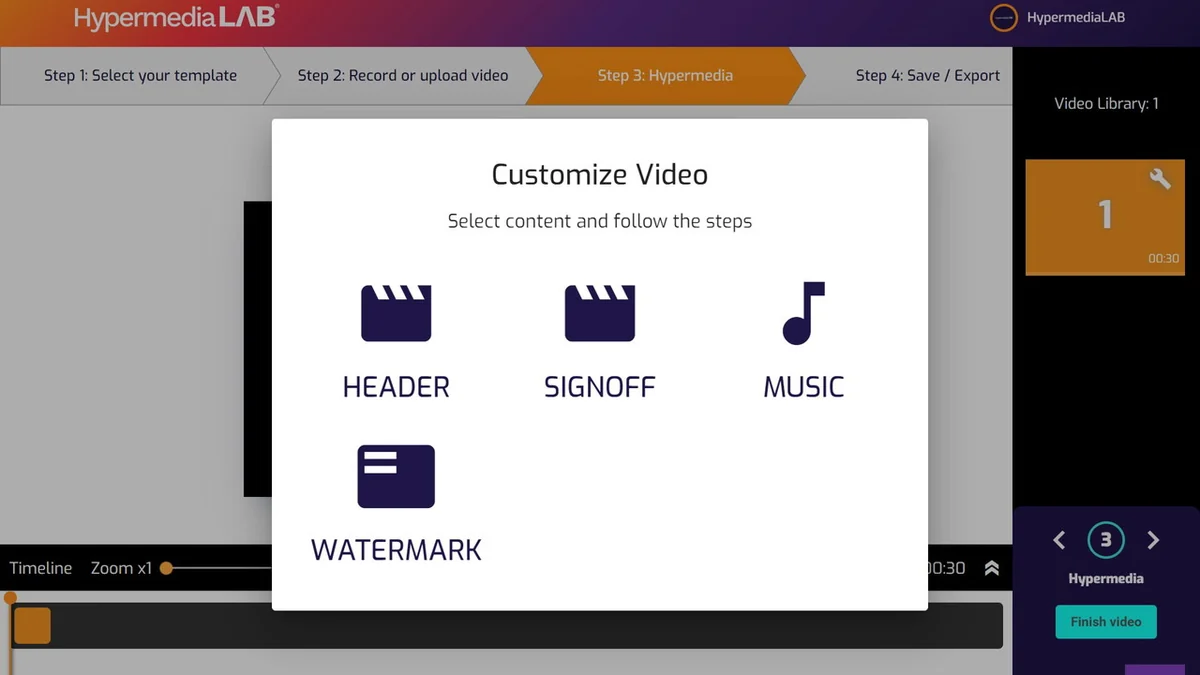
- Customization Options: Personalize your videos with headers, sign-offs, background music, and your own brand logo.
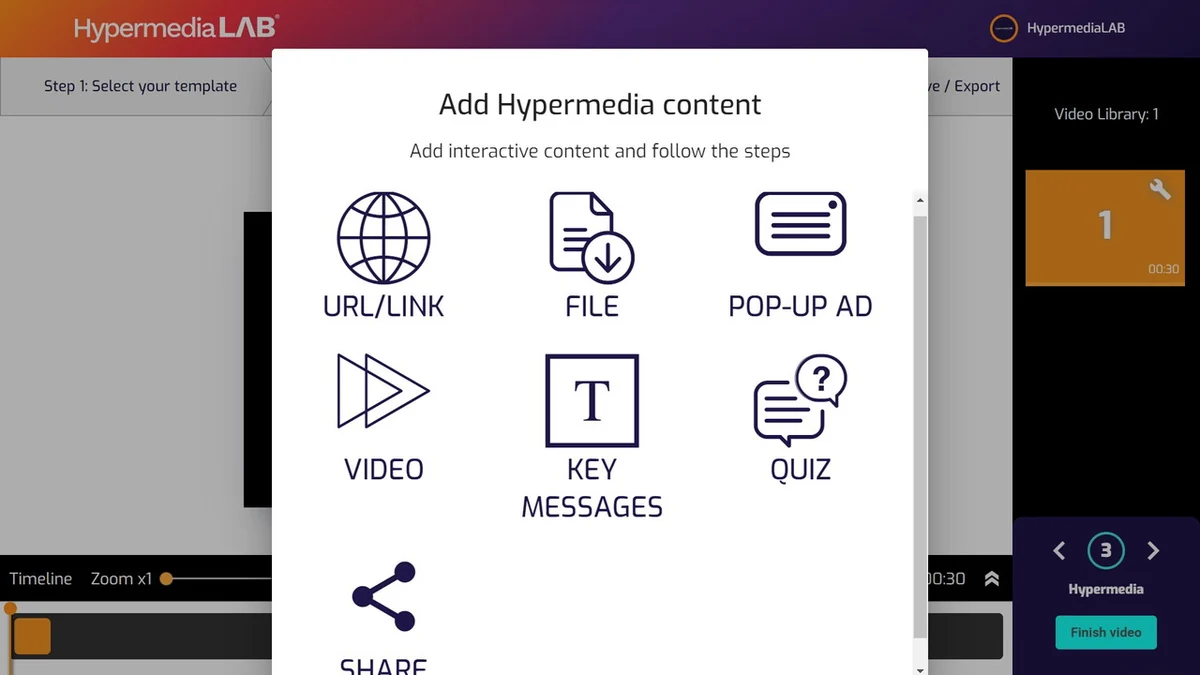
- Interactive Elements: Insert clickable buttons that link to websites, other videos, or social media. Add a range of interactive content such as files, quizzes, pop-ups, key messages, and podcasts.
- Seamless Embedding: Embed your interactive videos on your website or online campus using an iFrame code or a SCORM package, ensuring full control over the viewing experience without ads or recommendations.
- Easy Sharing: Share your interactive videos with a simple URL, with the videos also being hosted by HypermediaLAB as a backup.
- Branding: Customize the platform with your logo, colors, images, and corporate backgrounds for a consistent brand identity.
How It Works
HypermediaLAB simplifies the video creation process into manageable steps. Users can start by selecting a template and then proceed through recording or uploading their video content. The platform allows for editing, trimming, and adding audio. The core of its functionality lies in the ability to add interactive elements like buttons, quizzes, and files. Once created, videos can be easily exported or shared.
Feature: The drag-and-drop interface makes arranging content and building choice-based interactive experiences straightforward for users of all technical skill levels.
Use Cases
- Marketing & Sales: Create interactive product demos, engaging explainer videos, or lead generation content with clickable calls to action.
- Education & Training: Develop dynamic e-learning modules with quizzes, interactive guides, and assessments for a more immersive learning experience.
- Internal Communications: Produce engaging company updates, onboarding materials, or training videos that encourage employee participation.
- Customer Support: Build interactive FAQs or troubleshooting guides that help users find solutions more efficiently.
Integrations & Compatibility
- HypermediaLAB allows for seamless embedding into websites and online learning environments
- It provides iFrame code and SCORM packages, ensuring compatibility with various platforms
- The platform is browser-based, requiring no downloads or installations, and is accessible across different devices
- While designed to work with Chrome, users may encounter native Chrome issues related to webcam selection, which is a browser limitation rather than a platform fault.
Pricing & Value
The platform offers lifetime access, providing ongoing utility for creating interactive videos. This can represent significant value, especially for businesses or individuals looking for a long-term solution to enhance their video content strategy.
Deal Details
For a limited time, HypermediaLAB is available through a special offer, providing lifetime access to its features. This deal typically includes access to all current and future updates, making it a cost-effective option for acquiring a robust interactive video creation tool.
Quick Take
- Ideal for marketers, educators, and businesses seeking to boost engagement with interactive video content.
- Offers a user-friendly interface for creating professional-grade interactive videos without complex technical skills.
- Provides comprehensive tools for customization and seamless integration across various online platforms.
FAQs
What happens to my videos if I cancel my subscription?
Your video intellectual property remains yours, and you can export them to your website or online campus.
How do I edit a video after saving it?
Access “My videos,” click the three vertical dots, and select “Edit” to modify content or information.
Can music play only during a specific part of my video?
No, the music will play for the entire duration of your video.
What if my camera isn’t recognized by Chrome?
This is a known Chrome issue; HypermediaLAB connects the webcam Chrome allows it to use.
Can I share my videos on social media?
Yes, you can share videos via a dedicated share option and by adding social media share buttons within the video itself.
Final Thoughts
HypermediaLAB presents a compelling solution for anyone looking to elevate their video content strategy. Its array of features, from simple recording and editing to advanced interactive elements, caters to a wide range of needs. The platform’s emphasis on user-friendliness and seamless integration makes it an accessible tool for both beginners and experienced video creators. The lifetime access deal further enhances its value proposition, offering a powerful and cost-effective way to produce engaging interactive videos.