
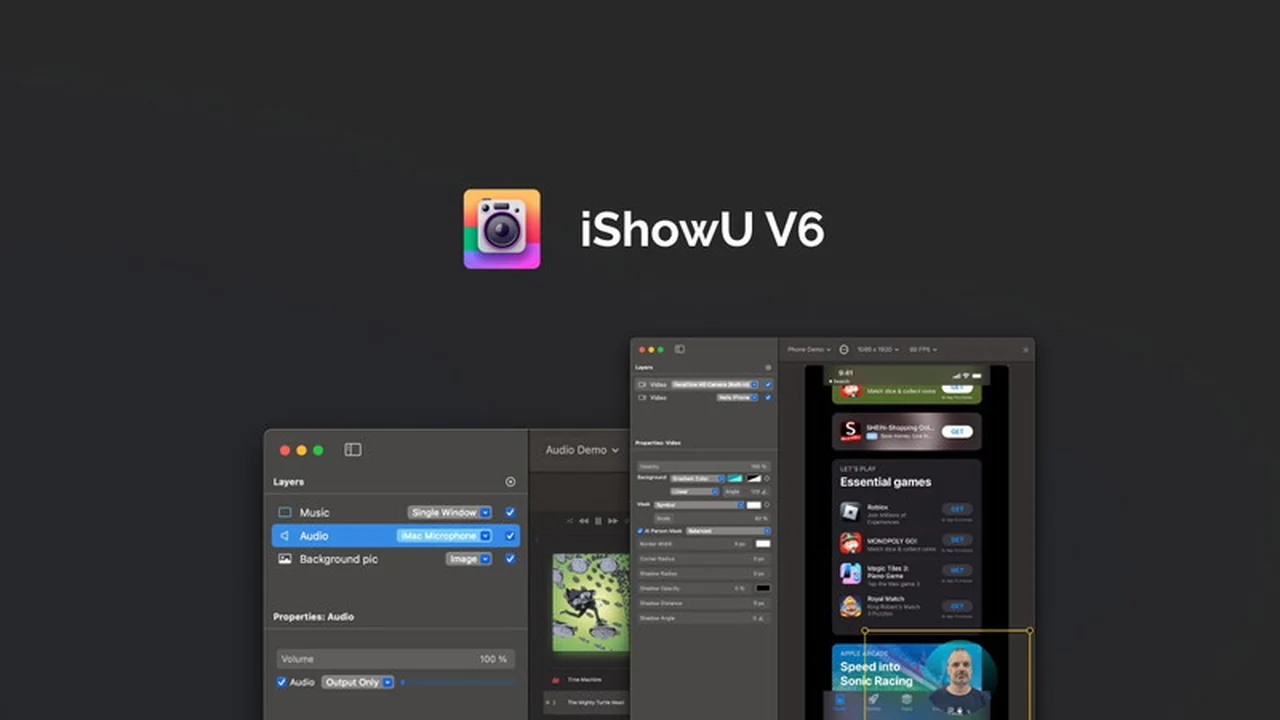
Capturing your Mac screen with added elements like voiceover and camera feeds can often involve complex software and lengthy editing processes. This review dives into a solution designed to simplify that experience.
We’ll explore how iShowU V6, available through AppSumo, aims to streamline screen recording for Mac users, offering features that go beyond basic capture and into polished content creation. Discover if this tool can meet your needs for creating professional-looking videos.
What is iShowU V6 | AppSumo
iShowU V6 is a software designed for Mac users to capture high-quality recordings of their computer’s display. It allows for simultaneous recording of the screen, built-in or external cameras, and microphones. The application focuses on real-time capture, meaning recordings are ready for use immediately after stopping the recording process, minimizing the need for extensive post-production editing.
Key Features
- Simultaneous Capture: Record your Mac screen, webcam, and microphone all at once.
- Real-time Output: Recordings are ready to use immediately after you finish, saving time.
- Customizable Recordings: Tailor your recordings to include exactly what you need, without limitations.
- Simple and Pro Modes: Choose between a user-friendly interface for quick tasks or advanced options for more control.
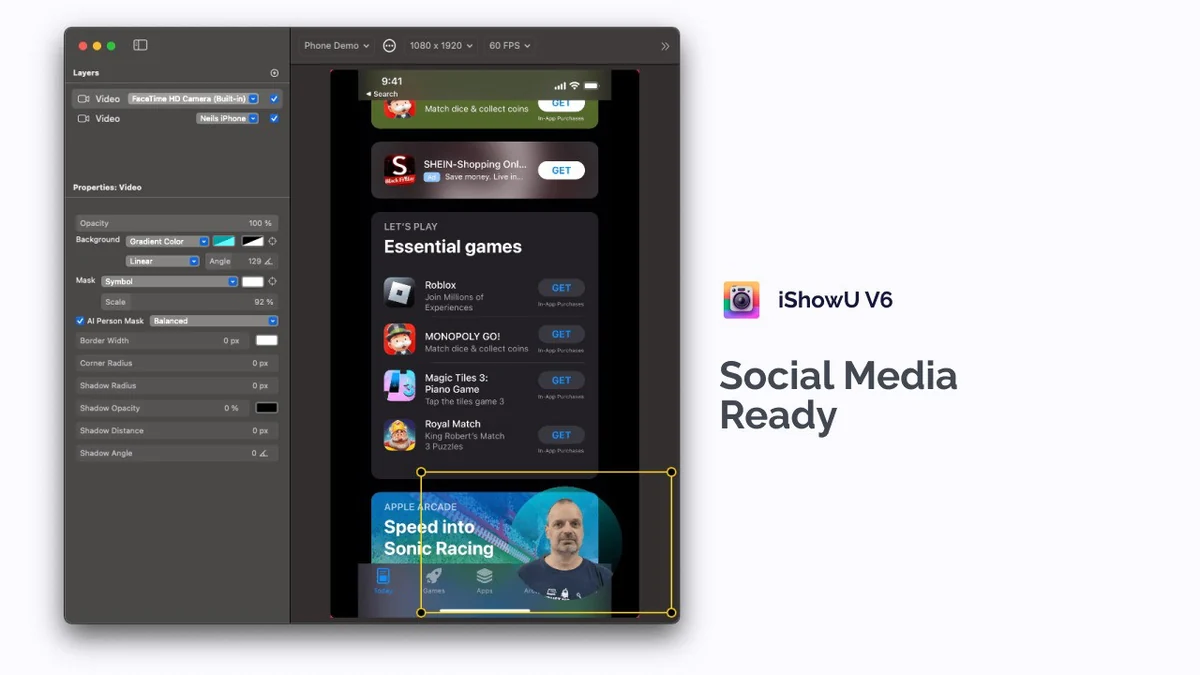
- External Device Support: Ability to capture content from your phone screen alongside your Mac display.
- Built-in Trim Functionality: Easily clip the beginning and end of your recordings to create polished final versions.
How It Works
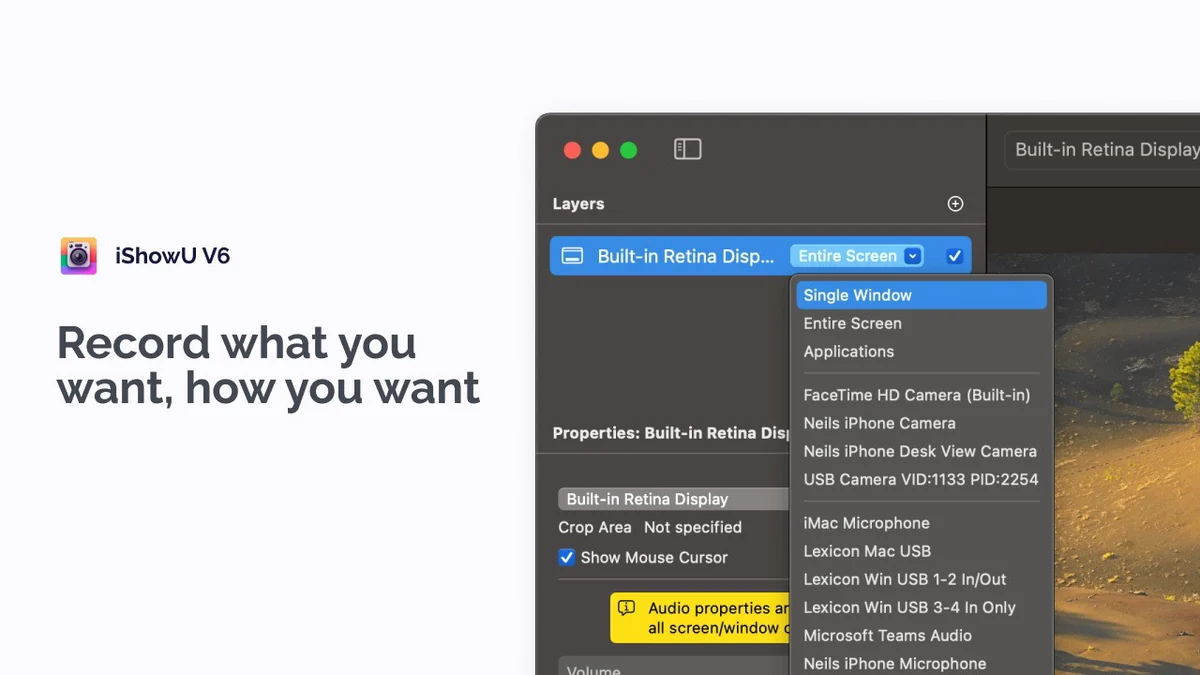
Using iShowU V6 involves selecting your desired recording sources, which can include your Mac’s screen, specific windows, your webcam, and your microphone. You can also connect and record from your iPhone or iPad screen. Once your setup is configured, you initiate the recording. The software captures all selected elements in real-time. When you’re done, the recording is finalized, and you can use the built-in trim feature to remove unwanted start or end sections, creating a clean output file.
Use Cases
- Creating software tutorials and product demos.
- Recording video presentations or online courses.
- Capturing gameplay with commentary.
- Documenting troubleshooting steps or technical processes.
- Sharing visual explanations for remote collaboration.
Integrations & Compatibility
- iShowU V6 is designed specifically for macOS
- It is compatible with various Mac hardware configurations, including those with multiple external monitors
- The application works by capturing standard display and audio inputs from your Mac and connected devices.
Pricing & Value
The value of iShowU V6, especially through an AppSumo deal, lies in its lifetime access to a tool that simplifies multi-source screen recording. This can save ongoing subscription costs associated with other video recording or editing software. The ability to capture and compose content in real-time also translates to significant time savings on editing, adding to its overall value proposition for content creators and professionals.
Deal Details
The iShowU V6 deal typically offers lifetime access to the software through AppSumo. This means a single purchase provides ongoing use of the current version and all future updates to the application. The deal is backed by a 60-day money-back guarantee, allowing users to test the software thoroughly.
Quick Take
- Ideal for Mac users needing to combine screen, camera, and audio in one recording.
- Great for quickly producing tutorials, demos, or shareable video content.
- Offers a streamlined approach to screen recording, reducing editing time.
FAQs
Does iShowU V6 have built-in video editing capabilities?
It includes a trim feature for the start and end of recordings, but not a full editing suite.
Is there a limit to how long or how many recordings I can make?
There is no limit to the recording time or the number of recordings you can create.
Can I transfer my license if I change computers?
Yes, the license can be transferred to a new computer.
Can I use the single license on multiple Macs?
A single license applies to one Mac computer at a time.
Can this be used to only record audio?
At the moment, recording only audio is not supported, but it is planned for future updates.
Final Thoughts
iShowU V6 presents a compelling option for Mac users seeking an efficient way to produce screen recordings that include multiple elements like voice and camera. Its real-time capture and straightforward interface, especially in Simple mode, make it accessible for those who want to create content without a steep learning curve. While a full-fledged editor is absent, the included trim functionality addresses the most common need for quick adjustments. For individuals or businesses looking to streamline their video creation process for tutorials, demos, or online sharing, iShowU V6 offers a valuable and time-saving solution.