
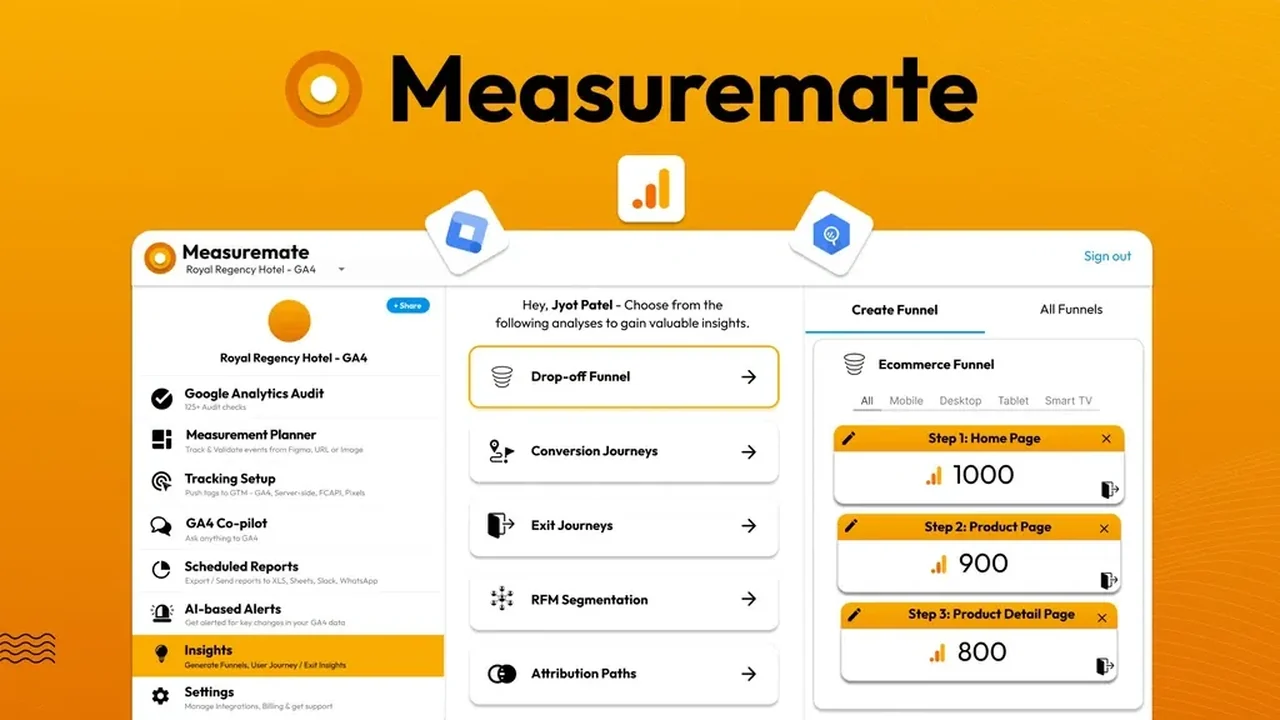
Tired of wrestling with complex analytics platforms and manual data entry? If managing Google Analytics 4, Google Tag Manager, and BigQuery feels overwhelming, a streamlined solution might be exactly what you need.
This review dives into Measuremate, a tool designed to simplify and automate critical aspects of your analytics workflow. We’ll explore its capabilities, how it functions, and who can benefit most from its features, particularly through the AppSumo deal.
What is Measuremate | AppSumo
Measuremate is a comprehensive analytics management platform aimed at automating and simplifying the process of tracking, tagging, validating, and reporting data across Google Analytics 4 (GA4), Google Tag Manager (GTM), and BigQuery. It’s designed to eliminate the need for coding or complex spreadsheet manipulation, making advanced analytics more accessible.

Key Features
Measuremate offers a suite of features focused on efficiency and accuracy in analytics:
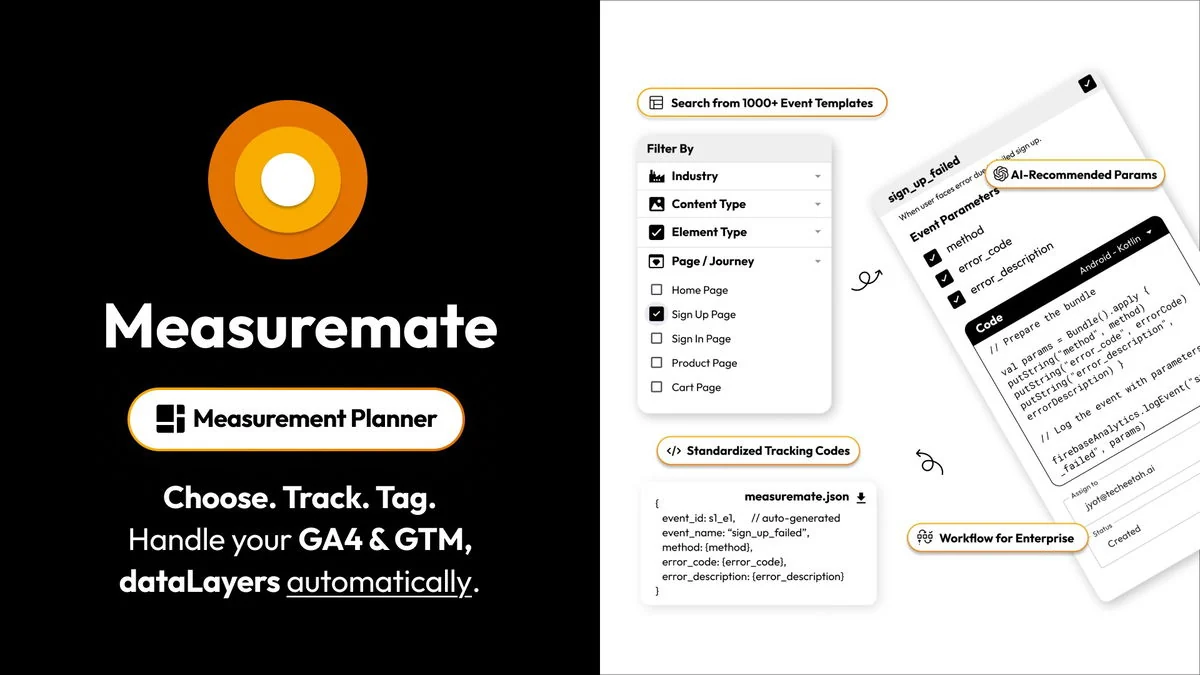
- Automated Event Tagging: Streamline the process of setting up event tracking in GA4 and GTM without manual coding.
- GTM Templates: Utilize pre-built GTM templates to accelerate the implementation of tracking across your websites.
- Measurement Strategy Planning: Tools to help you plan and define your analytics measurement strategy effectively.
- Automated Reporting: Schedule and deliver GA4 reports directly within your team’s communication channels.
- AI-Based Alerts: Receive intelligent alerts for potential data issues or insights.
- Data Validation: Compare your event schema with BigQuery raw data to ensure accuracy and identify discrepancies.
- Figma Integration: Capture UI elements and bring GA4 data into your Figma designs for a unified workflow.
How It Works
Measuremate operates through a combination of a web application and browser extensions. The platform connects to your Google Analytics, Google Tag Manager, and BigQuery accounts. You can then use its intuitive interface to configure tracking events, set up data validation checks, and schedule reports.
Automating Tagging: The tool simplifies the creation of tags, triggers, and variables for configured events within the Measurement Plan Builder module. Data Validation: It compares your event data against BigQuery to flag any inconsistencies.

Use Cases
Measuremate is particularly beneficial for:
- Marketers: Individuals looking to gain deeper insights from their data without extensive technical expertise.
- Marketing Agencies: Teams managing analytics for multiple clients, needing to ensure consistency and efficiency across accounts.
- Solopreneurs: Business owners who need to track performance effectively but have limited resources for complex analytics setup.
Integrations & Compatibility
Measuremate offers compatibility with several key platforms, including:
- Figma
- Google Analytics
- Google Sheets
- Google Tag Manager
- Slack
To use Measuremate, you will need a Gmail account and access to a Google Analytics account.
Pricing & Value
Measuremate’s standard plans cater to different levels of need, with options that can range from $69 for basic tiers to over $1,000 for more advanced features and higher usage limits. The AppSumo deal, however, offers a significantly different value proposition, providing lifetime access.
Deal Details
The Measuremate AppSumo deal provides lifetime access to the platform, including all future updates for the Kickstart (Tier 1), Automation (Tier 2), or Intelligence (Tier 3) plans. It’s important to redeem your code within 60 days of purchase. This deal is backed by AppSumo’s 60-day money-back guarantee, ensuring a secure purchase.
Quick Take
- Ideal for marketers, agencies, and solopreneurs seeking to simplify GA4, GTM, and BigQuery management.
- Automates key analytics tasks like tracking, validation, and reporting, saving significant time.
- Offers a cost-effective lifetime access option through the AppSumo deal.
FAQs
Does your tool help find issues, automatically fix issues, automatically add tracking and also able to give insights/opportunities and generate reports?
Yes, it helps find issues, recommends templated tracking events, and generates reports.
Can I connect a business email or a client’s account access to Measuremate while using my personal email?
Yes, you can add your personal or work credentials to work with different GA4 or GTM accounts via projects.
How does the license work, is it connected to the email I sign up to?
Yes, the license is attached to the email you sign up with, but you can add various GA4/GTM credentials to different projects.
Does this only work with Chrome for debugging, installing tracking etc?
The validation feature works on any browser; extensions enhance capabilities like adding data layer or capturing UI from Figma.
Can I import my existing settings and use that as a template?
The current version does not support custom workflows but plans to introduce a reusable custom template feature in the future.
Final Thoughts
Measuremate | AppSumo presents a compelling solution for anyone looking to bring order and efficiency to their analytics workflow. By automating repetitive tasks and simplifying complex setups for GA4, GTM, and BigQuery, it frees up valuable time and mental bandwidth.
The lifetime deal offered through AppSumo makes this a particularly attractive investment for businesses and individuals aiming to enhance their data management capabilities without ongoing subscription costs. If you’re struggling with analytics complexity, Measuremate is worth serious consideration.