
In today’s fast-paced professional environment, retaining every detail from online meetings can feel like a challenge. Juggling conversations, note-taking, and follow-up actions often leads to missed information.
This review explores how Meetgeek, available through a special AppSumo deal, offers a solution to automatically capture, transcribe, and share key meeting moments, freeing you to focus on the discussion itself.
What is Meetgeek – Record and transcribe your online calls | AppSumo
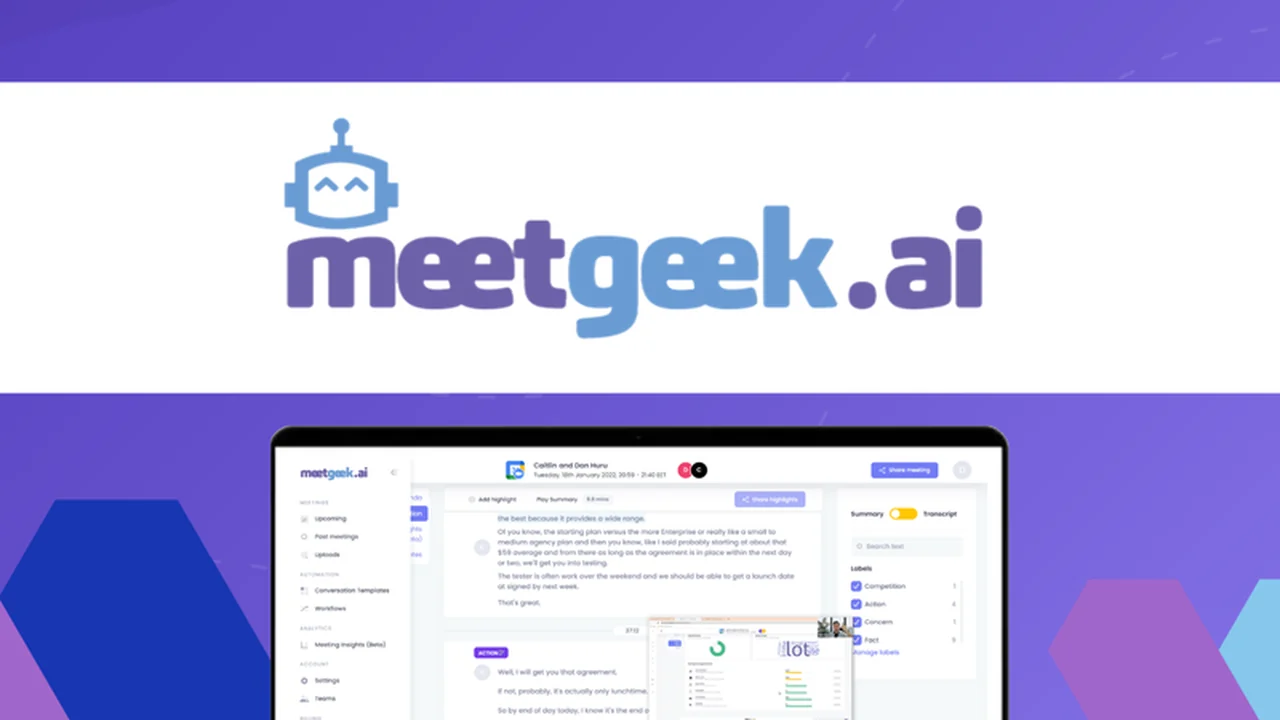
Meetgeek is an AI-powered tool designed to streamline the post-meeting workflow. It automatically records your online calls, generates accurate transcripts, and helps you identify and share crucial highlights. This means less time spent on manual note-taking and recaps, and more time for productive collaboration.
Key Features
Meetgeek comes equipped with a robust set of features to enhance your meeting productivity:
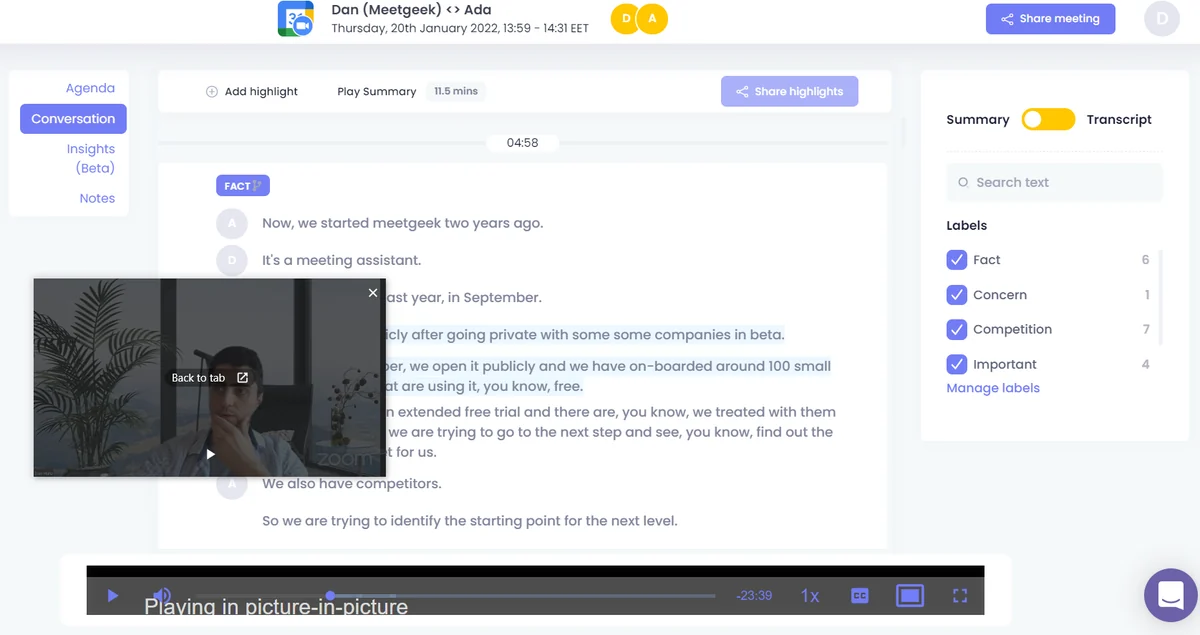
- Automatic Recording & Transcription: Captures every word spoken in your online meetings and converts it into a searchable transcript.
- AI-Powered Highlights: Identifies and suggests key moments from your conversations, or allows you to create your own custom highlights.
- Meeting Templates: Provides pre-designed templates to generate tailored summaries and transcripts for different meeting types.
- Voice Commands: Enables users to create tasks or mark highlights during live calls using voice prompts.
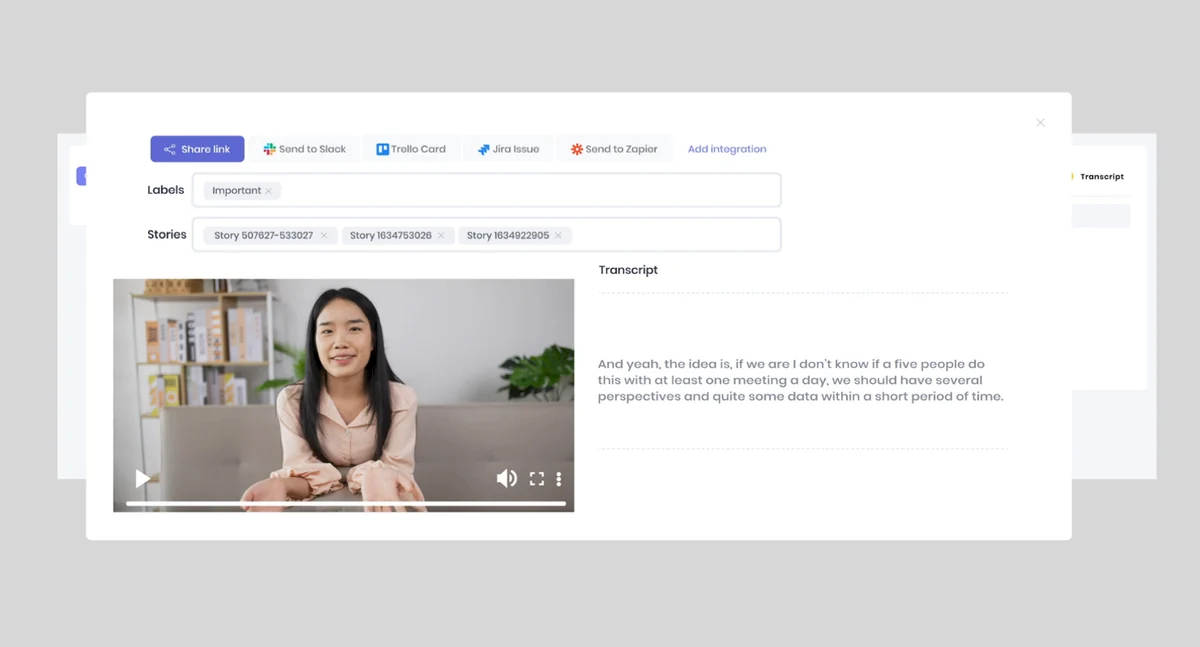
- Integration Capabilities: Seamlessly connects with popular platforms to push important information to your existing workflows.
- Secure Repository: Stores all your transcribed calls and conversations in a centralized, web-based platform.
- Keyword Search: Allows you to quickly find specific information within your entire library of meeting transcripts.
- Meeting Summaries: Offers concise, two-minute summaries of calls, enabling quick review and saving time.
- Team Collaboration: Facilitates the creation of dedicated teams and sharing of recorded calls within the team.
- Conversational Intelligence: Provides insights into team performance through metrics like talk ratio, sentiment, and participation.
How It Works
Getting started with Meetgeek is straightforward. After connecting it to your conference software, such as Microsoft Teams or Zoom, Meetgeek will automatically join your scheduled meetings. Once a call concludes, you’ll receive a summary and a full transcript in your inbox.
During the meeting, you can use voice commands to flag important points or create tasks. Meetgeek also offers the ability to manually create your own highlights or rely on its AI suggestions for key takeaways.
Use Cases
Meetgeek is versatile and can benefit various professional scenarios:
- Sales Teams: Record and transcribe customer calls to analyze feedback, identify needs, and train new team members.
- Project Managers: Ensure all action items and deadlines from project update meetings are captured accurately.
- Remote Teams: Keep everyone on the same page by easily sharing meeting summaries and transcripts, especially for those who couldn’t attend.
- HR & Recruitment: Document interview discussions and candidate feedback for consistent evaluation.
- Product Development: Capture user feedback and feature requests directly from client or user interviews.
Integrations & Compatibility
- Meetgeek integrates with popular conferencing tools like Microsoft Teams and Zoom
- It also offers capabilities to push highlights, recordings, and Trello cards to other platforms, including Slack and CRMs, streamlining your overall workflow.
Pricing & Value
The value proposition of Meetgeek is its ability to automate time-consuming tasks associated with meetings. By reducing manual effort in note-taking and recapping, it allows professionals to reclaim valuable hours.
Deal Details
This offering provides lifetime access to Meetgeek, including all future updates to the Business Plan. It operates on a code-free, non-stacking model, meaning you select the plan that suits your needs best.
A 60-day money-back guarantee is included, allowing ample time to evaluate the tool.
Quick Take
- Ideal for teams and individuals looking to automate meeting note-taking and follow-ups.
- Streamlines information sharing and ensures no critical details are missed.
- Offers significant time savings by automating recording, transcription, and summarization.
FAQs
Is there a refund policy?
This offer includes a 60-day money-back guarantee for peace of mind.
Can I use Meetgeek for team collaboration?
Yes, you can create dedicated teams and share recorded calls and transcripts within your team.
How do I get meeting transcripts?
Transcripts are automatically generated after each meeting and delivered to your inbox.
Can Meetgeek join meetings I’m not hosting?
Yes, Meetgeek can now join meetings where you are not the host by being invited via email or through a direct link.
What does Meetgeek do?
Meetgeek automatically records, transcribes, and shares highlights from your online meetings.
Final Thoughts
Meetgeek presents a compelling solution for anyone looking to improve their meeting efficiency and information retention. By automating the often-tedious processes of recording and transcribing calls, it empowers users to concentrate on the conversation and strategic actions.
The combination of AI-powered features, seamless integrations, and a user-friendly interface makes Meetgeek a valuable asset for enhancing team communication and productivity.