
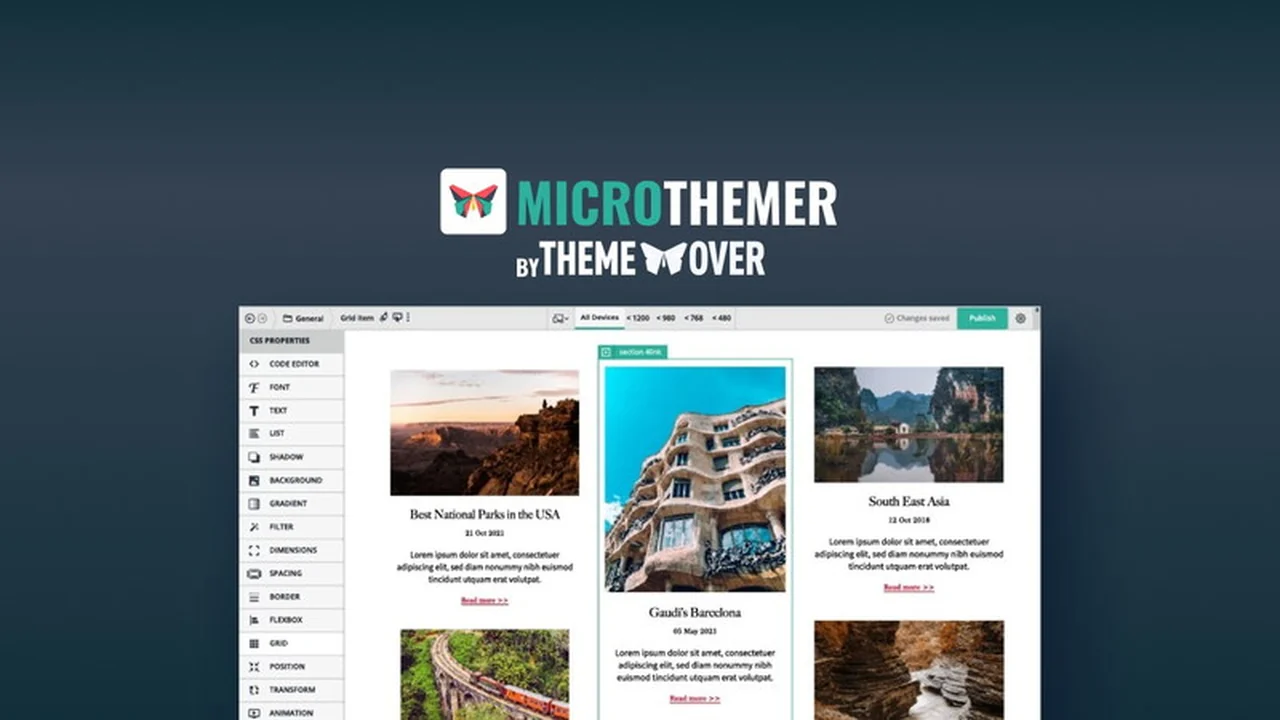
Creating a unique and visually appealing WordPress website can often feel like navigating a maze of code or rigid theme options. While various tools exist to build your site, achieving precise design control beyond their default settings can be a significant hurdle for many.
This review explores Microthemer, a powerful WordPress CSS editor available on AppSumo, designed to grant you unparalleled styling flexibility. Discover how its visual controls and AI assistant can help you transform your site’s appearance, regardless of your coding expertise.
What is Microthemer | AppSumo
Microthemer is a comprehensive WordPress plugin that functions as a CSS editor, empowering users to customize the styling of virtually any element on their website. It bridges the gap between complex CSS coding and user-friendly visual design, making advanced styling accessible to everyone from beginners to seasoned developers.
Key Features
Microthemer is packed with features designed to streamline and enhance your WordPress design process:
- Visual CSS Controls: Utilize a point-and-click interface to modify styles without writing code, covering everything from typography and spacing to advanced animations and transforms.
- AI Styling Assistant: Leverage the power of AI to generate styles and receive precise fine-tuning suggestions, accelerating your design workflow.
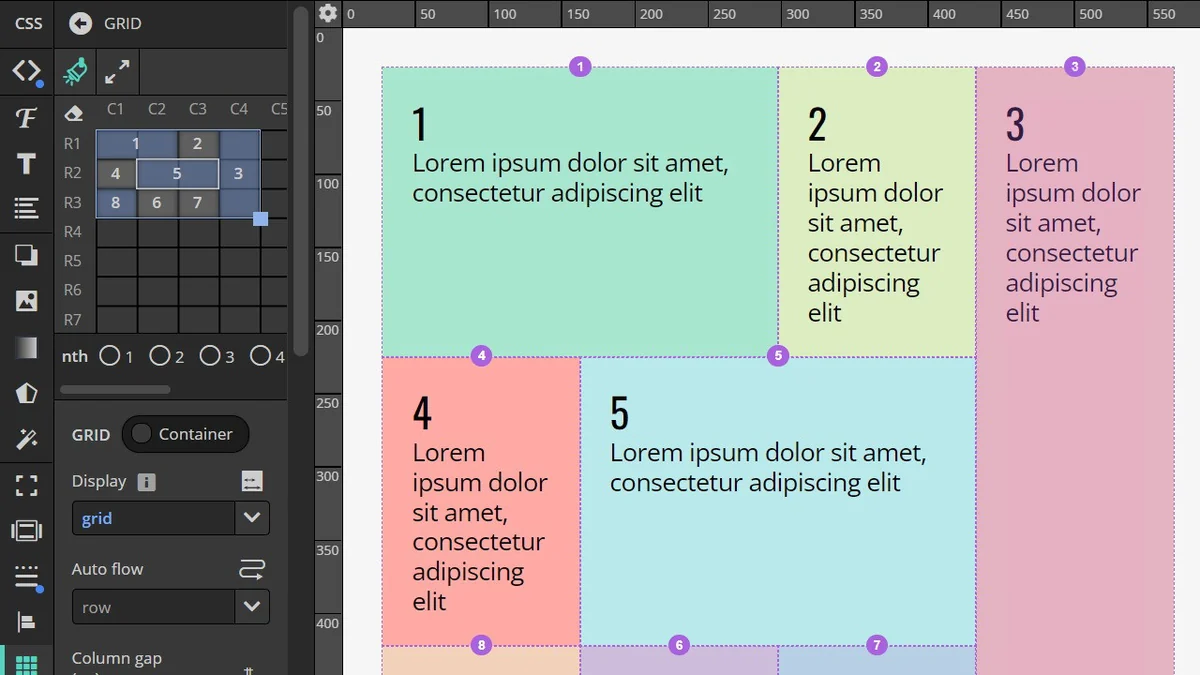
- CSS Grid Support: Effortlessly create sophisticated content layouts with an intuitive drag-and-drop functionality.
- Responsive Design Tools: Easily manage how your site appears across various devices with built-in responsive tabs and ruler tools, ensuring pixel-perfect layouts on mobile.
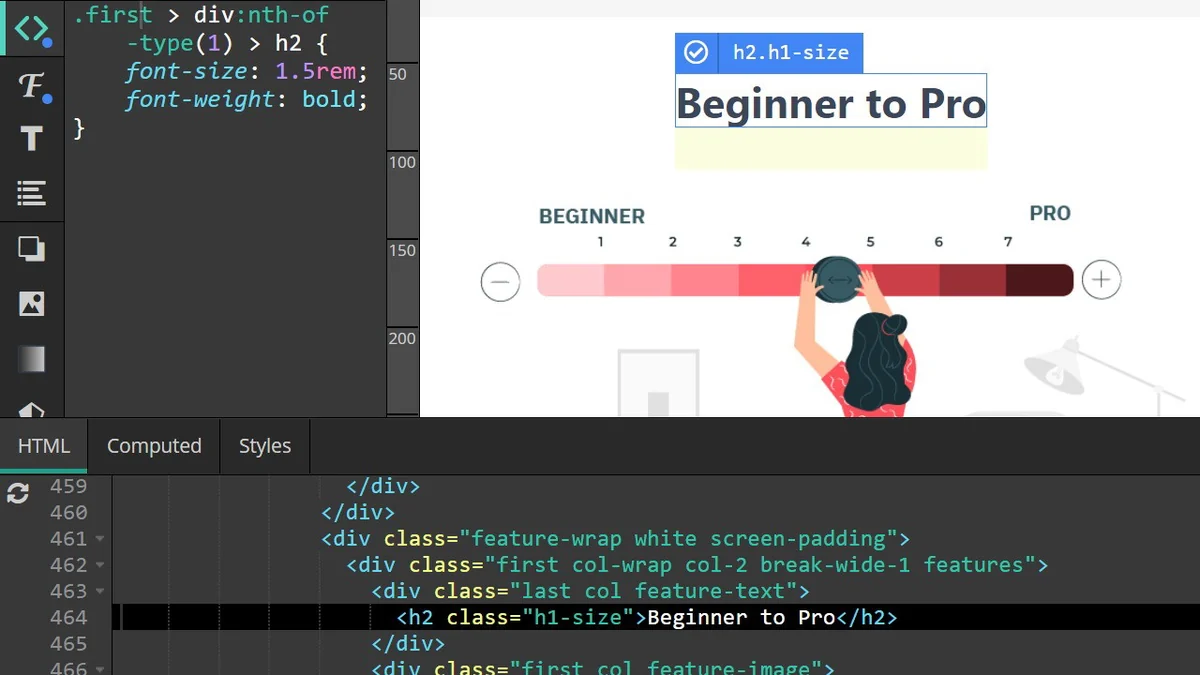
- Sass/SCSS Compilation: Advanced users can benefit from instant compilation of Sass code to CSS, boosting productivity.
- Full Control Over Any Element: Style any visible content on your WordPress site, regardless of how it was generated by themes or other plugins.
- Instant Undo: Experiment freely with design changes with the ability to instantly revert to previous states.
How It Works
Microthemer offers a dynamic workflow that adapts to your needs. You can switch seamlessly between a visual editor, a code editor, and the AI assistant. The visual editor allows you to directly interact with your website’s elements and apply styles using intuitive controls. For those who prefer or need to work with code, Microthemer provides direct access to CSS and SCSS, along with its compilation capabilities.
The AI assistant acts as a collaborative design partner, suggesting styles and helping you achieve desired aesthetics quickly. This multi-faceted approach ensures that both beginners and experienced designers can find an efficient way to style their WordPress sites.
Use Cases
Microthemer is versatile and can be applied to a wide range of website customization needs:
- Applying unique branding across an entire website.
- Making minor style adjustments not offered by your current theme or plugins.
- Creating custom layouts with CSS Grid.
- Ensuring a consistent and polished look on all devices.
- Styling content generated by various page builders.
- Adding modern web design effects like animations and transitions.
Integrations & Compatibility
Microthemer boasts broad compatibility with nearly all WordPress themes and plugins. Its ability to style any visible element makes it a highly flexible tool. For page builders, Microthemer offers both shallow and deep integration:
- Deep Integration: This allows you to use Microthemer and supported page builders (Elementor, Beaver Builder, Oxygen) simultaneously within a single browser tab for a fluid editing experience.
- Shallow Integration: With this integration, you can work in separate tabs for content building and styling (supported for Divi, Bricks, Brizy, Zion, WP Page Builder, and others), with the tabs communicating to update changes without manual refreshing.
Pricing & Value
The Microthemer | AppSumo deal typically offers a lifetime access to the software, providing significant long-term value. This one-time purchase eliminates recurring subscription fees, making advanced styling tools accessible and cost-effective for individuals and businesses managing multiple WordPress sites.
Deal Details
The current AppSumo offering for Microthemer provides lifetime access, allowing you to use the tool indefinitely. This deal comes with a 60-day money-back guarantee, giving you ample time to evaluate its suitability for your projects and ensure satisfaction with your purchase.
Quick Take
- Ideal for WordPress users seeking advanced styling without deep coding knowledge.
- Empowers designers with both visual controls and AI assistance for efficient customization.
- Offers comprehensive compatibility with most WordPress themes and plugins.
FAQs
What does shallow integration mean?
Shallow integration allows two tabs to communicate, syncing content and style changes without manual page refreshes.
What does deep integration with Elementor, Beaver Builder, and Oxygen mean?
Deep integration means you can edit with both Microthemer and these builders concurrently in one browser tab.
Does Microthemer work with “X” theme or “X” page builder?
Yes, Microthemer is designed to be highly compatible with almost any WordPress theme or page builder.
Can I add content with Microthemer?
No, Microthemer is exclusively for styling existing content generated by other WordPress tools.
Can I uninstall Microthemer but keep the changes?
Yes, you can keep changes by loading Microthemer’s CSS via a separate plugin or your theme’s functions.php file.
Final Thoughts
Microthemer | AppSumo presents a compelling solution for anyone looking to elevate their WordPress website’s design. Its intuitive interface, powerful features like AI styling and responsive controls, and broad compatibility make it an invaluable asset for achieving unique and professional-looking websites. The lifetime access offered through AppSumo represents an exceptional value, providing a robust styling toolkit that can grow with your design aspirations.