
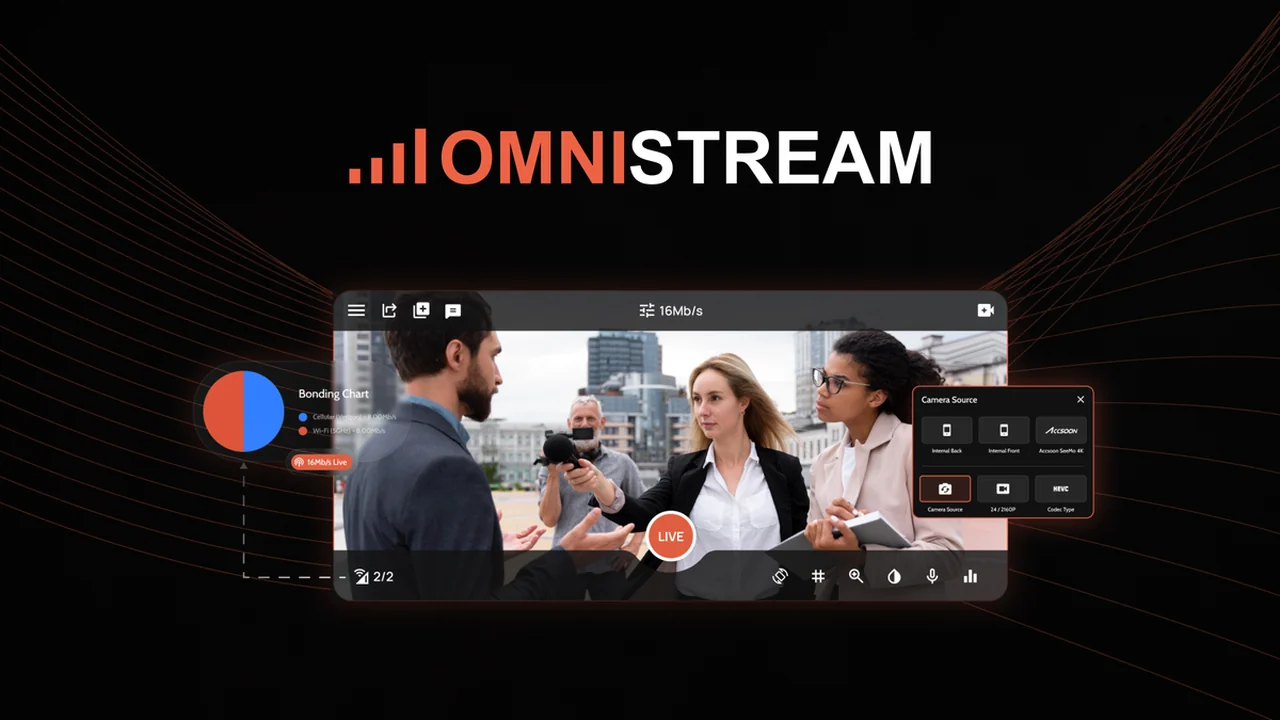
This review dives deep into Omnistream, a powerful yet user-friendly solution designed to make your live video productions stable and professional, no matter your location.
We’ll explore its core functionalities, how it simplifies complex streaming, and who can benefit most from this innovative app.
What is Omnistream – Stream stable live video anywhere | AppSumo
Omnistream is a mobile application engineered to provide reliable, high-quality live video streaming from virtually any location. It addresses the common challenges of unstable internet connections by utilizing multi-network bonding technology.
This solution aims to democratize professional live broadcasting, making it accessible to individuals and organizations without requiring expensive, dedicated equipment or extensive technical expertise.
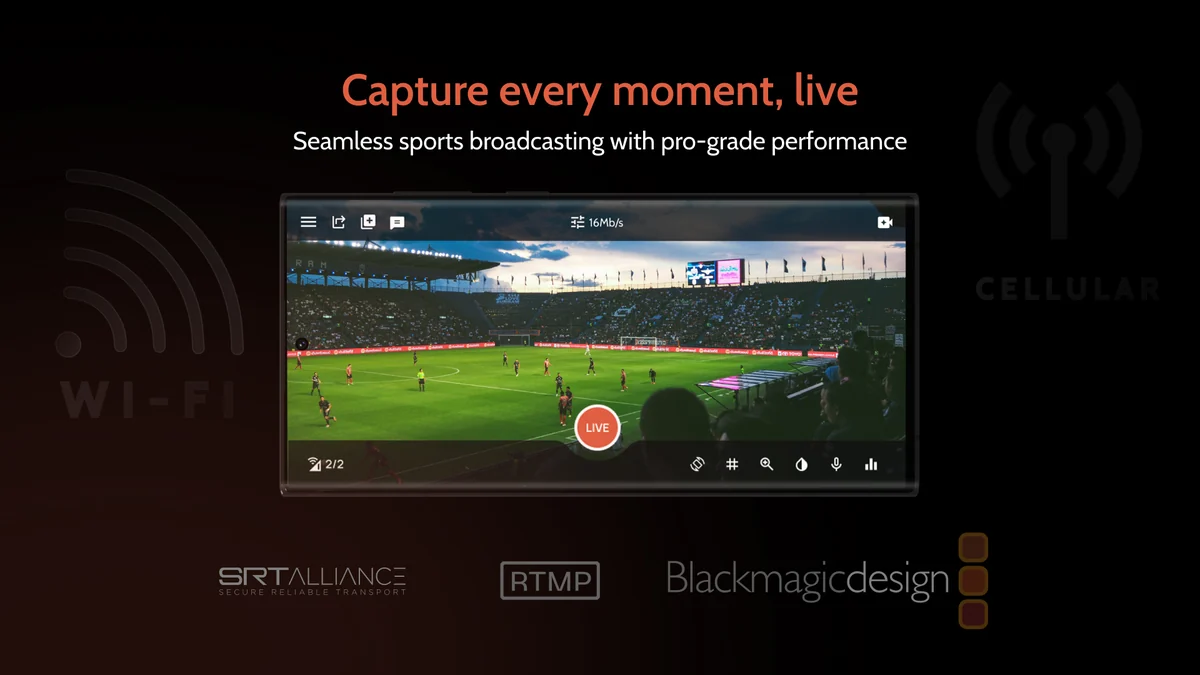
Key Features
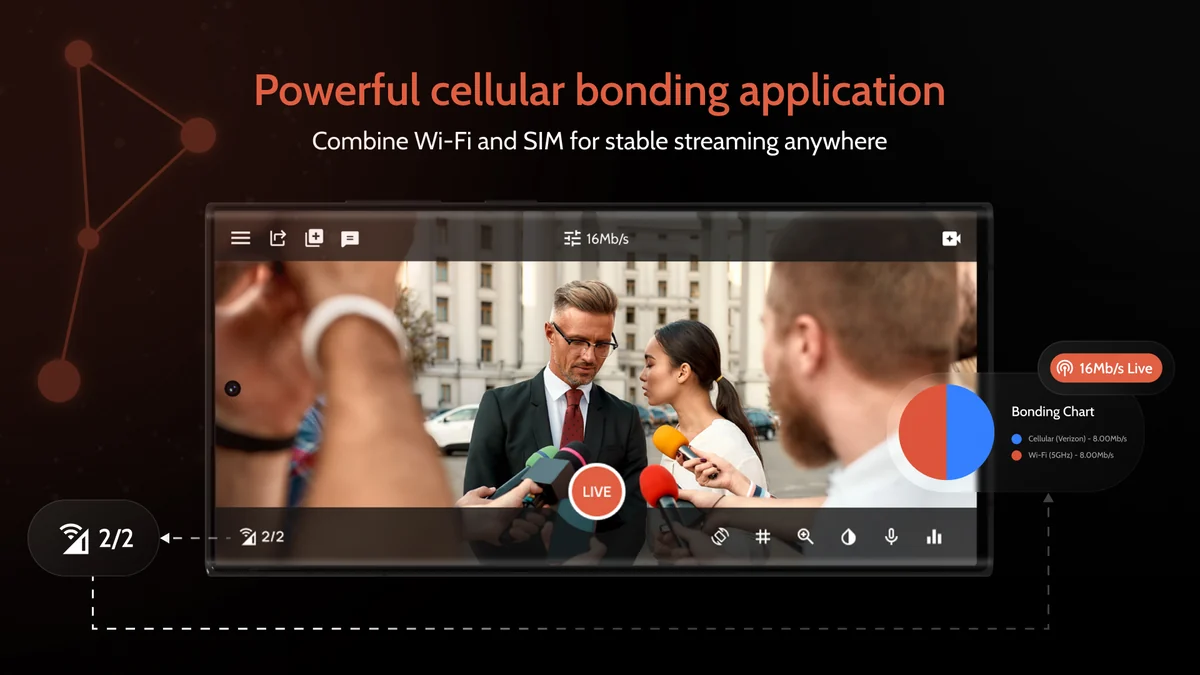
- Multi-Network Bonding: Combines multiple cellular networks (and Wi-Fi) to create a robust and stable internet connection for uninterrupted streaming.
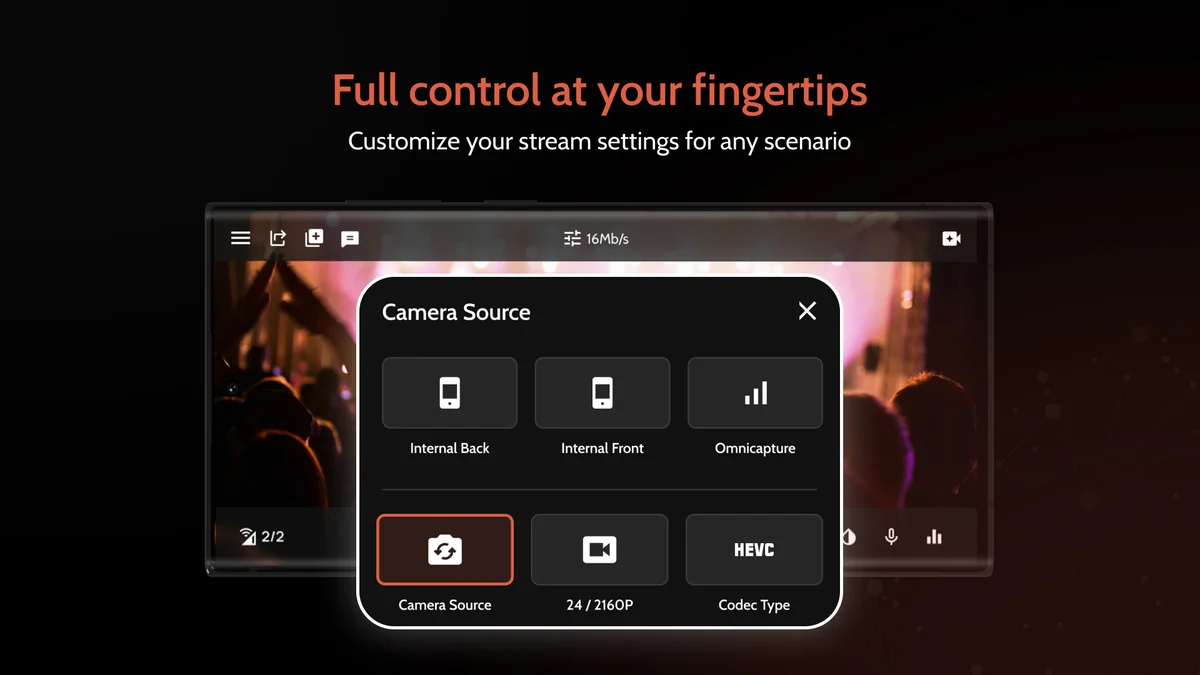
- External Camera Support: Allows connection of DSLR or other professional cameras via HDMI input for enhanced video quality.
- Virtual Studio Overlays: Offers tools to add professional graphics, logos, and lower thirds to your live broadcasts.
- Multi-Platform Streaming: Enables simultaneous streaming to various social media and broadcasting platforms.
- Streamlined Dashboard: Provides an intuitive interface for managing your streams and settings directly from your smartphone.
- Professional-Grade Tools: Delivers features typically found in more complex setups, integrated into a mobile-first experience.
How It Works
Omnistream operates by leveraging your smartphone’s capabilities and augmenting its connectivity. The app intelligently bonds multiple network signals, including cellular data from different carriers and Wi-Fi, to create a single, stable, high-bandwidth connection.
This bonded connection is crucial for maintaining video quality and audio integrity, even in areas with weak or fluctuating network coverage. Users can then connect external cameras and utilize the app’s built-in studio features to produce polished broadcasts directly from their mobile device.
Use Cases
- Content Creators: Stream high-quality vlogs, Q&As, and event coverage from unique locations.
- Businesses: Conduct stable webinars, product launches, and company announcements with professional visuals.
- Educational Institutions: Broadcast lectures, school events, and sports games with reliable connectivity.
- Churches and Religious Organizations: Stream services and events to a wider audience with consistent quality.
- Event Organizers: Provide live coverage of conferences, workshops, and performances, ensuring viewers don’t miss a moment.
Integrations & Compatibility
- Omnistream is designed to work seamlessly with popular platforms and tools
- While the app itself is the core streaming engine, its output can be directed to a wide range of destinations
- The platform supports integrations and compatibility with services such as Google, LinkedIn, Outlook, and Twilio, allowing for flexible workflow integration
- It’s important to note that the Omnistream app is primarily designed for mobile devices and may not be fully optimized for tablets.
Pricing & Value
The value proposition of Omnistream is centered on simplifying professional live streaming and reducing the associated costs and complexities. Traditional professional live streaming setups can involve thousands of dollars in hardware and ongoing service fees.
Omnistream, through platforms like AppSumo, offers lifetime access, which significantly reduces the long-term investment. This approach makes high-quality, stable live broadcasting an achievable option for a broader range of users.
Deal Details
The AppSumo deal for Omnistream provides lifetime access to the platform. This typically includes all future updates to the selected plan. Users can often stack multiple codes to increase their access or unlock higher tiers of features.
It’s important to redeem purchased codes within a specified period, usually 60 days, to ensure access. A valid phone number is required for the app to function.
Quick Take
- Ideal for marketers, sales managers, and C-suite professionals needing reliable live broadcasts.
- Perfect for content creators and organizations seeking to improve live video quality without a steep learning curve.
- A practical solution for anyone who has experienced dropped or frozen live streams due to unstable internet.
FAQs
Is a valid phone number required to use Omnistream?
Yes, a valid phone number is a mandatory requirement for using Omnistream.
Seem like sometime android app has a problem again need to reinstall oftenly and i not get email reply recently
Please email support directly with your specific issues for prompt assistance.
Hi m is there an white label option to buy or addon ??
White label options are available; please contact Omnistream through their website.
Problem with android 15 and 13
The app is designed for mobile phones; contact support for specific device issues.
Can we do live loop pre-record video from our phone?
Pre-recorded looped video streaming is planned for future updates this year.
Final Thoughts
Omnistream presents a compelling solution for anyone looking to enhance their live video streaming capabilities with a focus on stability and professionalism. By cleverly bonding multiple network connections and integrating essential broadcasting tools into a mobile app, it removes many of the traditional barriers to entry.
For individuals and organizations that rely on live video but have struggled with connectivity issues or complex setups, Omnistream offers a practical and valuable alternative. The AppSumo deal further enhances its appeal by providing lifetime access, making it a smart investment for consistent, high-quality live broadcasts.