
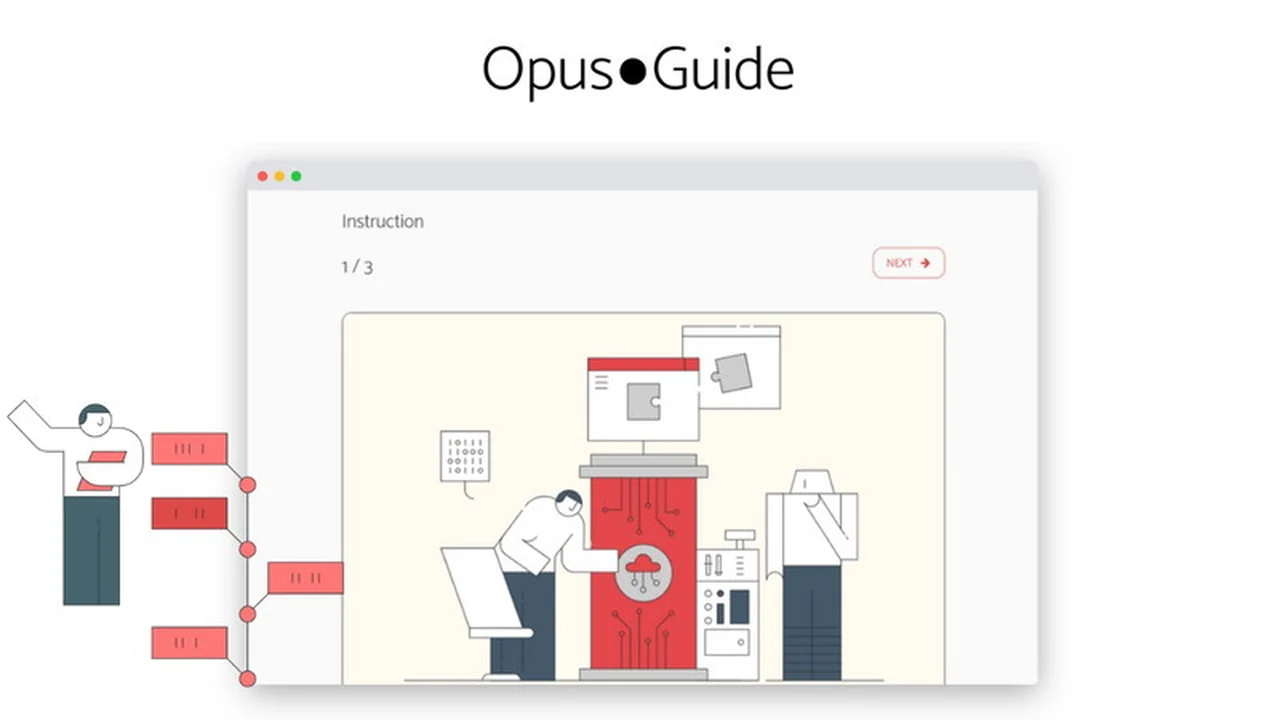
In the pursuit of business efficiency, clear and structured instructions are paramount. Opus?Guide aims to simplify the creation and management of this vital business knowledge.
This review explores how Opus?Guide can help organize your operations and facilitate scaling through effective documentation, examining its features, usability, and overall value.
What is Opus?Guide – Organize and scale your business with instructions | AppSumo
Opus?Guide is a software solution designed to help businesses organize their internal knowledge and scale operations through well-defined instructions. It addresses the common challenge of processes being ‘common knowledge’ within a company, which can lead to confusion and inefficiency when changes are needed or new team members join.
The tool focuses on making the creation and management of process documentation quick and easy. By documenting processes, businesses can effectively improve, change, and manage their workflows, ensuring everyone understands their role and tasks.
Key Features
Opus?Guide offers several features to streamline business documentation:
- Chrome Extension for Process Capture: Quickly create digital process documents by automatically capturing your steps as you navigate them.
- Step-by-Step Instruction Generation: Produce clear and easy-to-follow instructions with the ability to embed rich media.
- Multimedia and File Integration: Enhance instructions with pictures, links, files, and detailed text descriptions.
- Easy Sharing Options: Share documents or collections of documents effortlessly via a simple link.
- Folders for Organization: Structure your work more effectively by creating folders and organizing documents within them.
- Drag & Drop Functionality: Easily rearrange processes, folders, and instructions for a more convenient workflow.
- Process Flow Visualization: Review and analyze processes with a classical process flow format to identify potential issues.
How It Works
Getting started with Opus?Guide is designed to be straightforward. The core functionality revolves around capturing and documenting processes.
Users can leverage the Chrome extension to automatically record their actions, transforming them into digital instructions. These captured steps can then be elaborated upon with additional text, images, and links to create comprehensive guides. The platform’s interface allows for easy organization using folders and drag-and-drop capabilities, making it simple to manage and update documentation as needed.
Use Cases
Opus?Guide is versatile and can benefit various aspects of business operations:
- Onboarding New Employees: Provide new hires with clear, documented procedures to accelerate their integration into the team.
- Training and Development: Create standardized training materials that ensure consistency across all team members.
- Standard Operating Procedures (SOPs): Document complex workflows and tasks to ensure they are performed correctly and consistently.
- Knowledge Management: Centralize and organize critical business information, making it accessible to those who need it.
- Process Improvement Initiatives: Identify bottlenecks and inefficiencies by having a clear, documented understanding of existing processes.
Integrations & Compatibility
- Opus?Guide is designed to be a standalone solution for process documentation
- While direct third-party integrations are not heavily emphasized, its ability to generate sharable links ensures that documentation can be easily incorporated into other communication channels or platforms
- The Chrome extension functionality implies compatibility with browsers where extensions are supported, allowing for seamless capture of web-based processes.
Pricing & Value
Opus?Guide, particularly through its AppSumo deal, offers significant value by providing lifetime access to its plan. This approach allows businesses to invest once and benefit from ongoing updates and features without recurring subscription fees.
The emphasis is on providing a robust set of tools for process documentation at an accessible price point, making it an attractive option for small to medium-sized businesses looking to improve their operational efficiency.
Deal Details
The AppSumo deal for Opus?Guide typically includes lifetime access to the Opus?Guide Plan. Users are usually required to redeem their codes within a specific timeframe, such as 60 days from purchase.
This lifetime deal grants access to all future updates for the Opus?Guide Plan. It’s important to note that this specific deal may not be stackable, meaning only one code can be applied per user account.
Quick Take
- Ideal for businesses needing to formalize and share operational procedures.
- Excellent for teams looking to improve onboarding and training efficiency.
- A cost-effective way to build a central knowledge base for scalable operations.
FAQs
Does Opus?Guide allow for visual process representation?
Yes, Opus?Guide allows you to visualize your processes in a classical process flow format.
What is the refund policy for Opus?Guide?
Opus?Guide offers a 60-day money-back guarantee to ensure it meets your needs.
How can I share my Opus?Guide documents?
You can share documents or multiple documents with a simple link.
Can Opus?Guide capture processes automatically?
Yes, Opus?Guide can capture your digital process automatically using its Chrome extension.
What is the primary benefit of using Opus?Guide?
Opus?Guide helps organize business knowledge and scale operations with clear, simple instructions.
Final Thoughts
Opus?Guide presents a compelling solution for businesses striving for greater clarity and efficiency in their operations. Its intuitive design, particularly the automated process capture via its Chrome extension, significantly reduces the friction typically associated with creating documentation.
The ability to enrich instructions with multimedia, organize them with folders, and visualize workflows makes it a comprehensive tool for knowledge management and operational scaling. For organizations looking to eliminate confusion and streamline how tasks are performed, Opus?Guide offers a practical and valuable approach.