
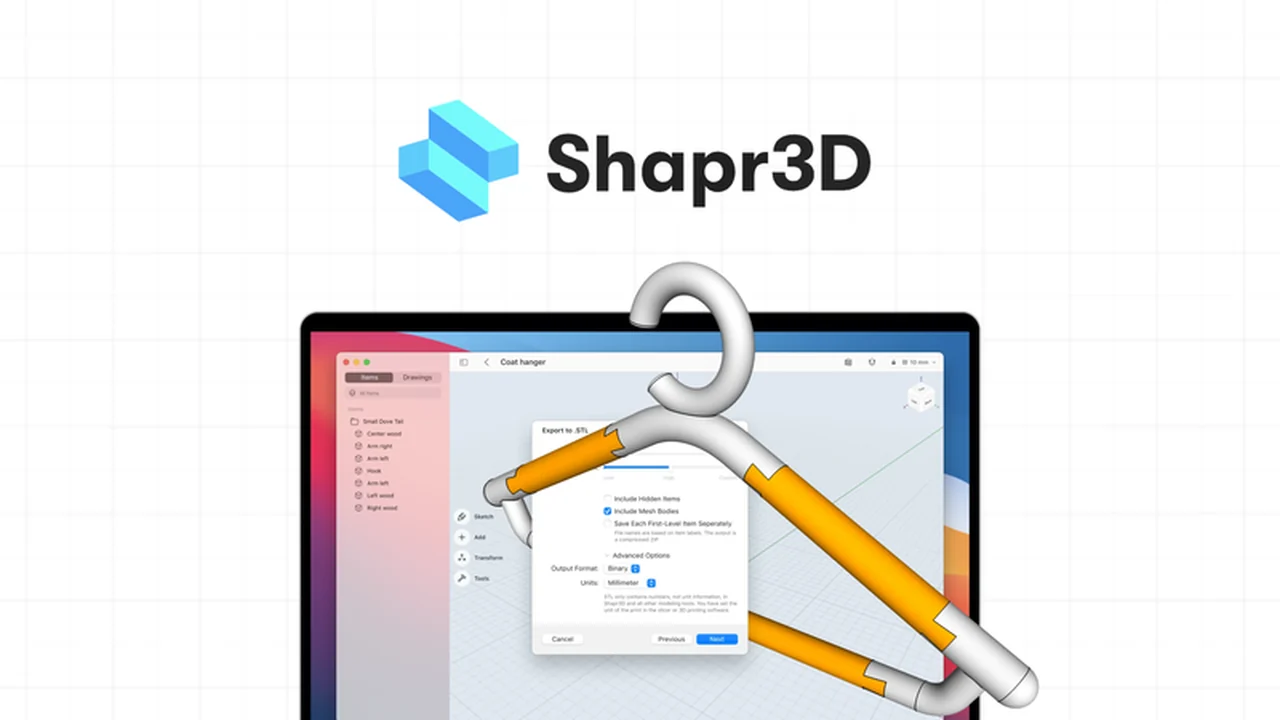
Exploring 3D design can feel daunting, but some tools aim to simplify the process. This review dives into Shapr3D, an application designed to make 3D modeling more accessible.
We’ll examine its core functionalities, how it streamlines workflows, and who could benefit most from its features. Discover if this tool aligns with your design needs.
What is Shapr3D – Make 3D Modeling Easier | AppSumo
Shapr3D is an intuitive CAD application focused on making the journey from initial concept to a finished 3D model quick and straightforward. It aims to replicate the ease of sketching on paper for complex digital creations.
Key Features
Shapr3D offers a suite of features engineered for user-friendliness and efficiency:
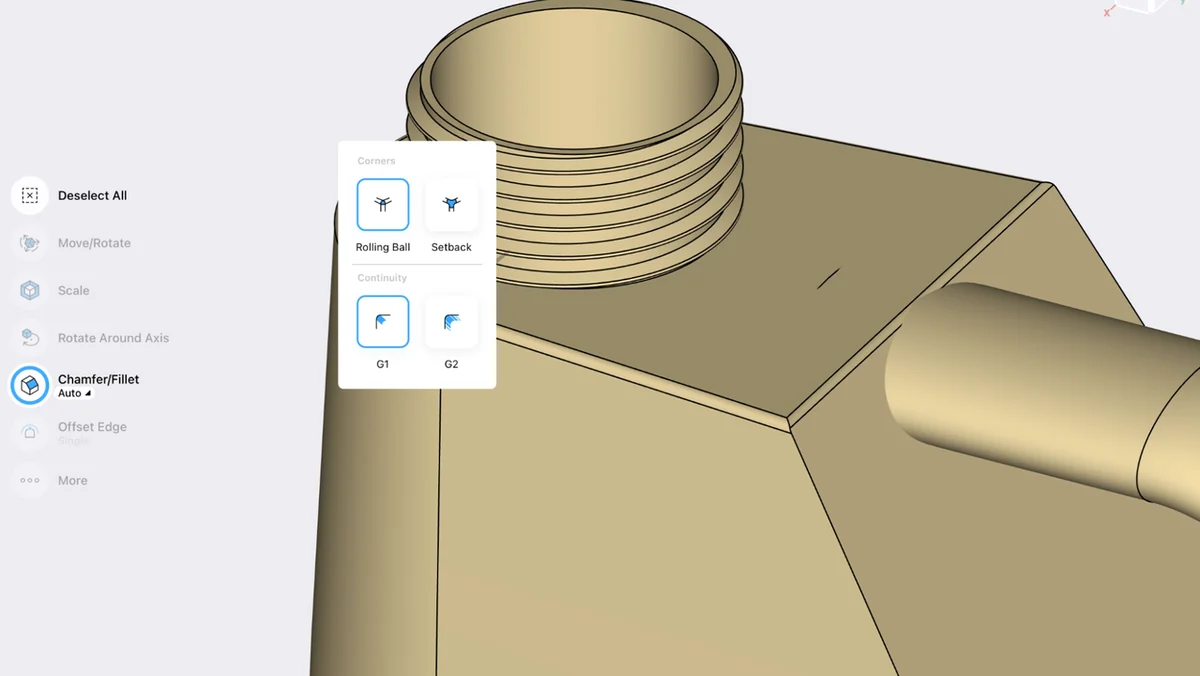
- Wide Range of 3D Modeling Tools: Includes essential functions like chamfer/fillet, offset face, replace face, extrude, loft, project, and revolve for versatile design manipulation.
- Parasolid® Kernel: Built upon the same geometric modeling kernel that powers leading industry CAD software, ensuring robust and reliable design capabilities.
- Advanced 2D Sketching: Allows for precise dimension adjustments by adding new values or directly manipulating geometry on the canvas.
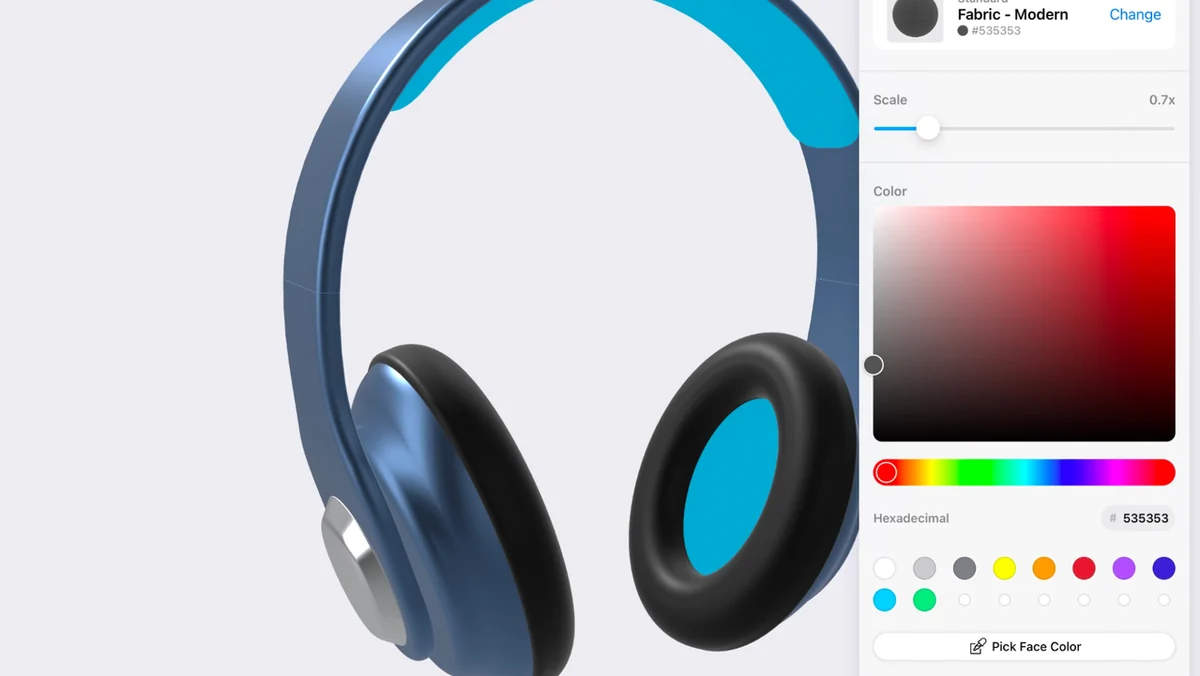
- Integrated Rendering: Enables the creation of new design iterations and visualizations directly within the app, eliminating the need for external rendering software.
- Extensive Material Library: Access to over 70 materials, including various finishes like metallics, plastics, stones, and wood, with options for polished, brushed, matte, or glossy effects.
- Predictive Menu: An intelligent interface that suggests relevant tools based on your current design actions, reducing the time spent searching for functions.
- 3D Printing Export: Models can be exported as high-resolution STL or OBJ files, optimized for compatibility with 3D printing processes.
- Presentation Mode with AR: Facilitates live design presentations and contextual visualization by allowing users to place virtual prototypes in real-world environments using AR, with USDZ export capabilities.
How It Works
The application leverages familiar gestures for interaction, making it feel natural to use. You can design and refine shapes using a stylus or even standard multi-touch gestures like pinching and swiping, mirroring smartphone interactions. The learning curve is intentionally kept short, thanks in part to the predictive menu that anticipates your needs.
Adjusting dimensions is straightforward; you can simply slide the on-screen controls. This integrated approach means you can move seamlessly from modeling to rendering without switching between different applications, allowing for rapid design iteration and decision-making.
Use Cases
Shapr3D is well-suited for a variety of design and prototyping needs:
- Product design and concept development
- Rapid prototyping for validation
- Creating manufacturable 3D models
- Visualizing designs with realistic materials
- Presenting designs to clients with live adjustments
- Educational purposes for learning 3D CAD
Integrations & Compatibility
- Shapr3D is designed for interoperability
- It runs on the Parasolid® geometric modeling kernel, making it compatible with over 350 desktop CAD software packages
- This allows for smooth importing and exporting of models between different platforms
- Additionally, it supports manufacturable 2D drawing exports in formats like PDF, DWG, and DXF, which can include dimensions, annotations, and views.
Pricing & Value
While this review focuses on a specific deal, Shapr3D generally offers different subscription tiers. The value proposition lies in its ability to consolidate the design, iteration, and visualization steps into a single, intuitive application, potentially saving users time and resources compared to traditional CAD workflows.
Deal Details
This particular offer provides lifetime access to Shapr3D, allowing users to own the software indefinitely. To ensure continued access, it’s crucial to download and save your product within 60 days of purchase. This deal is part of limited-time promotions, emphasizing the need to act promptly.
Quick Take
- Ideal for designers and makers who want to speed up their 3D workflow.
- Simplifies complex CAD tasks with intuitive gesture-based controls.
- Enables quick design iteration and 3D printing preparation.
FAQs
What is the core technology behind Shapr3D?
Shapr3D runs on the Parasolid® geometric modeling kernel for robust design functionality.
Does Shapr3D work with other CAD software?
Yes, Shapr3D is compatible with over 350 desktop CAD software for import and export.
Can I use Shapr3D for 3D printing?
Absolutely, Shapr3D allows exporting models in STL or OBJ formats for 3D printing.
Is Shapr3D suitable for beginners?
Yes, Shapr3D features a short learning curve and a predictive menu to assist new users.
What is Shapr3D primarily used for?
Shapr3D is used for intuitive 3D modeling and design, from concept to finalized model.
Final Thoughts
Shapr3D presents a compelling solution for those looking to simplify their 3D design process. Its focus on user-friendliness, combined with powerful underlying technology and integrated features, makes it a strong contender for individual creators, small businesses, and educational institutions alike. The ability to move from sketch to render and prepare for 3D printing within one application streamlines productivity.