
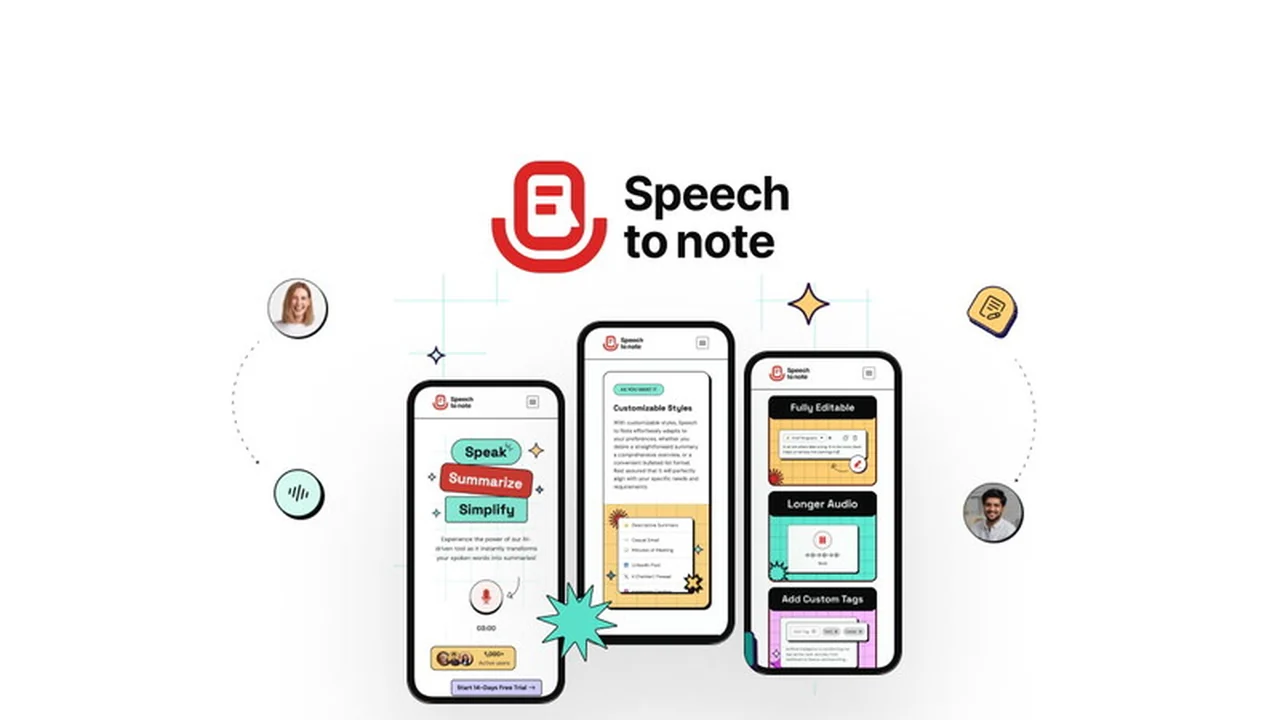
Are you tired of manually transcribing audio recordings or struggling to capture the key points from spoken content? Speech To Note aims to streamline this process, converting your audio into organized notes quickly and efficiently.
This review explores how Speech To Note can benefit content creators, students, and professionals by transforming spoken words into digestible summaries, saving valuable time and boosting productivity.
What is Speech To Note | AppSumo
Speech To Note is an application designed to convert spoken audio into written notes and summaries. Leveraging advanced voice-to-text technology, it allows users to transform audio files or live recordings into structured, editable text formats. The platform focuses on delivering concise summaries, making it easier to retain information from meetings, lectures, interviews, or any spoken content.
Key Features
Speech To Note offers a range of features to enhance the note-taking and content summarization experience:
- Voice-to-Note Conversion: Transforms spoken words from recordings or live dictation into written text.
- AI-Powered Summarization: Utilizes OpenAI’s GPT4o for intelligent summarization, distilling lengthy audio into key points.
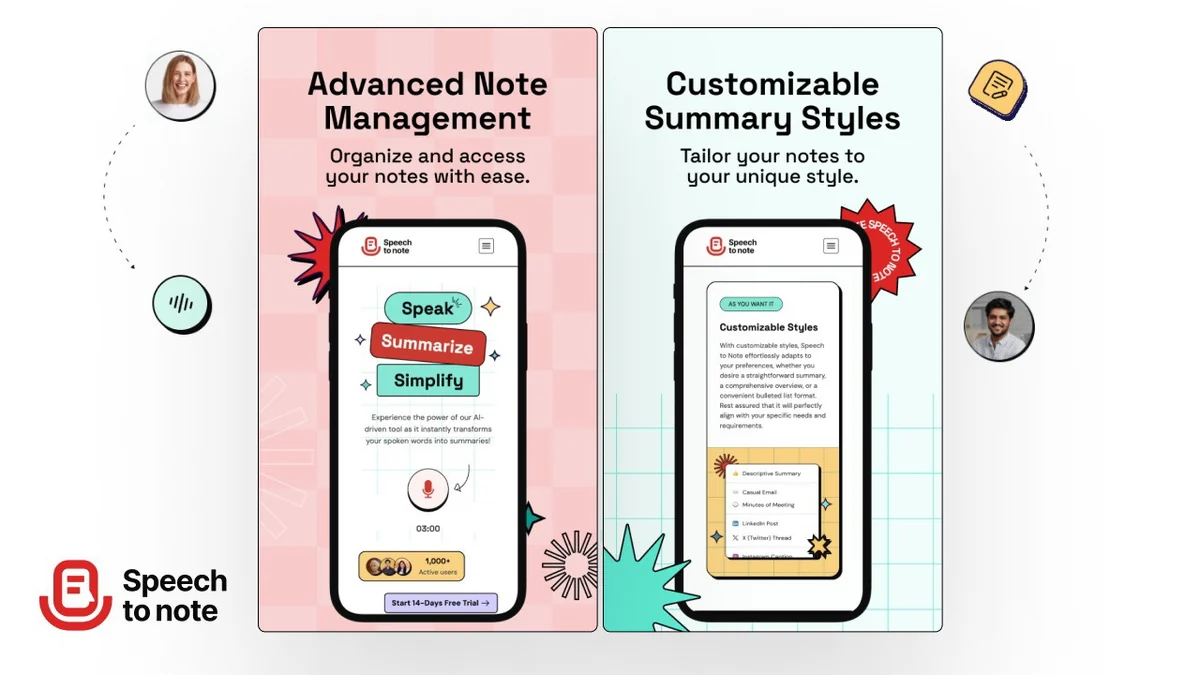
- Customizable Formats: Allows users to choose desired output formats for their notes, such as markdown or plain text, to suit various platforms and needs.
- Multi-Language Support: Enables users to speak in one language and receive output in another, breaking down language barriers.
- Tagging System: Features a tagging mechanism for organizing and categorizing notes, improving retrieval and management.
- Recording Options: Offers the flexibility to record directly within the app or upload existing audio files (up to 50 MB).
- Transcript and Note Separation: Ability to record only the transcript by disabling the note format option, and switch between them.
- UI Improvements: Features a streamlined user interface with fewer distractions during recording and improved navigation.
- One-Click Copying: Provides convenient icons for one-click copying of transcripts and summaries.
How It Works
Using Speech To Note is designed to be a straightforward process. Users can begin by either recording their voice directly within the application or uploading an existing audio file. The platform then processes the audio, transcribing the spoken content with high accuracy, powered by Whisper technology. Subsequently, the AI engine, GPT4o, analyzes the transcript to generate a concise summary based on user-selected formats. Users can further refine these notes by adding tags, editing content, and choosing their preferred output style before saving or exporting.
Use Cases
The versatility of Speech To Note makes it a valuable tool for a wide array of users and applications:
- Content Creators: Quickly generate notes from interviews, podcast recordings, or video scripts.
- Students: Summarize lectures, study group discussions, or research interviews for efficient revision.
- Professionals: Capture key decisions and action items from meetings, conference calls, or client consultations.
- Journalists: Transcribe and summarize interviews on the go, ensuring no detail is missed.
- Anyone needing to process spoken information: Convert personal voice memos, brainstorming sessions, or presentations into organized text.
Pricing & Value
Speech To Note, particularly through its availability on AppSumo, offers a compelling value proposition. The ability to convert extensive audio into actionable notes and summaries at a one-time cost can lead to significant time savings and improved efficiency over manual methods. The inclusion of advanced AI summarization and multi-language capabilities further enhances its utility, providing a robust solution for managing spoken information.
Deal Details
The Speech To Note deal on AppSumo typically provides lifetime access to the software. This often includes a set number of audio processing credits per month, allowing users to convert a substantial amount of speech into notes. The offer generally comes with a 60-day money-back guarantee, enabling users to try the service risk-free and ensure it meets their specific needs before the guarantee period ends.
Quick Take
- Ideal for content creators and professionals who frequently work with audio recordings.
- Saves significant time by automating transcription and summarization processes.
- Offers flexible formatting and multi-language support for diverse needs.
FAQs
Can I customize the output format of my notes?
Absolutely, notes can be customized in various formats, including markdown and plain text.
Does Speech To Note support multiple languages for output?
Yes, it allows you to receive crisp outputs in the language of your choice.
What AI models power the summarization and transcription?
Summaries are powered by OpenAI’s GPT4o, while transcriptions use Whisper.
Can I upload pre-recorded audio files?
Yes, you can upload audio files up to 50 MB in size.
What is the maximum audio length Speech To Note can process?
The tool can process up to 15 minutes of speech in a single go for recording.
Final Thoughts
Speech To Note | AppSumo presents a powerful and user-friendly solution for anyone looking to efficiently capture and organize spoken information. Its advanced AI capabilities, multi-language support, and customizable features make it a valuable asset for enhancing productivity across various professional and personal endeavors. The AppSumo deal further amplifies its appeal, offering a cost-effective way to integrate this innovative tool into your workflow.