
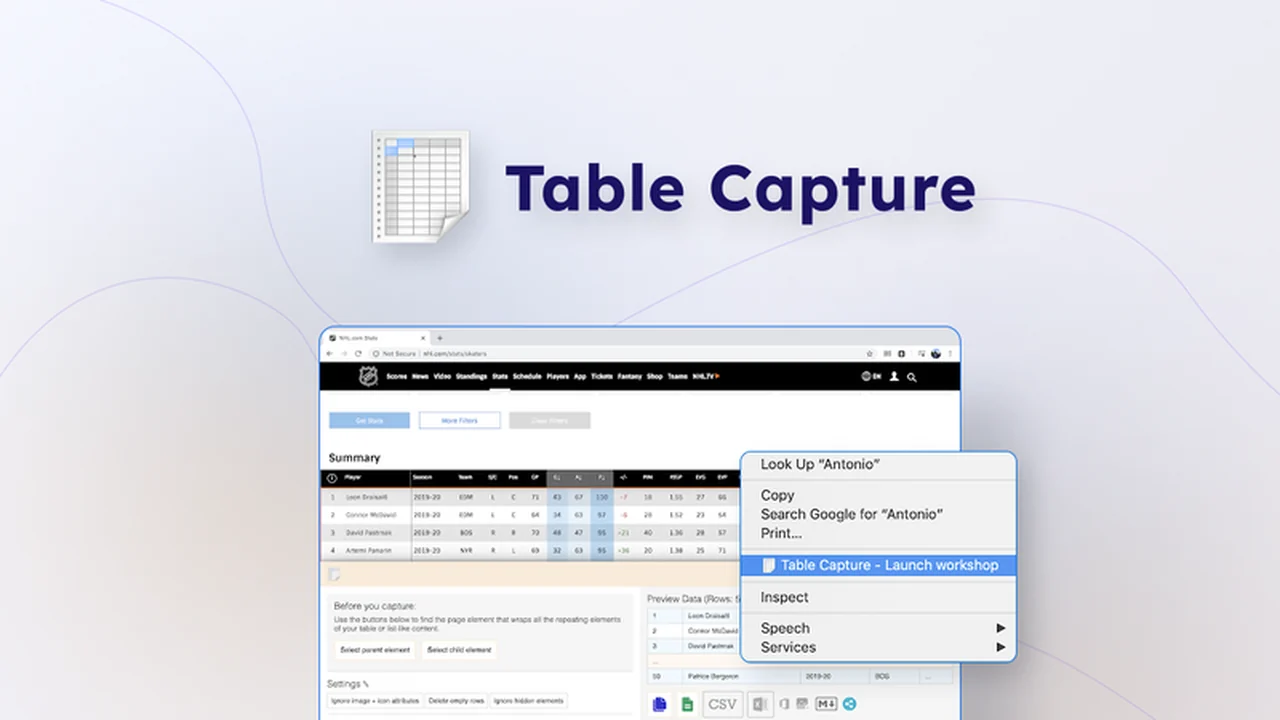
Are you tired of manually copying and pasting data from web pages into spreadsheets? This comprehensive review dives deep into Table Capture, a powerful tool designed to streamline your data extraction process. Discover how it can save you time and effort.
We’ll explore its core functionalities, practical applications, and the exceptional value it offers. Get ready to transform the way you handle web-based tabular data, making your workflow significantly more efficient.
What is Table Capture | AppSumo
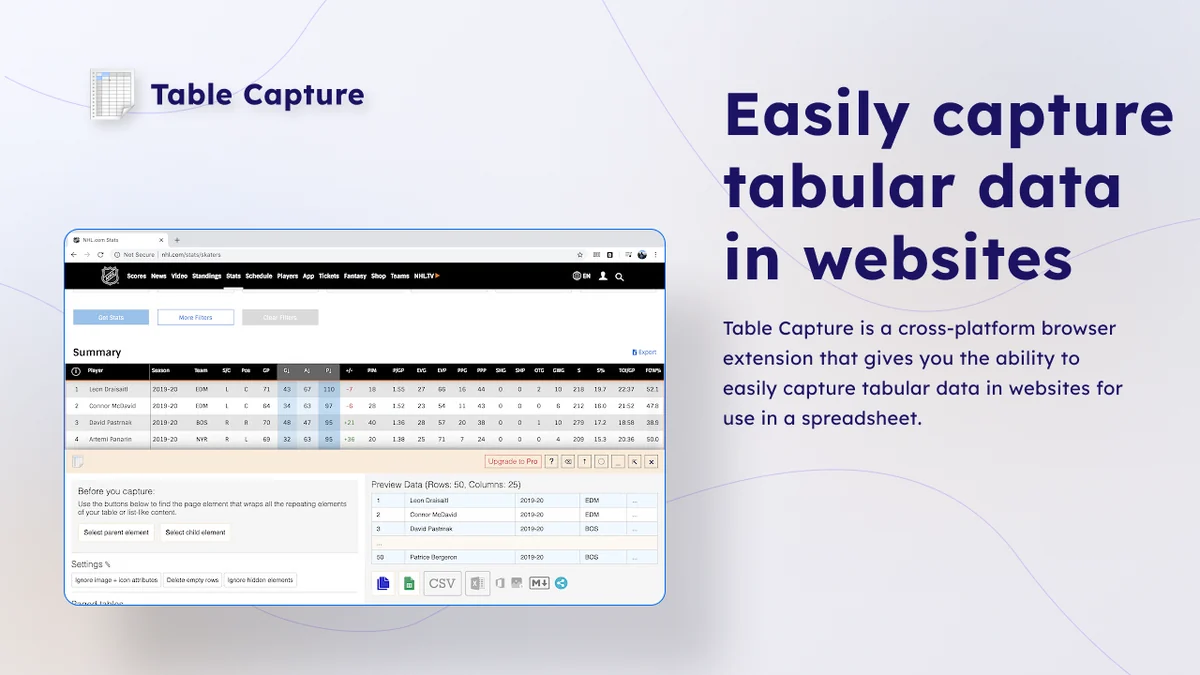
Table Capture is a browser extension built to simplify the process of extracting data from tables found on websites. Developed with a focus on user feedback over many years, it aims to automate the often tedious task of data transfer from the web to your preferred spreadsheet applications. The tool is designed to handle complex table structures and dynamic content, offering a more efficient alternative to manual copy-pasting.
Key Features
Table Capture boasts several features that make it stand out for users needing to extract tabular data:
- Automated Scrolling: It can automatically scroll through tables that load more data as you scroll (infinitely scrolling tables), ensuring all data is accessible.
- Auto-Paging: For tables spread across multiple pages, the extension can automatically navigate through them, collecting data seamlessly.
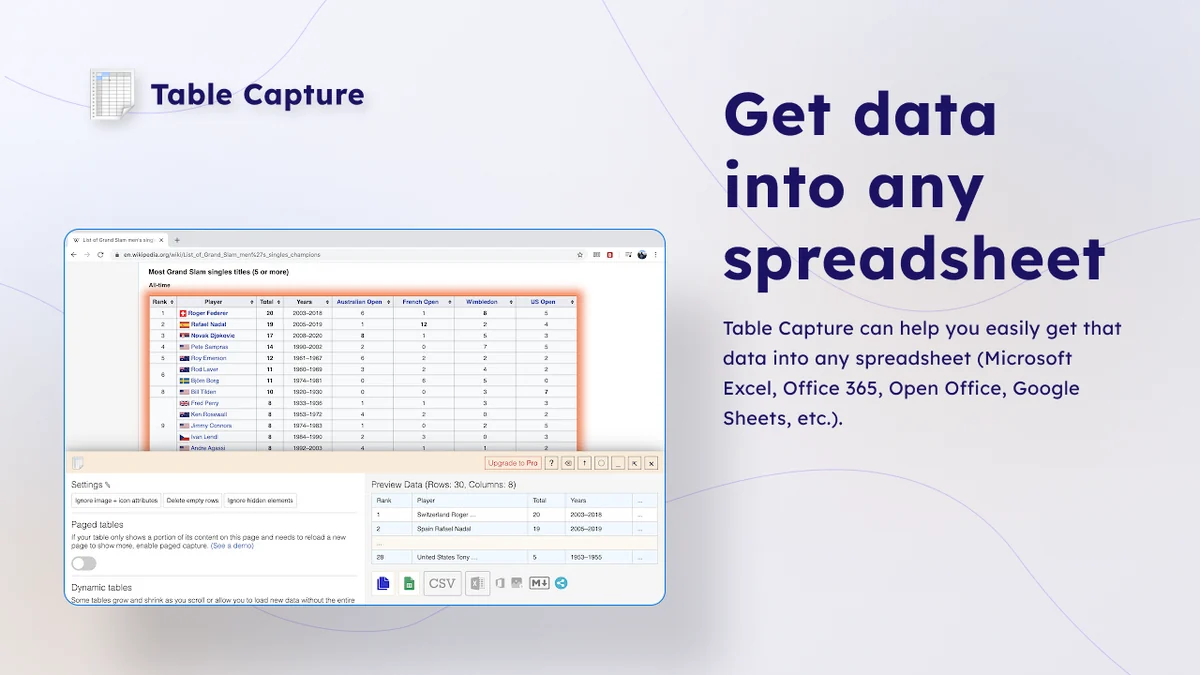
- Multiple Export Formats: Data can be exported to various formats, including Microsoft Excel and CSV, providing flexibility for further analysis.
- User-Driven Development: The tool’s ongoing development is heavily influenced by user feedback, with the developer actively responding to requests and bug reports.
How It Works
Using Table Capture is designed to be straightforward. Once installed as a browser extension, you can navigate to any webpage containing the table you wish to capture. The extension then intelligently identifies and extracts the tabular data. It handles the complexities of dynamic loading and pagination, allowing you to select the desired data and export it with minimal manual intervention.
Use Cases
Table Capture is versatile and can be beneficial for a wide range of professionals and individuals:
- Researchers: Extracting data from academic papers or research databases for analysis.
- Business Analysts: Gathering market data, competitor pricing, or sales figures from various online sources.
- Students: Collecting data for projects, dissertations, or assignments from educational websites.
- E-commerce Professionals: Scraping product information, prices, and reviews from online stores.
- Financial Professionals: Exporting transaction data from brokerage accounts or financial reporting websites.
Pricing & Value
The value proposition of Table Capture is enhanced through its availability on platforms like AppSumo, offering lifetime access. This approach provides a cost-effective solution compared to subscription-based software, especially for individuals or businesses looking for a long-term data extraction tool without recurring fees.
Deal Details
The AppSumo deal for Table Capture typically includes lifetime access to the Table Capture Plan. Users are provided with all future updates to this plan. It’s important to note that redemption of purchased codes is required within 60 days of acquisition, and this particular deal is not stackable, meaning one code per user.
Quick Take
- Ideal for anyone frequently extracting tabular data from websites.
- Saves significant time by automating a manual and often frustrating process.
- Offers a cost-effective lifetime deal for ongoing use.
FAQs
What is the refund policy?
The deal includes a 60-day money-back guarantee for users to test the product.
Is there a limit to the amount of data that can be captured?
The platform does not specify hard limits, focusing on efficient extraction from accessible tables.
What export formats are supported?
It supports exporting data to Microsoft Excel, CSV, and other common formats.
Can Table Capture handle tables that load more data as you scroll?
Yes, it is designed to automatically scroll through infinitely scrolling tables to capture all data.
What is the main function of Table Capture?
Table Capture’s primary function is to extract tabular data from web pages efficiently.
Final Thoughts
Table Capture presents a compelling solution for anyone grappling with the laborious task of extracting data from online tables. Its continuous improvement driven by user interaction, coupled with the robust features like automated scrolling and multi-page handling, makes it a powerful utility. The lifetime access deal through AppSumo offers exceptional value, positioning it as a wise investment for streamlining data-related workflows.