
In today’s digital world, managing a multitude of browser tabs can quickly become overwhelming. This review explores TabPunk, a tool designed to bring order to your browsing chaos.
We’ll delve into its features, how it functions, and its potential to enhance your daily productivity and organization, especially for those who find themselves juggling numerous open tabs.
What is TabPunk | AppSumo
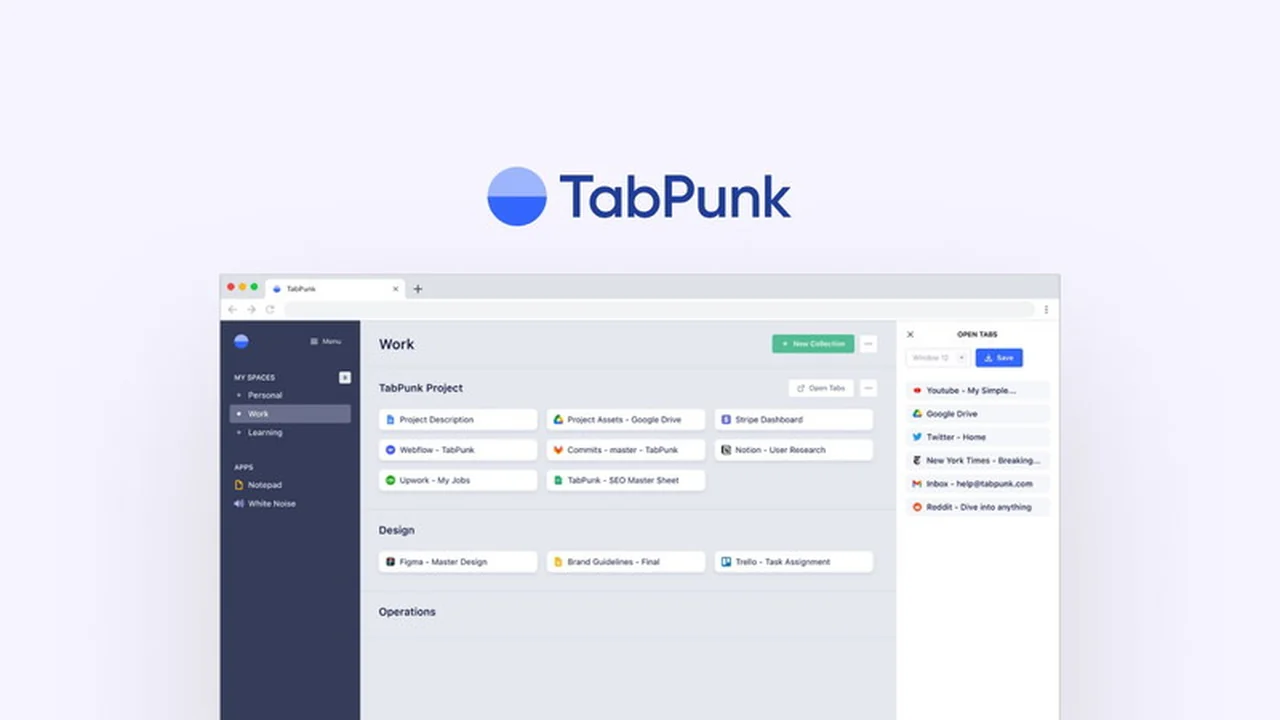
TabPunk is a browser extension aimed at helping users regain control over their browser tabs and links. It provides a structured system for organizing online resources into custom collections and dedicated spaces, simplifying access and maintaining focus on current tasks.
Key Features
TabPunk offers several features designed to streamline your browsing experience:
- Tab Organization: Effortlessly arrange your browser tabs into custom collections and distinct spaces.
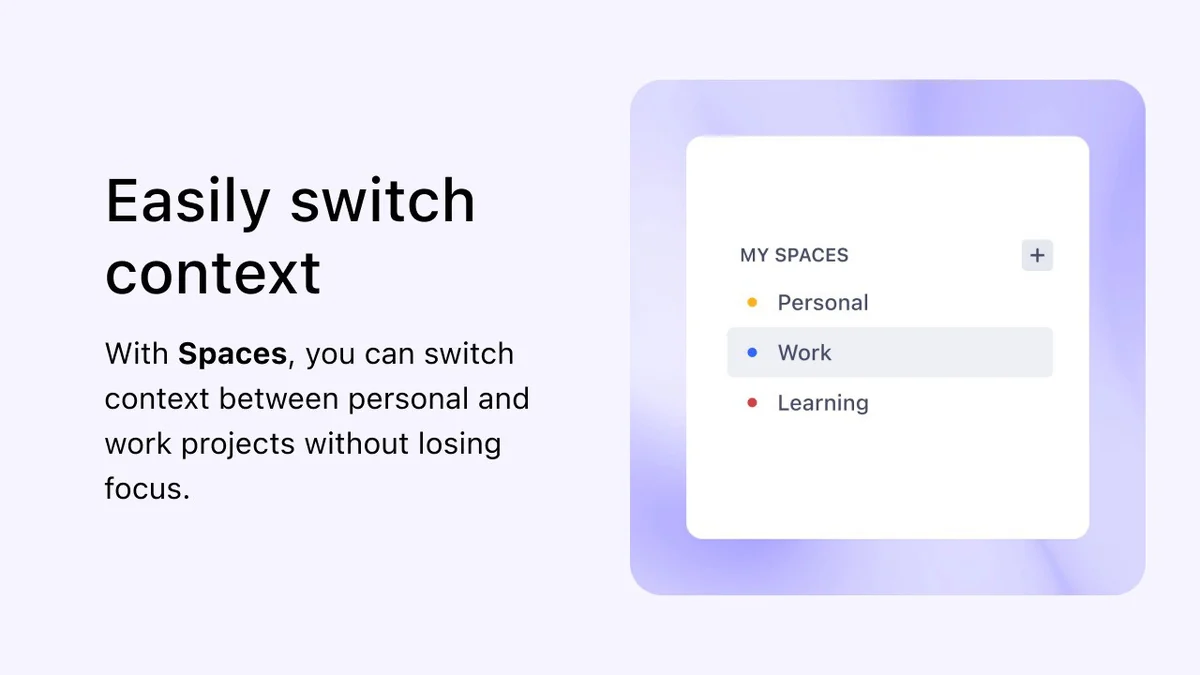
- Context Switching: Keep personal and work-related projects separate by organizing tabs into different spaces, preventing focus loss when switching contexts.
- Cross-Device Sync: Access your organized tabs and saved links seamlessly across all devices where the extension is installed.
- Simplified Access: Quickly find and open the links you need without the frustration of searching through numerous open tabs.
How It Works
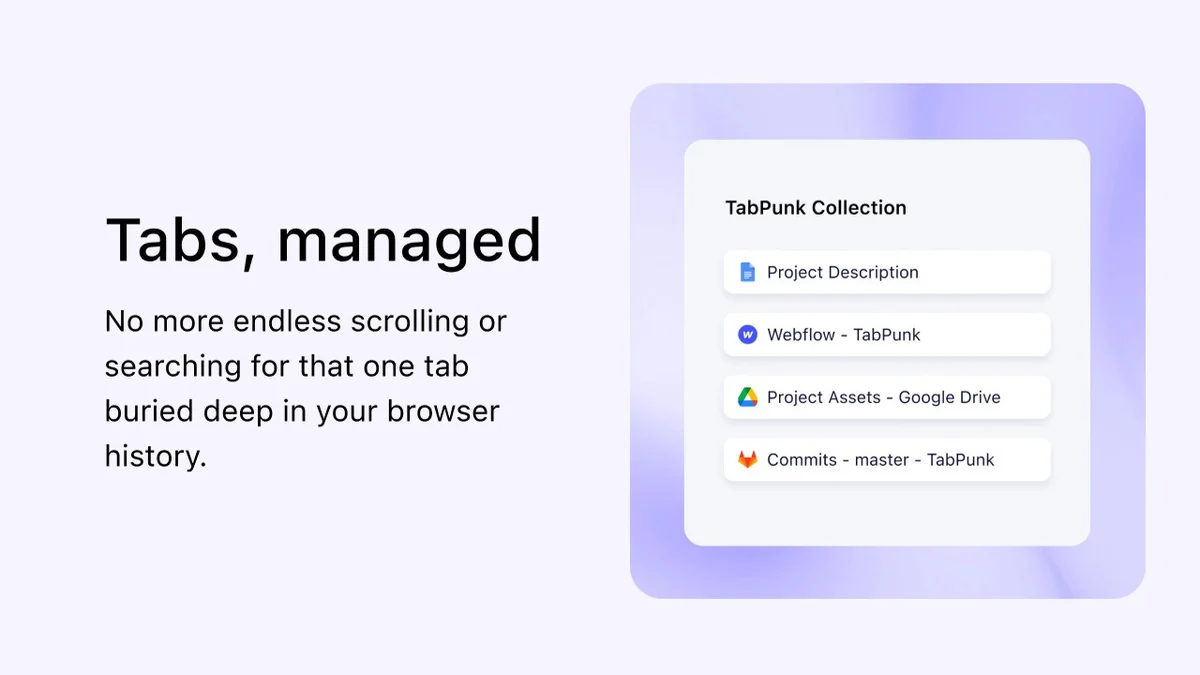
TabPunk functions as a Chrome extension that integrates directly into your browser. Once installed, you can create custom ‘spaces’ for different projects or areas of focus. Within each space, you can then create ‘collections’ to group related tabs and links. This allows you to save and categorize your online resources, making them easily retrievable without having to keep every tab open.
Seamless Tab Management: When you encounter a link you want to save, you can add it to a specific collection within a chosen space. This means you can close the tab and access the link later through TabPunk’s organized interface.
Default Link Opening: For users who prefer saved links to open in a new tab, settings within TabPunk allow you to configure this behavior.
Use Cases
TabPunk is beneficial for a wide range of users and scenarios:
- Researchers: Keep all relevant articles, sources, and notes organized by research topic.
- Students: Manage tabs for different assignments, subjects, or study materials.
- Professionals: Separate work projects, client information, and reference materials into distinct spaces.
- Content Creators: Organize research, inspiration, and drafts for ongoing projects.
- Anyone Experiencing Tab Overload: Individuals who routinely find themselves with dozens of open tabs can use TabPunk to declutter and regain control.
Integrations & Compatibility
- Currently, TabPunk is designed to work with the Google Chrome browser.
Pricing & Value
TabPunk is available through a lifetime membership offer. This approach provides users with ongoing access to the core functionality of the Chrome extension without recurring subscription fees. The value lies in the permanent solution to browser tab management, particularly for those who rely heavily on their browser for multiple tasks.
Deal Details
The TabPunk | AppSumo deal typically offers a lifetime license for the Chrome extension. Key aspects of such deals often include redemption within a specified timeframe (commonly 60 days) and may have limitations such as not being stackable. Users receive unlimited spaces and collections with this offering.
Quick Take
- Ideal for heavy browser users drowning in tabs.
- Simplifies organizing research, projects, and daily browsing links.
- Offers a permanent solution to tab clutter.
FAQs
How is my browsing data handled by TabPunk?
Data is stored securely on Google Cloud and is not shared with third parties.
What if I have a code that is not clear where it was applied?
Contact support for assistance with applying your code correctly.
Can I export my tab lists by project or workspace?
Yes, you can export tabs by workspace and project.
Is TabPunk compatible with Safari?
No, TabPunk currently only works with Google Chrome.
Does TabPunk save links to open in a new tab by default?
Yes, settings allow you to configure saved links to open in a new tab.
Final Thoughts
TabPunk presents a compelling solution for anyone struggling with browser tab overload. Its intuitive organization system, cross-device synchronization, and the convenience of quick access to saved links make it a powerful tool for boosting productivity. The lifetime deal offers significant value, providing a lasting way to manage online resources efficiently.
While initial concerns regarding website accessibility and support were noted by some users, the core functionality of the extension addresses a prevalent issue in modern web browsing. For users seeking a dedicated and structured approach to tab management, TabPunk is worth considering.