
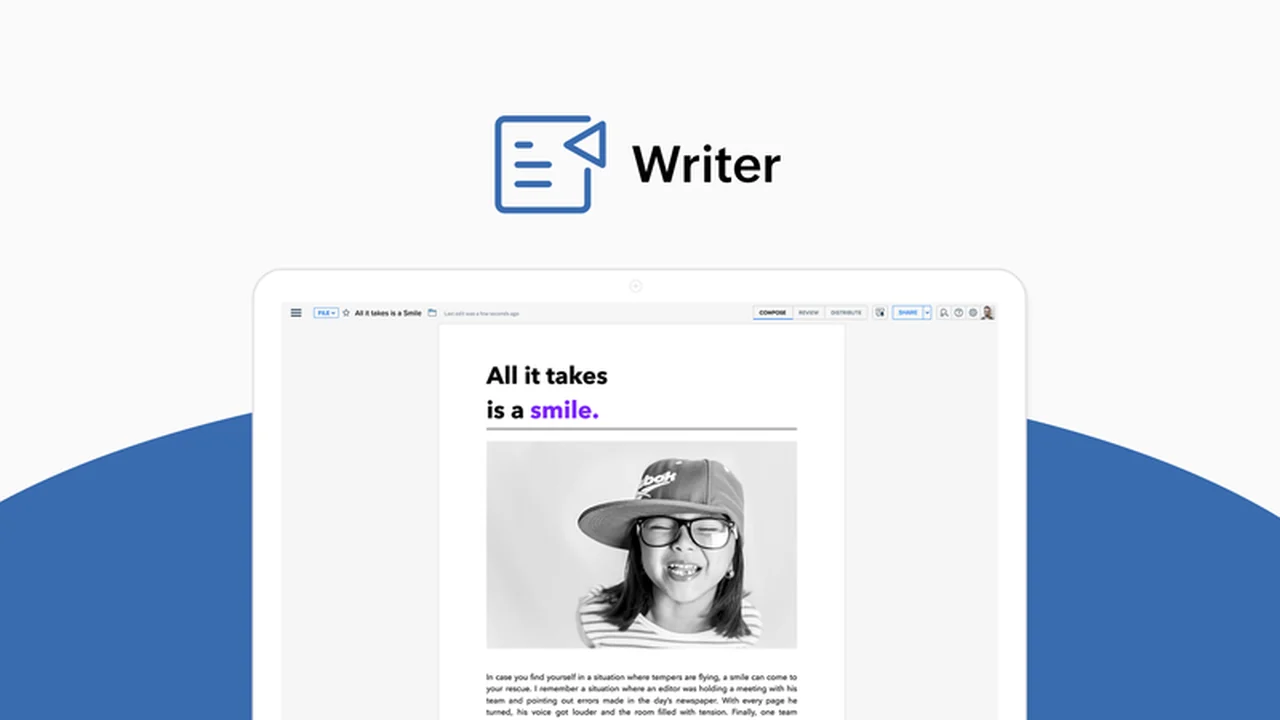
Unlock a new level of efficiency in your document management with Zoho Writer. This powerful online word processor offers a comprehensive suite of tools designed to simplify creation, editing, and collaboration.
In this review, we’ll delve into its capabilities, explore how it can benefit your workflow, and examine the exceptional value offered through the AppSumo deal.
What is Zoho Writer – Create and edit documents online | AppSumo
Zoho Writer is a robust online word-processing application that empowers users to craft, modify, and share documents seamlessly. As a key component of the Zoho Workspace, it provides a complete environment for document editing, annotation, file merging, and direct online publishing to platforms like WordPress and Blogger.
Key Features
- Real-time Collaboration: Work together with your team on documents simultaneously, see live edits, and leave comments or suggestions.
- AI Writing Assistant (Zia): Enhance your writing with intelligent suggestions that understand context and help polish your content.
- Offline Mode: Continue working on your documents even without an internet connection, with automatic syncing upon reconnection.
- Document Locking: Control collaborative access by locking specific sections of a document to prevent unintended edits.
- Digital Signatures: Facilitate document validation with workflow forms that can include timestamps, checkboxes, and secure signature collection.
- Multiple Document Formats: Import and export a wide range of file types, including DOC, DOCX, ODT, PDF, and TXT, ensuring compatibility with various software.
- Automatic Saving: Never worry about losing your work with its auto-save functionality, keeping your progress secure.
How It Works
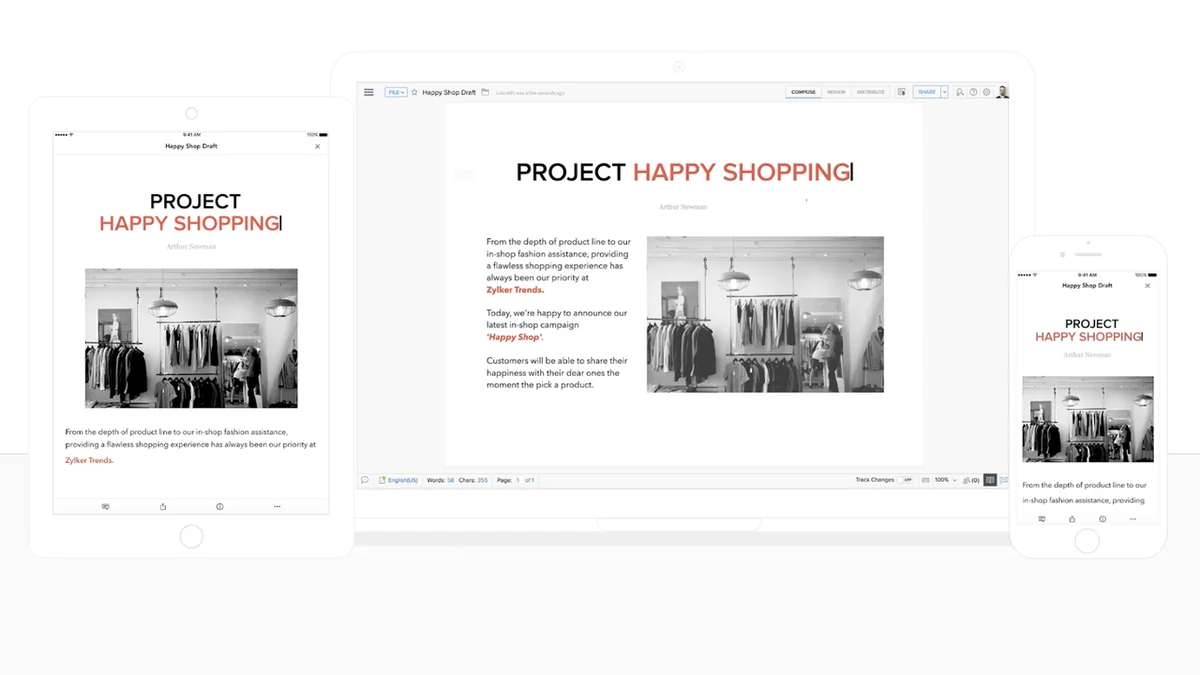
Getting started with Zoho Writer is straightforward. You can create new documents from scratch, import existing files, and begin collaborating immediately. The interface is intuitive, allowing for easy access to editing tools, commenting features, and publishing options. The AI assistant, Zia, provides suggestions contextually as you write, and the offline mode ensures your productivity isn’t interrupted by connectivity issues.

Use Cases
- Content creation for blogs and websites.
- Team project documentation and report writing.
- Collaborative writing for manuscripts or proposals.
- Creating and sharing internal company memos and guides.
- Managing and finalizing important contracts or agreements.
Integrations & Compatibility
- Zoho Writer offers excellent compatibility, working across all major web browsers
- It provides tight integration with Microsoft Word, allowing for seamless review of changes between both platforms
- Furthermore, it supports importing and exporting a broad spectrum of document formats, ensuring it fits well into existing workflows.
Pricing & Value
Zoho Writer is designed to be a flexible and affordable solution for individuals and teams of all sizes. The AppSumo deal presents a particularly strong value proposition, offering access to its robust features at a significant discount for a limited time.
Deal Details
The current AppSumo deal for Zoho Writer provides an exceptional opportunity to acquire a lifetime license to this comprehensive word processing tool. This limited-time offer allows users to leverage its advanced features for document creation, editing, and collaboration without ongoing subscription fees.
Quick Take
- Ideal for small to large teams needing efficient document collaboration.
- Beneficial for individuals seeking an affordable, feature-rich online word processor.
- Perfect for users who value AI assistance and offline capabilities.
FAQs
How can I share documents created in Zoho Writer?
Documents can be shared directly, published online, or exported in various formats.
Is there an AI writing assistant in Zoho Writer?
Yes, Zoho Writer is equipped with Zia, an AI smart writing assistant to help improve your writing.
Does Zoho Writer support real-time collaboration?
Yes, Zoho Writer allows multiple users to collaborate on documents in real-time with live edits.
Can I work on documents without an internet connection?
Yes, Zoho Writer offers an offline mode that syncs your work automatically when you reconnect.
What document formats can Zoho Writer import?
Zoho Writer can import DOC, DOCX, SXW, ODT, RTF, TXT, JPG, GIF, PNG, and HTML files.
Final Thoughts
Zoho Writer – Create and edit documents online | AppSumo stands out as a powerful and accessible solution for anyone looking to enhance their document workflow. The combination of real-time collaboration, AI assistance, and offline capabilities, especially when available through a value-driven deal like the one on AppSumo, makes it a compelling choice for individuals and businesses alike.