
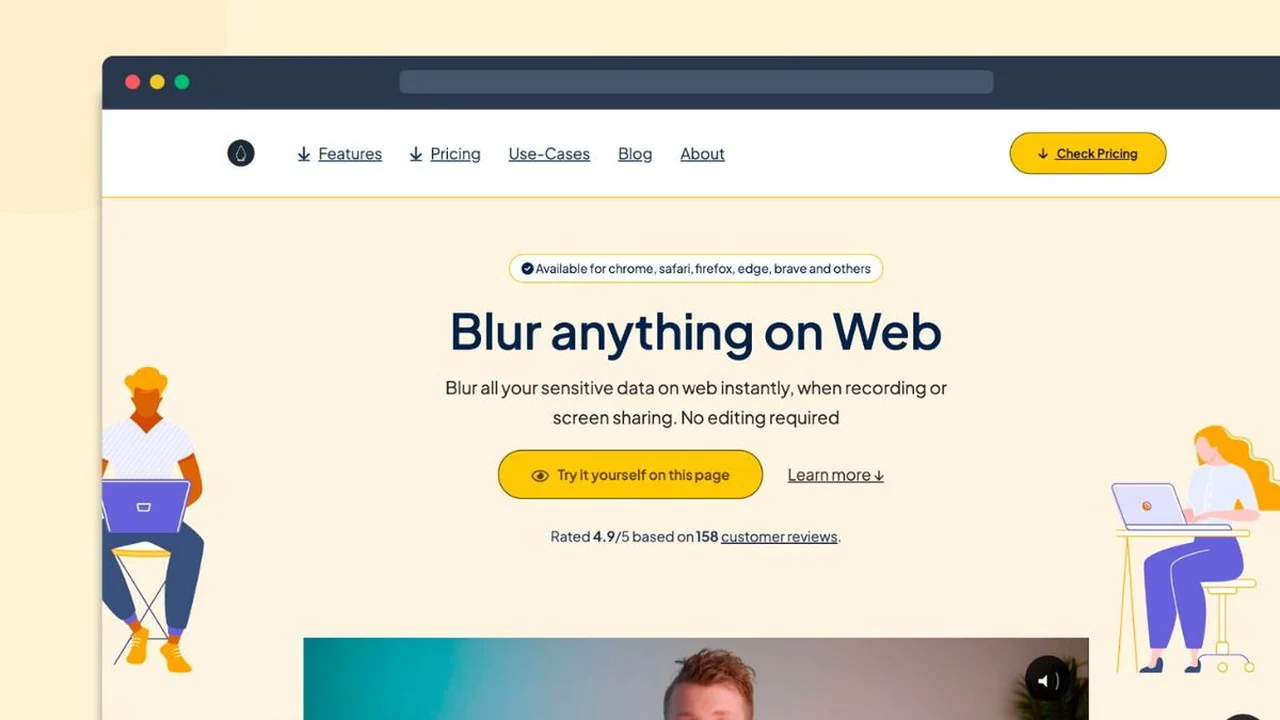
Accidental data leaks during screen recordings or live presentations can be a significant concern. Blurweb App offers a straightforward solution to protect sensitive information without the hassle of post-production editing.
This review explores the capabilities of Blurweb App, detailing its features, how it functions, and its overall value, particularly for those looking for a quick way to secure on-screen data.
What is Blurweb App | AppSumo
Blurweb App is a browser extension designed to instantly blur sensitive on-screen content with a single click. It allows users to hide elements like tab titles, icons, and selected text, ensuring privacy during screen sharing or video recordings. This tool eliminates the need for manual editing, making the process of sharing sensitive web pages more secure and efficient.
Key Features
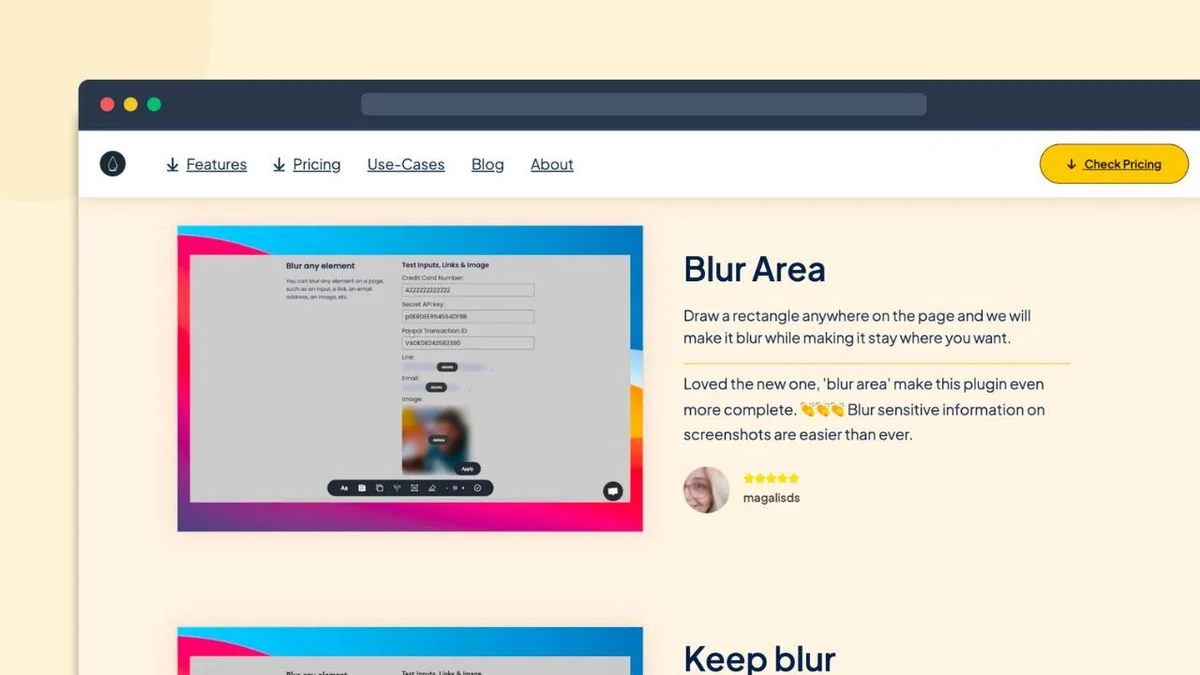
- Instant Blurring: Blur any sensitive data on web pages immediately.
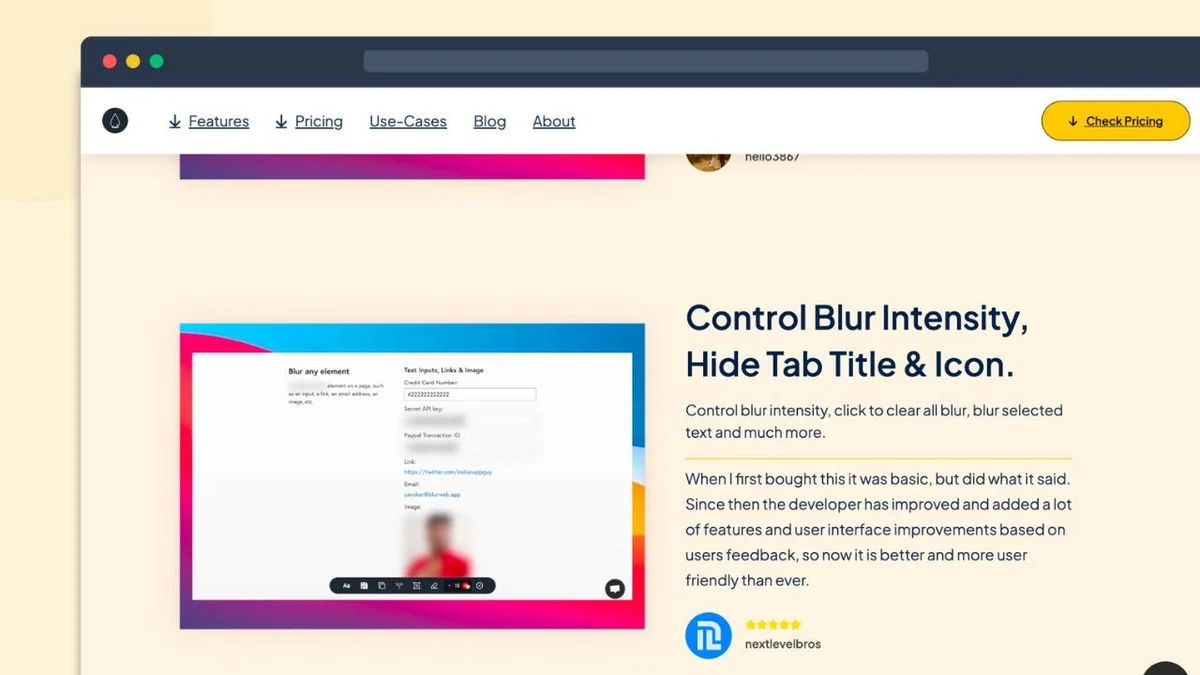
- Tab Title & Icon Hiding: Conceal the identity of the webpage you are viewing.
- Selected Text Blurring: Target specific text elements for obfuscation.
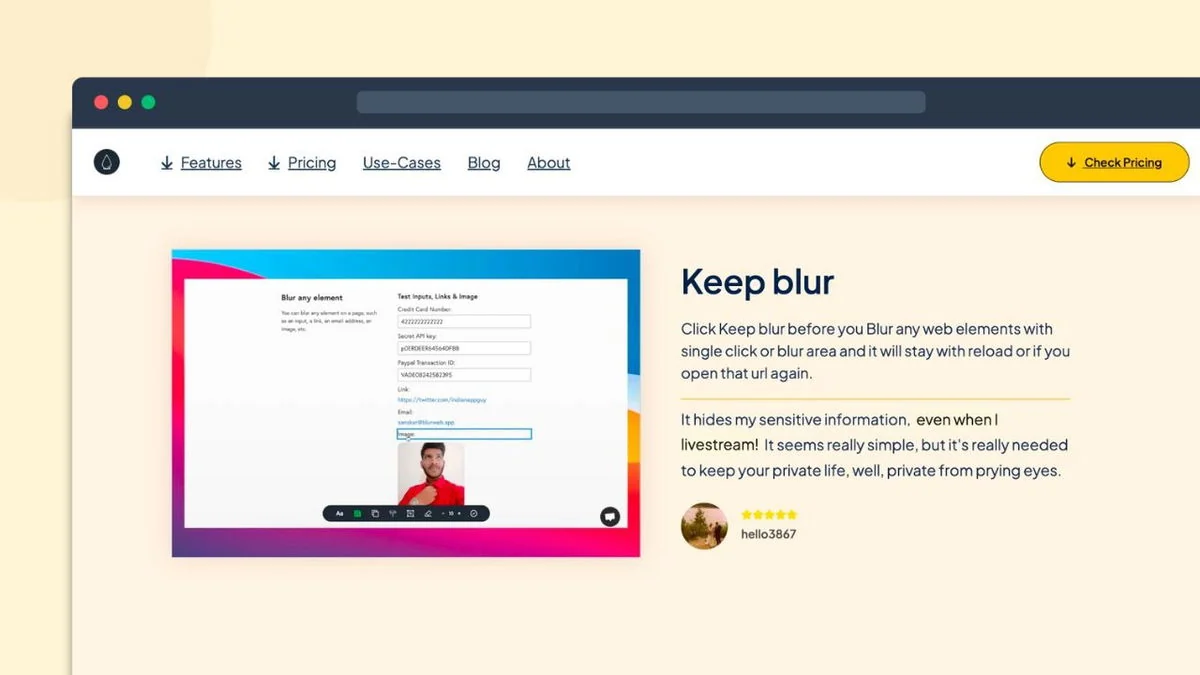
- Live Session Security: Maintain blur effects during live screen sharing sessions.
- No Editing Required: Save time by avoiding post-production blur adjustments.
- Worry-Free Sharing: Present or record pages with sensitive information confidently.
How It Works
Using Blurweb App is designed to be a simple, one-click process. Once the browser extension is installed, users can navigate to any webpage containing sensitive data. With a single click, the extension allows them to blur specific elements, the tab title, or the tab icon. This blur remains active even when actively screen sharing or recording, providing a secure layer of privacy without interrupting the workflow.
Use Cases
- Content Creators: Securely showcase webpages with personal information or confidential details in videos.
- Customer Support: Demonstrate software or processes without exposing customer data.
- Educators & Presenters: Share screens in online classes or meetings without revealing private details.
- Developers: Debug or present code snippets that may contain API keys or sensitive credentials.
- Anyone screen sharing sensitive information: Ensure privacy in any online interaction.
Integrations & Compatibility
- Blurweb App functions as a browser extension, making it compatible with web-based applications and browser environments
- It has been noted to work with popular platforms such as Google Meet, Loom, Microsoft Teams, and Zoom, facilitating seamless integration into existing communication and recording workflows
- For native applications on Mac and desktop that require blurring, a separate tool, blurscreen.app, is suggested.
Pricing & Value
The value proposition of Blurweb App lies in its ability to prevent costly data leaks and save significant time on video editing. By offering a lifetime access deal, users can avoid recurring subscription fees for a tool that provides continuous protection. The pricing structure aims to be accessible for individuals and professionals alike.
Deal Details
The Blurweb App | AppSumo deal typically offers lifetime access to the software. This includes all future updates and features. Users are generally required to redeem their code within a specified period, often 60 days from the purchase date. AppSumo also provides a 60-day money-back guarantee, allowing customers to try the product with reduced risk.
Quick Take
- Ideal for creators and professionals who frequently screen share or record.
- Saves significant time by eliminating manual editing for sensitive data.
- Provides peace of mind against accidental data exposure.
FAQs
What if I encounter activation issues?
Reach out to support via email or the provided contact channels for assistance.
How long does the license last?
The AppSumo deal typically provides lifetime access to the Blurweb App.
Do I need to edit videos after using Blurweb App?
No, Blurweb App keeps the blur persistent, removing the need for post-production editing.
Does Blurweb App work on all websites?
It generally works on web pages, though some rare website incompatibilities may occur.
What is Blurweb App?
Blurweb App is a browser extension that instantly blurs sensitive on-screen content with a single click.
Final Thoughts
Blurweb App presents a practical and efficient solution for anyone needing to safeguard sensitive information during online presentations or video recordings. Its one-click functionality and ability to maintain blurs in real-time address a common pain point for content creators, support staff, and educators. The lifetime access deal, combined with a money-back guarantee, makes it a compelling option for securing digital interactions without added complexity.