
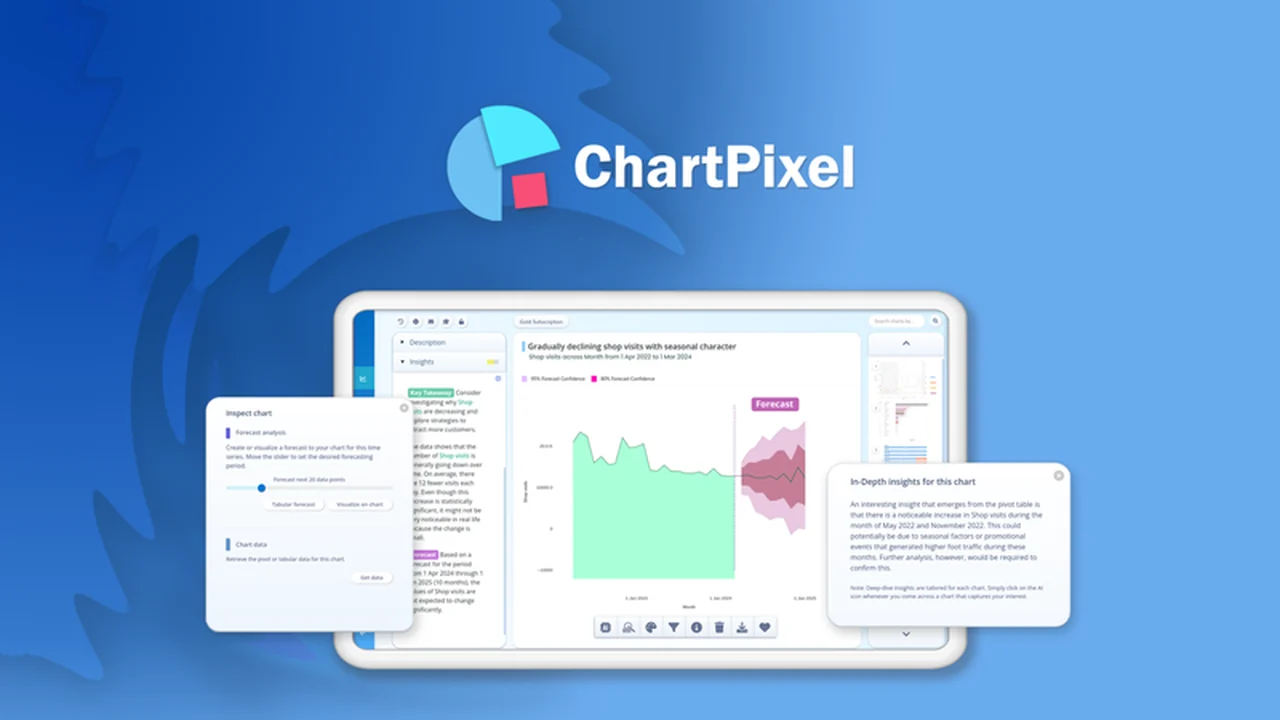
Staring at a spreadsheet full of raw data can be overwhelming, making it difficult to pinpoint meaningful trends or actionable business insights. Many users find themselves lost in the numbers, struggling to extract value.
This review explores ChartPixel, a tool designed to transform raw data into clear, visual representations and insights, helping you make faster, more informed decisions.
What is ChartPixel – Visualize data with instant insights | AppSumo
ChartPixel is a comprehensive data visualization platform that aims to simplify the process of transforming raw data into understandable charts and actionable insights. It caters to individuals and businesses looking to quickly analyze trends, patterns, and key metrics without requiring advanced technical expertise.
Key Features
- Instant Chart Generation: Automatically transform uploaded data into detailed charts in seconds.
- AI-Powered Customization: Utilize artificial intelligence for data exploration and chart customization.
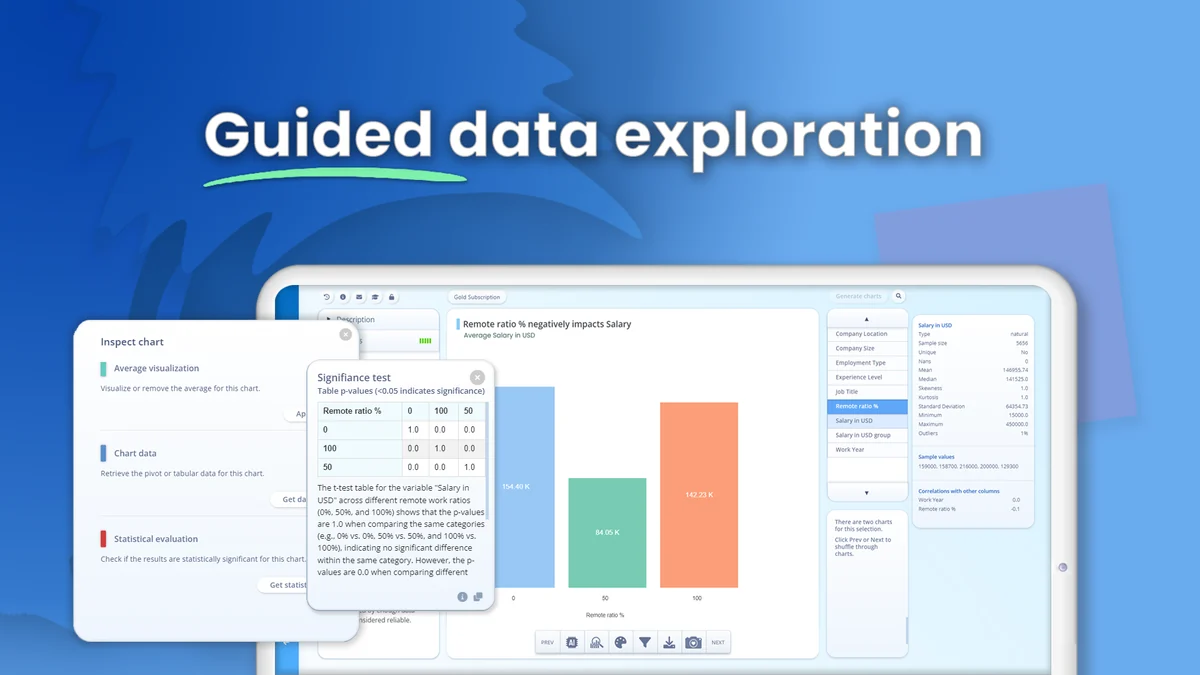
- Plain Language Prompts: Interact with your data using simple, natural language queries for insights and visualizations.
- Conversational Data Analysis: Make data analysis accessible by asking questions in your preferred language.
- Diverse Chart Types: Access a wide array of chart types, including map and state charts for geographical data.
- Improved AI Insights: Generate specific chart insights, descriptions, and titles directly within the application.
- Enhanced Data Ingestion: Better handling of less structured CSV and Excel files, making it more forgiving with imperfect datasets.
- Increased Upload Limits: Supports larger files with doubled upload limits, accommodating up to 20 MB, 100,000 rows, and 128 columns.
- Clustering and Smarter Legends: Scatter plots feature automatic clustering, and chart legends adapt intelligently to filters and chart types.
- SVG and Embed Options: Download charts as SVG files or embed them directly onto webpages using an embed link.
- Sentiment and Topical Analysis: Analyze comments and text columns for sentiment and topic identification.
How It Works
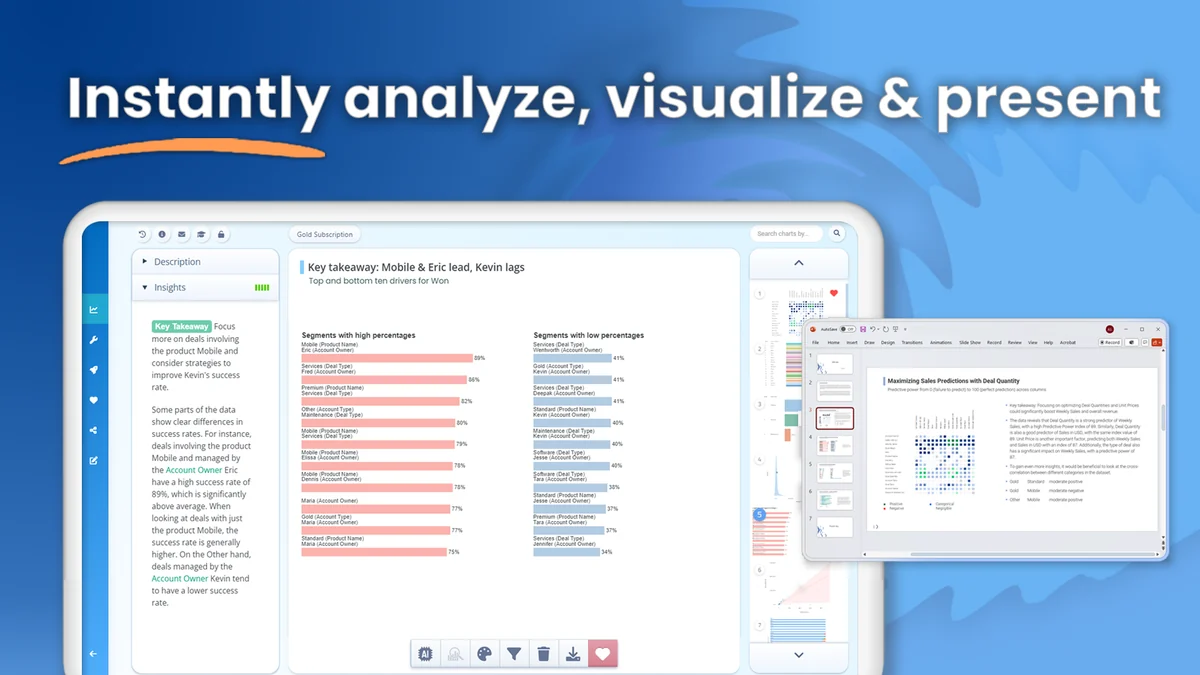
Getting started with ChartPixel is designed to be straightforward. Users upload their data, typically from spreadsheets or exported survey results. The platform then automatically processes this data, generating a variety of charts and visualizations. AI-driven features allow for further exploration, enabling users to ask questions about their data in plain language and receive tailored insights.
Use Cases
- Survey Analysis: Quickly visualize responses from platforms like Typeform and SurveyMonkey to understand customer feedback.
- Business Reporting: Generate clear, visual reports on key performance indicators and business metrics.
- Research Exploration: Analyze research results and identify trends from large datasets.
- Website Content: Create interactive charts and visualizations for blogs and websites to engage audiences.
- Geographical Data: Map and visualize data based on country, state, or latitude/longitude coordinates to understand regional patterns.
Integrations & Compatibility
- ChartPixel supports direct integration with popular survey tools, allowing for one-click data syncing from platforms like Typeform
- This eliminates the need for manual data downloads and cleanups when analyzing survey responses
- The platform also offers the ability to download charts as SVG files or embed them directly into web pages.
Pricing & Value
ChartPixel is available through a lifetime deal on AppSumo, offering significant value for users seeking a long-term solution for their data visualization needs. This approach provides access to the platform’s features without recurring monthly or annual subscription fees.
Deal Details
The ChartPixel AppSumo deal typically includes lifetime access to the platform, covering various feature tiers and generous upload limits. A 60-day money-back guarantee is also provided, allowing users ample time to evaluate the tool’s suitability for their requirements.
Quick Take
- Ideal for small to medium businesses, marketers, and researchers who need to visualize data quickly.
- Excellent for those who want to extract insights from surveys and reports without extensive technical skills.
- A cost-effective solution for creating professional-looking charts and interactive visualizations.
FAQs
Is ChartPixel suitable for beginners?
Yes, the platform is designed for ease of use with beginner-friendly data exploration features.
How can I share my charts from ChartPixel?
Charts can be downloaded as SVG or embedded directly onto your website.
Can I create geographical maps with ChartPixel?
Yes, ChartPixel supports map and state chart visualizations for geo-spatial data.
Does ChartPixel offer AI-powered insights?
Yes, ChartPixel features AI-powered customization and insight generation from your data.
What kind of data can I upload to ChartPixel?
You can upload CSV and Excel files, including those from survey platforms.
Final Thoughts
ChartPixel presents a compelling solution for anyone looking to demystify their data. Its intuitive interface, combined with powerful AI features and a wide range of visualization options, makes data analysis accessible. The ability to generate insights rapidly and integrate smoothly with existing workflows adds significant practical value. For those aiming to leverage their data more effectively without a steep learning curve, ChartPixel, especially through its AppSumo offering, appears to be a worthwhile consideration.