
Is your website attracting visitors but struggling to convert them into leads or inquiries? Many small businesses face this challenge, where a bustling online presence doesn’t translate into meaningful customer interaction.
This review explores Contact Button, an innovative widget designed to bridge that gap. We’ll delve into its features, how it functions, and its potential to transform your website into a more interactive and effective tool for customer engagement.
What is Contact Button | AppSumo
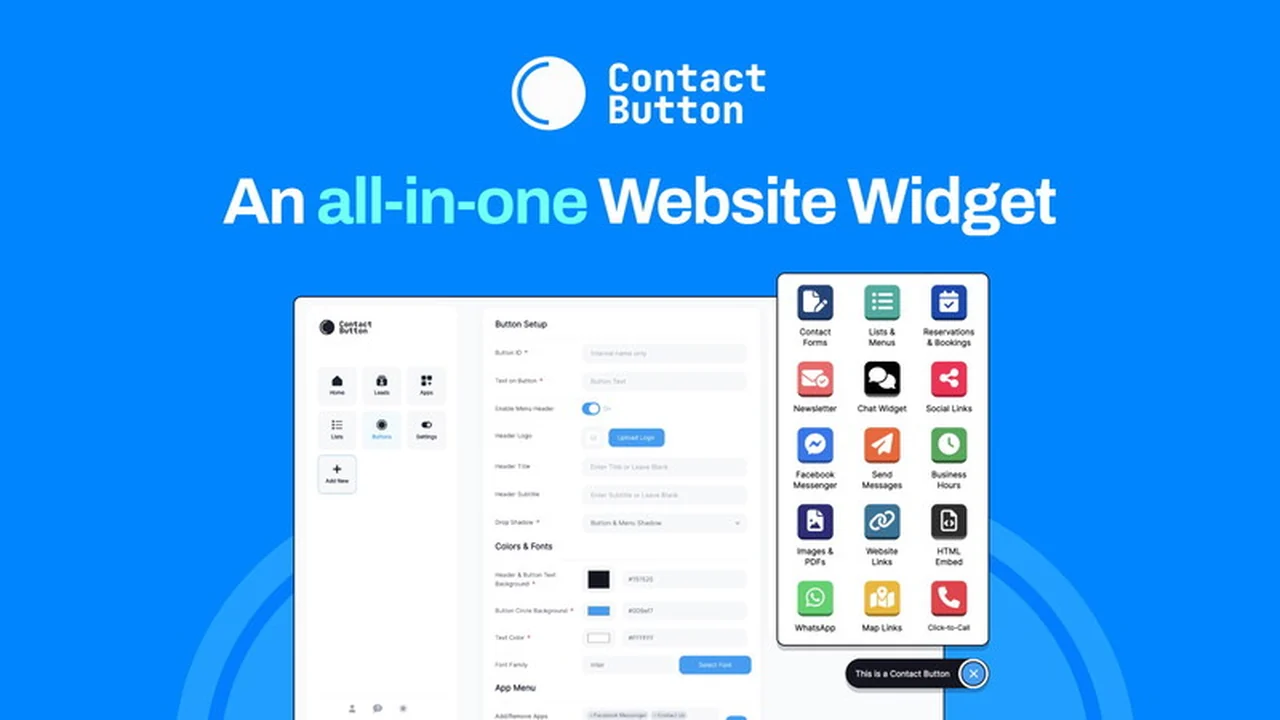
Contact Button is presented as an all-in-one website widget solution aimed at significantly boosting user engagement and effectively capturing new leads. It aims to replicate the intuitive user experience found in mobile applications, directly on your website, making it easier for visitors to connect with your business.
The core idea is to consolidate essential communication and information tools into a single, accessible button, streamlining interactions and providing immediate access to what visitors might need. This approach addresses the common frustration of navigating websites that are not mobile-friendly or lack clear contact points.
Key Features
Contact Button offers a suite of features designed to enhance website functionality and user experience. These are generally included across various plans, ensuring core capabilities are accessible.
- All-in-One Widget: Provides access to 15 different ‘Widget Apps’ from a single, prominent button on your website.
- Smartphone-like Experience: Mimics the ease of use and familiarity of mobile apps, making interactions intuitive for visitors.
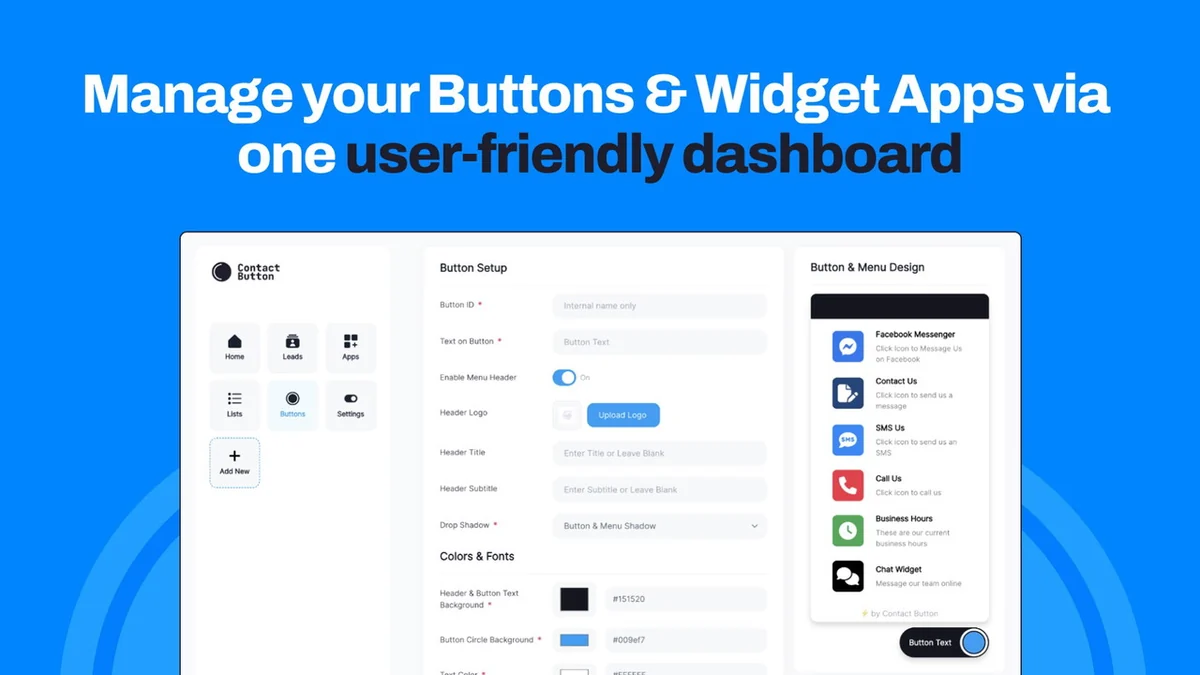
- Customizable Design: Allows users to tailor the button’s layout and colors to match their existing website’s branding and aesthetic.
- Lead Capture: Designed to encourage visitors to reach out, thereby increasing the potential for new lead generation.
- Information Hub: Can serve as a centralized point for essential business information, news, or alerts.
How It Works
Implementing Contact Button on your website is designed to be a straightforward process. The setup typically involves adding a single line of code to your site’s existing structure.
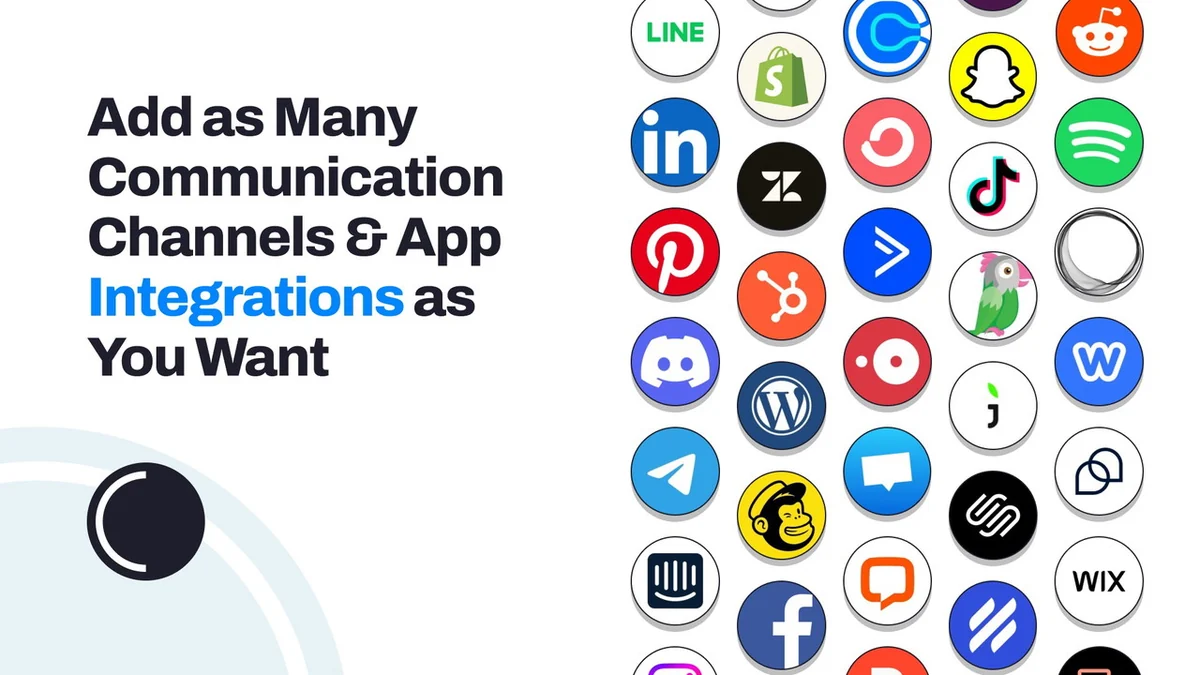
Once integrated, users can select and add various ‘Widget Apps’ to the Contact Button. When a visitor clicks the button, these chosen widgets appear, offering immediate functionality. This creates an interactive hub directly on your website, akin to accessing tools within a smartphone interface.
Use Cases
Contact Button is versatile and can be adapted to various business needs and objectives:
- Customer Support: Offering quick access to contact forms, FAQs, or live chat options.
- Sales Inquiries: Making it easy for potential customers to request quotes or product information.
- Information Dissemination: Displaying important announcements, operational hours, or special offers.
- Navigation Aid: Providing direct links to key sections of the website or important resources.
- Feedback Collection: Facilitating simple ways for users to submit feedback or reviews.
Pricing & Value
The value proposition of Contact Button is centered on its ability to consolidate multiple functionalities into a single, cost-effective widget. Instead of investing in separate tools for communication, information, and lead generation, users can leverage this unified solution.
Pricing structures aim to make these advanced engagement features accessible, particularly for small to medium-sized businesses. The potential return on investment comes from increased lead capture and improved customer interaction efficiency.
Deal Details
The Contact Button | AppSumo deal typically offers a compelling opportunity to acquire this website widget at a significantly reduced price compared to its regular market value. These limited-time offers often include lifetime access or substantial discounts.
AppSumo deals often feature a robust money-back guarantee, providing a risk-free period to evaluate the product’s suitability for your specific needs. This allows ample time to test its features and integration capabilities.
Quick Take
- Ideal for small businesses looking to boost website engagement and lead generation without complex integrations.
- Offers a simple, smartphone-like user experience directly on your website.
- A cost-effective way to consolidate multiple communication and information tools.
FAQs
Does Contact Button offer a white-label dashboard option?
No, the product will continue to be branded as Contact Button without a white-label dashboard.
Is there an agency plan for setting up clients?
Yes, a full stack purchase allows for unlimited customer workspaces and team invites for clients.
Is the product still actively being developed?
Yes, new features are regularly added, often based on user feedback from platforms like AppSumo.
Can this widget also serve as an information display?
Yes, you can use it for information like news or alerts with HTML embed or popup widgets.
What languages does the dashboard support?
The dashboard is primarily available in English, but customer-facing elements can be translated into any language.
Final Thoughts
Contact Button | AppSumo presents a practical and user-friendly solution for businesses aiming to enhance their online presence. By providing an intuitive, app-like interface directly on a website, it addresses common barriers to customer interaction and lead capture.
The comprehensive suite of widgets, coupled with easy implementation and customization options, makes it a valuable asset for many small to medium-sized enterprises. The AppSumo deal further amplifies its appeal, offering significant value for those looking to optimize their website’s engagement capabilities.