
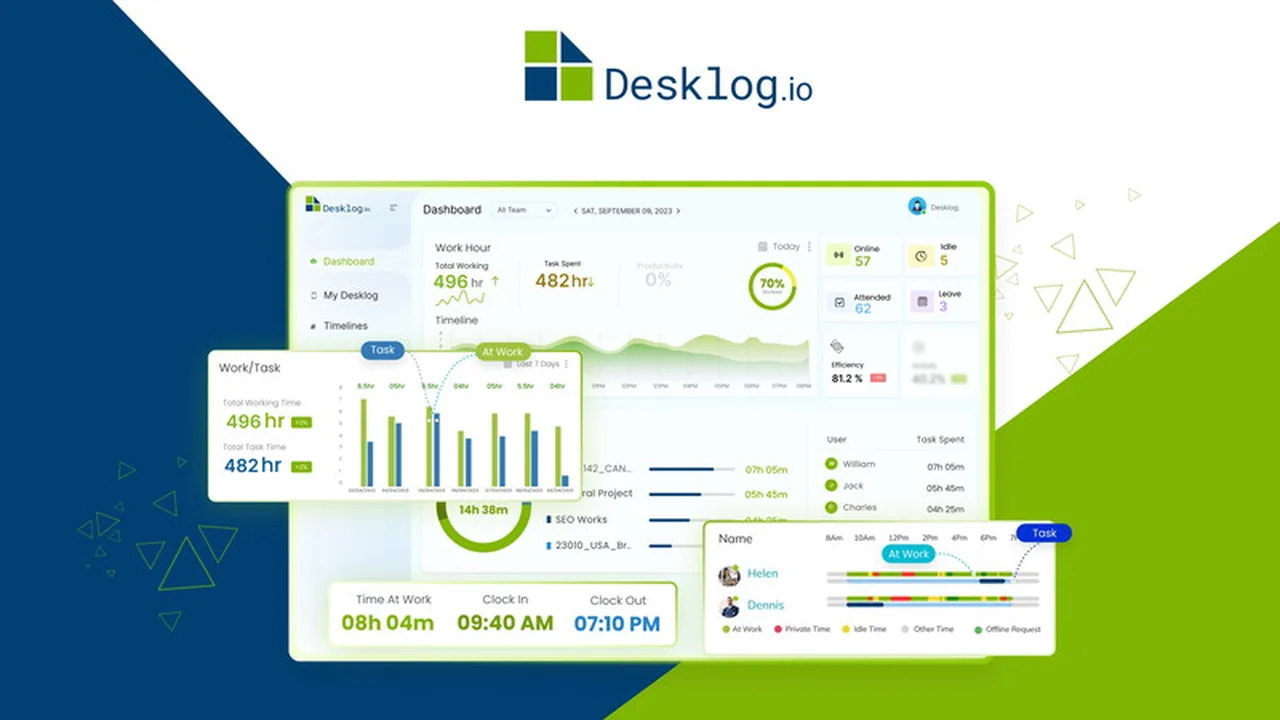
In the pursuit of enhanced productivity and efficient time management, finding the right tools is paramount. This review dives deep into Desklog, a comprehensive time tracking software that aims to simplify how teams manage their work hours, projects, and tasks.
We will explore its core functionalities, understand how it operates, and identify its potential benefits for various professional scenarios. By the end, you’ll have a clear picture of Desklog’s capabilities and its value proposition.
What is Desklog | AppSumo
Desklog is a sophisticated time tracking software designed to help individuals and teams accurately monitor their work hours. It focuses on tracking time spent on specific projects and tasks, enabling users to maintain focus and boost overall productivity.
The platform offers automated time tracking, project time tracking, and insights into work patterns, all aimed at maximizing efficiency and helping users achieve their goals more effectively by completing tasks in less time.
Key Features
Desklog offers a robust set of features designed to provide a holistic view of work time and project management. These features are available across all plans, ensuring comprehensive functionality for users.
- Automated Time Tracking: This feature allows for work with greater focus by automatically monitoring time spent on various activities, maximizing productivity.
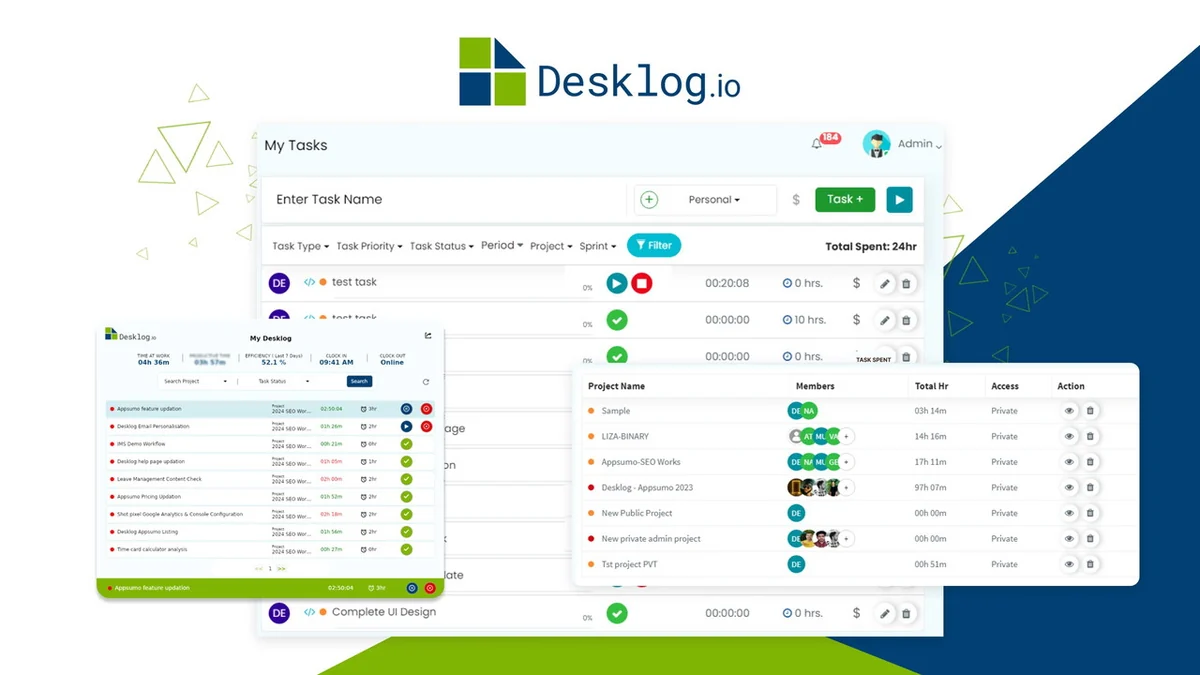
- Project Time Tracking: Accurately track time allocated and spent on each project, monitor progress, and understand project status for timely completion.
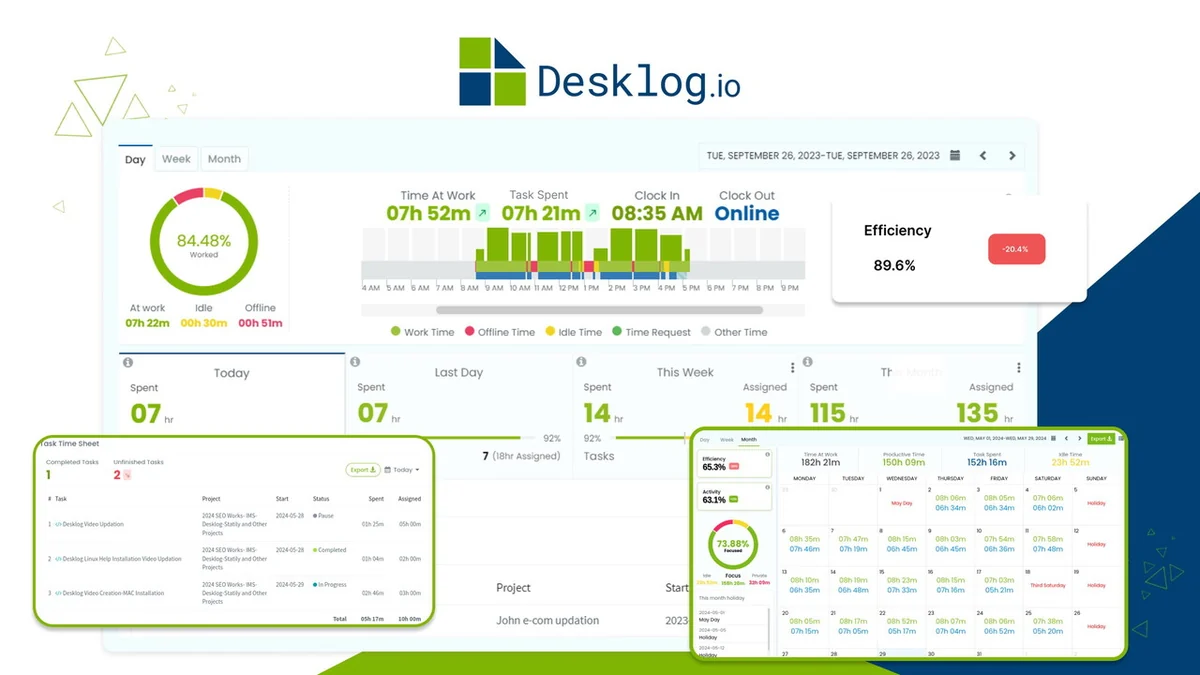
- Automated Timesheets: Gain an overview of entire work hours with automated timesheets, simplifying timekeeping and enabling better team management and task planning.
- Timesheet Reports: Easily track productivity and review working hours through weekly or monthly reports, serving as a tool for motivation and enhancement.
- Project Billing & Invoice: Simplify project cost estimation and reduce billing errors with three billing methods: Flat Rate, Hourly Task, or User Hourly.
- Optional Screenshot: Track significant team member activities through optional screenshots, aiding in productivity analysis and work tracking.
How It Works
Desklog operates by providing a straightforward yet powerful system for monitoring work activities. Users can effortlessly track and record various aspects of their work hours, including active work time, idle time, and time dedicated to specific tasks and projects.
Beyond simple real-time tracking, Desklog offers valuable insights and analytics through its timeline view. This helps in optimizing productivity, identifying workflow trends, and making informed decisions to enhance overall efficiency.
Use Cases
Desklog is adaptable to a variety of professional needs, supporting individuals and teams seeking to improve their work habits and project outcomes.
- Remote Teams: Facilitates monitoring productivity and work hours for distributed teams, ensuring accountability and performance.
- Freelancers: Helps independent professionals accurately bill clients and manage their time across multiple projects efficiently.
- Project Managers: Provides granular insights into project timelines, resource allocation, and task completion rates for better oversight.
- Agencies: Enables detailed tracking of billable hours and project profitability, ensuring accurate invoicing and client satisfaction.
Pricing & Value
Desklog is positioned as a valuable tool for improving productivity, offering comprehensive features designed to scale with business needs. The platform supports unlimited users and unlimited projects, making it a flexible solution.
The availability of features like automated time tracking, project management, and billing within a single platform contributes to its overall value proposition, providing a cost-effective solution for time management and operational efficiency.
Deal Details
This offering provides lifetime access to Desklog, including all features present in the current plans. The deal comes with a 60-day money-back guarantee, allowing users to try the software risk-free for two months.
The emphasis is on providing an affordable yet powerful automated time tracking tool, making it accessible for a wide range of businesses and individuals.
Quick Take
- Ideal for businesses and freelancers needing to track project hours accurately.
- Beneficial for teams aiming to improve focus and measure productivity.
- Offers comprehensive features for billing, invoicing, and task management.
FAQs
Is there a trial period for Desklog?
Yes, Desklog offers a 60-day money-back guarantee for trial purposes.
What kind of reports does Desklog provide?
Desklog provides timesheet reports for productivity and working hour analysis.
Does Desklog offer project billing?
Yes, Desklog includes project billing and invoicing with multiple payment methods.
Can Desklog track time offline?
Yes, Desklog supports online and offline time tracking for continuous monitoring.
What is Desklog’s core function?
Desklog’s core function is to track work hours, projects, and tasks efficiently.
Final Thoughts
Desklog presents itself as a robust solution for managing time and projects effectively. Its comprehensive feature set, including automated tracking and detailed reporting, addresses common challenges in productivity and accountability.
The focus on providing a user-friendly interface and valuable analytics makes it a compelling choice for those looking to optimize their workflow and enhance overall business performance.